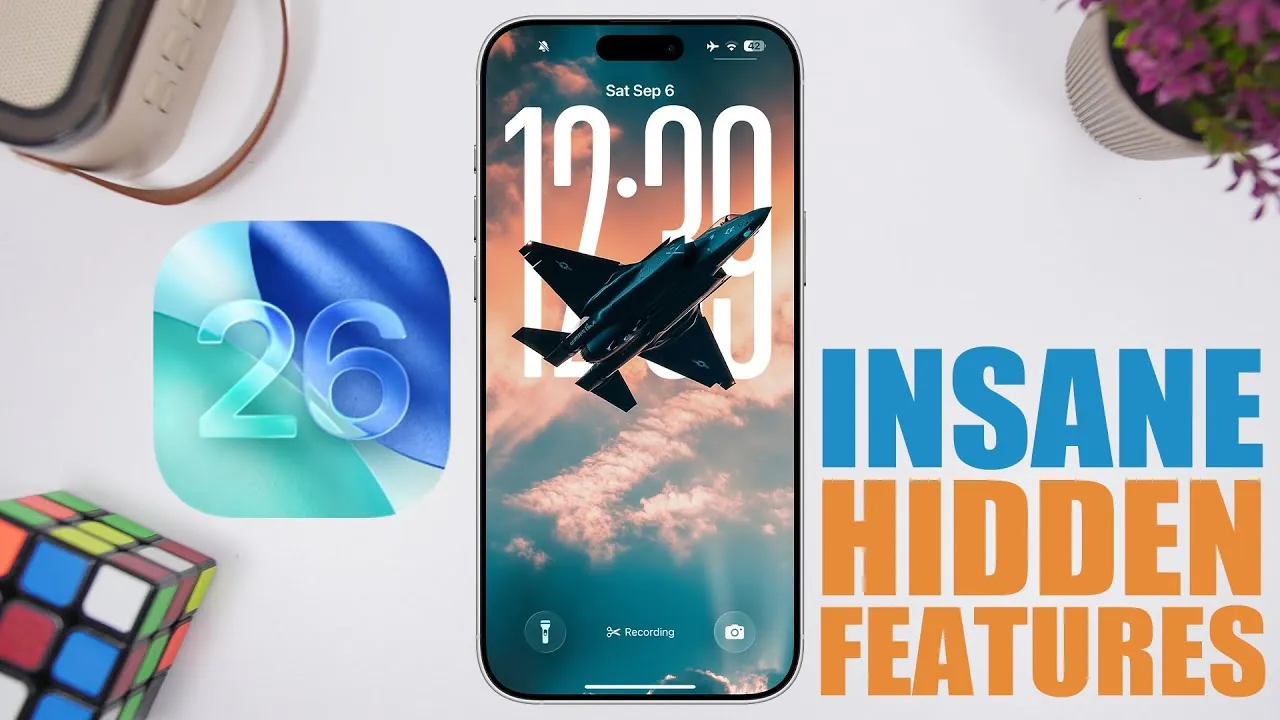
Apple’s iOS 26 brings over 300 new features, focusing on enhancing usability, customization, and efficiency. While many updates are immediately visible, others are more subtle yet equally impactful. These hidden features provide powerful tools that can redefine how you interact with your iPhone. In the video below, iReviews explores ten standout features that can help you unlock the full potential of your device.

Enhanced Reminders for Seamless Organization
The Reminders app in iOS 26 has been significantly upgraded to simplify organization. You can now create reminders directly from the Control Center, the lock screen, or the new action button available on supported devices. Additionally, missed calls in the Phone app can be converted into reminders with a single tap, making sure you never forget to follow up on important conversations. These enhancements make it easier than ever to stay on top of your tasks and commitments.
Smarter iMessage Photo Search
Finding photos in iMessage threads has become faster and more intuitive. The improved search functionality allows you to locate images by typing keywords or applying filters such as dates or locations. This feature is particularly useful when retrieving specific media from lengthy conversations. Whether you’re searching for a vacation photo or a shared screenshot, this update saves time and effort.
Simplified Custom Ringtones
Personalizing your iPhone’s sound profile is now more straightforward. With iOS 26, you can assign MP3 files as ringtones directly through the Settings app, eliminating the need for third-party apps or complex steps. This streamlined process gives you greater control over your device’s auditory experience, allowing you to set unique tones for calls, messages, and notifications with ease.
Type to Siri for Quiet Assistance
The “Type to Siri” feature has been expanded, offering a discreet way to interact with Siri. You can now silently type commands to Siri—even during phone calls—making it ideal for situations where speaking aloud isn’t practical. This feature provides a convenient and private way to access Siri’s capabilities, whether you’re in a meeting, a quiet environment, or simply prefer not to use voice commands.
Personalized Podcast Playback
The Podcasts app now allows for per-show playback customization, giving you more control over your listening experience. You can adjust playback speed, skip intervals, and audio quality for individual podcasts. This level of personalization ensures that every show sounds exactly the way you prefer, enhancing your enjoyment and making long listening sessions more comfortable.
Flexible Lock Screen Widgets
Lock screen widgets in iOS 26 are now more versatile. You can reposition them to the bottom of the screen, making them easier to access with one hand. This small but impactful change improves usability, especially for users with larger devices. By customizing widget placement, you can create a lock screen layout that suits your preferences and daily needs.
Streamlined Storage Management
Managing your iPhone’s storage has become more efficient with iOS 26. The Photos app now includes dedicated sections for screenshots and duplicate images, allowing you to quickly identify and delete unnecessary files. These tools help free up valuable storage space without relying on third-party apps. By organizing your media more effectively, you can keep your device running smoothly and efficiently.
Microphone Input Selection
For users who use external microphones or multiple audio inputs, iOS 26 introduces a new feature in the Sounds & Haptics settings. You can now select your preferred microphone for specific tasks, such as recording or calls. This ensures optimal audio quality for every scenario, whether you’re creating content, participating in virtual meetings, or recording voice memos.
Improved Safari Bookmark Organization
Safari’s bookmark management has been refined to enhance efficiency. Adding and organizing bookmarks is now quicker, with options to sort and categorize links seamlessly. This update is particularly beneficial for users who rely on Safari for research, work-related tasks, or managing a large collection of saved web pages. The improved organization tools make it easier to access and manage your favorite content.
System-Wide Usability Enhancements
iOS 26 introduces several system-wide updates that improve accessibility and customization. From enhanced voice assistant interactions to better audio management and more flexible lock screen widget placement, these changes collectively make the operating system more intuitive and user-friendly. These updates reflect Apple’s commitment to creating a seamless and personalized user experience.
Explore the Hidden Potential of iOS 26
iOS 26 is packed with hidden features designed to simplify your daily tasks and give you greater control over your device. Whether it’s creating reminders on the fly, customizing podcast playback, or managing storage more effectively, these updates offer practical benefits that enhance usability. By exploring these features, you can tailor your iPhone to your unique needs, making it an even more indispensable tool in your daily life.
Find more information on iOS 26 features by browsing our extensive range of articles, guides and tutorials.
- What’s New in iOS 26 Beta 7? Key Updates and Features
- Maximize iOS 26 Features: Pre-Update Settings You Need to Know
- What’s New in iOS 26 Beta 9? Key Updates and Features
- Hidden Features in iOS 26 You Need to Know About
- What’s New in iOS 26 Beta 3? Key Updates and Features
Source & Image Credit: iReviews
Disclosure: Some of our articles include affiliate links. If you buy something through one of these links, Geeky Gadgets may earn an affiliate commission. Learn about our Disclosure Policy.
