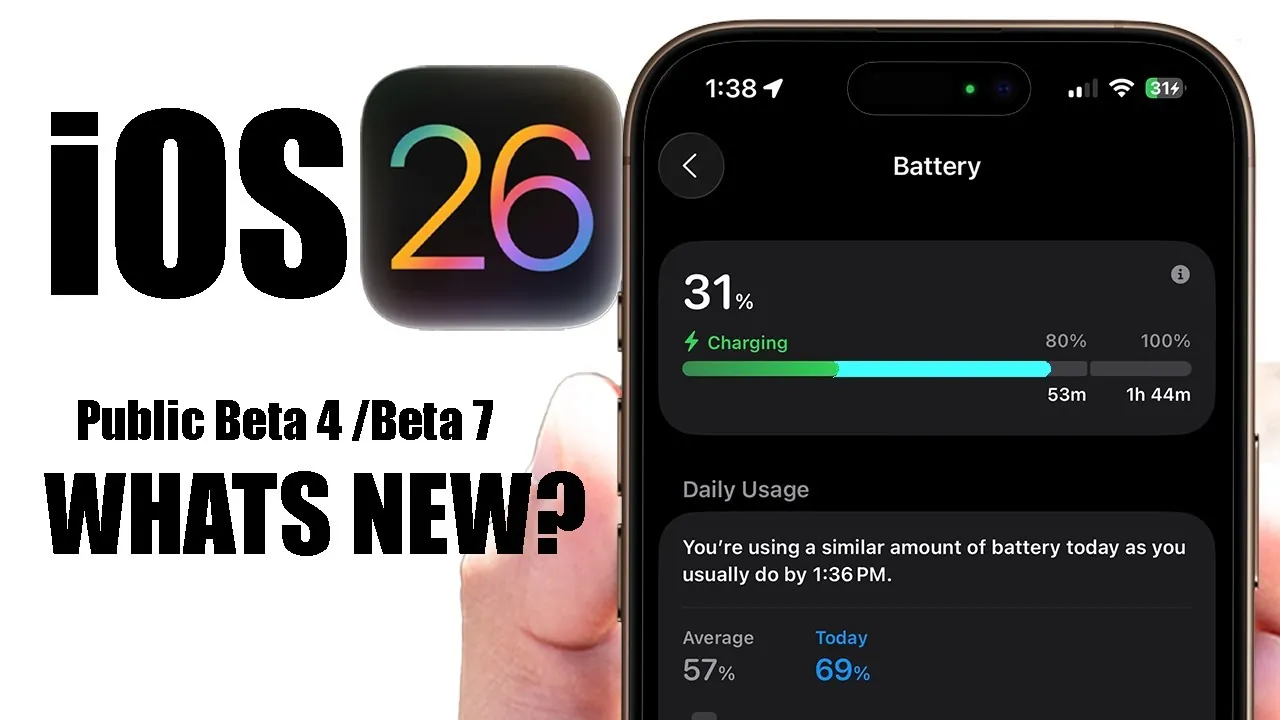
Apple has officially released iOS 26 Beta 7 for developers and Beta 4 for public testers, offering a deeper preview of the features and improvements that will accompany the full iOS 26 release. This update focuses on enhancing the user experience, optimizing device performance, and introducing subtle yet impactful changes. Below is a detailed breakdown of the most notable updates in this latest beta version. The video below from HotshotTek gives us more details.

Refined Action Button Design
One of the standout updates in iOS 26 Beta 7 is the redesigned action button settings. The familiar orange-tinted wallpaper has been replaced with a sleek blue hue, creating a more modern and cohesive aesthetic. This change reflects Apple’s ongoing commitment to refining its design language, making sure a polished and visually appealing interface. The updated design not only enhances the visual experience but also aligns with Apple’s broader focus on creating a unified and intuitive user environment.
Enhanced Welcome Screen and App Animations
Upon updating to iOS 26 Beta 7, users are greeted with a new welcome screen animation that highlights the latest features and improvements. This small yet thoughtful addition ensures users are immediately aware of what’s new. Beyond the welcome screen, app animations have been further optimized, resulting in faster and smoother transitions between apps. These improvements extend to Apple CarPlay, where more fluid animations enhance responsiveness and usability, making the overall experience more seamless and enjoyable.
Smarter Battery Management with Adaptive Power Notifications
Battery management sees a significant upgrade with the introduction of adaptive power notifications. Accessible through the battery settings, this feature allows users to enable or disable notifications designed to optimize battery life. By intelligently adjusting performance and limiting background activity when necessary, the device can operate more efficiently without compromising usability. This smarter approach to battery management enables users to make informed decisions about their device’s performance and longevity.
Charging Delay Transparency
Charging transparency has been improved in this beta version. The charging screen now provides additional information explaining charging delays, particularly when the device is warm. This feature offers users greater insight into the charging process, helping them understand why delays occur and how environmental factors, such as temperature, can impact charging speed. By providing this level of detail, Apple aims to enhance user trust and improve the overall charging experience.
Blood Oxygen Sensor Integration
A noteworthy addition in iOS 26 Beta 7 is the integration of the blood oxygen sensor into the iPhone Health app. Previously exclusive to the Apple Watch, this feature now allows iPhone users to access blood oxygen data directly under the respiratory tab. The system activates background data collection for blood oxygen levels after seven days, making sure consistent and reliable tracking. This integration expands the iPhone’s health monitoring capabilities, offering users a more comprehensive view of their overall well-being.
Performance and Stability Enhancements
iOS 26 Beta 7 addresses several performance issues reported in earlier versions. Improvements include better battery life, reduced overheating, and overall system stability. These updates contribute to a smoother and more reliable user experience. However, as with any beta software, occasional bugs or crashes may still occur. Apple’s focus on refining performance in this beta version underscores its dedication to delivering a stable and efficient operating system.
What’s Next: Release Timeline
Apple is expected to release Beta 8 as the final beta version before transitioning to the Release Candidate (RC). The official iOS 26 release is anticipated in September, aligning with the launch of the next-generation iPhones. This timeline suggests Apple is on track to deliver a feature-rich and polished update, making sure a seamless transition for users upgrading to the new operating system.
Key Takeaways from iOS 26 Beta 7
iOS 26 Beta 7 introduces a range of updates designed to enhance usability, improve performance, and increase transparency. From the refined action button design to the integration of the blood oxygen sensor, these changes reflect Apple’s focus on delivering a seamless and efficient user experience. As the official release approaches, these refinements set the stage for a stable and polished operating system that meets the needs of its diverse user base.
Enhance your knowledge on iOS 26 Beta 7 by exploring a selection of articles and guides on the subject.
- iOS 26 Beta 7: Release Timeline and Key Improvements
- iOS 26 Beta 7 & Public Beta 4 Release Date and Features
- iOS 26 Beta 7: Smarter, Faster, and More Integrated
- How iOS 26 Beta 7 Improves Performance and Fixes Bugs
- Apple CarPlay in iOS 18 Beta 7: New Features Revealed
Source & Image Credit: HotshotTek
Disclosure: Some of our articles include affiliate links. If you buy something through one of these links, Geeky Gadgets may earn an affiliate commission. Learn about our Disclosure Policy.
