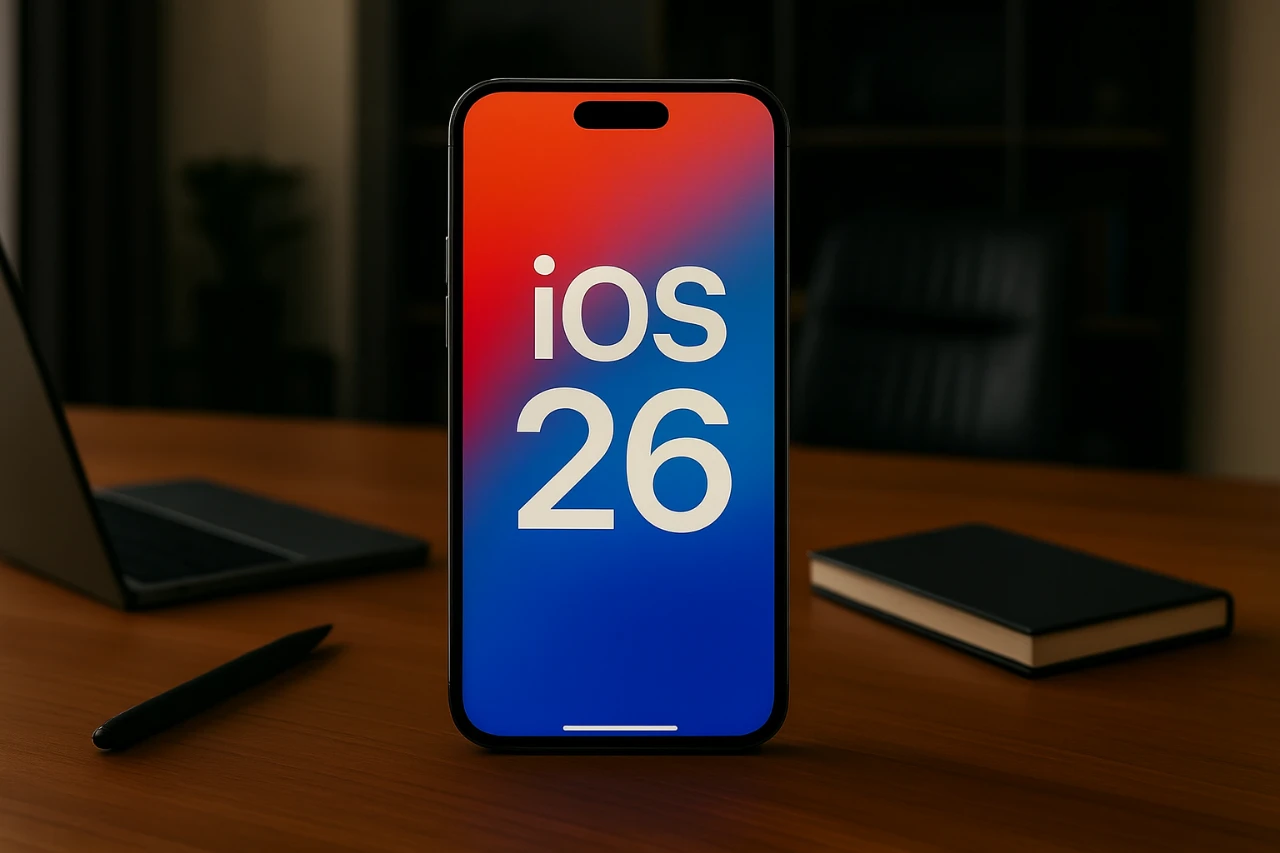
The release of iOS 26, later this month. will introduce a range of new features and visual enhancements designed to improve your iPhone experience. However, as with any major software update, it’s important to prepare your device to avoid potential issues such as reduced battery life, slower performance, or compromised privacy. By taking a few proactive steps, you can ensure a smooth transition and fully enjoy the benefits of the latest operating system. The video below from Payette Forward gives us more details on how to get ready for the new iOS release.

Optimize Battery Life
iOS updates often come with resource-intensive features that can impact battery performance. To maintain optimal battery life, consider these adjustments:
- Background App Refresh: Adjust this setting to Wi-Fi only or disable it for apps you rarely use. This reduces unnecessary background activity and conserves power.
- Limit Frame Rate: Enable the option to cap your display refresh rate at 60Hz. This simple change can significantly reduce power consumption without noticeably affecting your user experience.
- Reduce Transparency: Activate this feature to minimize visual effects like background blurs, which can drain your battery over time.
- Disable Video Autoplay: In the App Store settings, set video autoplay to Wi-Fi only or turn it off entirely. This not only saves battery life but also reduces data usage.
- Email Fetch Settings: Switch from “Push” to “Fetch” for email retrieval and reduce the frequency of checks to conserve energy.
These adjustments are particularly useful for older devices, where battery efficiency is often a concern.
Enhance Device Performance
While iOS 26 offers advanced features, it may place additional demands on older hardware. To maintain smooth performance, implement the following changes:
- Per App Settings: Use the Accessibility menu to customize settings for individual apps. For example, you can reduce motion effects or disable unnecessary features to improve responsiveness.
- System Services: Turn off background services like “Significant Locations” under Privacy settings. These processes often run unnoticed but can consume valuable system resources.
- Apple Intelligence: If your device feels sluggish, consider disabling features like Siri Suggestions and other AI-driven functionalities that operate continuously in the background.
These steps can help your device handle the new operating system more efficiently, ensuring a smoother user experience.
Protect Your Privacy
iOS 26 introduces enhanced privacy features, but you’ll need to configure them to maximize your data protection. Follow these steps to safeguard your personal information:
- App Tracking: Disable the “Allow Apps to Request to Track” option. This prevents apps from collecting data across other apps and websites, enhancing your privacy.
- Location Tracking: Turn off location services for apps that don’t require them, and disable “Precise Location” for apps that don’t need exact coordinates.
- Analytics Sharing: Navigate to “Privacy and Security” and turn off analytics sharing. This stops Apple and app developers from collecting usage data about your device.
Taking these measures ensures that your personal data remains secure while using iOS 26.
Additional Settings for a Better Experience
Beyond battery optimization, performance tweaks, and privacy configurations, there are other settings you can adjust to enhance your overall experience with iOS 26:
- App Downloads: Manage automatic downloads to prevent apps from being installed across all your devices without your consent. This gives you greater control over your app library.
- In-App Ratings: Disable in-app ratings and reviews to avoid interruptions while using your favorite apps.
- Vehicle Motion Cues: Enable this feature to reduce motion sickness when using your phone in a moving vehicle, making navigation and other tasks more comfortable.
These additional adjustments can help you tailor your device to your specific needs, improving usability and convenience.
Prepare for a Seamless Update
Taking the time to configure these settings before updating to iOS 26 can help you avoid common issues and maximize the benefits of the new operating system. By optimizing your device for battery life, performance, privacy, and overall usability, you’ll ensure a smoother and more reliable experience. These proactive steps not only enhance your iPhone’s efficiency but also allow you to fully enjoy the latest features and improvements that iOS 26 has to offer.
Uncover more insights about the iOS 26 update tips in the previous articles we have written.
- Apple iOS 26 HUGE Collection of Hidden Features, Pro Tips & More
- Top Tips for Navigating the iOS 26 Beta Like a Pro
- iOS 26 Update: New Functionalities and App Improvements
- iOS 26 Public Beta: Top Features and Installation Tips
- iOS 26 Camera App Redesign: Features, Tips, and Tricks
Source & Image Credit: Payette Forward
Disclosure: Some of our articles include affiliate links. If you buy something through one of these links, Geeky Gadgets may earn an affiliate commission. Learn about our Disclosure Policy.
