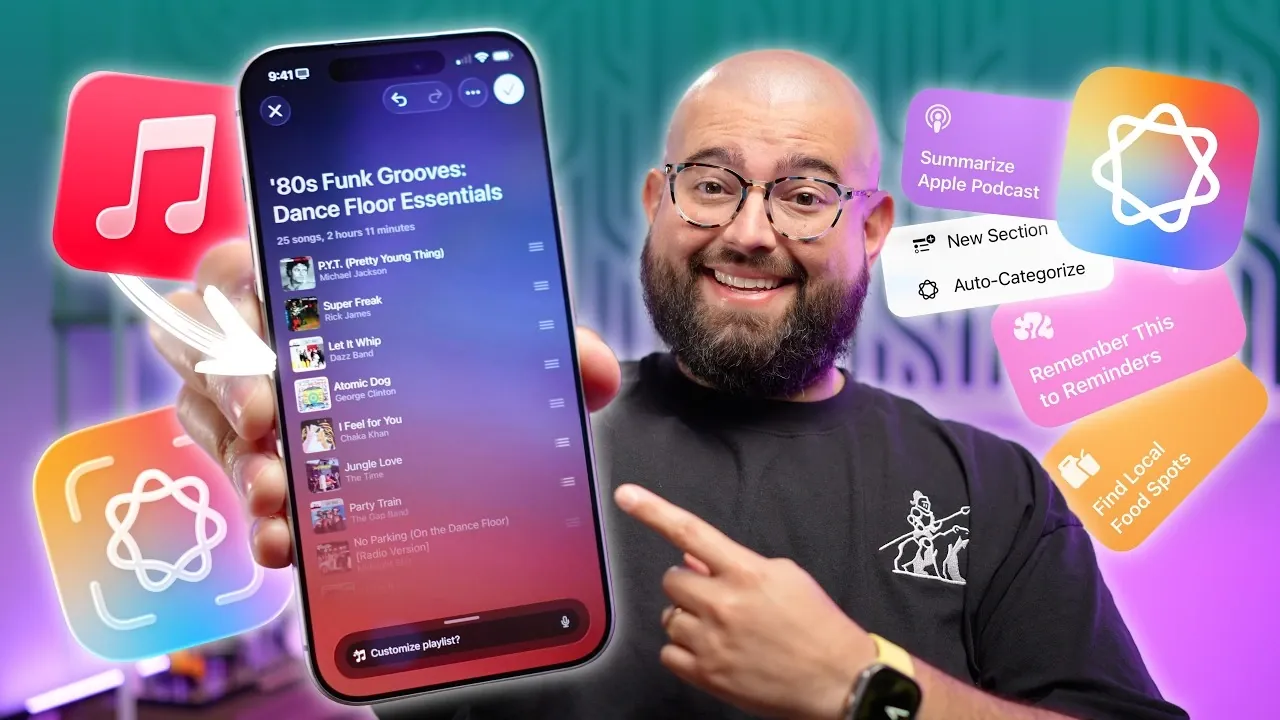
Apple Intelligence, a core feature of iOS 26, introduces a suite of AI-driven tools designed to make your daily interactions with technology more seamless, productive and personalized. These features integrate deeply across apps, offering practical solutions to everyday challenges. From organizing tasks to enhancing communication, Apple Intelligence redefines how you interact with your devices. In the video below, Stephen Robles gives us a look at ten impactful ways it simplifies your digital life.

1. Create Personalized Music Playlists
With Apple Intelligence, your music experience becomes uniquely tailored to your preferences. By analyzing your listening habits, favorite genres and even specific prompts, it curates playlists that align with your mood or activities. Whether you’re working out, relaxing, or focusing, the system suggests themes and tracks that resonate with your needs. You can further refine these playlists by adding or removing songs and artists, making sure a music library that feels truly personal. This feature not only saves time but also enhances the joy of discovering music that suits your lifestyle.
2. Automatically Organize Your Reminders
Managing tasks has never been easier, thanks to the auto-sorting capabilities of Apple Intelligence in the Reminders app. New tasks are automatically categorized into relevant sections, such as grouping household chores under “Home” or work-related items under “Work.” This dynamic organization ensures that your to-do lists remain structured and easy to navigate. By reducing the need for manual sorting, you can focus on completing tasks rather than organizing them. This feature is particularly useful for busy schedules, helping you stay on top of your priorities effortlessly.
3. Extract Data from Screenshots
Screenshots are no longer static images with Apple Intelligence. The system can identify actionable data embedded in your screenshots, such as dates, phone numbers, URLs, or event details. For instance, you can instantly add an event to your calendar or open a link directly from the screenshot without manually entering the information. This functionality transforms screenshots into interactive tools, making it easier to extract and act on important details. Whether you’re saving a restaurant’s contact information or capturing meeting details, this feature enhances productivity.
4. Perform Reverse Image Searches
Apple Intelligence simplifies the process of finding information about images through reverse image search. By integrating with platforms like Google, Etsy, or Amazon, it enables you to identify products, locate similar items, or discover related content with ease. This feature is particularly valuable for online shopping, research, or even identifying landmarks and artwork. Instead of relying on guesswork, you can quickly access relevant information, making your searches more efficient and accurate.
5. Enhance Photo Privacy and Search
Photo management receives a significant upgrade with Apple Intelligence. Privacy-focused tools, such as face-blurring, allow you to share images without compromising sensitive details. Additionally, the system supports natural language queries, allowing you to search your photo library using phrases like “birthday party last year” or “sunset photos in Hawaii.” This intuitive search capability makes finding specific memories faster and more convenient. By combining privacy enhancements with advanced search functionality, Apple Intelligence ensures that your photo library is both secure and easy to navigate.
6. Translate Conversations in Real Time
Breaking language barriers is simpler with real-time translation powered by Apple Intelligence. Whether you’re traveling abroad or collaborating with international colleagues, this feature allows you to translate conversations instantly using AirPods or the Messages app. The system supports multiple languages, making sure smooth communication in diverse settings. By facilitating seamless interactions, real-time translation enhances both personal and professional connections, making it an indispensable tool for global communication.
7. Organize Notes with Smart Folders
Keeping your notes organized is effortless with the introduction of smart folders. Apple Intelligence automatically categorizes notes based on specific attributes, such as recent edits, mentions, or the presence of checklists. For example, you can create a folder that consolidates shared notes or those updated within the past week. This eliminates the need for manual sorting, allowing you to focus on the content rather than its organization. Whether you’re managing work projects or personal ideas, smart folders streamline your workflow.
8. Automate Tasks with Shortcuts
Automation becomes more accessible with customizable shortcuts powered by Apple Intelligence. These workflows enable you to perform a variety of tasks, such as summarizing podcasts, renaming files, or identifying local businesses from images. By integrating seamlessly across apps, these shortcuts save time and enhance efficiency. For instance, you can create a shortcut to send a pre-written message or automate routine tasks like setting reminders. This feature enables you to simplify complex processes, making your device a more effective tool for productivity.
9. Manage Files and Voice Memos with Ease
File and voice memo management is more intuitive with AI-powered tools in iOS 26. Apple Intelligence can automatically rename and sort files based on their content, making sure that important documents are easy to locate. Additionally, voice memos can be transcribed into text, allowing you to create searchable notes or summarize meetings and ideas. This functionality is particularly useful for professionals and students who rely on accurate and organized records. By streamlining file and memo management, Apple Intelligence enhances your ability to stay organized.
10. Find Content Faster with Advanced Search
Locating specific files, images, or notes is faster and more efficient with advanced search capabilities. Apple Intelligence supports natural language queries, allowing you to search using everyday phrases like “recipes from last week” or “photos of Paris.” This feature eliminates the frustration of sifting through folders or scrolling endlessly, allowing you to retrieve the content you need in seconds. By improving search functionality, Apple Intelligence helps you stay organized and focused on what matters most.
Apple Intelligence in iOS 26 offers a comprehensive suite of features that cater to a wide range of needs. By integrating AI into everyday tools, it simplifies tasks, enhances communication and improves organization. These advancements not only save time but also make your interactions with technology more intuitive and efficient. Whether you’re managing your schedule, exploring creative ideas, or staying connected, Apple Intelligence provides practical solutions that adapt to your lifestyle.
Advance your skills in Apple Intelligence Features by reading more of our detailed content.
- iPhone 17 Leaks: Reverse Charging, 8K Video and AI Upgrades
- iOS 26.5 Beta 1 “Mystery”: What’s Inside the New Beta?
- Everything You Need to Know About the iPhone 17 Series Launch
- Apple TV 4K (2026) Leak: Home Hub with Apple Intelligence
- Apple’s Partnership with Google’s Gemini AI Will Transform Siri
Source & Image Credit: Stephen Robles
Disclosure: Some of our articles include affiliate links. If you buy something through one of these links, Geeky Gadgets may earn an affiliate commission. Learn about our Disclosure Policy.
