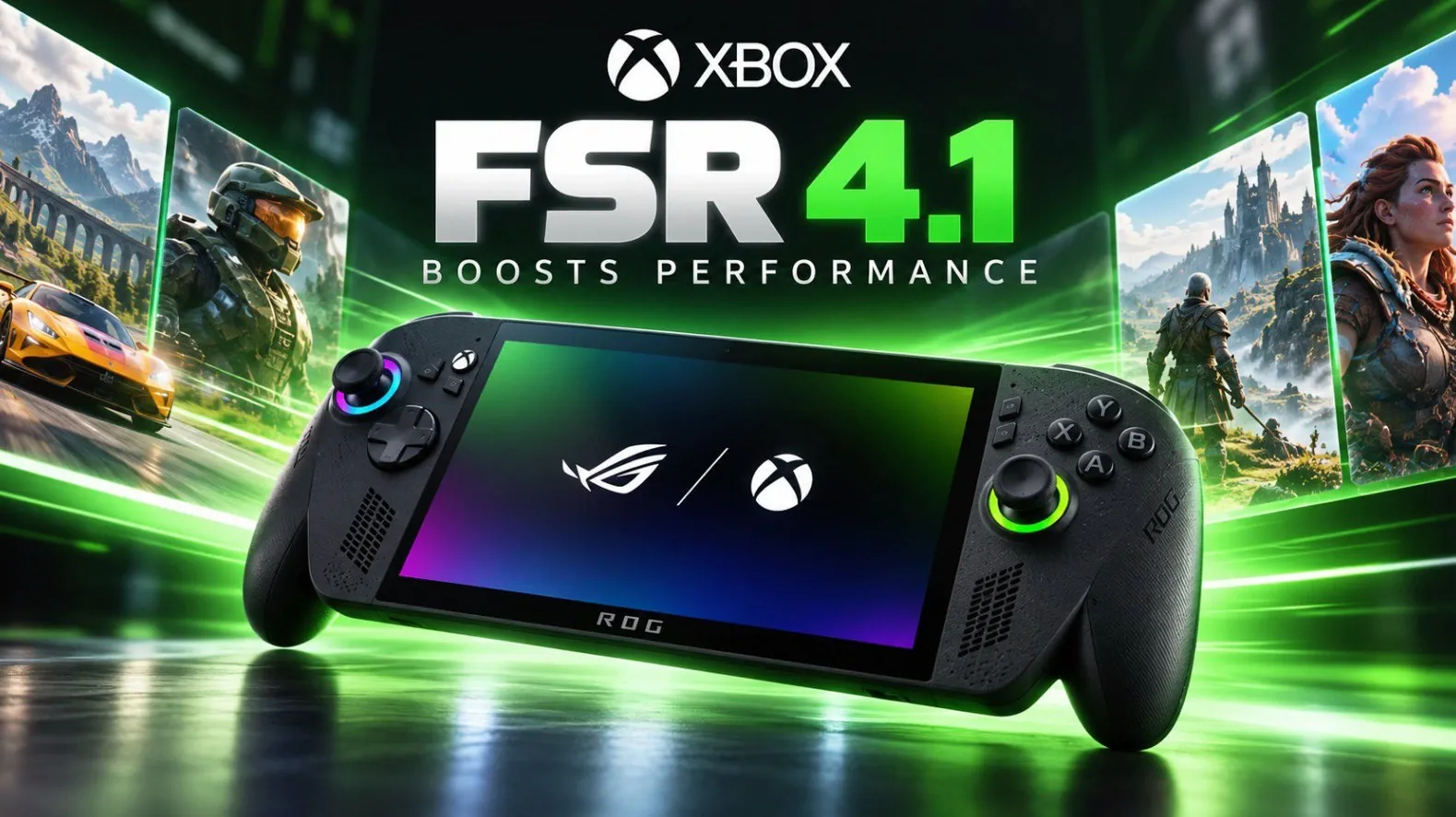
AMD’s FidelityFX Super Resolution (FSR) 4.1 update introduces significant advancements for handheld gaming, particularly on Xbox Ally devices. This update uses machine learning to upscale lower-resolution frames while preserving visual quality, which is especially beneficial for hardware like the AMD Z2 Extreme chipset found in several Xbox Ally models. Retro Game Corps highlights how supported games, including Spider-Man: Miles Morales, have shown measurable improvements, such as a 5-6 FPS increase in average frame rates.
Explore this deep dive to learn about FSR 4.1’s compatibility with over 400 games and the steps to enable it through ASUS Armory Crate. Gain insight into additional features like anti-aliasing and frame generation, as well as potential drawbacks such as occasional visual artifacts. This breakdown provides a clear look at how to make the most of this update for your handheld gaming experience.
Understanding FSR 4.1
TL;DR Key Takeaways :
- AMD’s FidelityFX Super Resolution (FSR) 4.1 introduces advanced machine learning-based upscaling and frame reconstruction, enhancing performance and visual quality for handheld gaming devices like the Xbox Ally series.
- FSR 4.1 boosts frame rates by 5-6 FPS on average in supported games, delivering smoother gameplay and sharper visuals even at lower resolutions, making it comparable to Nvidia’s DLSS and Intel’s XeSS.
- The update is compatible with older GPUs and APUs, including AMD Z2 Extreme chipsets and supports over 400 games, making sure broad applicability across handheld devices.
- Additional features such as anti-aliasing and frame generation enhance the gaming experience, though occasional visual glitches or latency may occur depending on the game and hardware.
- AMD plans to expand FSR 4.1 to more devices, including the Steam Deck, signaling a promising future for handheld gaming with improved performance and accessibility.
FSR 4.1 employs sophisticated machine learning algorithms to upscale lower-resolution frames, reconstructing them to deliver visuals that closely resemble native resolution. By reducing the computational demands on your device, this technology enables smoother gameplay without sacrificing image quality. Comparable to Nvidia’s DLSS and Intel’s XeSS, FSR 4.1 strikes a balance between performance and visual fidelity. This makes it particularly valuable for handheld devices, where hardware limitations often pose challenges to achieving high-quality graphics.
Performance Enhancements with FSR 4.1
One of the most notable features of FSR 4.1 is its ability to boost frame rates while maintaining visual clarity. On average, users can expect an increase of 5-6 frames per second (FPS) in supported games. Popular titles like Spider-Man: Miles Morales and Ratchet & Clank: Rift Apart demonstrate significant improvements, with sharper textures and reduced aliasing even at lower resolution settings. This ensures a more immersive gaming experience, especially on devices with limited processing power. By optimizing resource usage, FSR 4.1 allows handheld gamers to enjoy smoother gameplay without compromising on visual appeal.

Discover other guides from our vast content that could be of interest on AMD FSR.
- FidelityFX Super Resolution 4 Debuts on Steam Deck Soon
- DLSS 4 vs DLSS 3 vs FSR 3 Performance Review : Which AI Upscaling Tech Reigns Supreme?
- Steam Deck AMD Frame Generation FSR 3.1 performance tested
- New Xbox Project Helix Hardware Apparently Hits True 4K at 120 FPS
- Xbox Ally X Gets AMD FSR 4.1 Preview Driver via Armory Crate SE
- Leaked Xbox Project Helix May Hit a $1,200 Price in Spring 2027
Expansive Compatibility
FSR 4.1 is compatible with AMD Z2 Extreme and Z2A chipsets, which power devices such as the Xbox Ally X, Xbox LA X20 and the white Xbox Ally. With over 400 supported games listed on AMD’s official website, the update offers extensive applicability across a wide range of titles. This broad compatibility ensures that many games can benefit from the enhanced performance and visuals provided by FSR 4.1, making it a versatile solution for handheld gaming enthusiasts.
Steps to Enable FSR 4.1
Activating FSR 4.1 on your device is a straightforward process. Follow these steps to get started:
- Ensure your device’s software is up to date by using ASUS Armory Crate.
- Navigate to the system settings and enable FSR 4.1 before launching your games.
- Restart your games to apply the changes, as switching between FSR versions requires a fresh launch.
This simple setup process ensures that you can quickly optimize your gaming experience with minimal effort.
Limitations and Considerations
While FSR 4.1 offers impressive benefits, it is not without limitations. Not all games currently support the technology and the performance gains can vary depending on the title. Some games may show only marginal improvements, while others might experience occasional visual artifacts or stuttering. These issues highlight the need for ongoing refinement to address inconsistencies and expand compatibility. Despite these challenges, the advantages of FSR 4.1 often outweigh its drawbacks, particularly for users seeking enhanced performance on handheld devices.
Additional Features of FSR 4.1
Beyond upscaling, FSR 4.1 introduces additional features that further enhance the gaming experience:
- Anti-Aliasing: This feature smooths out jagged edges in visuals, resulting in a cleaner and more polished image.
- Frame Generation: By doubling perceived frame rates, this feature delivers smoother gameplay. However, it may occasionally introduce latency or visual glitches, depending on the game and hardware configuration.
These features add versatility to FSR 4.1, offering users more options to optimize their gaming experience. However, their effectiveness can vary based on the specific game and device being used.
Looking Ahead: The Future of FSR 4.1
AMD has ambitious plans to expand FSR 4.1 to other handheld devices and chipsets, potentially including popular platforms like the Steam Deck. As upscaling technologies continue to evolve, they are expected to deliver even greater performance improvements and broader accessibility. These advancements could redefine handheld gaming by offering a seamless blend of power and efficiency for portable devices. The ongoing development of FSR 4.1 underscores AMD’s commitment to pushing the boundaries of what handheld gaming devices can achieve.
Why FSR 4.1 Matters for Handheld Gaming
The FSR 4.1 update represents a significant advancement in handheld gaming technology. By using machine learning-based upscaling and frame reconstruction, it enhances both performance and visual quality, even on older hardware. While there are some limitations, such as inconsistent performance gains and occasional visual artifacts, the benefits, such as improved frame rates and sharper visuals, make FSR 4.1 a valuable tool for gamers. As AMD continues to refine and expand this technology, the future of handheld gaming looks increasingly promising, offering you a more immersive and efficient gaming experience.
Media Credit: Retro Game Corps
Disclosure: Some of our articles include affiliate links. If you buy something through one of these links, Geeky Gadgets may earn an affiliate commission. Learn about our Disclosure Policy.
