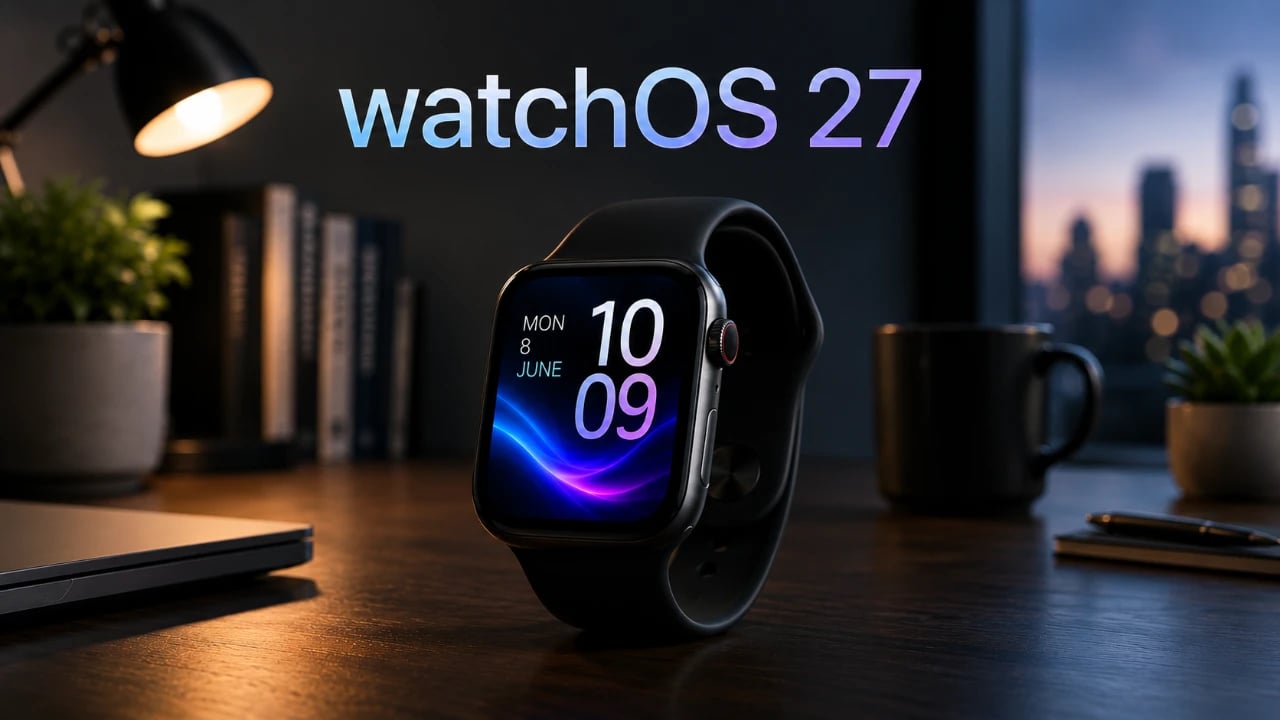
Apple’s watchOS 27 introduces a suite of updates designed to enhance usability, performance, and health tracking on the Apple Watch. These refinements aim to solidify the device’s position as a versatile tool for everyday life and wellness. However, the update’s limited compatibility with older models, such as the Apple Watch Ultra 1 and Series 8, has sparked frustration among users. Additionally, the absence of truly new features may temper the excitement for some, leaving the update feeling more evolutionary than innovative. The video below from 9 to 5 Mac gives us a look at the new watchOS 27 and its range of features.

Compatibility: A Divisive Shift
watchOS 27 is tailored for newer Apple Watch models, including the Series 9, SE3, and Ultra 2. Unfortunately, this leaves older devices like the Series 8, Series 7, and Ultra 1 unsupported. This decision has disappointed many users, particularly those who expected longer software support for their relatively recent purchases. If your device falls into the unsupported category, you’ll miss out on the latest features and improvements, which could influence your decision to upgrade.
For those with compatible models, the update offers a smoother and more refined experience, but the exclusion of older devices highlights Apple’s ongoing push toward hardware upgrades, potentially alienating a segment of its user base.
Siri Integration: Smarter, Yet Still Limited
watchOS 27 introduces notable improvements to Siri, enhancing its accessibility and functionality. Users can now access Siri-suggested apps directly from the app view, streamlining interactions and making the assistant more intuitive. Additionally, new gesture controls, such as double-tap and single-tap gestures for Smart Stacks, simplify navigation and improve usability.
However, despite these advancements, Siri still lacks advanced AI-driven capabilities such as contextual conversations or a broader knowledge base. These limitations leave room for future updates to further enhance the assistant’s role in daily tasks. While the current improvements are practical, they may not fully meet the expectations of users seeking a more intelligent and adaptive digital assistant.
Notification Management: Simplified Control at Your Fingertips
Managing notifications becomes more efficient with watchOS 27. The update introduces the ability to mute, archive, or disable alerts directly from the Apple Watch. This feature is particularly useful for reducing distractions during meetings, workouts, or other focused activities.
By allowing users to manage their digital environment more effectively, this improvement enhances the Apple Watch’s role as a tool for productivity and convenience. While not a dramatic overhaul, the streamlined notification controls contribute to a more seamless user experience.
Health and Fitness Tracking: Incremental but Meaningful Enhancements
watchOS 27 brings targeted updates to health and fitness tracking, reinforcing the Apple Watch’s reputation as a wellness companion. Key improvements include:
- Enhanced motion tracking for more accurate indoor activity monitoring, such as treadmill running.
- Step synchronization between the Apple Watch and iPhone, making sure consistent activity data across devices.
- Perimenopause tracking, addressing a critical health need for many users and expanding the device’s utility in women’s health.
- Expanded functionality for Workout Buddy, which now supports Spanish and operates independently of an iPhone.
These updates, while incremental, add practical value for users focused on fitness and wellness. They reflect Apple’s ongoing commitment to refining health-related features, even if they don’t represent a major leap forward.
App Updates: Subtle Tweaks for Everyday Convenience
watchOS 27 introduces several app-specific improvements aimed at enhancing day-to-day usability. Notable updates include:
- A detailed map view in the Find My app makes it easier to locate items or devices with greater precision.
- A demo mode in the Depth Gauge app allows divers to simulate deep dives without entering the water.
These changes, while not fantastic, improve the practicality of the Apple Watch for specific use cases. They demonstrate Apple’s focus on refining existing features to better serve users’ needs.
Display and Watch Face Updates: Subtle Yet Effective
The always-on display receives minor but impactful refinements in watchOS 27. Highlighted watch hands improve visibility, making sure that users can quickly check the time in various lighting conditions.
These subtle adjustments reflect Apple’s attention to detail and its commitment to enhancing the user experience. While not a headline feature, these refinements contribute to the overall polish of the update.
Performance and Stability: Behind-the-Scenes Improvements
Building on the foundation of watchOS 26, the latest update focuses on under-the-hood optimizations. Performance enhancements and bug fixes improve the system’s reliability and stability, making sure a smoother overall experience.
Although these changes may not be immediately noticeable, they play a crucial role in maintaining the Apple Watch’s reputation for seamless performance. Users can expect fewer glitches and a more responsive interface, further solidifying the device’s reliability.
A Balanced Update with Clear Trade-Offs
watchOS 27 delivers a range of practical enhancements that improve the Apple Watch’s usability, from refined Siri integration to better health tracking and app functionality. However, its limited compatibility with older models and the absence of new features may leave some users feeling underwhelmed.
For those with a compatible device, the update offers meaningful improvements that enhance everyday interactions and wellness tracking. However, users with unsupported models face a more difficult decision, as the lack of standout innovations may not justify an immediate upgrade. Ultimately, watchOS 27 represents a step forward, albeit a measured one, in the evolution of Apple’s wearable ecosystem.
Here are more guides from our previous articles and guides related to watchOS 27 updates that you may find helpful.
- Your Apple Watch is About to Change: 3 Huge Features in watchOS 27
- The Hidden Features Inside Apple’s watchOS 27 Update
- WatchOS 27: the Biggest Surprises on Apple Watch
- watchOS 27 First Look: The Best Features Apple Didn’t Tell You About
- What to Expect from Apple’s Massive iOS 27 Update
Source & Image Credit: 9to5Mac
Disclosure: Some of our articles include affiliate links. If you buy something through one of these links, Geeky Gadgets may earn an affiliate commission. Learn about our Disclosure Policy.
