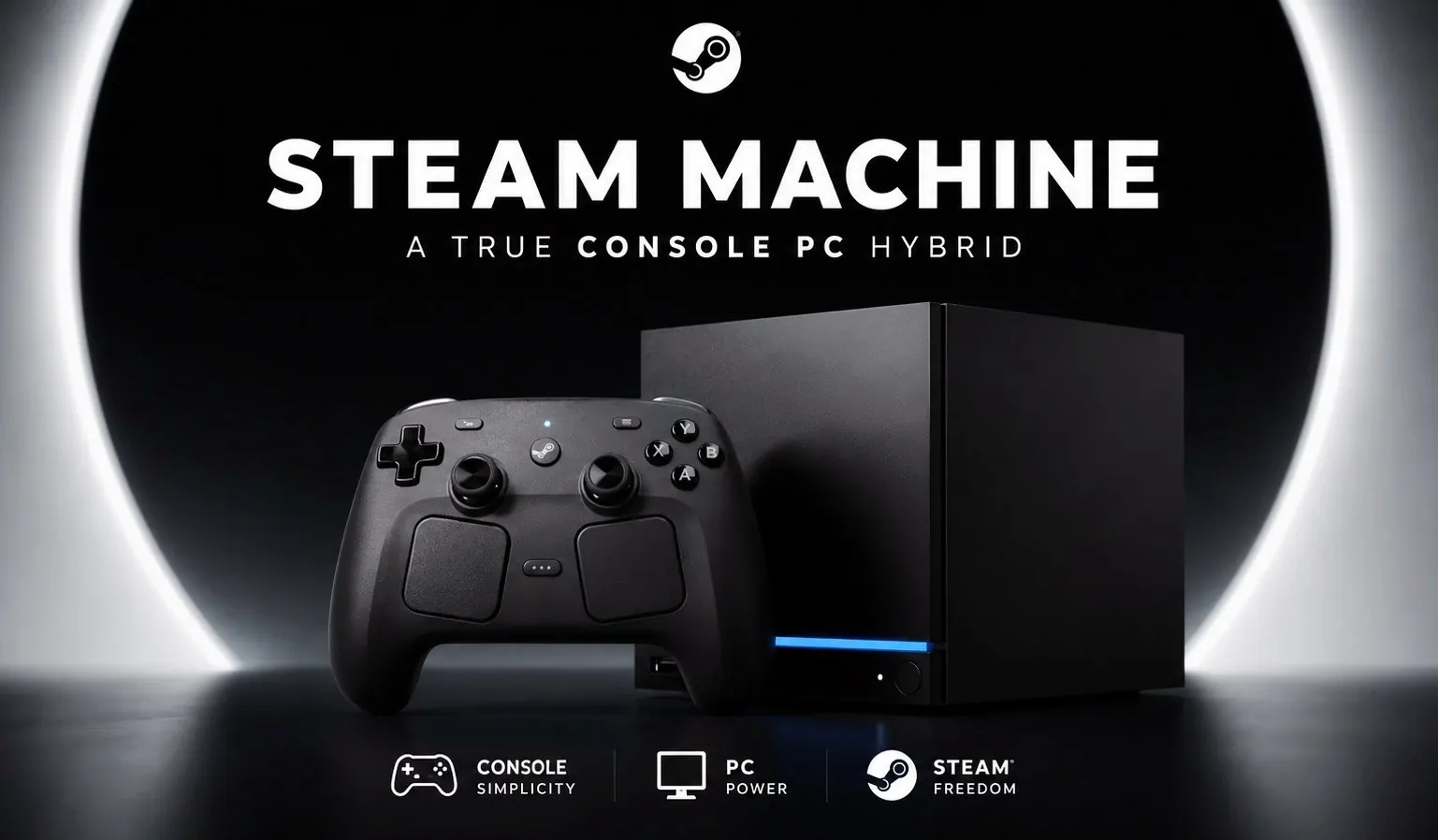
Valve’s Steam Machine is an attempt to bridge the gap between PC gaming and console simplicity. Featuring a compact design and running on the Linux-based Steam OS, it includes specific features like HDMI CEC support for living room integration and microSD card compatibility for storage expansion. However, as WULFF DEN explains, its higher cost and limited game compatibility due to the Linux platform create challenges that may limit its appeal to a broader audience.
Explore how the Steam Machine compares to traditional consoles and gaming PCs in terms of performance and functionality. Gain insight into its ability to run modern games at 1080p and 1440p resolutions, its native controller support and its plug-and-play setup. This breakdown also addresses practical limitations, such as a restricted game library and occasional display issues, to help you evaluate its suitability for your gaming preferences.
Steam Machine Design and Functionality
TL;DR Key Takeaways :
- The Steam Machine is a compact, Linux-based gaming PC designed to combine the flexibility of a PC with the simplicity of a console, offering a hybrid gaming experience for living rooms.
- Its sleek design includes features like HDMI CEC support for TV remote control and MicroSD card compatibility for easy storage expansion, prioritizing convenience over high-end performance.
- While capable of handling modern games at 1080p and 1440p resolutions, its Linux-based Steam OS limits compatibility with certain third-party and multiplayer games, reducing its game library compared to Windows PCs.
- Despite its plug-and-play setup and user-friendly interface, the Steam Machine’s high price point ($1,050–$1,400) and occasional usability issues, such as controller connectivity problems, may deter budget-conscious or high-performance-focused gamers.
- Targeted at gamers seeking a streamlined living room gaming experience, the Steam Machine faces stiff competition from traditional consoles and Windows PCs, which often offer better value, performance and compatibility.
The Steam Machine’s compact and sleek design is one of its most notable features. Its small form factor allows it to blend seamlessly into a living room setup, resembling a traditional gaming console. Equipped with Steam OS, a Linux-based operating system, the device provides a streamlined interface optimized for controller navigation. This eliminates the need for a keyboard or mouse, making it easy to browse and launch games from your couch. Key design features include:
- HDMI CEC Support: This enables you to control the Steam Machine using your TV remote, simplifying power and input management.
- MicroSD Card Compatibility: Expand storage or transfer games conveniently without relying on external drives.
These features make the Steam Machine a user-friendly option for casual and dedicated gamers alike. However, its design prioritizes convenience over raw power, which may not appeal to users seeking high-end performance.
Performance
The Steam Machine is built to handle modern games at 1080p and 1440p resolutions with stable frame rates, offering performance comparable to mid-range gaming PCs. While it doesn’t compete with high-end gaming rigs, it is sufficient for most titles available on Steam, especially those optimized for Linux.
Notable performance features include:
- Shader Optimization: Precompiled shaders reduce game load times, though this feature isn’t universally supported across all games.
However, the Linux-based Steam OS introduces limitations. Some third-party games and multiplayer titles reliant on advanced anti-cheat software may not be compatible. This restricts the device’s game library compared to Windows-based PCs, which can run a broader range of titles. For gamers who prioritize access to a diverse library of games, this limitation could be a significant drawback.

Check out more relevant guides from our extensive collection on Steam Machine that you might find useful.
- Why Valve is Releasing 4 Different Steam Machine Variants
- Inside Valve’s Unusual Rollout Plan for the Steam Machine
- Why Valve’s New Steam Machine Could Outperform the PS5 in Your Living Room
- Why the Upcoming Valve Steam Machine Might Be Sold at a Loss
- Valve Confirms Summer 2026 Release Window for Steam Machine and Steam Frame
- What Valve’s Leaked June 2026 Steam Machine Details Mean for Your Living Room
- Leaked Geekbench Scores Reveal the True Power of the $750 Steam Machine
- Valve Explains Why We Got a New Steam Controller but No Steam Machine
- What Valve’s Latest Hardware Leaks Reveal About the Modular Steam Machine
- Why Valve’s Latest SteamOS Update Changes Everything for Your Steam Machine
Setup and Usability
Setting up the Steam Machine is straightforward, thanks to its plug-and-play design. The preinstalled Steam OS ensures minimal configuration and native controller support allows you to start gaming almost immediately.
Usability is further enhanced by features like:
- Living Room Integration: HDMI CEC support lets you navigate the system using your TV remote, reducing the need for additional peripherals.
However, occasional challenges may arise. For instance, some users overview connectivity issues with controllers or HDR oversaturation on certain displays, which can affect the overall experience. While these issues are manageable, they may require manual troubleshooting, which could deter users seeking a completely hassle-free experience.
Limitations
Despite its strengths, the Steam Machine has notable drawbacks that may deter some users:
- Price: With a cost ranging from $1,050 to $1,400, it is significantly more expensive than traditional consoles like the PlayStation 5 or Xbox Series X.
- Compatibility: The Linux-based OS limits access to non-Steam games and certain multiplayer titles, reducing its versatility compared to Windows PCs.
- Performance: While adequate for most games, it may not satisfy users seeking high-end graphical capabilities or 4K gaming.
These limitations make the Steam Machine less appealing for budget-conscious gamers or those with specific gaming needs. Its price-to-performance ratio, in particular, may not justify the investment for users who already own a capable gaming setup.
Target Audience
The Steam Machine is best suited for users who want a dedicated living room gaming device that bridges the gap between PCs and consoles. Its compact design, ease of use and integration with Steam OS make it an attractive option for:
- Gamers who value convenience and a streamlined gaming experience.
- Users looking for a hybrid device that combines PC flexibility with console simplicity.
However, it may not appeal to:
- Gamers who already own a high-performance gaming PC.
- Those prioritizing affordability or access to a broader range of games.
For users who fall into the latter categories, traditional consoles or custom-built PCs may offer better value and versatility.
Comparison to Alternatives
The Steam Machine occupies a unique niche in the gaming market, but it faces stiff competition from both PCs and consoles.
- Compared to Windows PCs: The Steam Machine offers a more console-like experience with a focus on simplicity and living room integration. However, Windows PCs provide greater compatibility, performance and customization options at similar or lower price points.
- Compared to Consoles: Devices like the PlayStation 5 and Xbox Series X offer better value for money, exclusive titles and a more polished ecosystem. While the Steam Machine provides access to a vast library of Steam games, it lacks the proprietary features and ecosystem advantages of traditional consoles.
Ultimately, the Steam Machine is neither a direct replacement for a gaming PC nor a traditional console. Instead, it caters to a specific audience seeking a hybrid solution. For those who prioritize living room gaming and the convenience of a streamlined interface, it may be a compelling option. However, for others, the price and limitations may outweigh its benefits.
Media Credit: WULFF DEN
Disclosure: Some of our articles include affiliate links. If you buy something through one of these links, Geeky Gadgets may earn an affiliate commission. Learn about our Disclosure Policy.
