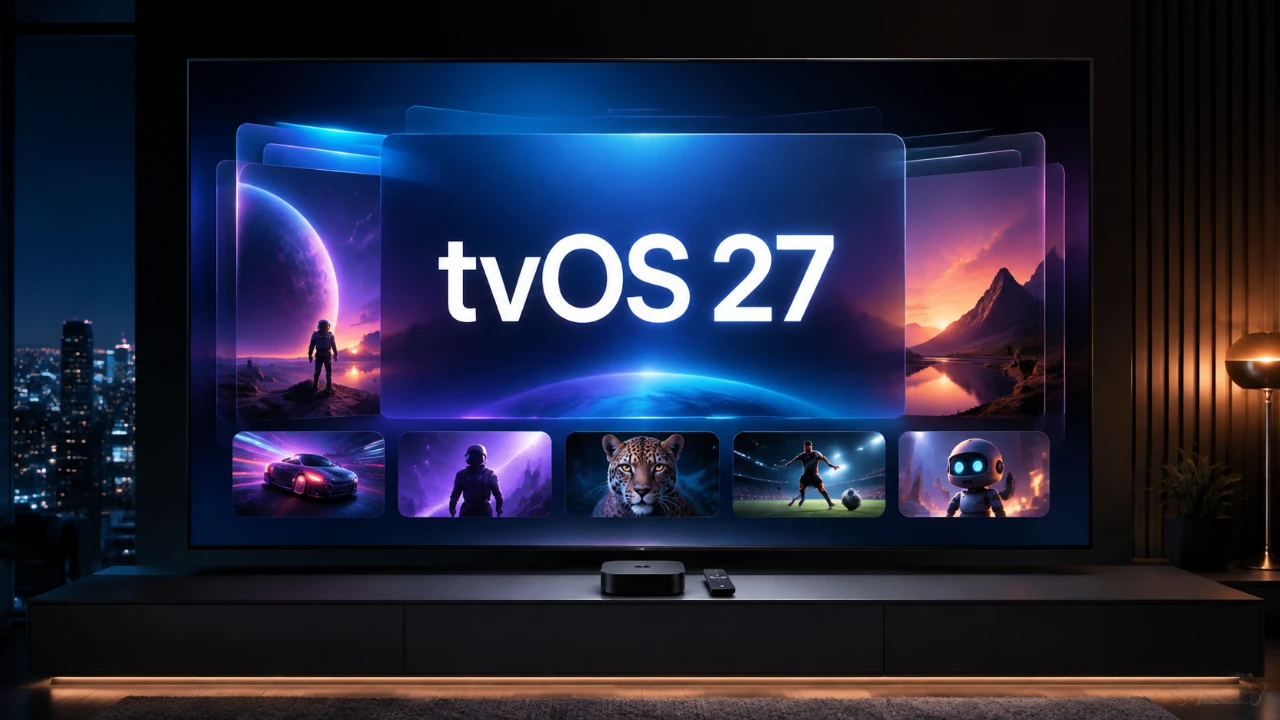
Apple has officially launched tvOS 27, a significant update designed to enhance the Apple TV experience. This release focuses on improving design, accessibility, performance, and integration across the Apple ecosystem. With a range of new features and refinements, tvOS 27 aims to deliver a more seamless and enjoyable experience for users. However, it also marks the end of support for some older Apple TV models, encouraging users to upgrade their hardware to access the latest capabilities. The video below from HalfManHalfTech gives us a look at the new features introduced in tvOS 27.

Device Compatibility: Who Can Upgrade?
tvOS 27 is compatible with newer Apple TV models, including the second-generation Apple TV 4K and later. However, older devices such as the Apple TV HD and the first-generation Apple TV 4K are no longer supported. This shift ensures that the latest features are optimized for modern hardware, delivering a smoother and more efficient experience.
If your device qualifies, you can install the update through the system settings or via the Home app on iOS or macOS 27. For users with unsupported devices, upgrading to a newer Apple TV model will be necessary to take advantage of the new features and improvements.
Design Enhancements: A Sleeker Interface
tvOS 27 introduces a refined visual design that enhances both aesthetics and usability. The update focuses on creating a more modern and intuitive interface, with key design changes including:
- Liquid Glass Effects: A polished and dynamic look for system icons and app interfaces, adding a layer of sophistication.
- Smoother Animations: Improved transitions between apps and menus, making navigation feel more fluid and responsive.
- Redesigned Podcast App: Enhanced navigation and profile switching, simplifying content discovery and management.
These updates aim to make the Apple TV interface not only visually appealing but also more user-friendly, making sure a cohesive experience across the Apple ecosystem.
Accessibility: Expanding Inclusivity
Accessibility takes center stage in tvOS 27, with new features designed to make the platform more inclusive for users with diverse needs. Key updates include:
- Dynamic Text Size: The ability to customize text size in supported apps, improving readability for users with visual impairments.
- Enlarged System Elements: Enhanced visibility of menus and icons, catering to users who require larger interface elements.
These features demonstrate Apple’s commitment to accessibility, making sure that Apple TV remains a versatile and inclusive platform for all users.
Performance Improvements: Faster and More Efficient
Performance upgrades in tvOS 27 are designed to enhance the overall responsiveness and efficiency of the Apple TV. Key improvements include:
- Improved AirPlay: Faster and more reliable handoffs for streaming video, images and audio to devices like the HomePod.
- Responsive Control Center: Quicker access to essential settings and controls, streamlining the user experience.
- Simplified Controller Pairing: A more intuitive setup process for gaming controllers, catering to gaming enthusiasts.
These enhancements ensure that Apple TV continues to deliver a smooth and enjoyable experience, whether you’re streaming content or engaging in gaming.
Audio Features: Elevating the Listening Experience
tvOS 27 introduces several audio enhancements that cater to music lovers and audiophiles. Notable features include:
- 24-Bit Lossless Audio: High-resolution audio support via HDMI, providing a richer and more immersive listening experience.
- Apple Music Automix: Seamless transitions between tracks, perfect for curated playlists and social gatherings.
- AirPods Crossfade: Smooth playback transitions when switching between songs, enhancing the overall audio experience.
These updates position Apple TV as a versatile entertainment hub, offering high-quality audio for both casual listeners and dedicated audiophiles.
Smarter Content Management with the Apple TV App
The Apple TV app now includes smart downloads, a feature that automatically manages downloaded episodes to optimize storage. This ensures that users always have the latest content ready to watch without worrying about running out of space. By intelligently managing downloads, the app enhances convenience and usability, particularly for those who frequently watch on-demand content.
HomeKit Integration: Enhanced Smart Home Features
HomeKit integration in tvOS 27 introduces new capabilities for smart home users. The update includes support for 4K camera previews within the Home app, allowing users to monitor their home in high resolution directly from their Apple TV. This feature strengthens Apple TV’s role as a central hub for smart home management, offering greater convenience and functionality for HomeKit users.
Apple Remote App: Subtle Refinements
The Apple Remote app has received a minor redesign, including a lighter app icon that aligns with the overall design refresh of tvOS 27. While the changes are subtle, they contribute to a more cohesive visual experience across Apple devices, making sure consistency and ease of use.
Warranty and Support: Simplified Access
tvOS 27 introduces a new settings menu that displays your Apple TV’s Apple Care coverage and support options. This addition simplifies access to warranty information and troubleshooting resources, making it easier for users to resolve issues directly from their device. By centralizing support information, Apple enhances the overall user experience, reducing the need for external assistance.
Siri: Room for Improvement
Despite the numerous advancements in tvOS 27, Siri functionality on Apple TV remains unchanged. While other Apple devices have seen significant improvements in AI capabilities, Siri on Apple TV continues to offer only basic voice control features. This limitation may disappoint users who were hoping for a more advanced and intuitive AI experience.
Should You Upgrade?
tvOS 27 represents a well-rounded update that enhances the Apple TV experience across multiple dimensions, including design, accessibility, performance and audio. From the sleek liquid glass effects to high-resolution audio support, the update caters to a wide range of users, from casual viewers to tech enthusiasts.
However, the discontinuation of support for older devices and the lack of significant advancements in Siri functionality may leave some users feeling underserved. If your Apple TV is compatible, this update is highly recommended to take full advantage of the latest features and improvements. For those with unsupported devices, upgrading to a newer model will unlock the full potential of tvOS 27.
Expand your understanding of tvOS 27 with additional resources from our extensive library of articles.
- tvOS 27: Here’s Everything Changing on Your Apple TV
- tvOS 27 Is Coming: All the New Features, Changes, and Fixes
- The tvOS 27 RC is Now Available with a Big Apple TV Upgrade
- Updating Your Apple TV Just Got Way Easier Thanks to tvOS 27 Beta 2
- tvOS 27 Public Beta is Now Available for Apple TV Users
- What Apple Didn’t Tell You About the tvOS 27 Update
Source: HalfManHalfTech
Disclosure: Some of our articles include affiliate links. If you buy something through one of these links, Geeky Gadgets may earn an affiliate commission. Learn about our Disclosure Policy.
