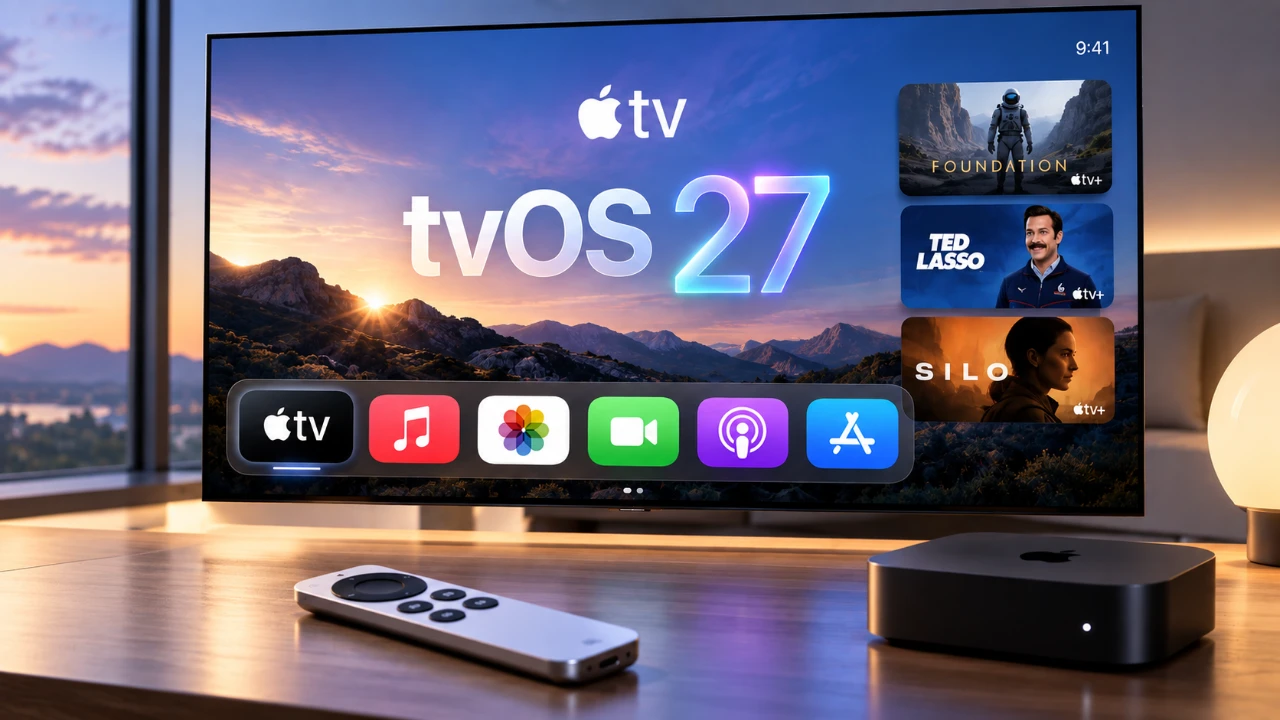
Apple’s latest tvOS 27 update introduces a host of new features and improvements designed to enhance your entertainment experience. Available for second- and third-generation 4K Apple TVs, this update focuses on improving usability, boosting performance, and expanding smart home integration. Below is a detailed video from Stephen Robles that gives us a look at the top 10 features you should explore to make the most of your Apple TV.

1. Podcast App Enhancements
The Podcast app now supports video playback, allowing you to watch video podcasts directly on your Apple TV. This feature makes it easier to enjoy both audio and video content in one place. You can seamlessly switch between episodes, view detailed show notes and access linked content without needing additional devices. This update transforms your Apple TV into a comprehensive platform for podcast consumption, keeping you connected with your favorite creators in a more engaging way.
2. Smart Downloads
Managing your favorite shows has never been easier with the introduction of Smart Downloads. This feature automatically downloads new episodes of your subscribed content, making sure they are ready for playback whenever you want. It intelligently manages storage by deleting watched episodes, freeing up space for new ones. For users with slower internet connections, this feature ensures uninterrupted viewing without requiring manual intervention.
3. Apple Music Updates
Apple Music on tvOS 27 now supports lossless audio, delivering up to 24-bit/48 kHz sound quality for a richer and more immersive listening experience. Additional features like Auto Mix and Crossfade create smooth transitions between songs, enhancing your playlists. Faster app launches and improved performance ensure that your music streaming is smoother and more enjoyable than ever before, making Apple TV a versatile hub for music enthusiasts.
4. Updated TV Remote App
The redesigned TV Remote app for iPhone offers a more intuitive interface and faster response times, providing a reliable alternative to the physical remote. With improved pairing and performance, navigating your Apple TV is now more seamless. Whether you’ve misplaced your physical remote or simply prefer using your phone, this update ensures effortless control of your device.
5. Enhanced Parental Controls
Parental controls have been upgraded to provide greater customization and security for families. You can block specific apps, restrict access to certain content and create personalized child profiles tailored to age-appropriate viewing. These enhancements ensure a safer entertainment environment, giving parents peace of mind while allowing younger viewers to enjoy curated content.
6. Accessibility Improvements
Accessibility receives a significant boost with the addition of auto-generated subtitles for videos without captions. You can also customize subtitle styles, sizes and formats to suit your preferences. These updates make Apple TV more inclusive for viewers with hearing impairments or those who prefer subtitles in specific languages, making sure that everyone can enjoy content without barriers.
7. Aerial Screensaver Customization
Aerial screensavers are now more customizable, allowing you to hide specific screensavers or select categories that align with your preferences. Whether you enjoy breathtaking cityscapes, serene nature scenes, or stunning space imagery, you can tailor the screensaver experience to reflect your personal aesthetic. This feature adds a touch of personalization to your Apple TV, making it feel uniquely yours.
8. AppleCare Integration
AppleCare integration is now built directly into the settings menu, making it easier to check your device’s warranty status and access support options. With this feature, you can quickly address any technical issues or concerns, making sure that your Apple TV remains in optimal condition. This streamlined access to AppleCare services adds convenience and peace of mind for users.
9. Performance Enhancements
The tvOS 27 update delivers noticeable performance improvements, including app launches that are up to 30% faster and enhanced AirPlay connectivity. Control Center responsiveness has been optimized, making navigation smoother and more efficient. Additionally, localized language packages reduce app sizes, freeing up valuable storage space on your device. These enhancements ensure a faster and more responsive experience across all aspects of your Apple TV.
10. Expanded Smart Home Integration
HomeKit functionality has been expanded, making your Apple TV an even more effective hub for managing smart home devices. You can now view live camera feeds and receive smart home summaries directly on your TV. This feature streamlines the control of your connected home, allowing you to monitor and manage devices with ease, all from the comfort of your living room.
Why These Updates Matter
The tvOS 27 update introduces a well-rounded set of features that cater to a wide range of user needs. Whether you’re a casual viewer, a music enthusiast, or someone deeply invested in smart home technology, these updates enhance the versatility and performance of your Apple TV. From video podcast playback and lossless audio to improved parental controls and expanded smart home integration, tvOS 27 ensures that your Apple TV remains a powerful and user-friendly entertainment device. These improvements demonstrate Apple’s commitment to delivering a seamless and enjoyable experience for all users.
Expand your understanding of tvOS 27 with additional resources from our extensive library of articles.
- tvOS 27: Here’s Everything Changing on Your Apple TV
- tvOS 27 Out Now: the Best New Features Coming to Your Apple TV
- tvOS 27 Is Coming: All the New Features, Changes, and Fixes
- Just Updated to tvOS 27? Why Your Apple TV Feels Brand New
- The tvOS 27 RC is Now Available with a Big Apple TV Upgrade
- tvOS 27 Public Beta is Now Available for Apple TV Users
Source: Stephen Robles
Disclosure: Some of our articles include affiliate links. If you buy something through one of these links, Geeky Gadgets may earn an affiliate commission. Learn about our Disclosure Policy.
