You may have encountered situations where an app on your device shows “this item is not available in your country”; or after an update, new features become slower, and you can’t find the old version to restore; or perhaps you simply don’t want to link your email to your Google account… At such times, the solution adopted by most people is sideloading.
Yes, Google Play is very powerful, but it is not omnipotent. Especially for some apps, they are only available in specific regions or have region-specific versions. If one does not use external tools to change the phone’s region, it is impossible to obtain them normally on Google Play. Changing your region is still difficult for users who aren’t familiar with the process. Therefore, third-party app stores have become one of the easiest ways to sideload apps.
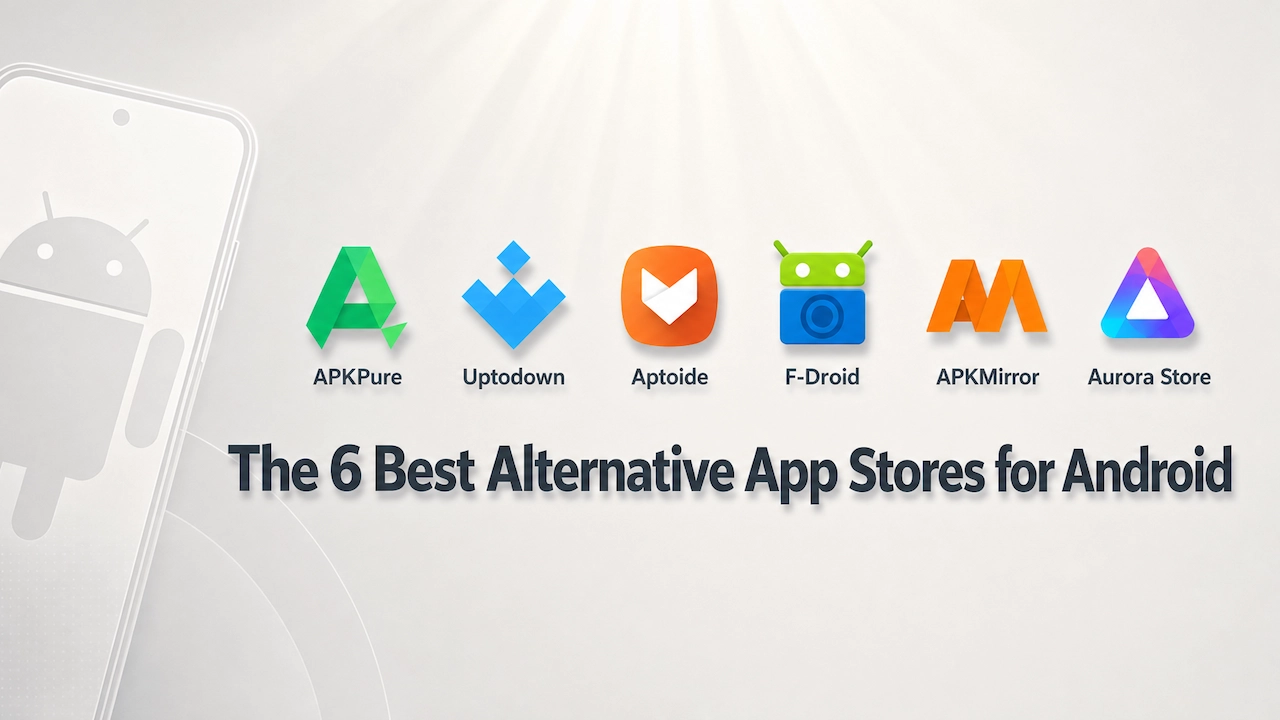
Here are six of the best app store alternatives. Whether you are looking for the most popular apps currently available or practical tools, you can easily find them in these app stores.
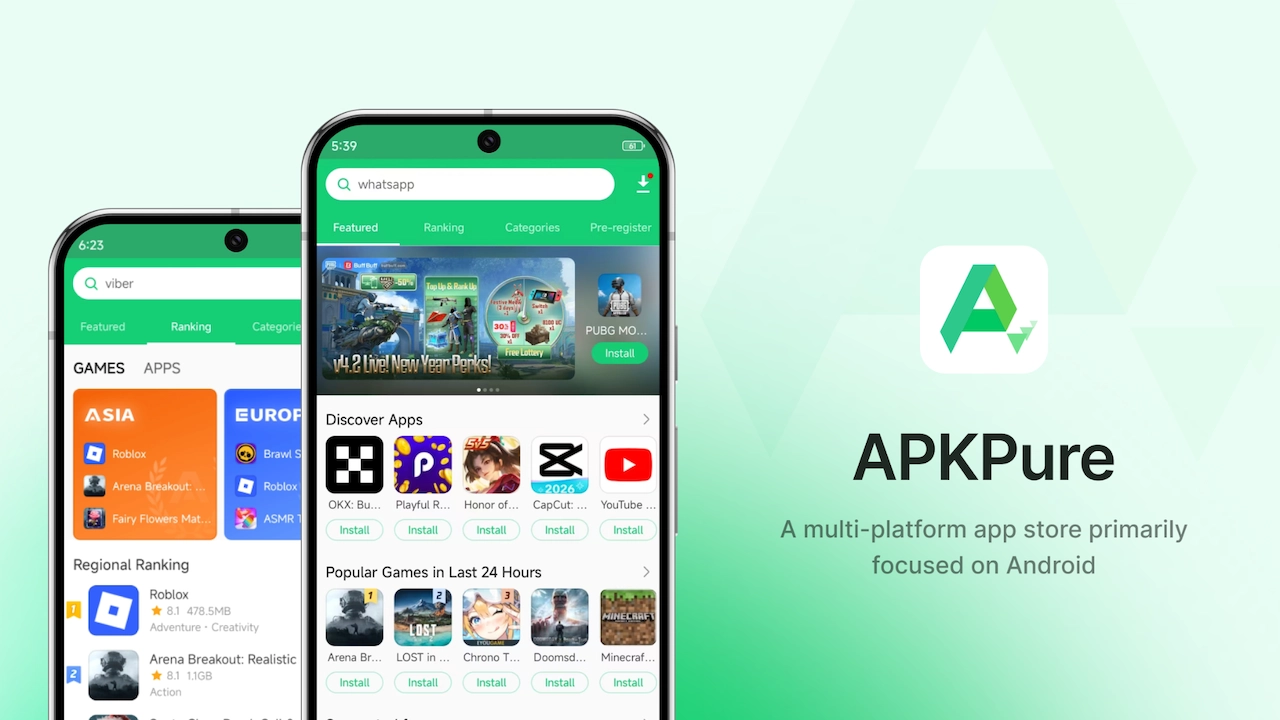
APKPure
Many people discover sideloading through APKPure. It’s ideal for beginners and experienced users alike.
It’s very easy to use. Just click ‘Download APK,’ and the app will download. They offer a huge range of apps, including older versions and region-specific releases. This is very convenient for users who want to break through regional restrictions. Moreover, the navigation is very clear. Within the pages of Apps and Games, there is also a detailed classification of app types, which is very useful for those who need to search for similar apps extensively.
APKPure keeps over 10 million users coming back thanks to its simplicity, convenience, wide selection of apps, and improving security features. Its site includes an APK Signature Verification tool at the bottom. Clicking on it reveals that it is actually for users to independently verify the security of the APK. Compared with other third-party stores, this shows that APKPure puts security and transparency directly in users’ hands, allowing them to clearly know whether the apps they download are safe.
Of course, for a platform to survive, it inevitably has to incorporate some advertisements. APKPure is no exception. However, when using it, just be careful not to tap anything by mistake and you should have no problems. If you really care, they have another website called apkpure.net. The interface of this website is relatively simpler compared to .com, so there’s less chance of tapping the wrong thing by accident.
One more thing is worth noting. Since many large games are now distributed as XAPK files on third-party app stores, but for users with no prior knowledge of it, finding additional tools to install XAPK is a big problem. However, APKPure’s mobile version can directly solve this issue. Just like on Google Play, you can download and install XAPK files with a single tap.
So, overall, APKPure is also very suitable for beginners who are new to sideloading.
Uptodown
After discussing APKPure, let’s take a look at Uptodown. It’s a long-established app store platform based in Spain. Its UI feels more like an app user manual than a typical app marketplace. If you prefer the review feel of editorial recommendations, you might want to give Uptodown a try.
Uptodown presents each app in a structured way based on the app description, basic information, version history, and user reviews, much like the instructions that come with a piece of electronics. If you have certain requirements for the layout, its version-filtering tools are intuitive and easy to use. Additionally, like APKPure, they also have a self-checking mechanism. However, the difference is that Uptodown displays security information in a more technical, manual-like format, which might confuse beginners.
Of course, even on the platforms that offer free app downloads, there are also advertisements. When downloading, take your time after clicking, move too fast and you might hit an ad by mistake.
Overall, it’s better suited to users who prefer a clean, structured layout.
Aptoide
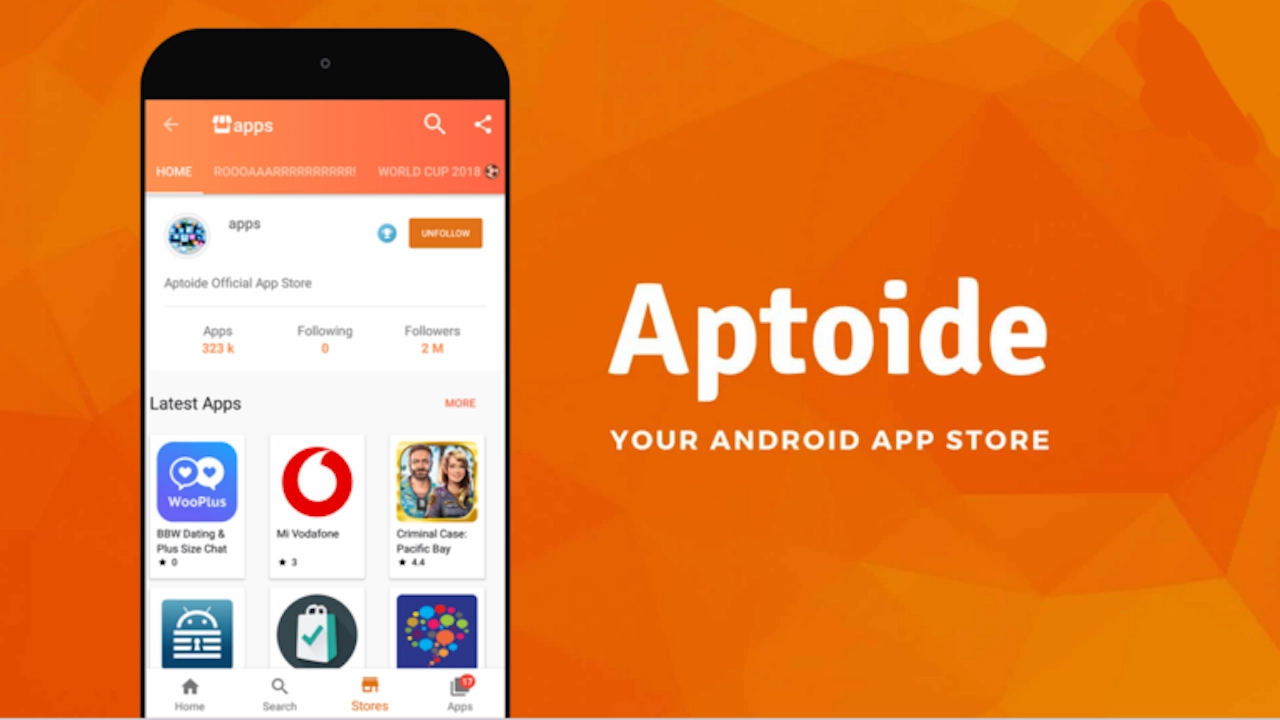
The first two stores may have impressed you with the sheer number of apps they offer, but Aptoide allows everyone to set up their own apps store.
Aptoide lets anyone create their own ‘store within a store’. You can think of Aptoide as a federated network of Android stores: anyone can create their own store, independently publishing entries to specific users or community members. The large platform is responsible for antivirus thresholds, basic signature verification, and distribution routes, in a way that feels more like the early Linux software ecosystem.
Store within a store sounds quite interesting, but in essence it means: The benefits and risks are both up to you. The same app often has multiple user-uploaded versions, so you’ll need to judge which upload is trustworthy yourself.
If you usually don’t like to browse the comment sections, are too lazy to compare different versions, and don’t want to spend time judging which uploader is more trustworthy, then Aptoide might not be suitable for you. However, conversely, if you have strong hands-on skills, have a good sense of security risks, and especially enjoy finding obscure apps that aren’t available in official stores, then Aptoide might bring you a lot of surprises.
In short, Aptoide might be suitable for people with some experience or geeks.
F-Droid
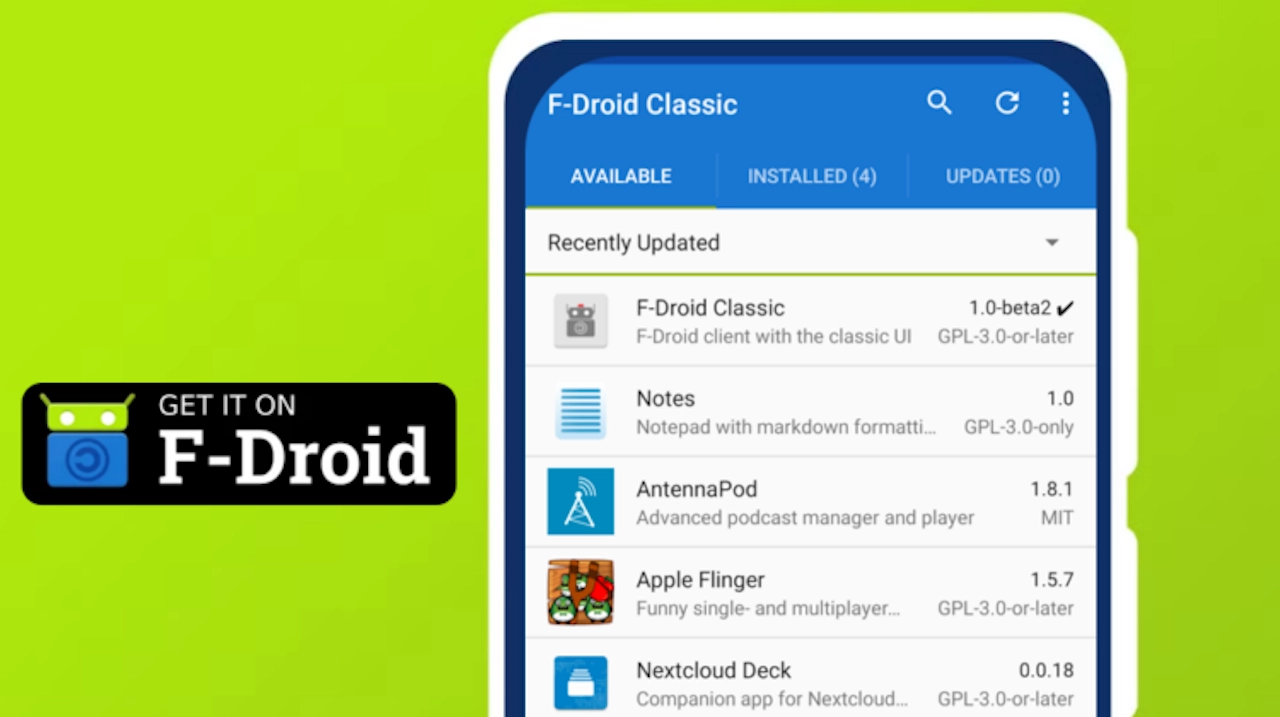
If you place a high value on privacy, or if you have already installed custom firmware like LineageOS or GrapheneOS, you should be familiar with the name F-Droid.
F-Droid doesn’t track users and keeps trackers and ad networks out of the code. Nearly a thousand apps are built directly from source code, and the project team independently reviews the source code and signature chain.
However, the problems with F-Droid are also quite obvious. Its official app still looks dated, like something from 2015. Although there are reports that they have optimized the slow page transitions and that some buttons are blocked by the bottom navigation bar on older versions of Android, the interface remains a major complaint.
The next issue is the problem of content timeliness. Many app versions on F-Droid lag far behind those on GitHub or Google Play. For example, a utility app may update weekly on GitHub, while the F-Droid version stays months behind. Many mainstream social apps aren’t available there at all.
However, despite all these flaws, for those who care deeply about data privacy and control, these shortcomings can be tolerated. After all, its core value lies in zero tracking and auditable source code.
Overall, it is not suitable for beginners. It is more suitable for those who value privacy and deeply customize their devices.
APKMirror
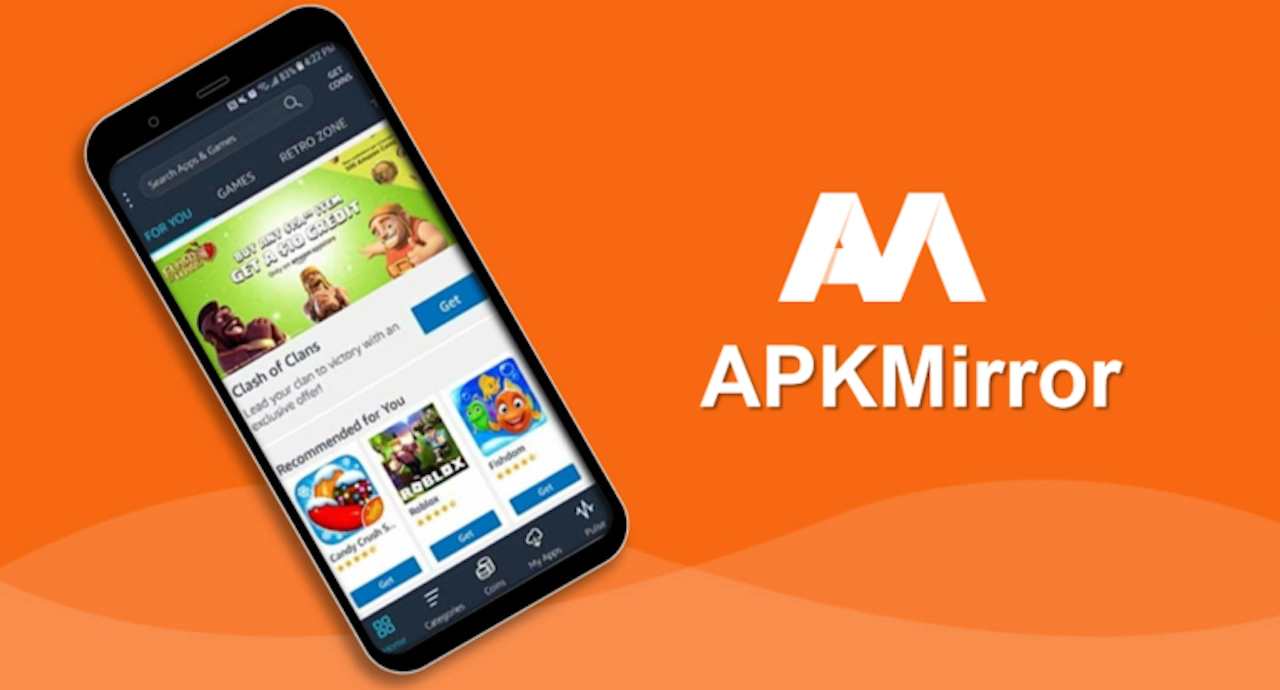
The name APKMirror might be familiar to you. It is also highly recommended by many people and is a relatively user-friendly platform for sideloading apps.
It’s run by the Android Police team. All APK files are said to undergo strict signature verification to ensure consistency with the versions distributed by Google Play. This has made it widely regarded as one of the options with cleaner and more trustworthy files in the community.
For users who need to switch between different regions, set up Google services, or repeatedly revert to an older version of an app, APKMirror is a viable alternative. It not only bypasses Google account and region restrictions but also keeps the original app intact.
However, the current mainstream third-party app stores, such as APKPure and Uptodown mentioned at the beginning of this article, have also become fairly mature in terms of security scanning, version retention, and download experience. Essentially, they can meet most users’ needs for safer sideloading. Moreover, some users complain about its ads.
Therefore, APKMirror is better suited to developers and users who don’t mind a bit more effort, as well as those who have specific requirements for cross-border apps, older versions, and purity. It is not for users who merely want to install an app and avoid ads by chance.
Aurora Store
The last one is for those who want to use Google Play but are determined not to sign up for a Google account.
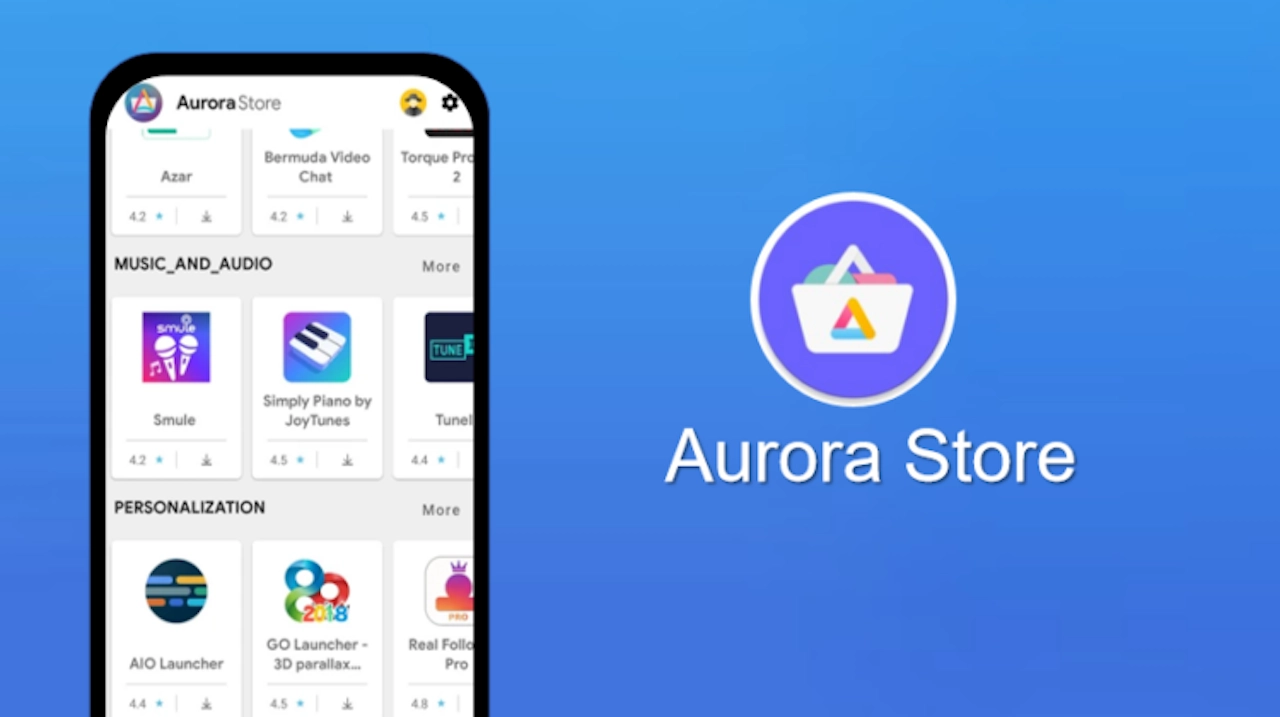
Aurora Store is a free, open-source Google Play client that works without a Google account through a third-party service. Enable Anonymous Mode to download without a Google account, and even switch regions if needed. You can make it appear as if you’re using it from the Asia-Pacific region or the U.S. to experience region-restricted beta test games.
However, the Aurora Store also has some obvious shortcomings. Compared to the complete Google Play ecosystem, it is more like a lighter alternative. It does not support downloading or updating paid apps, nor can it use functions such as in-app purchases, subscriptions, and purchase records that rely on accounts. Services related to account-based features, such as comment submission, personal information management, and recommendation algorithms, are basically unavailable. In certain devices or network environments, app search, version matching, and download stability are also slightly inferior to those of the native Google Play.
Therefore, it is more suitable for users who only care about free, low-profile use, and not wanting to bind an account. Especially for players who enjoy hands-on experience or want to bypass regional restrictions, it is a quite practical tool. However, if you heavily rely on Google accounts on a daily basis and cannot do without in-app purchases and ecosystem integration, it is not suitable to be regarded as a full replacement. It should be treated as an alternative, not a full replacement.
Choose the App Store That Works Best for You
Each store has its own strengths and weaknesses. APKPure is broad and beginner-friendly, Uptodown is clean and structured, and Aptoide gives users more freedom……
In fact, none of the stores, including Google Play, can claim to be perfect. However, there’s always one or a combination that fits your needs. Using them alongside Google Play is often the most practical approach.
Moreover, for those users who truly enjoy tinkering and having full control over their phones, this might be another highly attractive challenge. Who knows? They might just be the first to map out this new frontier of sideloading. Hope the real-world testing experiences and drawbacks mentioned in this article can help you avoid some pitfalls on sideloading.
Disclosure: Some of our articles include affiliate links. If you buy something through one of these links, Geeky Gadgets may earn an affiliate commission. Learn about our Disclosure Policy.
