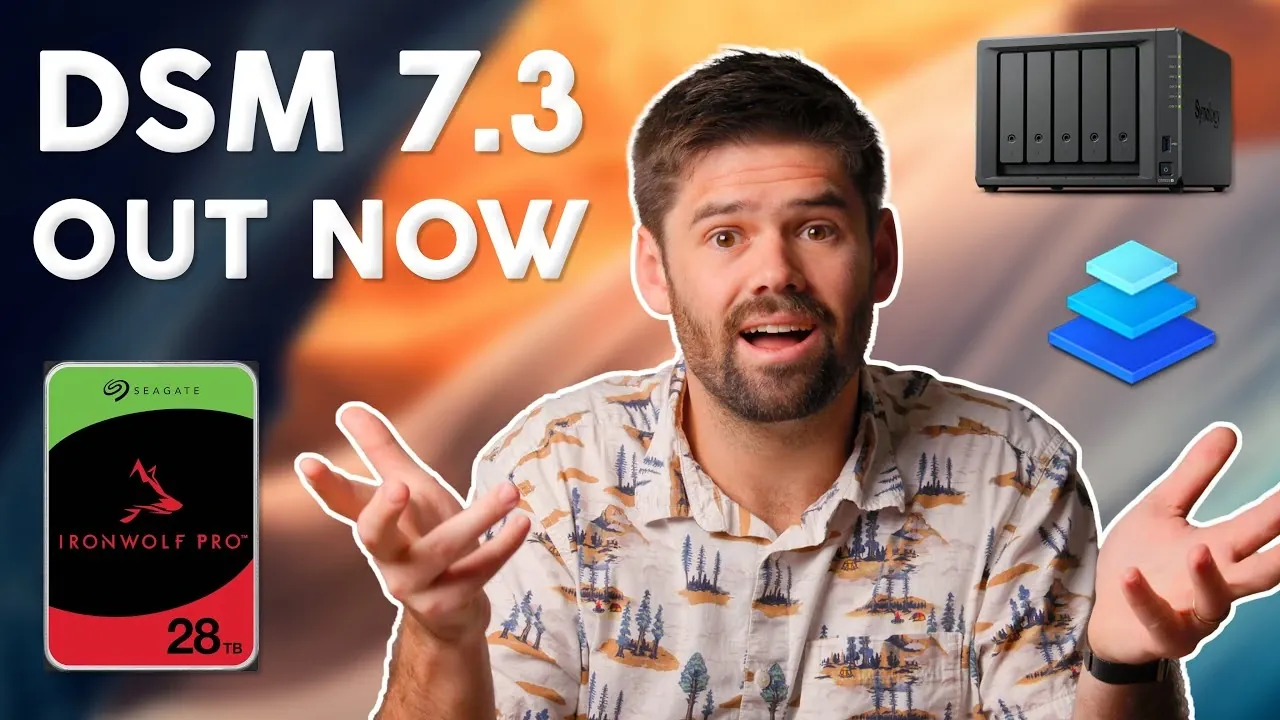
What if your storage system could be smarter, faster, and more flexible, without breaking the bank? With the release of Synology DSM 7.3, that vision is closer than ever. This update isn’t just a routine patch; it’s a fantastic option for NAS users, reintroducing third-party drive compatibility and debuting storage tiering to optimize performance and cost. But it’s not all smooth sailing, some changes, like the removal of certain codec support, may disrupt workflows. Whether you’re a seasoned NAS administrator or a casual user, DSM 7.3 demands attention, offering both exciting opportunities and critical considerations for your storage setup.
Below SpaceRex takes you through the most impactful updates DSM 7.3 brings to the table. From the newfound flexibility of using drives from various manufacturers to the efficiency of tiered storage systems, there’s much to explore. You’ll also discover how Synology’s evolving support strategy for older NAS models might affect your long-term plans and why features like the update delay functionality could be a lifesaver for production environments. As you navigate these changes, you’ll gain insights into balancing innovation with stability, because in the world of data storage, every decision counts.
Key NAS Updates in DSM 7.3
TL;DR Key Takeaways :
- DSM 7.3 reintroduces third-party drive compatibility, offering greater flexibility but requiring careful evaluation of performance and reliability risks.
- Storage tiering is introduced, dynamically optimizing performance and cost by combining SSDs and HDDs, though it is currently in beta testing.
- Support for older NAS models is being phased out, with DSM 7.3 marking the final feature update for 19-series and earlier devices, emphasizing the need for hardware upgrades.
- Codec support adjustments remove H.264 and H.265 transcoding capabilities due to licensing restrictions, impacting workflows reliant on these codecs.
- Enhanced security features include a recovery option for two-factor authentication and an update delay functionality to improve system stability in production environments.
Third-Party Drive Compatibility: Expanding Your Options
A notable highlight of DSM 7.3 is the reintroduction of third-party drive compatibility, a feature that had been restricted in previous versions. Users are no longer limited to drives listed on Synology’s official compatibility list, allowing for greater flexibility in selecting storage solutions. This change is particularly beneficial for those managing diverse or mixed storage environments, as it enables the use of drives from various manufacturers.
However, this flexibility comes with certain considerations. Using unsupported drives may lead to potential risks, such as reduced performance or reliability. Synology advises users to carefully evaluate their options, especially in production environments where system stability is critical. While this update offers cost-saving opportunities, it is essential to weigh these benefits against the potential trade-offs in performance.
Storage Tiering: Optimizing Performance and Cost
DSM 7.3 introduces storage tiering, a feature aimed at balancing performance and cost by combining SSDs and HDDs into a single, tiered storage system. This functionality dynamically moves frequently accessed files to faster SSDs while storing less-used data on high-capacity HDDs. The result is a more efficient storage solution that maximizes speed without significantly increasing costs.
Key aspects of storage tiering include:
- Dynamic file movement between SSDs and HDDs based on usage patterns, making sure optimal performance.
- Support for tiering across two NAS units, providing scalability for larger storage systems.
It is important to note that storage tiering is currently in beta testing. Users are encouraged to test this feature in non-critical environments before deploying it in production systems to ensure stability and reliability.
Synology DSM 7.3 : Surprising New NAS Features

Stay informed about the latest in Synology NAS systems by exploring our other resources and articles.
- UGREEN vs Synology: A Comprehensive NAS Comparison
- How to Set Up a Synology NAS for Family File & Media
- How to soft reset your Synology NAS if you are locked out
- Backup a Synology NAS to an external USB drive storage
- Synology NAS tips & tricks for new owners in 2024
- Synology DiskStation DS224+ and DS124 NAS storage launches
- How to add Plex hardware transcoding to your Synology NAS
- Synology DiskStation DS923+ 4 bay NAS
- How to Fix macOS Crashes with Synology NAS & Creative Software
- Synology vs TrueNAS: Best NAS for Video Editing in 2025
Changes in Support for Older NAS Models
With DSM 7.3, Synology has announced that this will be the final feature update for older NAS models, including those from the 19-series and earlier. While these devices will continue to receive security updates, no new features will be added. This marks a shift in Synology’s long-term support strategy and has significant implications for users relying on older hardware.
Additionally, automatic updates will be phased out for these models, requiring manual intervention for future updates. If you depend on older NAS devices, it is crucial to consider these changes when planning your long-term storage strategy. Upgrading to newer hardware may become necessary to access the latest features and maintain compatibility with evolving software requirements.
Codec Support Adjustments and Their Impact
DSM 7.3 introduces changes to codec support, specifically the removal of H.264 and H.265 transcoding capabilities due to licensing restrictions. This adjustment affects applications such as Synology Photos, which now rely on mobile devices for generating thumbnails. If transcoding is an integral part of your workflow, you may need to explore alternative solutions or devices to maintain functionality.
These changes highlight the importance of evaluating your current usage patterns and identifying potential adjustments to ensure a seamless transition. While the removal of codec support may pose challenges for some users, it also underscores Synology’s focus on compliance with licensing requirements.
Logical Volume Manager and XFAT Support
DSM 7.3 replaces the legacy Pedpace feature with a Logical Volume Manager (LVM) system, streamlining volume management by adopting a standardized approach. This update simplifies the process of combining multiple volumes, making it easier for users to manage their storage configurations. Additionally, XFAT support is now included by default, eliminating the need for separate installations and enhancing compatibility with external devices.
These updates are particularly beneficial for users requiring efficient and straightforward volume management. By integrating XFAT support directly into the system, Synology has reduced setup complexity, allowing for a more seamless user experience.
Enhanced Security with Two-Factor Authentication Recovery
Security enhancements in DSM 7.3 include a new recovery option for two-factor authentication (2FA). In the event of losing access to your primary 2FA method, emergency one-time passwords (OTPs) can now be sent to your registered email address. This feature provides an additional layer of security and convenience, making sure that you can regain access to your system in critical situations.
This improvement reflects Synology’s commitment to strengthening security measures while maintaining user accessibility. By offering a reliable recovery option, DSM 7.3 addresses a common pain point for users relying on 2FA for system protection.
Update Delay Functionality for Improved Stability
To enhance system stability, DSM 7.3 introduces an update delay feature. This functionality allows users to postpone updates by up to 14 days, providing time for potential issues to surface and be resolved before applying changes. This is particularly advantageous for users managing production environments, where uninterrupted operation is essential.
By allowing controlled update deployment, this feature minimizes the risk of disruptions caused by unforeseen compatibility issues or software bugs. It is a practical addition for users prioritizing stability and reliability in their NAS systems.
PHP Version Updates and Compatibility
DSM 7.3 also includes updates to PHP support, discontinuing older versions such as PHP 8. Users running web applications on their Synology NAS will need to upgrade to newer PHP versions to maintain compatibility and security. This change emphasizes the importance of keeping software up to date to mitigate vulnerabilities and ensure optimal performance.
For users relying on PHP-based applications, planning and executing these updates is essential to avoid disruptions and maintain system functionality. Regularly reviewing and updating software dependencies is a best practice for making sure long-term system security and stability.
Practical Steps for Implementation
To make the most of the enhancements introduced in DSM 7.3, consider the following steps:
- Test new features, such as storage tiering, in controlled environments before deploying them in production systems.
- Evaluate the implications of codec support changes and explore alternative solutions if necessary.
- Plan for the gradual phase-out of feature updates for older NAS models and consider upgrading hardware if required.
- Carefully assess third-party drive options to balance cost efficiency with performance and reliability.
By taking a proactive approach, you can optimize your NAS setup and ensure a smooth transition to the latest features and functionalities offered by DSM 7.3.
Media Credit: SpaceRex
Disclosure: Some of our articles include affiliate links. If you buy something through one of these links, Geeky Gadgets may earn an affiliate commission. Learn about our Disclosure Policy.
