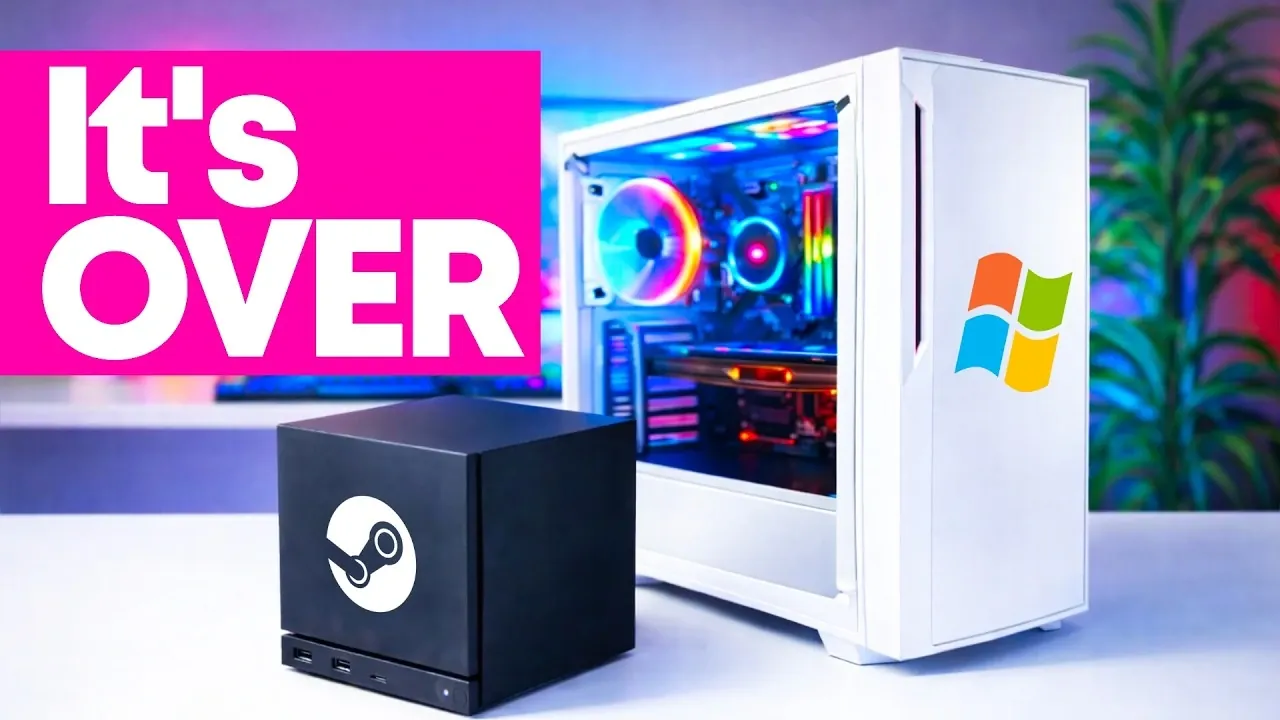
Could a Linux-based operating system really replace Windows for gaming? Deck Ready takes a closer look at how SteamOS, Valve’s gaming-focused OS, is carving out a space as a legitimate alternative to Microsoft’s Windows 11. With its sleek integration of gaming libraries, optimized performance for AMD hardware, and support for high-resolution gameplay, SteamOS is more than just a niche experiment, it’s a bold contender. But it’s not without its quirks. From compatibility challenges to the occasional need for manual tweaks, this feature explores whether SteamOS can truly deliver on its promise to redefine gaming and desktop computing.
In this breakdown, you’ll discover what makes SteamOS a compelling choice for gamers and why it’s generating buzz as a viable Windows replacement. Whether you’re intrigued by its streamlined gaming experience, curious about its desktop functionality, or wondering how it handles demanding titles, this guide covers it all. But is it ready to meet the diverse needs of modern users? Or does its Linux foundation still leave gaps for those tied to Windows-specific software and peripherals? As SteamOS continues to evolve, its potential to reshape the gaming landscape is undeniable, raising the question of whether it’s time to rethink what your PC runs on.
SteamOS : Windows 11 Gaming Alternative
TL;DR Key Takeaways :
- SteamOS is a Linux-based operating system designed for gamers, offering seamless integration with gaming libraries, optimized performance for AMD hardware, and robust hardware support.
- It provides a user-friendly installation process and automatically detects additional storage devices, simplifying setup for users with minimal technical expertise.
- SteamOS delivers high-resolution gaming performance (up to 1440p at 60 FPS) and supports a wide range of controllers, but some games may require manual adjustments for optimal performance.
- Beyond gaming, SteamOS supports popular desktop applications like Discord, YouTube, and OBS, and features Steam Input for controller-based navigation and typing.
- Challenges include limited compatibility with certain anti-cheat systems, time-consuming shader processing, and restricted support for specialized peripherals, though ongoing updates aim to address these issues and expand its capabilities.
Why Consider SteamOS?
SteamOS is purpose-built for gamers, offering features that cater to both casual and dedicated players. Its design prioritizes gaming performance and usability, making it an attractive choice for those looking to move away from Windows. Key benefits include:
- Seamless integration with existing gaming libraries, making sure easy access to your favorite titles.
- Optimized performance for AMD CPUs and GPUs, delivering smooth gameplay experiences.
- Support for essential desktop applications, allowing multitasking beyond gaming.
The operating system’s user-friendly setup and focus on gaming make it particularly appealing for users who value simplicity and performance. Whether you are a casual gamer or a dedicated enthusiast, SteamOS offers a tailored experience that aligns with your needs.
Installation and Setup: A Smooth Start
Installing SteamOS is a straightforward process, thanks to the availability of the SteamOS recovery image. The installation process is designed to be intuitive, allowing users to quickly set up the operating system on their PCs. AMD hardware, in particular, benefits from full support, making sure optimal performance right out of the box. While Intel systems are also compatible, users may notice that performance is not as finely tuned as it is for AMD-based setups.
SteamOS simplifies the integration of your existing game libraries by automatically detecting additional SSDs and storage devices. This feature eliminates the need for manual configuration, allowing you to start gaming with minimal effort. The ease of installation and setup makes SteamOS accessible even to users who may not have extensive technical expertise.
SteamOS can Replace Windows!

Discover other guides from our vast content that could be of interest on SteamOS.
- SteamOS 3.8 AMD Ryzen Mini PC for Gaming and 4K Editing
- SteamOS vs Windows : Dual Boot AMD PC 4K Gaming Benchmarks
- SteamOS Beta Improves Deck Performance, Adds Support for Old
- Windows 11 vs SteamOS : Which Wins on the Ally X?
- SteamOS 3.8 Performance on ROG Xbox Ally X: A Detailed Review
- ROG Flow Z13 Tablet Loaded with SteamOS 3.9, 1440p Gaming
- Lenovo Legion Go 2 SteamOS vs Windows
- SteamOS Legion Go S Review : Performance & Battery Life Tested
- ROG Ally X Performance Playing Doom Dark Ages With SteamOS 3 8
- SteamOS May Soon Support Windows Games
Gaming Performance: Built for Gamers
SteamOS is designed to deliver exceptional gaming performance, making it a strong contender for gamers seeking an alternative to Windows. The platform supports high-resolution gaming, with the ability to run games at 1440p resolution and 60 frames per second on maximum settings. This level of performance ensures a smooth and immersive gaming experience.
Key features that enhance gaming performance include:
- Shader caching technology, which reduces stuttering in demanding titles, particularly those built on Unreal Engine 5.
- Support for a wide range of controllers, including DualSense, Xbox, and Nintendo Switch controllers, making sure compatibility with your preferred input devices.
However, some games with Steam Deck-specific presets may require manual adjustments to achieve optimal performance. While these tweaks can be time-consuming, they do not detract significantly from the overall gaming experience. SteamOS remains a reliable and enjoyable platform for gaming enthusiasts.
Beyond Gaming: Desktop Functionality
SteamOS is not limited to gaming; it also supports a range of desktop applications, making it a versatile operating system for everyday use. Popular tools such as Discord, YouTube, and OBS are fully compatible, allowing users to communicate, consume media, and stream or record gameplay with ease.
One standout feature is the integration of Steam Input, which enables users to navigate and type using a controller. This functionality reduces the reliance on traditional peripherals like keyboards and mice, enhancing the platform’s usability. Combined with broad controller compatibility, SteamOS offers a seamless experience for both gaming and non-gaming tasks.
Audio and Peripheral Support
SteamOS excels in audio and peripheral compatibility, working seamlessly with most headphones, keyboards, mice, and controllers. This ensures that users can enjoy a hassle-free experience when connecting their devices. However, certain niche setups, such as racing wheels or other specialized hardware, may require Windows-specific software to function properly. This limitation could be a drawback for users with advanced or specialized peripheral needs.
Challenges and Limitations
While SteamOS offers numerous advantages, it is not without its challenges. Some of the most notable limitations include:
- Incompatibility with certain anti-cheat systems, which prevents some multiplayer games from running on the platform.
- Time-consuming Vulkan shader processing, particularly during the initial setup of some games, which can delay gameplay.
- Limited support for advanced or specialized peripherals, which may deter users with specific hardware requirements.
These issues highlight areas where SteamOS still lags behind Windows. For users who rely heavily on Windows-only games, software, or peripherals, these limitations may be significant enough to outweigh the platform’s benefits.
The Road Ahead: Future Prospects
The future of SteamOS appears promising, with Valve actively working on updates to enhance its features and capabilities. The anticipated release of the Steam Machine, a dedicated gaming console powered by SteamOS, could further solidify its position as a viable alternative to Windows. As compatibility and features continue to expand, SteamOS is likely to attract a broader audience, including gamers and non-gamers alike.
Valve’s commitment to improving the platform suggests that SteamOS will continue to evolve, addressing its current limitations and introducing new features. This ongoing development positions SteamOS as a platform with significant potential to reshape the landscape of gaming and desktop computing.
Is SteamOS Right for You?
SteamOS is an excellent choice for users with AMD-based PCs who are seeking a streamlined, gaming-focused alternative to Windows. Its strong gaming performance, robust hardware support, and ease of use make it a competitive option for gamers. Additionally, its support for essential desktop applications adds versatility, making it suitable for a range of tasks beyond gaming.
However, if you rely heavily on Windows-only games, software, or peripherals, SteamOS may not yet meet all your needs. Despite its limitations, the platform’s ongoing development and growing feature set make it an intriguing option for the future. As SteamOS continues to evolve, it has the potential to become a leading choice for gamers and desktop users alike.
Media Credit: Deck Ready
Disclosure: Some of our articles include affiliate links. If you buy something through one of these links, Geeky Gadgets may earn an affiliate commission. Learn about our Disclosure Policy.
