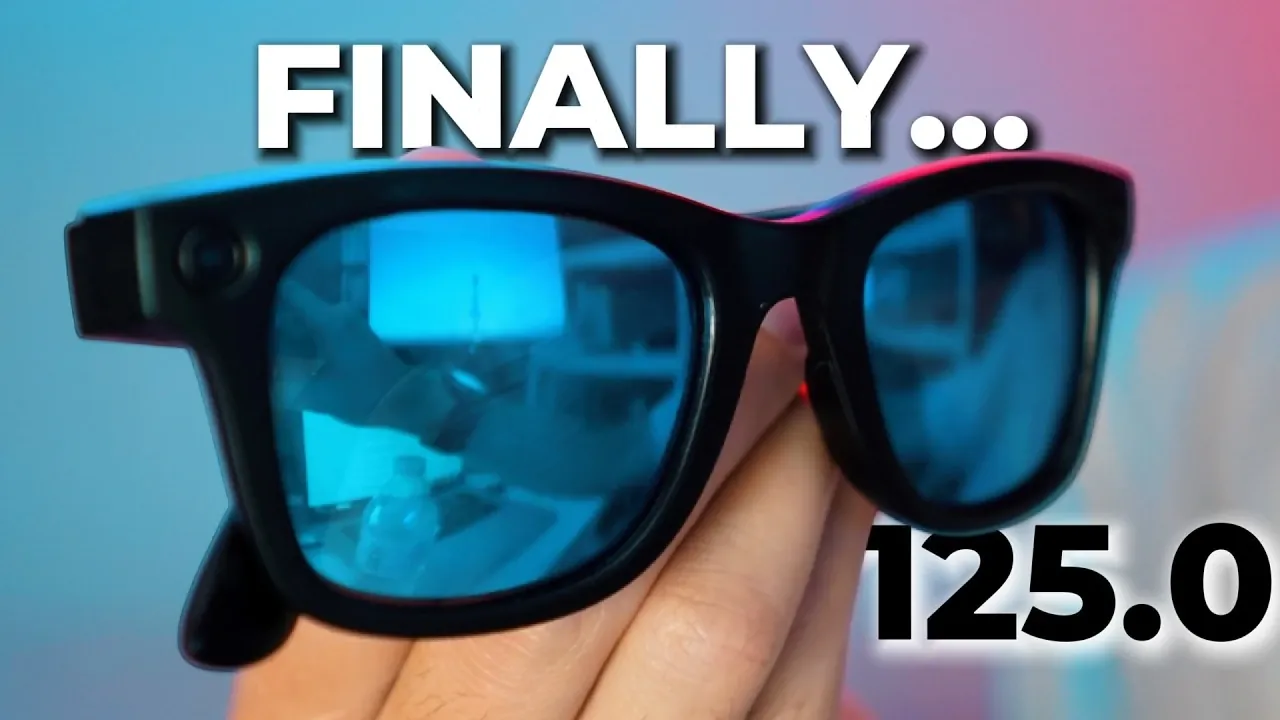
The Ray-Ban Meta 125.0 update brings several new features to the Gen 1 and Gen 2 smart glasses, focusing on improving their functionality and user experience. Steven Sullivan examines these changes, including auto-capture, email integration, and scene detection, which aim to simplify everyday tasks. However, some features face challenges in execution. For example, the auto-capture function, designed to autonomously record important moments, often struggles with accuracy and consistency, even when used alongside Garmin devices. These issues highlight potential limitations in the update’s practical application.
Dive into the specifics of this update to better understand its impact. Explore why certain features, like email integration and scene detection, may not perform as expected. The overview also considers risks such as reduced reliability in existing features after the update, providing a clear breakdown to help you evaluate whether the 125.0 update meets your needs.
Update 125 Features
TL;DR Key Takeaways :
- The Ray-Ban Meta 125.0 update introduces new features like auto-capture, email integration and scene detection, but their real-world performance often falls short of expectations.
- The LED blocker accessory stands out as a reliable and effective tool for enhancing privacy, delivering consistent performance amidst other underwhelming features.
- Auto-capture, designed to document key moments autonomously, struggles with accuracy and reliability, even when paired with Garmin devices.
- Email integration with Meta AI faces significant stability issues, making it unreliable for tasks like reading, drafting and sending emails.
- Scene detection and auto-exposure improvements show limited practical benefits, with persistent issues like overexposure in bright conditions and inconsistent optimization across environments.
Email Integration with Meta AI: Potential Undermined by Instability
The integration of Meta AI-powered email functionality was intended to streamline tasks such as reading, drafting and sending emails directly from the glasses. However, many users have encountered significant reliability issues. Even after proper setup, integration with popular platforms like Gmail and Outlook frequently fails, rendering the feature inconsistent at best. For users who rely on email for productivity, this aspect of the update may prove more frustrating than helpful, undermining its potential to simplify communication.
Auto-Capture: Convenience That Falls Short
The auto-capture feature was introduced to simplify the process of documenting daily highlights by autonomously recording key moments. While the concept is appealing, the execution leaves much to be desired. The update claims to enable this feature without requiring a Garmin watch, but the results are often disappointing. Even when paired with Garmin devices, users overview frequent mislabeling of activities and missed opportunities to capture meaningful moments. For those hoping to effortlessly document their lives, this feature may feel more like a missed opportunity than a practical enhancement.

Here are more detailed guides and articles that you may find helpful on Ray-Ban Meta.
- Meta’s Ray-Ban Gen 3 Smart Glasses to Feature Screenless Design
- Ray-Ban Meta Smart Glasses Just Got the Ultimate Lens Upgrade
- Ray-Ban Meta 124.0 Update Quietly Unlocks 5-Minute Video Recording
- 5 Smart Glasses Tested: Why an $89 Pair Beats Ray-Ban Meta
- Why These 5 Ray-Ban Meta Accessories Are Essential For 2026
- Move Over, Ray-Ban Meta: Samsung’s AI Galaxy Smart Glasses Are Finally Coming This Year
- How Meta’s Ray-Ban Display Redefines Augmented Reality Wearables
- Ray-Ban Meta 123.1 Update Fixes a Major AI Annoyance
- Rokid vs Ray-Ban Meta : Which AI Glasses Win?
- Rokid Al Glasses vs Ray-Ban Meta : Which Should You Actually Buy?
Scene Detection and Auto-Exposure: Limited Practical Benefits
The update also introduces enhancements to scene detection and auto-exposure, aimed at improving visual clarity in various conditions. While auto-exposure performs well in specific scenarios, such as snowy environments, it struggles in bright outdoor settings where overexposure remains a persistent issue. Similarly, scene detection, designed to optimize visuals across diverse environments, delivers inconsistent results. Although these features show promise, their limited practical benefits may not justify the update for most users.
Functionality Risks: Potential Drawbacks to Consider
Beyond the underwhelming performance of the new features, the update introduces risks that could compromise existing functionalities. Users have reported several issues, including:
- Meta AI becoming unresponsive or ceasing to function entirely after the update.
- Celebrity voice features, a popular customization option, no longer working for some users.
- Decreased reliability of auto-capture when paired with Garmin watches.
These problems highlight the potential downsides of the update, which may negatively impact the overall user experience and reliability of the glasses.
Is the Update Worth It? A Careful Consideration
Given the widespread issues and the limited improvements offered by the Ray-Ban Meta 125.0 update, it may not be the best choice for most users at this time. Unless you have a specific need for features like enhanced auto-exposure in niche scenarios such as snowboarding, it might be wiser to wait for a subsequent update, such as version 125.1, which could address these shortcomings. For now, the risks and inconsistencies appear to outweigh the potential benefits, making this update a cautious proposition.
Balancing Innovation with Execution
The Ray-Ban Meta 125.0 update introduces several innovative features aimed at enhancing the functionality of the brand’s smart glasses. However, the inconsistent performance of these features diminishes their overall value. While the LED blocker accessory remains a reliable and practical addition, most other updates fail to meet expectations or are too situational to be broadly useful. If you’re considering this update, it’s essential to carefully evaluate the potential risks and benefits, as it may not deliver the seamless improvements you anticipate.
Media Credit: Steven Sullivan
Disclosure: Some of our articles include affiliate links. If you buy something through one of these links, Geeky Gadgets may earn an affiliate commission. Learn about our Disclosure Policy.
