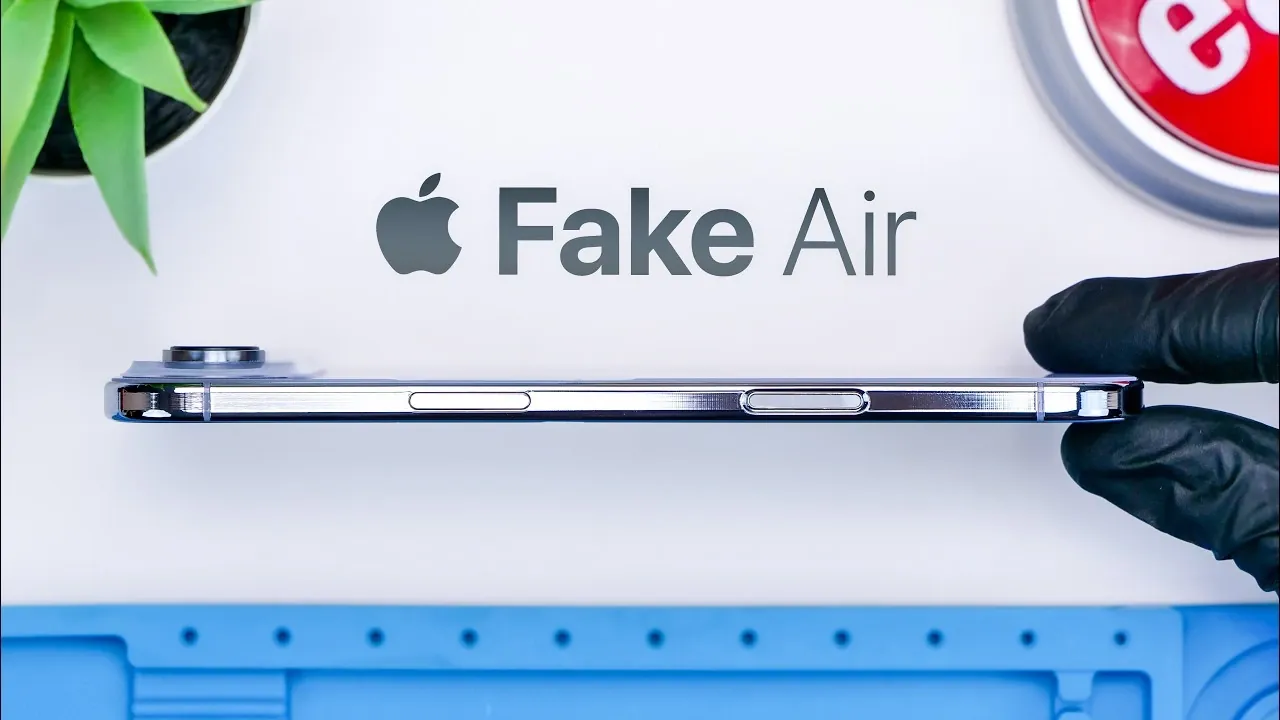
Counterfeit iPhones have reached a new level of sophistication, with the latest fake iPhone Air posing a significant challenge for unsuspecting buyers. These replicas are designed to closely mimic the appearance and functionality of genuine Apple devices, making them harder to detect at first glance. However, they fall short in critical areas, such as build quality, internal components, and software performance. Recognizing these discrepancies is essential to avoid scams and ensure you purchase authentic products. The video below from Phone Repair Guru gives us a look at one of these fake devices and how to spot the difference between this and the real iPhone.
Spotting Packaging Red Flags
The packaging of counterfeit iPhones is often designed to deceive, closely resembling the authentic Apple box. However, there are subtle but critical differences that can help you identify a fake device before unboxing it:
- Authentic Apple boxes feature high-quality reflective text and UV-reactive QR codes that are difficult to replicate.
- Counterfeit packaging often uses stickers for product details instead of the printed, high-quality finishes found on genuine boxes.
By carefully examining the packaging for these details, you can spot potential red flags and avoid purchasing a counterfeit product.
Design and Build Quality
At first glance, the fake iPhone Air impresses with its sleek and lightweight design, closely mirroring the dimensions of the real model. However, a closer inspection reveals several flaws that betray its counterfeit nature:
- The camera bump lacks the precision and polished finish characteristic of genuine Apple craftsmanship.
- The overall build quality feels less refined, with minor imperfections in materials and assembly that are absent in authentic devices.
While these physical inconsistencies may not be immediately obvious, they become apparent upon closer examination, serving as clear indicators of a counterfeit device.
Internal Components: A Closer Look
The internal hardware of the fake iPhone Air further exposes its counterfeit nature. Despite its convincing exterior, the device’s internal components reveal significant differences:
- The internal design is simplified, with fewer components compared to the genuine model.
- Although the device appears to have multiple camera lenses, only one camera is functional.
- The battery capacity is larger than that of the real iPhone Air, but this does not translate to better performance or reliability.
These discrepancies highlight the device’s inability to match the quality, functionality and durability of an authentic iPhone.
Software and Functionality
One of the most striking differences between the fake iPhone Air and a genuine Apple device lies in its operating system. While the counterfeit device mimics iOS in appearance, it is actually running an Android-based system with several noticeable inconsistencies:
- App icons and menus are designed to resemble iOS but behave differently during use, revealing the underlying Android system.
- The fake device includes a SIM card tray, unlike the real iPhone Air, which is eSIM-only.
- Powered by a MediaTek 6735 chip, the device offers basic performance that is smoother than older counterfeits but still far below the standards of a genuine iPhone.
These software flaws become evident during everyday use, making the counterfeit nature of the device apparent to users familiar with Apple’s seamless interface.
Performance and Usability
While the fake iPhone Air is capable of performing basic tasks such as calling, texting and light gaming, its overall performance is underwhelming compared to a genuine iPhone. Key limitations include:
- The camera produces poor-quality images, particularly in low-light conditions, falling far short of Apple’s advanced camera technology.
- Software inconsistencies disrupt the user experience, making it difficult to achieve the smooth and intuitive functionality that Apple devices are known for.
Although the fake device may appear convincing at first, its limitations quickly become evident, making it unsuitable for users seeking the premium experience of an authentic iPhone.
How to Protect Yourself
To avoid falling victim to counterfeit products, it is crucial to remain vigilant and informed. Here are key steps to protect yourself when purchasing an iPhone:
- Carefully examine the packaging for high-quality finishes, reflective text and UV-reactive QR codes.
- Inspect the device for build quality, paying close attention to details such as the camera bump, materials and overall finish.
- Test the software for inconsistencies, such as unusual app behavior, menu layouts, or performance issues.
- Always purchase from authorized retailers or directly from Apple to ensure the authenticity of the product.
By following these steps and staying alert, you can avoid scams and make informed purchasing decisions, making sure that you invest in a genuine, high-quality device.
Understanding the Risks of Counterfeit Devices
The rise of counterfeit iPhones, such as the fake iPhone Air, underscores the importance of being an informed consumer. While these replicas have become more convincing in their appearance and functionality, they still fall short in critical areas, including packaging, design, internal components and software. By recognizing these flaws and taking precautions, you can protect yourself from counterfeit devices and ensure that your investment goes toward a genuine product that delivers the quality and performance you expect from Apple.
Source & Image Credit: Phone Repair Guru
Disclosure: Some of our articles include affiliate links. If you buy something through one of these links, Geeky Gadgets may earn an affiliate commission. Learn about our Disclosure Policy.
