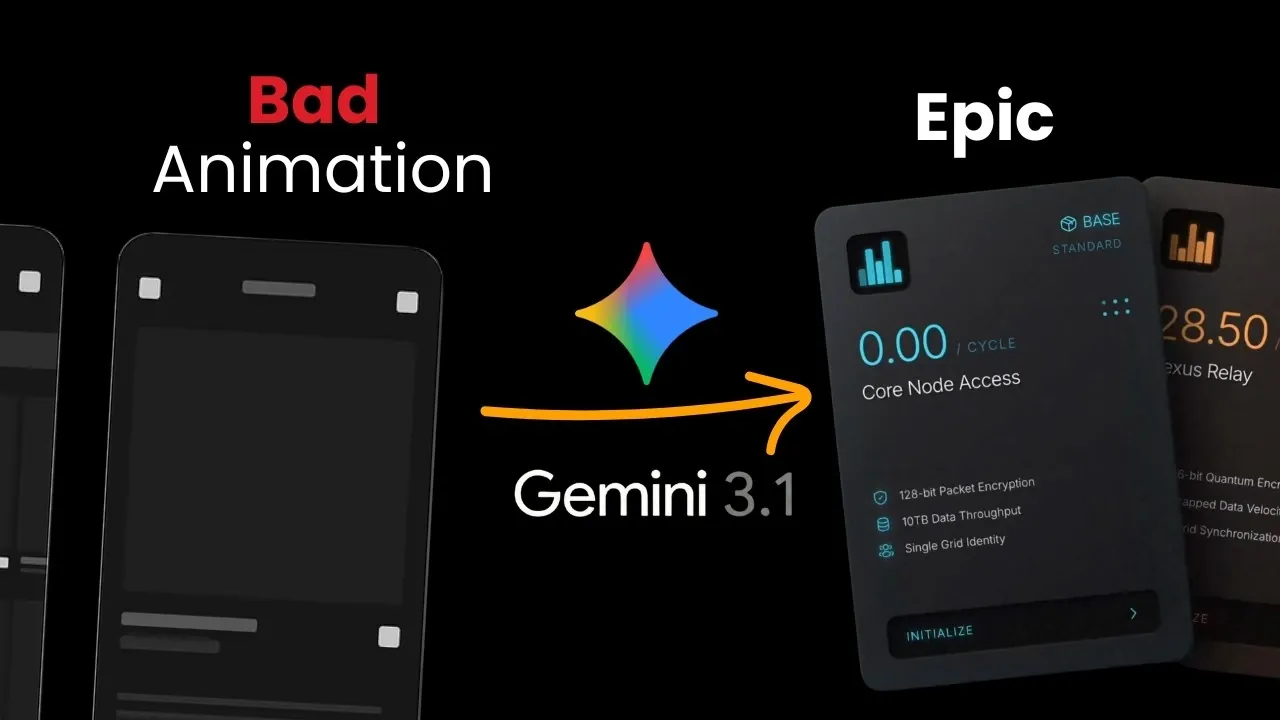
Creating epic animations with Gemini 3.1 requires a balance of creativity, technical precision and structured planning. As outlined by AI Jason, one key strategy is using scene-based prompts, which allow you to break down complex projects into smaller, manageable components. This approach ensures that animations maintain a cohesive flow and align with your creative vision, even for intricate projects like product launch videos. By specifying details such as timing, UI states and special effects, you can guide Gemini 3.1 to produce polished results with minimal revisions.
Below learn how to craft effective scene-based prompts, including techniques for defining actions, transitions and visual effects. The guide also explores how to incorporate spatial thinking to enhance the interaction between elements within a scene. Additionally, you’ll see how Super Design’s Chrome extension can streamline your workflow by cloning UI components with precision. By following these steps, you can create animations that are both visually compelling and professionally refined.
Mastering Gemini 3.1 Animation
TL;DR Key Takeaways :
- Scene-based prompts are essential for creating professional-grade animations, as they help break down complex projects into manageable components, making sure clarity and precision.
- Spatial thinking is crucial for cohesive animations, focusing on how objects, movements and effects interact within a scene to minimize revisions and enhance design quality.
- Key elements like timing, UI states, actions and special effects must be clearly defined for each scene to maintain a seamless narrative and visual consistency.
- Advanced tools like Super Design’s Chrome extension and skill library streamline the animation process by allowing precise UI cloning, offering templates and providing creative suggestions.
- A structured workflow involving meticulous planning, iterative testing and using advanced tools ensures visually stunning and functionally precise animations with Gemini 3.1 Pro.
Overcoming Challenges in Animation Creation
Animation creation often presents unique challenges, especially when prompts are vague or lack structure. Without clear and detailed instructions, the system may generate animations that are disjointed or fail to align with your creative vision. To address this, adopting a spatial thinking approach is crucial. Spatial thinking involves considering how objects, movements and effects interact within a scene, making sure that every element contributes meaningfully to the overall design. This mindset not only enhances the cohesion of your animations but also minimizes the need for extensive revisions.
The Role of Scene-Based Prompts in Animation Design
Scene-based prompts are a cornerstone of professional animation design, allowing creators to break down complex projects into manageable components. This method ensures clarity, precision and a logical flow throughout the animation. For instance, when designing a product launch video, you can outline each scene with specific details to guide the animation process effectively:
- Timing: Specify the duration of actions, transitions and effects to maintain a seamless flow between scenes.
- UI States: Define the appearance, behavior and transitions of user interface elements to ensure consistency.
- Actions: Describe the movements, interactions, or behaviors of objects within the scene to align with your narrative.
- Special Effects: Incorporate enhancements such as 3D rotations, fade-ins, or particle effects to elevate the visual appeal.
Using precise keywords like “3D rotation” or “fade-in effect” in your prompts allows Gemini 3.1 to interpret and execute your ideas with greater accuracy. This level of detail reduces the likelihood of errors, minimizes the need for revisions and ensures a cohesive final product that aligns with your vision.
Gemini 3.1 Pro Animation Guide for Cleaner, More Consistent Motion
Discover other guides from our vast content that could be of interest on Gemini 3.
- Gemini 3 Guide, from Coding to 3D Visuals with AI Studio
- Gemini 3.5 Leak Details, Early Tests Show Mixed Performance
- Gemini 3.5 vs GPT-5 vs Claude : Early Scores & Speed Insights
- Google Gemini 3.5 Leak : Fierce Falcon vs Ghost Falcon
- Gemini 3.1 Pro Leak: Third-Party Benchmark Listing Suggests Updates
- ChatGPT 5.2 vs Gemini 3 : Coding, Math, and Vision Results
- Google’s Secret Gemini 3 Pro GA Models Leaked
- Gemini 3.5 vs GPT-5.1 High: Coding, Design, and Test Results
- Gemini 3 Benchmarks & Spatial Reasoning Beyond Human Scores
- Gemini 3.5 Models Tested on Alamarina and Google AI Studio
Steps to Create Effective Animations
To streamline your workflow and achieve professional results, follow these structured steps:
- Plan Each Scene: Divide your animation into individual scenes, outlining the key components and objectives of each. This approach ensures clarity and consistency across the project.
- Define Key Elements: For every scene, specify critical details such as timing, UI states, actions and special effects. This helps maintain a cohesive narrative and visual style.
- Use Advanced Tools: Use tools like Super Design’s Chrome extension to clone UI components with precision, making sure your animations adhere to design specifications and maintain visual consistency.
- Test and Refine: Review your animations at each stage to identify areas for improvement. Iterative testing ensures that the final product meets professional standards.
By adhering to this structured workflow, you can reduce errors, save time and focus on the creative aspects of your project. This methodical approach ensures that your animations are both visually stunning and functionally precise.
Enhancing Animations with Super Design Tools
Super Design offers a suite of tools designed to elevate your animation projects. The Chrome extension, for example, enables you to clone UI components with pixel-perfect accuracy, making sure visual consistency across all scenes. Additionally, the skill library provides pre-designed templates and prompts that can serve as a foundation for your animations, saving time and effort during the initial stages of design. Features like Inspire Mode offer creative suggestions and help refine your concepts, making it easier to achieve professional results.
These tools not only simplify the animation process but also empower you to focus on creativity and execution. By integrating Super Design’s resources into your workflow, you can enhance the quality and efficiency of your projects, making sure that your animations meet the highest standards of professionalism.
Crafting Professional-Grade Animations
Achieving professional-grade animations with Gemini 3.1 Pro requires a combination of detailed planning, structured workflows and the effective use of advanced tools. Scene-based prompts play a pivotal role in breaking down complex projects into manageable components, making sure clarity and precision throughout the animation process. Tools like Super Design’s Chrome extension and skill library further simplify the workflow, allowing you to focus on creativity and execution.
Whether you’re creating product launch videos or other professional projects, this approach ensures that your animations are visually compelling and functionally precise. By combining technical expertise with creative vision, Gemini 3.1 Pro provides everything you need to produce animations that captivate audiences and meet professional standards.
Media Credit: AI Jason
Disclosure: Some of our articles include affiliate links. If you buy something through one of these links, Geeky Gadgets may earn an affiliate commission. Learn about our Disclosure Policy.
