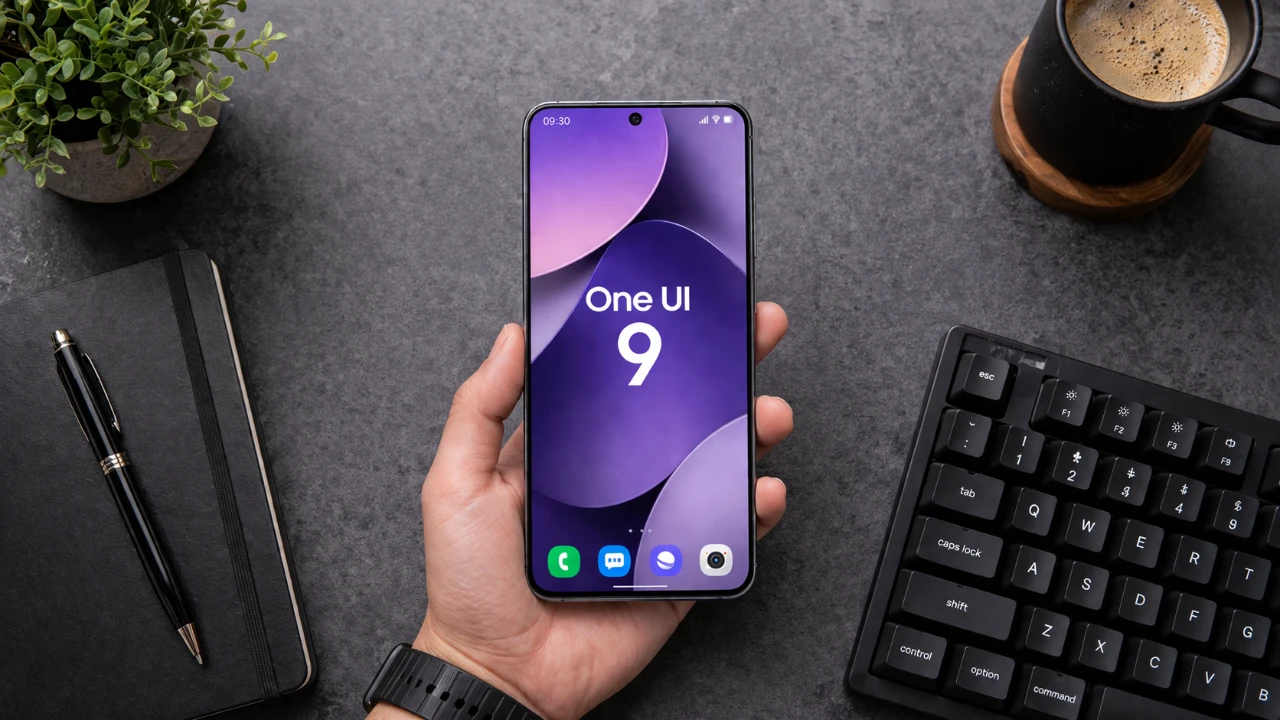
The new Samsung One UI 9 has been leaked, built on the foundation of Android 17, offering a suite of features designed to enhance usability, personalization, and seamless integration across the Galaxy ecosystem. With innovations ranging from NFC file sharing to AI-powered tools, this update provides a forward-looking glimpse into Samsung’s evolving software experience. Below is an in-depth exploration of the standout features and improvements introduced in this release. The video below from AppX gives us more details on what to expect from One UI 9.
Effortless File Sharing with NFC
One of the most practical additions to One UI 9 is NFC-based file sharing, which simplifies the process of transferring files between Galaxy devices. By simply tapping two compatible devices together, users can instantly share photos, videos, documents, and even contact profiles. This eliminates the need for cumbersome pairing processes or third-party apps, making file sharing faster, more intuitive, and ideal for both personal and professional use.
Dynamic Clock Font for a Personalized Touch
Customization takes center stage with the introduction of a dynamic clock font for the lock screen. This feature allows the clock to adapt its appearance based on your wallpaper, seamlessly adjusting to match colors, objects, and even landscapes. This subtle yet impactful enhancement ensures that your device feels uniquely tailored to your preferences, adding a layer of personalization that enhances the overall user experience.
Revamped Lock Screen and Quick Panel
The lock screen and quick panel have been redesigned to improve both aesthetics and functionality. The lock screen now features new music player animations, adding a visually engaging element to your listening experience. Meanwhile, the quick panel has been reorganized for greater usability. Key controls, such as volume and dark mode, are now separated from the brightness slider, offering a more intuitive and streamlined way to manage your device settings.
Flexible Widget Options for Your Home Screen
Widgets in One UI 9 are more versatile than ever, giving users greater control over their home screen layout. You can now choose from three distinct widget shapes: pill-shaped, square, and rectangle. This flexibility allows you to create a home screen that is both functional and visually appealing, making sure that your device adapts to your specific needs and preferences.
Gallery App Gets a Modern Makeover
The gallery app has received a significant visual update, incorporating frosted glass and blur effects for image previews. This modern design not only enhances the aesthetic appeal of the app but also improves usability by helping you focus on selected images. Browsing through your photo collection becomes a more enjoyable and immersive experience, with the updated interface offering a sleek, polished look.
Customizable Weekly Weather Forecast
The weather app now includes a customizable weekly forecast view, allowing you to personalize how weather data is displayed. Whether you prefer a detailed breakdown or a simplified overview, this feature ensures that you stay informed about upcoming weather conditions in a way that aligns with your preferences. This added customization makes the app more user-friendly and practical for daily planning.
Pro Video Mode Adds New Frame Rate Options
For video enthusiasts and creators, the camera app now offers expanded options in Pro Video mode. Users can record videos in Full HD at 50 or 25 frames per second, providing greater control over the style and quality of their footage. These additional frame rate options cater to a variety of creative needs, from cinematic projects to everyday video recording, making sure that your content stands out.
AI-Powered Security and Smarter Assistance
Samsung has placed a strong emphasis on security and AI-driven functionality in One UI 9. The new “AI Agent Activity” feature allows you to monitor how AI interacts with your device, providing greater transparency and control over data access. Additionally, the upcoming “Ask AI” feature in Samsung Internet promises to deliver smarter, more efficient browsing assistance. By using AI, this tool aims to streamline your online experience, making it easier to find information and complete tasks.
What’s Next for One UI 9?
The first build of One UI 9 underscores Samsung’s commitment to delivering a more intuitive, personalized and secure user experience. Features like NFC file sharing, adaptive design elements, and AI-powered tools highlight the company’s focus on innovation and usability. As future updates roll out, users can anticipate further refinements and enhancements that will continue to elevate the Galaxy ecosystem, making sure that Samsung devices remain at the forefront of mobile technology.
Here are more detailed guides and articles that you may find helpful on One UI 9.
- One UI 9 Leaks: New Features Coming to Galaxy Phones
- Samsung Galaxy Buds 4 Pro: Features, Launch Date and Pricing
- Samsung Galaxy S26 Ultra Leaks: Charging, Colors, One UI 8.5
- 5 Reasons the Samsung Galaxy S26 Ultra Redefines Smartphones
- Samsung Galaxy Watch 9: Leaks, Specs and Release Date
Source & Image Credit: AppX
Disclosure: Some of our articles include affiliate links. If you buy something through one of these links, Geeky Gadgets may earn an affiliate commission. Learn about our Disclosure Policy.
