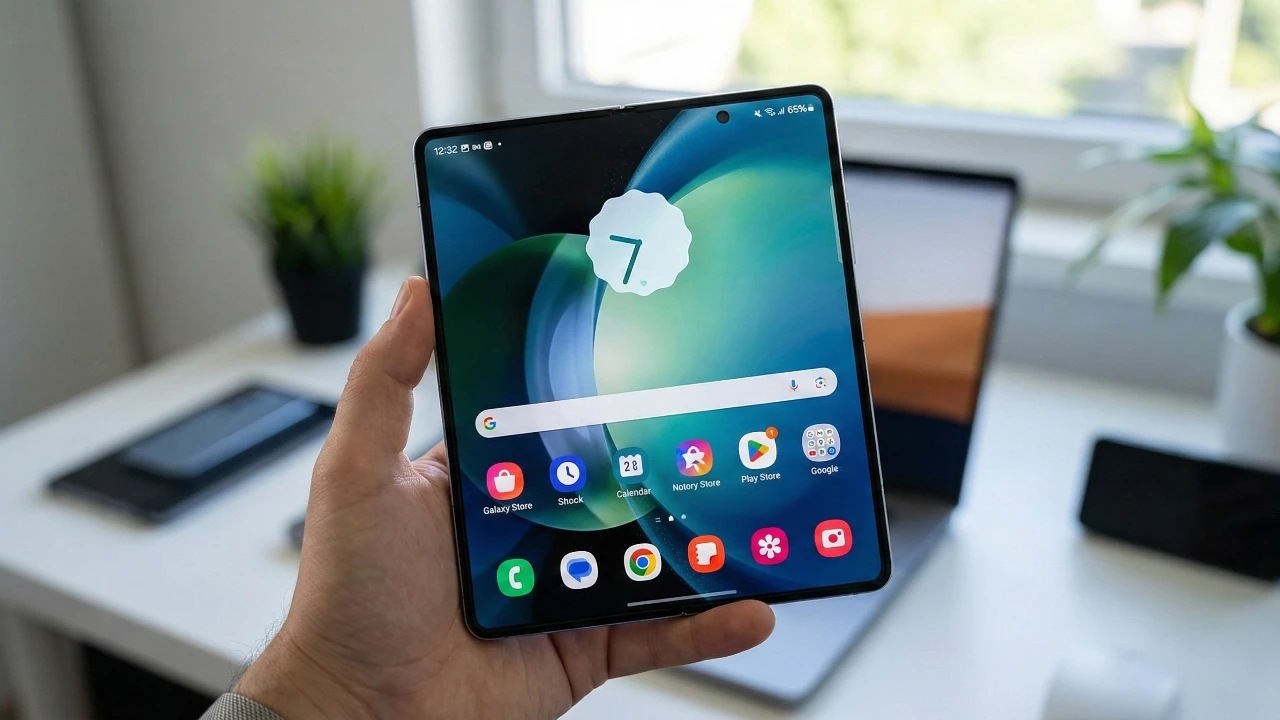
Samsung has introduced significant updates to its One UI 8.5 interface (currently in beta) , focusing on improving customization and usability for Galaxy device users. These updates, particularly through the enhanced HomeUp module, aim to provide a more personalized and efficient experience. Whether you prioritize functionality, aesthetics, or a balance of both, the new features offer greater control over how your device operates and appears. The video below from AppX gives us more details on these updates for One UI 8.5.

Customizable Folder Layouts: Organize Your Apps with Precision
The updated HomeUp module brings advanced folder customization options, allowing you to organize your apps in a way that aligns with your preferences. A new “Custom” option enables you to choose from various folder layouts, such as 3×2, 4×2, or vertical arrangements, offering flexibility in how your apps are displayed. Additionally, you can resize folder icons to better match your visual style, making sure of a cohesive look across your home screen. For further personalization, the blur effect on folder backgrounds can now be toggled on or off, giving you the choice between a clean, minimalist appearance or a more dynamic aesthetic.
Widgets: Enhanced Adaptability for Your Home Screen
Widgets have become more versatile and adaptable in One UI 8.5. You can now adjust their content size to better fit your home screen layout, with scaling options such as 80%, 90%, or 110%. Unlike previous versions, these adjustments apply universally, simplifying the customization process and making sure consistency. Additionally, the option to remove blur effects from widgets enhances clarity, creating a seamless and visually appealing interface. These improvements make widgets not only functional but also better integrated into your device’s overall design.
Edge Panel Redesign: Optimized Multitasking at Your Fingertips
The edge panel has undergone a comprehensive redesign, making it more intuitive and functional for multitasking. You can now integrate apps, shortcuts, and favorite contacts directly into the panel, providing quick access to frequently used features. The updated layout supports scrolling through recent apps and displays more icons, improving multitasking efficiency. Furthermore, the edge touch width is now adjustable, making sure that the panel remains easily accessible regardless of your screen size or how you hold your device. These enhancements streamline multitasking, allowing you to navigate your device with greater ease and efficiency.
Gesture Control Refinements: Tailored Navigation Options
Samsung has refined gesture controls in One UI 8.5 to offer smoother navigation and greater customization. A new toggle allows you to enable or disable the gesture for switching to the previous app, catering to users who prefer gesture-based navigation while accommodating those who favor a more static interface. These refinements ensure that navigation feels intuitive and responsive, adapting to your individual preferences and usage habits.
Share Manager Updates: Simplified and Streamlined Sharing
Sharing content has been made more efficient with updates to the share menu. The introduction of a “Direct Share Exclusion List” allows you to exclude specific apps from appearing in the share menu, reducing clutter and making it easier to find the apps you use most frequently. Additionally, you can now reorder applications in the share menu, prioritizing the ones you rely on for sharing content. These updates simplify the sharing process, saving you time and effort while making sure that your most-used apps are always within reach.
A Comprehensive User-Centric Experience
Samsung’s One UI 8.5, enhanced by the updated HomeUp module, delivers a suite of features designed to improve both functionality and personalization. From customizable folder layouts and widget adjustments to a redesigned edge panel and refined gesture controls, these updates empower you to tailor your Galaxy device to your unique needs and preferences. Whether you prioritize aesthetics, efficiency, or a combination of both, these enhancements reflect Samsung’s commitment to providing a user-centric experience that adapts to your lifestyle.
Browse through more resources below from our in-depth content covering more areas on Samsung Galaxy One UI 8.5.
- Samsung One UI 8.5: Best Features for Galaxy Users
- Samsung Galaxy S26 Ultra Leaks: Charging, Colors, One UI 8.5
- Samsung One UI 8.5 vs 8.0: Key Features and Updates
- Samsung One UI 8.5 Beta 1: Full Feature Breakdown and Updates
- Bye-Bye Battery Drain: Samsung Galaxy One UI 8.5 Beta 3 Finally
Source: AppX
Disclosure: Some of our articles include affiliate links. If you buy something through one of these links, Geeky Gadgets may earn an affiliate commission. Learn about our Disclosure Policy.
