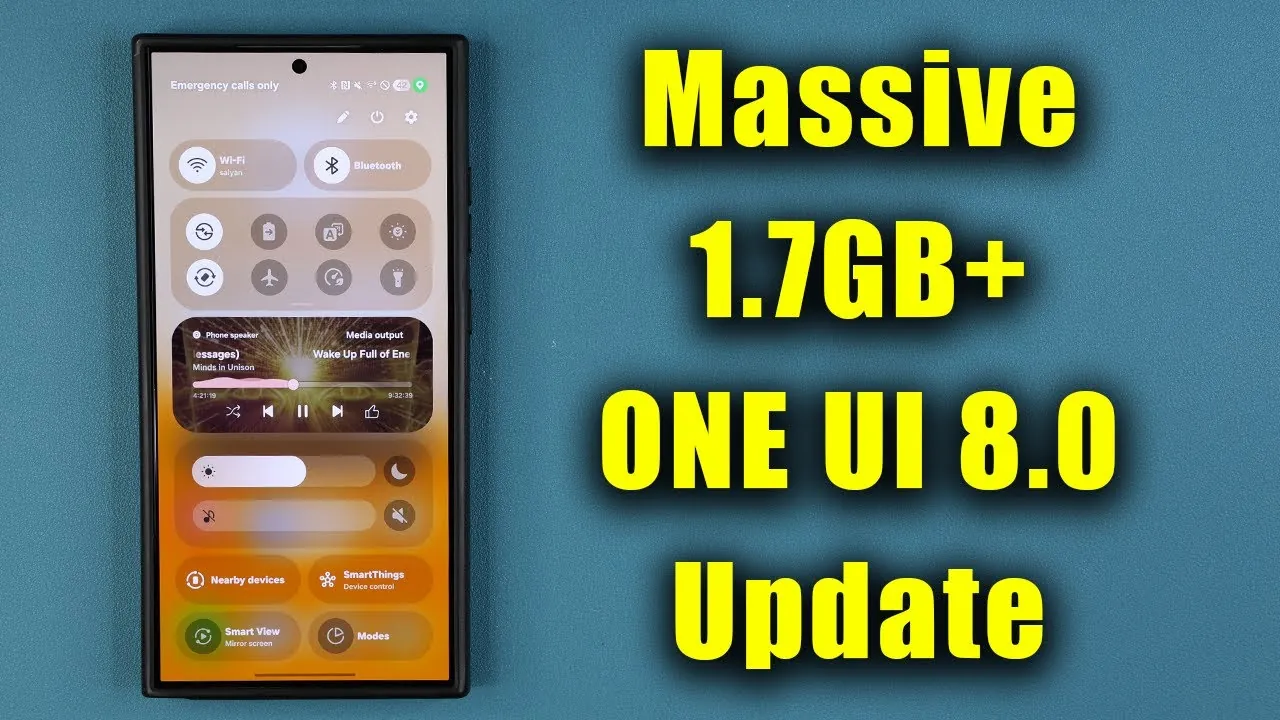
Samsung has released the fifth beta of its One UI 8.0 for the Galaxy S25 series, offering a comprehensive package of updates designed to enhance performance and address user-reported issues. This substantial 1.7GB update integrates Android 16 and includes the August 2025 security patch, reflecting Samsung’s ongoing commitment to improving its flagship devices. While many bugs have been resolved, a few minor issues persist, particularly with the lock screen clock. Below is an in-depth look at the key features and improvements introduced in this beta release in a new video from Sakitech.

Key Bug Fixes and Enhancements
The latest beta focuses on resolving persistent issues and refining the overall user experience. Several critical fixes and improvements have been implemented, including:
- Hotspot connectivity errors that previously disrupted internet sharing have been resolved, ensuring a more reliable connection for users.
- Overlapping elements in the quick settings and notification windows have been corrected, resulting in a cleaner and more intuitive interface.
- Lock screen clock font size inconsistencies, a frequent user complaint, have been addressed to improve visual uniformity.
- Color distortion issues affecting the 100x zoom feature, particularly for moon photography, have been fixed, enhancing the camera’s performance.
- The “Now Brief” disappearing issue has been partially resolved, though minor glitches on the lock screen persist.
- Air Command functionality exceptions and issues with capturing screenshots in the secure folder have been eliminated, improving usability for advanced features.
These updates demonstrate Samsung’s responsiveness to user feedback and its dedication to delivering a polished experience for Galaxy S25 users.
Enhanced Stability and Performance
In addition to bug fixes, this beta introduces significant improvements in system stability and performance. Key enhancements include:
- System app updates ensure seamless operation and compatibility with the latest software changes.
- Optimized Galaxy Store functionality, offering a smoother and more user-friendly experience when downloading or updating apps.
- Smoother UI animations and transitions, which make the device feel more responsive and polished during everyday use.
These refinements collectively contribute to a more stable and reliable user experience, reinforcing the Galaxy S25 series’ reputation as a premium device. By addressing performance bottlenecks and enhancing usability, Samsung has taken a significant step toward delivering a refined software experience.
Persistent Issues and Areas for Improvement
Despite the extensive improvements, a few issues remain unresolved in this beta release. The lock screen clock continues to exhibit occasional lag and inconsistencies, which can detract from the otherwise smooth interface. Additionally, some update descriptions lack sufficient clarity, leaving users uncertain about the specifics of certain changes. These minor shortcomings highlight areas where further refinement is needed, and they serve as a reminder that beta software is still a work in progress. Samsung is expected to address these issues in subsequent updates as it moves closer to the final release.
Maximizing the Benefits of the Update
To fully use the improvements introduced in this beta, users should take a few proactive steps:
- Update system apps via the Galaxy Store to ensure compatibility with the latest software changes and to enhance overall performance.
- Regularly check for additional updates or patches that may address remaining issues or further optimize the device’s functionality.
- Provide feedback through Samsung’s beta program to help the company identify and resolve any lingering problems.
By following these steps, you can ensure that your Galaxy S25 device operates at its best, taking full advantage of the smoother animations, improved transitions, and enhanced stability introduced in this update.
Looking Ahead
Samsung’s One UI 8.0 beta for the Galaxy S25 series represents a significant step forward in software development. By addressing critical bugs, improving system stability, and refining UI elements, this update enhances the device’s functionality and usability. While some minor issues persist, the overall improvements provide a strong foundation for the final release. If you are part of the beta program, installing this update is highly recommended to experience the latest advancements firsthand and contribute to the ongoing refinement of Samsung’s software ecosystem.
Dive deeper into Samsung One UI 8.0 Beta with other articles and guides we have written below.
- Samsung Expands One UI 8.0 Beta to More Galaxy Devices
- Samsung Galaxy S24 Ultra One UI 8.0 Beta Update: Features
- Samsung One UI 8.0 Beta 3 Update: Features, Fixes, and More
- One UI 8 Beta: Everything You Need to Know
- Samsung One UI 8 Beta Features and Device Compatibility
Source & Image Credit: sakitech
Disclosure: Some of our articles include affiliate links. If you buy something through one of these links, Geeky Gadgets may earn an affiliate commission. Learn about our Disclosure Policy.
