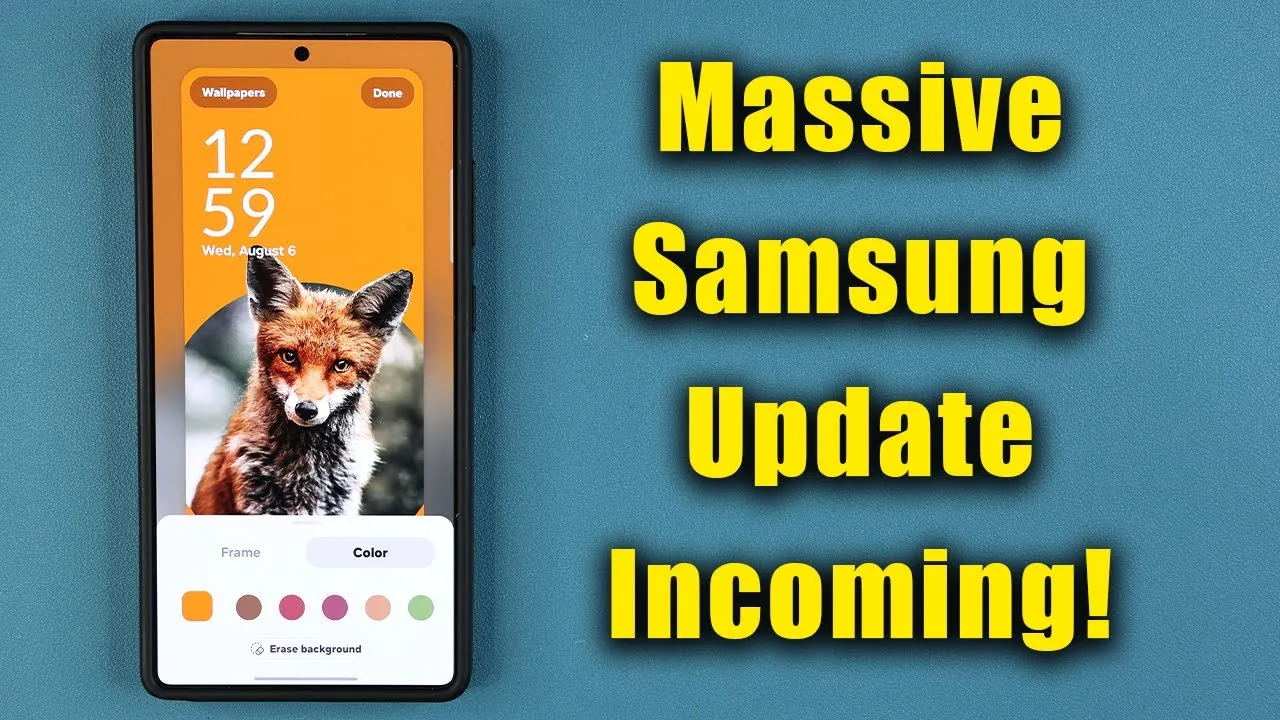
Samsung has significantly expanded the availability of its One UI 8.0 beta program, providing a broader range of Galaxy device users with early access to its latest software. This update introduces a suite of features designed to enhance multitasking, improve device functionality, and offer greater customization options. If you own a compatible Galaxy device, you can participate in the beta program through the Samsung Members app, allowing you to explore these updates ahead of the official release. The video below from Sakitech gives us more details about the update.

Which Devices Are Eligible?
The rollout of the One UI 8.0 beta program is being conducted in phases, beginning with Samsung’s flagship models and gradually extending to other devices. Here’s the current timeline:
- August: The beta program launched for the Galaxy S24, Z Fold 6, and Z Flip 6 in select regions, including South Korea, the United States, and the United Kingdom.
- September: The program expanded to include the Galaxy S23 series, Z Fold 5, Z Flip 5, and mid-range A-series models such as the A36 5G, A55 5G, A35 5G, and A54.
Samsung has announced plans to extend the beta program to additional devices and regions in the coming weeks. This staggered rollout allows the company to identify and address potential issues, making sure a smoother user experience before the stable version is officially released.
What’s New in One UI 8.0?
The One UI 8.0 update introduces a variety of features aimed at improving productivity, customization, and integration across Samsung’s ecosystem. These updates are designed to make devices more versatile and user-friendly. Key highlights include:
- Enhanced Multitasking: The split-screen functionality has been improved, allowing users to adjust focus areas more intuitively. This makes multitasking smoother and more efficient, particularly for those who frequently switch between apps.
- Camera App Upgrades: New customizable swipe gestures provide quicker access to essential controls. Additionally, performance improvements enhance the overall usability of the camera app, making it more responsive and reliable.
- Lock Screen Customization: New tools, such as a background eraser and zooming options, enable users to personalize their lock screens with greater precision and creativity.
- Galaxy Buds Quick Access: A dedicated menu in the settings simplifies the management of Galaxy Buds, streamlining the process of connecting and adjusting settings for these wireless earbuds.
These features reflect Samsung’s commitment to delivering meaningful updates that cater to a wide range of user needs, from multitasking professionals to those who prioritize personalization.
How to Join the Beta Program
For those interested in experiencing One UI 8.0 before its official release, enrolling in the beta program is a straightforward process. Here’s how you can participate:
- Open the Samsung Members app on your Galaxy device and log in with your Samsung account.
- Navigate to the beta program section within the app and follow the on-screen instructions to register your device.
- Once registered, you will receive an over-the-air update, allowing you to download and install the beta software.
It’s important to note that beta software is still under development and may contain bugs or performance issues. If your device is critical for daily tasks, you may prefer to wait for the stable release, which is expected later this year for flagship models like the Galaxy S25 series.
Updates for Galaxy Watches and Wearables
The One UI 8.0 update extends beyond smartphones, with Samsung also focusing on improvements for its Galaxy Watch lineup and other wearables. While specific details about the new features for wearables have not yet been disclosed, Samsung has emphasized its goal of enhancing integration between Galaxy devices. These updates aim to create a more seamless and interconnected experience for users who rely on multiple Samsung products, such as smartphones, smartwatches, and earbuds.
Why This Matters
The One UI 8.0 beta program highlights Samsung’s ongoing efforts to refine its software and deliver updates that enhance the overall user experience. Whether you’re a power user seeking to optimize multitasking or someone who values customization, this update offers a range of features tailored to diverse needs. By participating in the beta program, users not only gain early access to these innovations but also contribute valuable feedback that helps Samsung improve the final release.
As the rollout progresses, it’s essential to stay informed about announcements regarding device eligibility and regional availability. Samsung’s phased approach ensures that potential issues are addressed early, resulting in a polished and reliable experience for all users. The One UI 8.0 update represents a significant step forward in Samsung’s software evolution, reinforcing its commitment to delivering meaningful improvements across its ecosystem.
Explore further guides and articles from our vast library that you may find relevant to your interests in Samsung One UI 8.0.
- Samsung One UI 8.0 Beta 3 Update: Features, Fixes, and More
- Samsung One UI 8.0 vs. One UI 7.0: Key Features
- Major Security Enhancements Planned for Samsung One UI 8
- Samsung One UI 8 Features: Top 10 Updates You Should Know
- One UI 8.0 Beta 2 Update: Features, Fixes, and Improvements
Source & Image Credit: sakitech
Disclosure: Some of our articles include affiliate links. If you buy something through one of these links, Geeky Gadgets may earn an affiliate commission. Learn about our Disclosure Policy.
