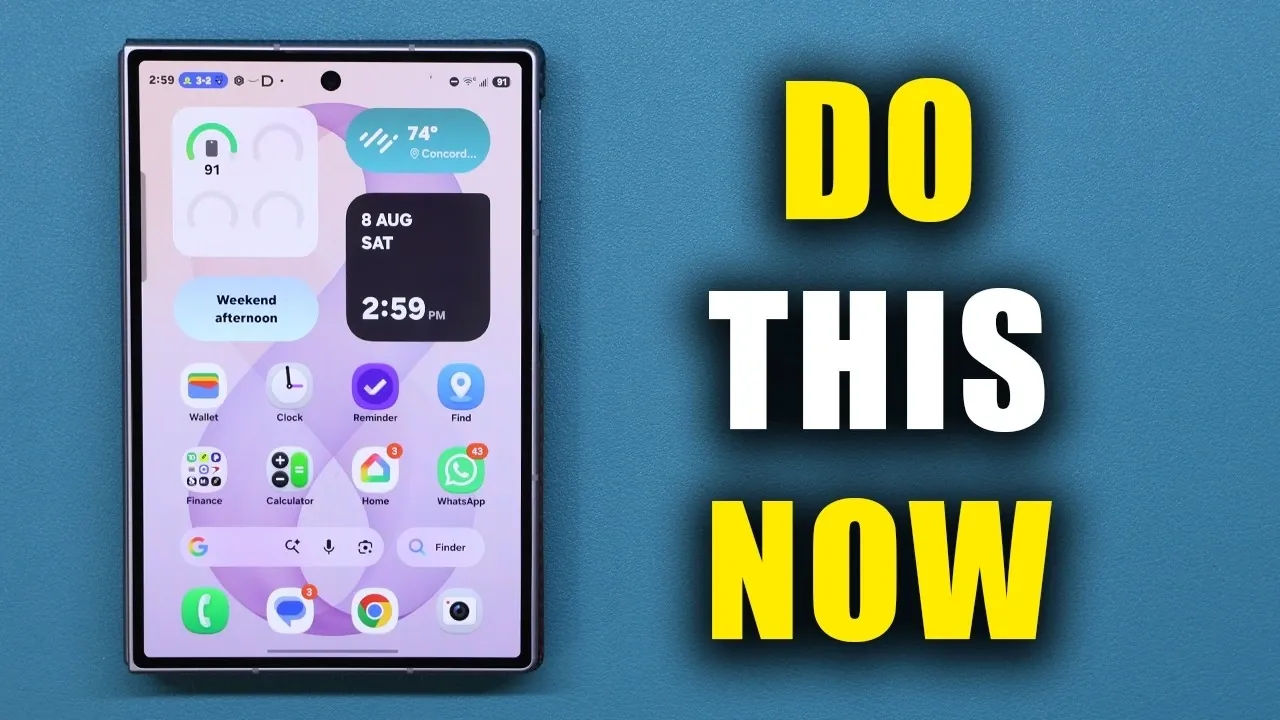
The Samsung Galaxy Z Fold 8 is a remarkable device that combines advanced technology with exceptional versatility. To fully harness its capabilities, it’s essential to explore its features, optimize its settings, and adopt best practices. The video below from Sakitech provides practical tips to enhance your experience, improve performance, and ensure the longevity of your device.

Maximizing Battery Life
The battery is a critical component of the Galaxy Z Fold 8, and proper care can significantly extend its lifespan. By implementing a few key strategies, you can maintain optimal performance:
- Enable the battery protection feature to limit charging to 85%, which helps prevent overcharging and reduces long-term wear on the battery.
- Choose between basic or maximum protection settings depending on your charging habits and daily usage patterns.
- Avoid frequent deep discharges; instead, aim to keep the battery level between 20% and 80% for healthier long-term performance.
By following these steps, you can ensure your device remains reliable and efficient for years to come.
Personalizing Your Device
Customizing the Galaxy Z Fold 8 allows you to create a device that reflects your preferences and enhances usability. Here are some ways to make it uniquely yours:
- Configure the side button to quickly access essential apps like the flashlight, camera, or calculator, saving time and effort.
- Set distinct wallpapers for the inner and outer displays, with up to four designs to suit your style and mood.
- Adjust navigation settings by selecting between button navigation or swipe gestures for a more intuitive experience.
- Customize the taskbar to include your most-used apps, allowing seamless multitasking and quicker access to frequently used tools.
These personalization options not only enhance functionality but also make your device feel truly tailored to your needs.
Boosting Multitasking Efficiency
The Galaxy Z Fold 8 is designed to excel in multitasking, making it ideal for productivity and entertainment. Use its advanced features to streamline your workflow:
- Enable split-screen multitasking to run two apps side by side, or take it further with three-way split-screen functionality for even greater efficiency.
- Use this feature to perform tasks such as comparing documents, watching videos while browsing, or managing multiple apps simultaneously.
- Customize cover screen mirroring to maintain separate layouts for the inner and outer displays, making sure a consistent and adaptable user experience.
These tools make the Galaxy Z Fold 8 a powerful companion for both work and leisure, allowing you to accomplish more in less time.
Using Built-in Tools and Features
The Galaxy Z Fold 8 is equipped with a variety of built-in tools designed to simplify your daily tasks and enhance your overall experience:
- Activate edge panels for quick access to utilities such as a compass, flashlight, ruler and tally counter, all conveniently available with a swipe.
- Enhance your audio experience by allowing Dolby Atmos and fine-tuning the equalizer settings to suit your headphones or speakers.
- Boost video brightness for improved visibility in bright outdoor conditions, making sure a clear and vibrant viewing experience.
These features are designed to save time and make your interactions with the device more intuitive and enjoyable.
Maintaining Performance and Security
To keep your Galaxy Z Fold 8 running smoothly and securely, regular maintenance is essential. Here are some key practices to follow:
- Add the device care widget to your home screen for one-tap optimization of RAM, storage and overall system performance.
- Enable built-in malware protection to perform daily scans, safeguarding your device against potential threats and vulnerabilities.
- Ensure your charger supports the super-fast 45W charging capability to efficiently replenish your battery when needed.
By adopting these measures, you can maintain peak performance and protect your data from potential risks.
Understanding Durability and Usage Limits
The Galaxy Z Fold 8 is built with durability in mind, but understanding its limitations is crucial for proper care:
- Take advantage of its IP48 water and dust resistance, which offers protection against splashes and light dust exposure.
- However, avoid submerging the device in water or exposing it to extreme conditions, as it is not fully waterproof.
- Follow the manufacturer’s care guidelines to preserve its resistance and prevent accidental damage.
By handling your device responsibly, you can ensure it remains functional and reliable over time.
Exploring Additional Features
The Galaxy Z Fold 8 offers a range of additional features that enhance convenience and usability, making everyday tasks more efficient:
- Customize the keyboard layout to match your typing preferences, with options for standard, split, or floating layouts.
- Add a Finder search bar to your home screen for quick access to apps, settings and files, streamlining navigation.
- Experiment with advanced settings to further personalize your device and optimize its functionality to suit your needs.
These features provide added flexibility and convenience, allowing you to get the most out of your device.
By implementing these tips and exploring the Galaxy Z Fold 8’s capabilities, you can unlock its full potential. From optimizing battery life to enhancing multitasking and personalizing your device, these strategies ensure a seamless and tailored experience. With proper care and thoughtful customization, the Galaxy Z Fold 8 can serve as a reliable and versatile tool for both work and play.
Source & Image Credit: sakitech
Disclosure: Some of our articles include affiliate links. If you buy something through one of these links, Geeky Gadgets may earn an affiliate commission. Learn about our Disclosure Policy.
