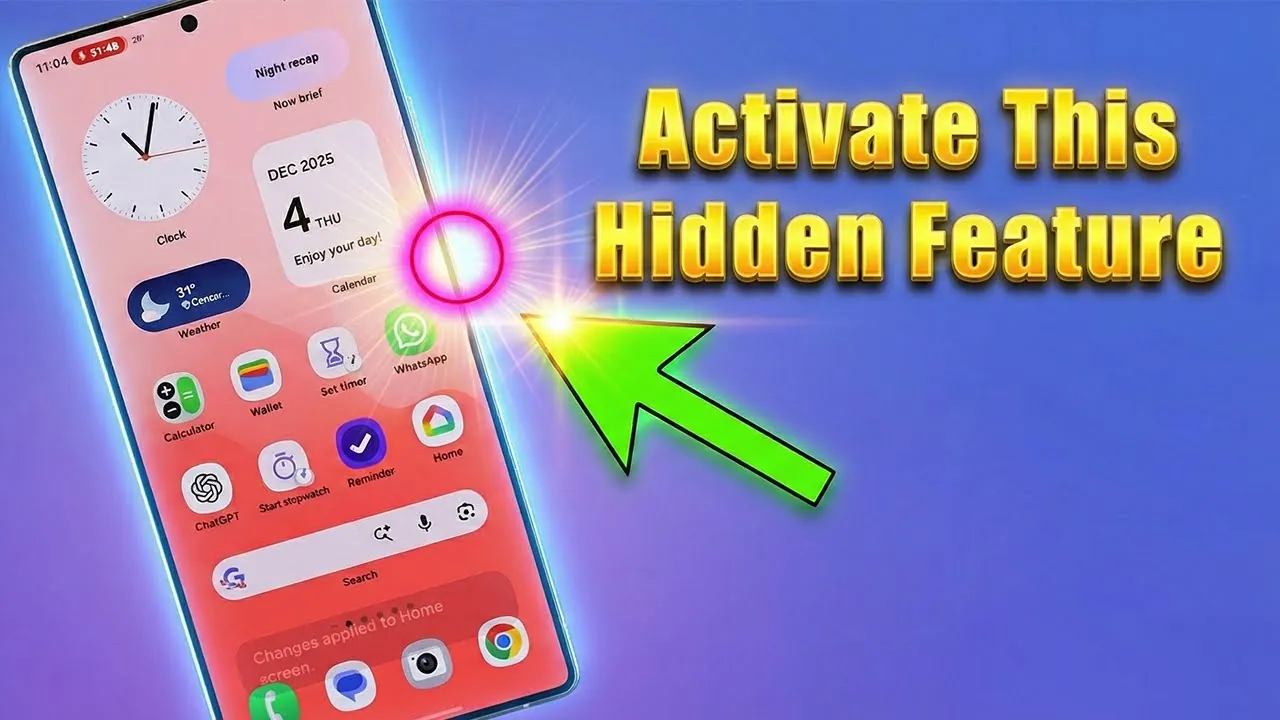
Your Samsung Galaxy smartphone holds a wealth of features designed to make your life easier, and one of its most underrated tools is the side button. While many users see it as just a power button or a way to summon Bixby, this button is actually highly customizable. With a few simple adjustments, you can transform it into a shortcut for essential tasks like turning on the flashlight, launching the camera, or starting a voice recorder—even when your phone is locked. This guide will help you unlock the full potential of this versatile feature. The video below from Sakitech gives us more details.

Why Customize the Side Button?
The side button is more than a standard power or assistant key—it’s a gateway to a more streamlined smartphone experience. Customizing it allows you to access your most-used features with just a quick double press, saving time and effort. Whether you need to light up a dark space, capture a fleeting moment, or record an idea on the fly, this feature ensures that your favorite tools are always at your fingertips. By tailoring the side button to your needs, you can make your device work smarter for you.
Practical Uses for the Customizable Side Button
The side button can be configured to perform a variety of tasks, making it a valuable tool for everyday use. Here are some of the most practical ways to use it:
- Flashlight Activation: Turn on your flashlight instantly in low-light situations without navigating through menus.
- Voice Recorder Shortcut: Start recording voice memos or ideas with a simple double press, perfect for capturing thoughts on the go.
- Camera Quick Access: Launch your camera in seconds to ensure you never miss an important moment.
Flashlight: Illuminate Your Surroundings
Assigning the flashlight to the side button is an incredibly useful feature, especially in low-light scenarios. With just two quick presses, you can light up your surroundings, whether you’re searching for something in a dark room, navigating outdoors at night, or dealing with a sudden power outage. The ability to activate the flashlight without unlocking your phone adds an extra layer of convenience, making it a reliable tool in unexpected situations.
Voice Recorder: Capture Ideas Without Delay
For those who frequently jot down ideas or take voice notes, the side button can be configured to launch the voice recorder instantly. This is particularly helpful during meetings, lectures, or moments of inspiration when time is of the essence. Instead of searching through your apps, you can start recording with a simple double press. This feature ensures that you never miss an important thought or idea, making it a valuable tool for students, professionals, and creatives alike.
Camera: Snap Photos in an Instant
The side button can also serve as a quick-launch key for your camera, making sure you’re always ready to capture the moment. Whether you’re taking a selfie, recording a video, or snapping a fleeting scene, the camera is accessible with just two presses. This feature is especially useful for those spontaneous moments when every second counts. By customizing the side button for quick camera access, you can ensure that your phone is always ready to document life’s most memorable events.
How to Customize the Side Button
Setting up the side button to suit your preferences is a straightforward process. Follow these steps to configure it:
- Open the Settings menu on your Samsung Galaxy device.
- Scroll down and select Advanced Features.
- Tap on Side Button.
- Enable the feature and choose your desired action for a double press, such as launching the flashlight, camera, or voice recorder.
The customization process is intuitive, allowing you to experiment with different configurations until you find the setup that works best for your needs. In just a few minutes, you can transform the side button into a powerful tool tailored to your lifestyle.
Convenience at Your Fingertips
The customizable side button is a testament to Samsung’s commitment to user convenience. By allowing you to perform essential tasks without unlocking your phone, it simplifies your interactions with your device and enhances your overall smartphone experience. Whether you’re using it to light your way, record a thought, or capture a memory, the side button is designed to make your daily life easier and more efficient.
A Small Button with Big Potential
The side button on your Samsung Galaxy smartphone is more than just a power or assistant key—it’s a customizable tool that can significantly enhance your device’s functionality. By taking a few moments to configure it, you can unlock a world of convenience and efficiency. From activating the flashlight to launching the camera or voice recorder, this feature enables you to get the most out of your smartphone. Explore the customization options in your settings today and discover how this small button can make a big difference in your daily routine.
Browse through more resources below from our in-depth content covering more areas on Samsung Galaxy Side Button Customization.
- Samsung Galaxy S25 Features: Tips for Customization
- Galaxy S25 Ultra Secrets REVEALED! 25+ Tips & Tricks
- Step-by-Step Guide to Using the iPhone Action Button
- iPhone 17 Pro Features: Customization, Camera, and Smart Tech
- Supercharge Your Samsung Galaxy! The Hidden Menu You NEED
Source & Image Credit: sakitech
Disclosure: Some of our articles include affiliate links. If you buy something through one of these links, Geeky Gadgets may earn an affiliate commission. Learn about our Disclosure Policy.
