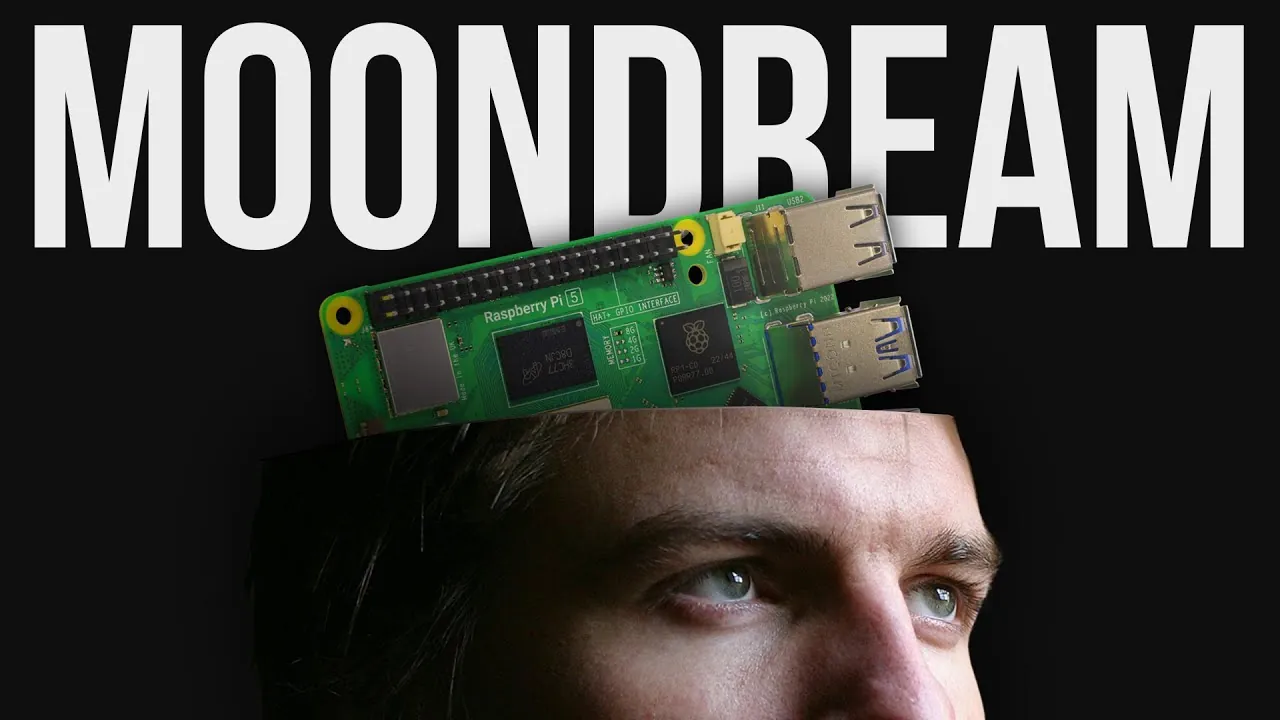
What if your Raspberry Pi could do more than just compute, it could see the world like you do? Imagine a tiny device that doesn’t just identify a dog in a photo but tells you whether it’s lounging on a couch or chasing a ball in the park. With the advent of advanced vision-language models like Moondream, this isn’t science fiction, it’s a reality. Moondream transforms the humble Raspberry Pi into a context-aware visual interpreter, capable of answering nuanced questions about images in plain English. While it may not operate at lightning speed, its ability to understand relationships, actions, and subtle details makes it a fantastic option for anyone looking to push the boundaries of what’s possible with compact hardware.
In this exploration, Core Electronics uncover how Moondream merges computer vision with natural language processing to deliver insights that go far beyond traditional object detection. Whether you’re curious about how this tool can enhance home automation, analyze security footage, or even detect emotions in photos, this guide will walk you through its fantastic potential. From practical applications to hardware requirements and installation tips, we’ll explore how to harness this technology to make your Raspberry Pi not just smarter, but more human. After all, seeing isn’t just about looking, it’s about truly understanding.
What Sets Moondream Apart?
TL;DR Key Takeaways :
- Moondream is an open-source visual language model that understands images using simple text prompts. It’s fast and wildly capable.
- Moondream is designed for the Raspberry Pi, offering advanced image analysis and natural language processing to interpret objects in context and answer complex questions.
- Unlike real-time models like YOLO, Moondream prioritizes detailed contextual reasoning over speed, making it ideal for non-real-time applications such as home automation, security analysis, and package monitoring.
- Two model variants are available: the 2B model for high accuracy (22–25 seconds per image) and the 0.5B model for faster processing (8–10 seconds per image), both supporting 512×512 pixel images.
- Optimal performance requires a Raspberry Pi 5 with at least 8GB of RAM (16GB recommended), active cooling, and the Pi Camera Module 3 for live image capture.
- Moondream supports advanced features like cloud or local server integration and API-based workflows, allowing faster processing and scalability for complex applications.
Moondream goes beyond basic image recognition by combining computer vision with natural language understanding to deliver detailed insights. For example, instead of simply identifying a “dog” in an image, it can answer specific questions such as, “Is the dog sitting on a couch?” or “What color is the dog’s collar?” This ability to provide contextual reasoning distinguishes it from traditional models, making it ideal for tasks that require deeper understanding and analysis.
By integrating these advanced features, Moondream becomes a versatile tool for applications where interpreting relationships, actions, and subtle details is essential.
Moondream vs. YOLO: Choosing the Right Tool
YOLO (You Only Look Once) is widely recognized for its speed, excelling in real-time object detection by identifying and locating objects in milliseconds. Moondream, however, prioritizes depth and detail over speed. It can recognize actions, relationships, and intricate details within an image, offering a level of analysis that YOLO cannot match.
This advanced reasoning comes with a trade-off: processing times range from 8 to 25 seconds per image, depending on the model variant and query complexity. While YOLO is the go-to choice for real-time applications, Moondream is better suited for scenarios where detailed analysis is more critical than speed.
Make Your Raspberry Pi See Like A Human

Below are more guides on vision AI from our extensive range of articles.
- Deepseek VL-2 : The Future of Scalable Vision-Language AI
- Meta SAM 2 computer vision AI model shows impressive results
- Turbocharge Your Browser with Claude Vision AI
- Oosto Vision AI edge based Jetson Xavier NX mini PC
- How to Run Llama 3.2 Vision AI Models Locally for Max Privacy
- Microsoft Copilot Vision: Internet Browsing with AI Features
- How to use ChatGPT Vision AI correctly for image analysis
- Axiomtek Vision AI Ryzen Embedded V-series SBC for machine
- Meta SAM 2 Computer Vision AI deep dive
- Build vision AI apps using NVIDIA DeepStream
- How Vision OS 26 is Transforming Extended Reality Experiences
Practical Applications of Moondream
Moondream is particularly effective for non-real-time applications that demand detailed image understanding. Its capabilities make it a valuable tool for various use cases, including:
- Home Automation: Determine whether the fridge door is open, check if laundry is on the clothesline, or identify misplaced bins.
- Package Monitoring: Verify if a package has been delivered to your doorstep.
- Security Analysis: Analyze home security footage to answer complex queries, such as identifying unusual activity or verifying specific events.
These examples highlight how Moondream can enhance everyday tasks, improve security, and support innovative AI-driven projects.
Model Variants: Balancing Speed and Accuracy
Moondream offers two model variants, each designed to meet different performance needs:
- 2B Model: This variant provides higher accuracy and is ideal for complex queries, but it requires 22–25 seconds to process each image.
- 0.5B Model: Optimized for faster processing (8–10 seconds per image), this variant is suitable for simpler tasks but may be less reliable for intricate queries.
Both models work with 512×512 pixel images, making sure a balance between performance and detail. Additionally, simple yes/no questions are processed more quickly, making the system adaptable to various levels of complexity.
Hardware Requirements for Optimal Performance
To run Moondream effectively, you will need a Raspberry Pi 5 with at least 8GB of RAM, though 16GB is recommended for smoother performance during intensive tasks. Active cooling is essential due to the high CPU usage required for processing. For live image capture, the Pi Camera Module 3 is fully compatible, allowing seamless integration into your projects.
This hardware setup ensures that Moondream operates efficiently, allowing you to explore its full potential without performance bottlenecks.
Installation and Setup
Getting started with Moondream involves a straightforward setup process. Follow these steps to install and configure the model on your Raspberry Pi:
- Create a virtual environment to isolate dependencies and ensure compatibility.
- Install the necessary software packages, including Python libraries and system utilities.
- Download the model files and configure the system for local or server-based processing.
Once installed, Moondream can be used for local image analysis or live image capture via the Pi camera. For advanced users, it also supports integration with cloud-based or local servers, allowing faster processing and API-based workflows for more complex applications.
Limitations and Considerations
While Moondream offers impressive capabilities, it is important to be aware of its limitations:
- Processing Speed: Its slower processing times make it unsuitable for real-time applications.
- Training Data Limitations: The model may struggle with highly specific or uncommon queries due to gaps in its training data.
- Prompt Optimization: Achieving optimal results often requires experimentation with prompts and settings.
Understanding these constraints will help you tailor Moondream’s use to scenarios where its strengths can be fully used.
Advanced Features for Enhanced Utility
For power users, Moondream offers advanced features that expand its functionality. By integrating the model with cloud or local servers, you can significantly reduce processing times and support more complex workflows. API-based configurations allow seamless integration into larger systems, making it possible to use Moondream as part of a broader AI-driven solution.
These advanced features make Moondream a flexible and scalable tool for users looking to push the boundaries of what is possible with compact hardware like the Raspberry Pi.
Real-World Applications in Action
Moondream’s potential is best demonstrated through practical examples. It can:
- Detect Emotions: Identify smiles or other facial expressions in photos.
- Analyze Objects: Recognize packages, bins, or other items and answer detailed questions about their placement or condition.
- Contextual Understanding: Provide insights into image content, such as verifying whether a package is on a porch or identifying specific actions within a scene.
These examples illustrate how Moondream balances speed and accuracy, making it a versatile tool for both creative and practical applications.
Media Credit: Core Electronics
Disclosure: Some of our articles include affiliate links. If you buy something through one of these links, Geeky Gadgets may earn an affiliate commission. Learn about our Disclosure Policy.
