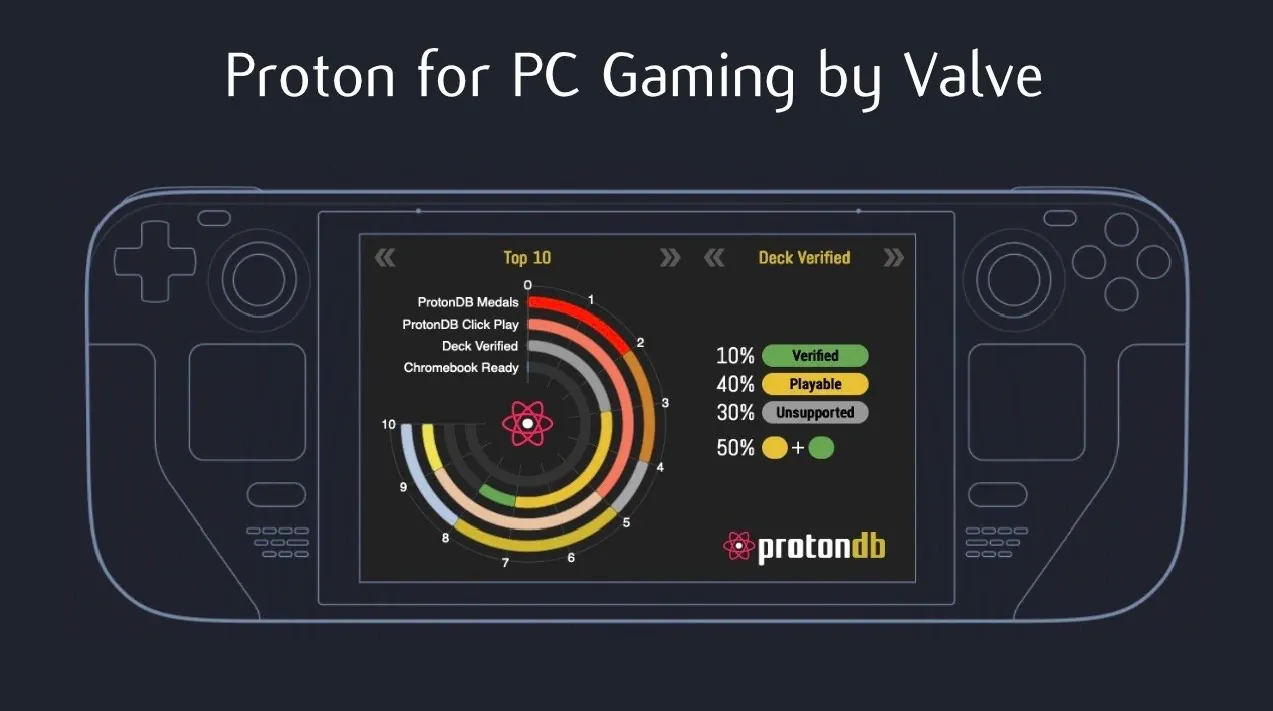
What if you could play your favorite Windows games on Linux without sacrificing performance or compatibility? For years, Linux gamers faced limited options, often resorting to complex workarounds or dual-booting with Windows just to access popular titles. Below Gardiner Bryant explains how Proton, a compatibility layer developed by Valve, has transformed this landscape. By translating Windows-specific instructions into Linux-friendly ones, Proton has opened the doors to a vast library of games that were once out of reach for Linux users. It’s not just a technical achievement, it’s a fantastic option for anyone looking to break free from the constraints of a single operating system.
In this overview, we’ll explore how Proton works, from its seamless integration with Steam to its clever use of Vulkan for graphics optimization. You’ll discover how it manages to deliver smooth, near-native performance for many Windows games and why it’s become a cornerstone of Linux gaming. But Proton isn’t without its quirks, issues like anti-cheat compatibility and occasional performance hiccups still pose challenges. Whether you’re a seasoned Linux user or curious about making the switch, this guide will give you a deeper understanding of how Proton is reshaping the gaming experience. It’s a fascinating glimpse into the future of cross-platform gaming.
Proton for Linux Gaming
TL;DR Key Takeaways :
- Proton is a compatibility layer developed by Valve, based on the open source Wine project, allowing Windows games to run on Linux by translating system calls and APIs into Linux-compatible equivalents.
- It efficiently translates DirectX calls to Vulkan, a modern graphics API, making sure smooth performance without hardware emulation, using the shared x86 CPU architecture of both operating systems.
- Proton integrates seamlessly with Steam, simplifying the process for Linux gamers to access and configure supported Windows games.
- While Proton often delivers competitive performance, some games may face issues like slowdowns, graphical glitches, or incompatibility due to proprietary Windows features or anti-cheat systems.
- Proton has significantly expanded Linux gaming by providing access to a vast library of Windows-exclusive games, making Linux a more viable platform for gaming enthusiasts despite ongoing challenges.
This compatibility layer has significantly expanded the gaming possibilities for Linux users, but it is not without its limitations. Issues such as compatibility challenges and difficulties with anti-cheat systems can occasionally hinder its effectiveness. Despite these obstacles, Proton remains a vital tool for Linux gamers, allowing access to a vast library of Windows-exclusive games.
How Proton Works
Proton functions as a translator between Windows games and the Linux operating system. When you launch a Windows game on Linux using Proton, it intercepts the game’s API calls, such as those made to DirectX, and converts them into Linux-compatible instructions. A key aspect of this process is the translation of DirectX calls into Vulkan, a modern graphics API that is widely supported on Linux. This translation allows the game to interact with Linux system resources as if it were running natively on Windows.
Another essential feature of Proton is its ability to handle system call conversion. System calls are requests made by software to the operating system’s kernel, and Windows and Linux process these differently. Proton translates these calls in real time, making sure the game behaves as though it is running in a Windows environment. This real-time translation is highly efficient and avoids the performance penalties typically associated with hardware emulation, thanks to the shared x86 CPU architecture.
Proton also integrates with Steam, making it easy to enable and configure for supported games. By streamlining the process, Proton reduces the technical barriers for Linux gamers, allowing you to focus on enjoying your games rather than troubleshooting compatibility issues.
Performance Considerations
Proton often delivers competitive performance, and in some cases, it can even outperform Windows. This is particularly true for games that use Vulkan, which is known for its efficiency and low overhead. By converting DirectX calls to Vulkan, Proton can optimize performance, especially in graphically demanding games. This capability is a significant advantage for Linux gamers seeking high-quality gaming experiences.
However, performance can vary depending on the complexity of the game and the specifics of the API translation involved. Some games may experience minor slowdowns, graphical glitches, or other issues, particularly if they rely heavily on undocumented or proprietary Windows features. While Proton’s CPU overhead is generally minimal, certain titles may still encounter occasional performance hiccups due to the intricacies of real-time translation.
For the best results, you may need to experiment with Proton’s settings or use community-provided tweaks. These adjustments can help resolve performance issues or improve compatibility for specific games, further enhancing your gaming experience on Linux.
What is Proton for PC gaming. How does it work?

Here are additional guides from our expansive article library that you may find useful on SteamOS.
- SteamOS 3.8 AMD Ryzen Mini PC for Gaming and 4K Editing
- SteamOS vs Windows : Dual Boot AMD PC 4K Gaming Benchmarks
- How to Install SteamOS on the ROG Ally X for Improved Gaming
- ROG Flow Z13 Tablet Loaded with SteamOS 3.9, 1440p Gaming
- SteamOS 3.8 Performance on ROG Xbox Ally X: A Detailed Review
- SteamOS Legion Go S Review : Performance & Battery Life Tested
- 2025 Guide to Installing SteamOS on Handheld Gaming Consoles
- ROG Ally X Review: SteamOS vs Windows for Handheld Gaming
- SteamOS May Soon Support Windows Games
- Gaming on the Go: SteamOS Minisforum EM780 Ryzen Build
Incompatibility Issues
Despite its impressive capabilities, Proton is not a universal solution. Some games remain incompatible due to missing or undocumented Windows APIs that Proton cannot replicate. Kernel-level anti-cheat systems, such as those used in games like Destiny 2, present another significant challenge. These systems often detect the absence of a Windows kernel and block the game from running, even if Proton can otherwise handle the game’s functionality.
Additionally, some developers impose restrictions that prevent their games from running on Linux through Proton. These limitations can be particularly frustrating if you rely on Proton to access your gaming library. While the open source community and Valve continue to work on improving Proton’s compatibility, these issues highlight the ongoing challenges of bridging the gap between Windows and Linux gaming environments.
Proton’s Role in Gaming
Proton has become a cornerstone of Linux gaming, offering a practical solution for running Windows games without requiring native builds. Its open source nature ensures continuous improvements, with contributions from Valve and the broader development community. By making Linux gaming more accessible, Proton has significantly expanded the platform’s appeal, even for gamers who primarily use Windows.
For you as a gamer, Proton opens the door to a broader range of titles on Linux, making the platform a more viable choice for gaming enthusiasts. While challenges remain, such as anti-cheat compatibility and occasional performance issues, Proton represents a significant advancement for Linux gaming. It enables you to explore a wider variety of games, making sure that Linux remains a competitive and attractive option for gaming in the years to come.
Media Credit: Gardiner Bryant
Disclosure: Some of our articles include affiliate links. If you buy something through one of these links, Geeky Gadgets may earn an affiliate commission. Learn about our Disclosure Policy.
