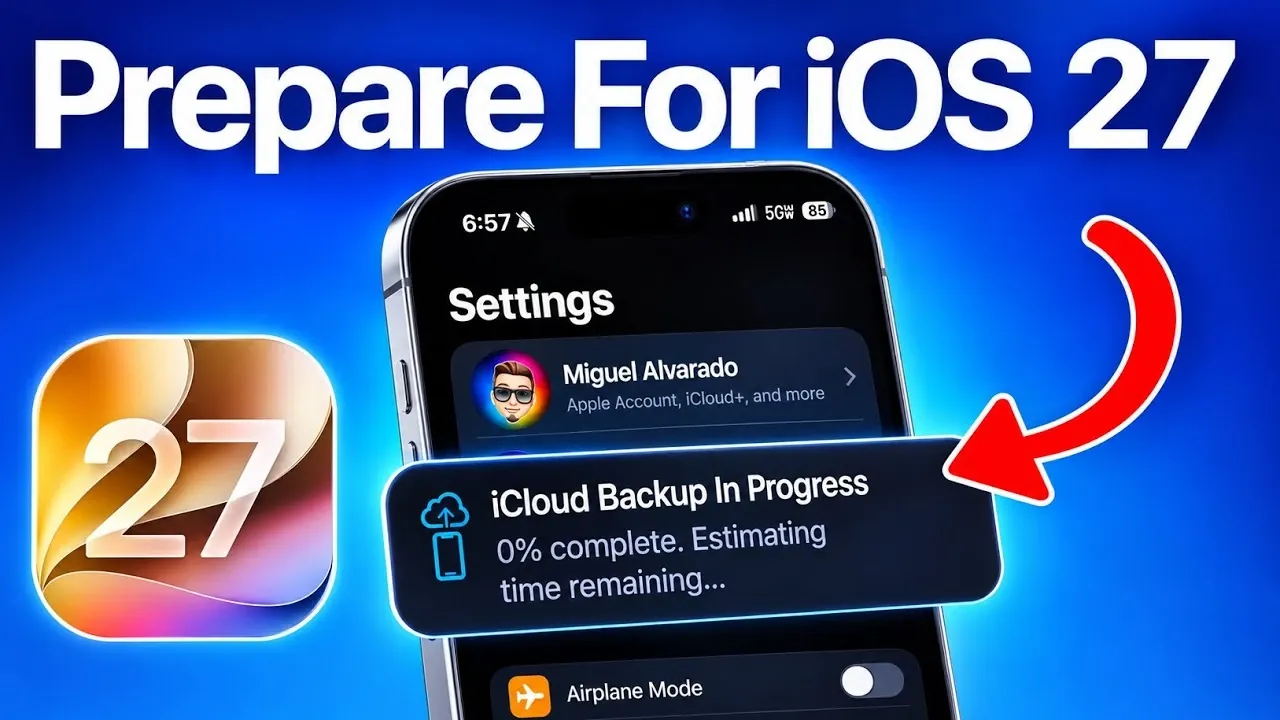
The release of iOS 27 is highly anticipated, promising a range of new features such as advanced Siri AI and improved Spotlight Indexing. While these updates aim to enhance your device’s performance and functionality, preparing your device properly is essential to avoid potential issues during or after the installation. Below is a comprehensive video from iDeviceHelp to ensure a smooth and trouble-free upgrade experience.

Disable Beta Updates
If you are part of Apple’s beta testing program, it is crucial to disable beta updates before proceeding with the iOS 27 installation. This ensures that your device downloads the final, stable version of the update rather than a pre-release build, which may contain bugs or compatibility issues.
To disable beta updates:
1. Open Settings on your device.
2. Navigate to General > Software Update > Beta Updates.
3. Select Off to stop receiving beta updates.
You can re-enable beta updates after successfully installing iOS 27 if you wish to continue testing upcoming features.
Prepare Your Device
Proper preparation is the foundation of a successful update. Follow these steps to ensure your device is ready for iOS 27:
- Update to iOS 26.6 or Later: Before upgrading, confirm that your device is running the latest version of iOS 26. This step ensures compatibility and smooth integration with iOS 27, particularly for features like Spotlight Indexing.
- Free Up Storage: Major updates like iOS 27 require significant storage space. Ensure you have at least 25 GB of free space on your device to avoid interruptions during the installation process. Delete unused apps, large files, or old photos if necessary.
- Back Up Your Data: Protect your personal data by creating a backup. Use iCloud Backup or a cellular backup if Wi-Fi is unavailable. If your iCloud storage is insufficient, Apple offers temporary storage to help you complete the backup process. Skipping this step could result in permanent data loss if something goes wrong during the update.
Post-Update Steps
After successfully installing iOS 27, there are several actions you should take to fully use its features and ensure optimal performance:
- Enable Siri AI: One of the most exciting additions in iOS 27 is the advanced Siri AI. To activate this feature, go to Settings > Siri & Search and join the waitlist. Note that Apple is rolling out this feature gradually, so it may not be available immediately on all devices.
- Allow Spotlight Indexing: Once the update is complete, allow your device to sit idle for approximately 20 minutes to finish the initial Spotlight Indexing process. This step is critical for making sure smooth performance. Keep in mind that full optimization may take several days, during which your device might feel warmer than usual, this is a normal and temporary occurrence.
Key Considerations
Upgrading to a major update like iOS 27 requires careful planning and attention to detail. Here are some important points to keep in mind:
- Disabling beta updates ensures that you install the stable version of iOS 27, reducing the risk of bugs or incomplete installations.
- Backing up your data is a vital precaution to prevent data loss during the update process.
- Apple’s temporary iCloud storage option is a valuable resource for users with limited storage space, making it easier to complete backups before updating.
- Post-update steps, such as allowing Siri AI and allowing time for Spotlight Indexing, are essential for maximizing the benefits of iOS 27’s new features.
By following these guidelines, you can ensure a seamless transition to iOS 27, avoiding unnecessary complications and fully enjoying the enhanced capabilities of your device. Proper preparation, careful installation and attention to post-update optimization will help you make the most of this significant update.
Discover other guides from our vast content that could be of interest on iOS 27.
- Apple Delaying iOS 27 Beta 5? Here’s When to Expect the Next Update
- New iOS 27 Beta 5 Release Arrives with a Big Shift Coming
- iOS 27 Beta 5 Is Late: What’s Holding Up Apple’s Next Release?
- The iOS 27 Beta 5 Release Imminent with More New Features
- Apple’s iOS 27 Beta 3 Is Just Days Away: Here’s When It Drops
- Apple iOS 27 Beta 5 Preview: a Look at the Next Release
Source & Image Credit: iDeviceHelp
Disclosure: Some of our articles include affiliate links. If you buy something through one of these links, Geeky Gadgets may earn an affiliate commission. Learn about our Disclosure Policy.
