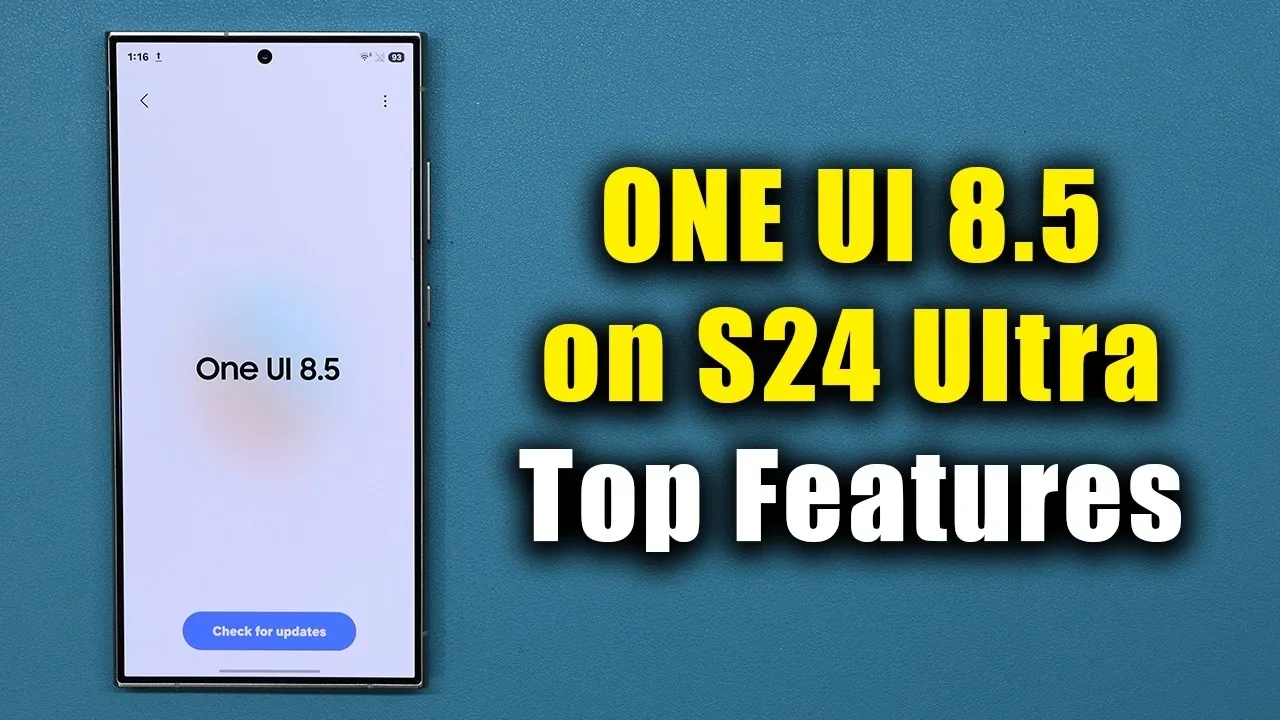
Samsung has officially launched the One UI 8.5 beta update, designed specifically for its flagship Galaxy S24 Ultra and the broader S24 series. This update introduces a range of new features, refined designs, and improved functionality aimed at enhancing the overall user experience. Whether you prioritize customization, seamless device integration, or practical tools, One UI 8.5 brings meaningful upgrades to elevate your smartphone experience. Here’s a detailed look at what Galaxy S24 Ultra users can expect from this latest software iteration. The video below from Sakitch gives us more details on the new beta.

Enhanced Lock Screen Features
The lock screen in One UI 8.5 has been significantly upgraded to combine aesthetics with functionality. Key enhancements include:
- Real-time weather integration: The lock screen now dynamically reflects current weather conditions, such as rain, snow, or sunshine, offering a visually engaging and practical experience.
- Smart wallpaper adjustments: Wallpapers automatically reposition to ensure that clock widgets remain visible and unobstructed, creating a seamless and user-friendly display.
These updates not only improve the visual appeal of the lock screen but also enhance its usability, making it a more integral part of your daily interactions with the device.
Smarter Device Management
One UI 8.5 introduces a new feature called “Intelligent Blocking,” which enables users to manage their apps more effectively. This functionality allows you to block apps that overwhelm you with excessive ads, making sure a cleaner and less intrusive experience. If you decide to reverse this action, unblocking is just as straightforward, giving you complete control over your app environment. This feature reflects Samsung’s commitment to providing tools that prioritize user convenience and digital well-being.
Revamped Weather App
The weather app has been upgraded to deliver more detailed and actionable information. Notable additions include:
- Allergy insights: The app now provides detailed pollen level data for trees, grass and ragweed, making it easier for allergy-sensitive users to plan their day effectively.
- Enhanced visuals: Improved graphics and animations make weather updates more engaging and easier to interpret at a glance.
These updates ensure that the weather app is not only informative but also tailored to meet the specific needs of users.
Cross-Platform File Sharing
Samsung has introduced a new cross-platform sharing feature in One UI 8.5, bridging the gap between Galaxy devices and Apple products. This functionality, similar to Apple’s AirDrop, allows seamless file transfers between Galaxy smartphones, iPhones, iPads and MacBooks. By allowing effortless collaboration and data sharing across ecosystems, this feature enhances convenience for users who operate within mixed-device environments.
Redesigned Control Center
The control center has been overhauled to improve customization and usability. Key updates include:
- Resizable icons: New handles allow for easier organization and resizing of icons, giving users greater control over their layout.
- Vertical sliders: Brightness and volume controls now feature vertical sliders, offering a more intuitive and precise adjustment experience.
- Quick toggle customization: Users can now tailor the quick toggle interface to better suit their preferences and frequently used functions.
These changes make the control center more user-friendly and adaptable to individual needs.
Improved Clock App Functionality
The clock app has received several updates to enhance its utility and ease of use:
- World clock: A new time adjustment dial simplifies the process of calculating time differences across regions, making it ideal for travelers or remote workers.
- Stopwatch and timer: Redesigned visuals improve readability and usability, making sure a smoother experience for time management tasks.
- Weather-based alarm backgrounds: Alarm visuals now reflect outdoor weather conditions, adding a personalized touch to your wake-up routine.
These updates make the clock app a more versatile and visually appealing tool for managing your time.
Enhanced Calculator and Folder Customization
The calculator app now supports automatic detection and pasting of copied numbers, streamlining calculations and reducing errors when working with complex figures. Additionally, folder customization has been simplified by relocating color settings to a more accessible location. These changes improve both functionality and ease of use, allowing users to personalize their devices more efficiently.
File Sharing and Storage Integration
One UI 8.5 introduces “Storage Share,” a feature that allows users to access storage across Samsung devices and Windows laptops linked to the same Samsung account. This eliminates the need for third-party apps, providing a seamless way to manage files across platforms. Whether you’re transferring work documents or personal media, this feature ensures a smoother and more integrated experience.
Camera Updates for Creative Photography
Photography enthusiasts will appreciate the new additions to the camera app, which now includes three creative filters:
- Classic Film: Adds a nostalgic, vintage aesthetic to your photos.
- Pop Film: Enhances colors for a vibrant and dynamic look.
- Blank: Offers a minimalist, clean effect for a modern touch.
These filters provide more creative options for users to experiment with, allowing them to elevate their photography directly within the app.
Unified Design Language and Software Refinements
Samsung has introduced a cohesive “pill” design language across its stock apps and settings, making sure a consistent and unified user experience throughout the interface. Additionally, the software update screen has been refined to improve navigation and usability, making it easier for users to stay up to date with the latest features and improvements.
Accessing the Update
The One UI 8.5 beta is now available for download through the Samsung Members app. By joining the beta program, you can explore these features early and provide valuable feedback to help Samsung refine the final release. This opportunity allows users to actively participate in shaping the future of the Galaxy experience.
Take a look at other insightful guides from our broad collection that might capture your interest in Samsung One UI 8.5.
- Samsung OneUI 8.5 Beta 4: Everything You Need to Know
- Top Features of Samsung One UI 8.5 You Should Know
- Samsung One UI 8.5: Top Features and Customization Options
- Samsung Bixby One UI 8.5: Key Features and Updates Explained
- Samsung One UI 8.5 Features: Customization, Privacy & More
Source & Image Credit: sakitech
Disclosure: Some of our articles include affiliate links. If you buy something through one of these links, Geeky Gadgets may earn an affiliate commission. Learn about our Disclosure Policy.
