Have you ever felt overwhelmed by the sheer volume of ideas, tasks, and information you need to manage daily? Imagine having a tool that not only organizes your thoughts but also transforms them into a dynamic, interconnected web of knowledge. Enter Obsidian, a note-taking application that has taken the productivity world by storm with its powerful features like backlinks, graph visualization, and endless customization options. Whether you’re a student juggling research papers, a professional managing complex projects, or a creative brainstorming your next big idea, Obsidian offers a innovative approach to organizing your mind. But with such a robust tool, where do you even begin? That’s where this framework comes in, your step-by-step guide to mastering Obsidian from the ground up.
In this guide, created by the experts at CreaDev Labs, you’ll uncover the core principles that make Obsidian so fantastic. From creating your first vault to using Markdown for clean, structured notes, and even building a visual network of ideas, this resource will equip you with the skills to unlock Obsidian’s full potential. But we won’t stop at the basics, expect to explore advanced features like plugins, graph customization, and practical workflows tailored to your unique needs. Whether you’re curious about how to make your notes “talk” to each other or how to design a system that evolves with you, this guide will leave you inspired to rethink how you manage knowledge. After all, the way we organize our thoughts shapes the way we think, what could be more worth mastering?
What is Obsidian and Why Use It?
TL;DR Key Takeaways :
- Obsidian is a powerful, locally-stored note-taking app that prioritizes privacy, flexibility, and long-term compatibility through plain text files and Markdown formatting.
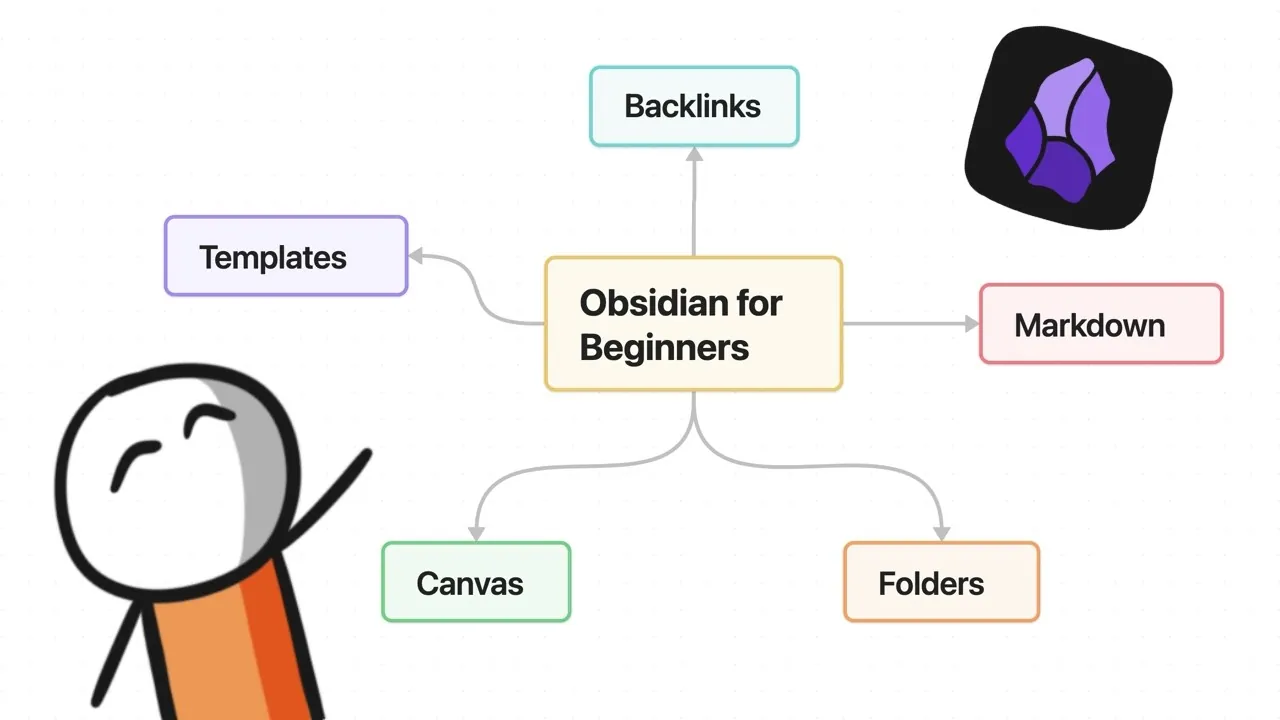
- Key features include backlinks for interconnected notes, graph visualization for mapping relationships, and extensive customization options like plugins, themes, and templates.
- Markdown basics such as headings, lists, links, and task management enable clean, structured, and easily editable notes.
- Organizational tools like folders, tags, search, and bookmarks, combined with customization options, help streamline workflows and enhance productivity.
- Obsidian supports diverse use cases, including project management, research organization, creative planning, and advanced graph visualization for dynamic knowledge management.
Obsidian is built around plain text files stored locally on your device, making sure your data remains secure and accessible without relying on external cloud services. This local-first approach guarantees long-term compatibility, as your notes can be opened with any text editor. Its standout features, such as interconnected notes and visual graph mapping, make it a favorite among users who value flexibility, control, and privacy over their information.
The application is particularly appealing for those who need a robust system for managing complex ideas. By allowing you to create a network of linked notes, Obsidian fosters a dynamic, non-linear approach to knowledge organization. This makes it ideal for brainstorming, research, and creative planning. Additionally, its customization options and plugin ecosystem mean you can tailor the app to suit your specific needs, whether you’re managing personal projects or professional workflows.
How to Get Started
Getting started with Obsidian is straightforward. Follow these steps to set up your workspace:
- Download and Install: Visit the official Obsidian website and download the application for your operating system.
- Create a Vault: A vault is a folder on your device where all your notes will be stored as plain text files. Choose a location that is easy to access and organize.
- Explore the Interface: Familiarize yourself with the main components, including the editor, sidebar, and settings menu. These tools will form the foundation of your workflow.
By creating a vault, you establish a centralized location for your notes, making it easier to organize, customize, and explore your ideas. Take some time to navigate the interface and experiment with basic features to build confidence in using the app.
Obsidian Beginner’s Guide 2025

Stay informed about the latest in Obsidian note-taking application by exploring our other resources and articles.
- How to Use Obsidian and Claude AI for Smarter Note-Taking
- Obsidian 1.8.0 Update Adds New Features for Improved Note-Taking
- Reor self organizing AI note taking app
- New Obsidian 1.6 update features explained
- Obsidian beginners guide – start organising your notes more
- How NotebookLM Enhances Note-Taking for Students & Pros
- How Obsidian Simplifies Note-Taking for Maximum Productivity
- Obsidian and Home Assistant: The Perfect AI Smart Home Combo
- How to Use Excalidraw in Obsidian for Visual Note-Taking
- 6 Essential Dataview Queries to Improve Your Obsidian Workflows
Mastering Markdown Basics
Markdown is the backbone of Obsidian’s note formatting system. It’s a lightweight and intuitive syntax that allows you to structure your notes while keeping them clean and readable. Here are some key Markdown features to get you started:
- Headings: Use `#` for headings, with additional `#` symbols for subheadings (e.g., `##` for level 2).
- Text Formatting: Add `**` for bold text or `*` for italics to emphasize important points.
- Lists: Create bullet points with `-` or numbered lists with `1.` for structured content.
- Links: Use `[text](URL)` for external links or `[[note name]]` for internal links between notes.
- Task Management: Add `- [ ]` for checkboxes to track tasks or to-dos.
Markdown ensures your notes remain accessible and easy to edit, even outside of Obsidian. By mastering these basics, you can create well-structured and visually clear notes that are easy to navigate and update.
Building Connections with Backlinks
One of Obsidian’s most powerful features is its ability to create backlinks, which allow you to link one note to another seamlessly. By typing `[[note name]]`, you can connect related ideas and build a web of interconnected notes. This approach encourages a non-linear, networked way of thinking, making it easier to discover relationships between concepts.
The graph view enhances this functionality by providing a visual representation of your note connections. It allows you to:
- Identify Clusters: Spot groups of related notes to understand thematic connections.
- Find Orphan Notes: Locate notes that lack links and integrate them into your network.
- Explore Patterns: Uncover relationships and patterns within your knowledge base.
By using backlinks and the graph view, you can transform your notes into a dynamic, interconnected system that evolves as your ideas grow.
Organizing and Customizing Your Notes
Obsidian provides several tools to help you organize and customize your notes effectively. These tools ensure that your vault remains intuitive and easy to navigate as it expands:
- Folders: Use folders to create a hierarchical structure for broad categories or projects.
- Tags: Add `#tags` to categorize notes flexibly and enable quick filtering.
- Search: Use the search bar to locate notes by keywords, tags, or metadata, saving time when working with large vaults.
- Bookmarks: Save frequently accessed notes or searches for quick reference.
Additionally, Obsidian’s customization options allow you to tailor the app to your preferences. Key settings include:
- Appearance: Choose themes, switch between light and dark modes, or adjust font styles to create a comfortable workspace.
- Plugins: Extend functionality with core and community plugins, such as calendar integration, advanced search, or task management tools.
- Templates: Save time by creating reusable note structures for common tasks like meeting notes or project outlines.
Experiment with these features to develop a system that aligns with your workflow and enhances your productivity.
Practical Applications and Advanced Features
Obsidian’s versatility makes it suitable for a wide range of applications. Here are some practical use cases and advanced features to explore:
- Project Management: Use dashboards, linked notes, and task management features to track progress and deadlines.
- Research Organization: Connect related studies with backlinks and tags to build a comprehensive knowledge base.
- Creative Planning: Use the canvas tool for brainstorming, mind mapping, or creating visual mood boards.
- Graph Visualization: Customize the graph view to focus on specific topics or identify thematic clusters within your notes.
By combining these features with tools like templates and metadata, you can streamline your workflow and maintain a clear overview of your work. Whether you’re managing personal projects or professional tasks, Obsidian provides the flexibility and functionality to support your goals.
Tips for Beginners
Starting with Obsidian can feel overwhelming, but these tips will help you ease into the process:
- Experiment: Try different organization methods, such as folders, tags, and backlinks, to find what works best for you.
- Start Small: Begin with a few notes and gradually explore advanced features like templates and plugins.
- Use the Graph View: Use the graph view to uncover connections and gain insights into your notes.
- Be Patient: Allow your vault’s structure to evolve naturally as you add more content and refine your workflow.
With consistent practice and exploration, you’ll develop a system that adapts to your needs and enhances your productivity.
Media Credit: CreaDev Labs
Disclosure: Some of our articles include affiliate links. If you buy something through one of these links, Geeky Gadgets may earn an affiliate commission. Learn about our Disclosure Policy.
