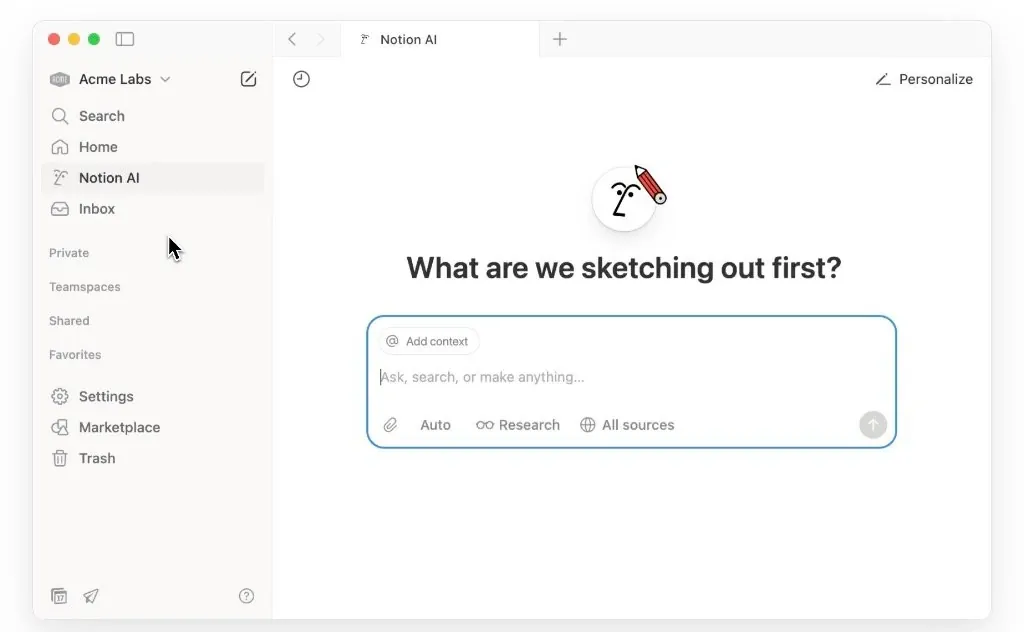
What if your personal AI assistant could truly understand you, not just follow commands, but anticipate your needs, adapt to your style, and seamlessly integrate into your daily workflow? With Notion’s Agent Instructions, this isn’t just a futuristic dream; it’s a practical tool designed to do just that and one you can use today. Imagine an assistant that knows your preferred tone of communication, organizes your tasks without being asked, and even remembers the nuances of your schedule. This feature doesn’t just enhance productivity, it redefines how you interact with technology, making it feel less like a tool and more like a trusted partner in your work.
Below the Notion team explain how to use its new AI Agents, that are integrated into the Notion notetaking app. As well as going through three fantastic ways to use Notion’s Agent Instructions to streamline your workflows and reclaim valuable time. You’ll discover how to set up a personalized instructions page that acts as a blueprint for your AI agent, guiding it to handle everything from task management to meeting organization with precision. Whether you’re looking to automate repetitive tasks, improve team collaboration, or simply reduce the mental load of daily planning, this guide will show you how to unlock the full potential of this feature. By the end, you might just find yourself wondering how you ever worked without it.
Customizing Notion AI Agents
TL;DR Key Takeaways :
- Notion’s Agent instructions feature allows users to customize AI agent behavior, adapting it to personal workflows and preferences for enhanced productivity.
- Setting up an instructions page involves defining personality, tone, personal details, database references, workflows, and additional notes to guide the agent’s functionality.
- The feature streamlines task management, meeting administration, and feedback organization by automating repetitive processes and integrating seamlessly with Notion databases.
- Key benefits include time efficiency, improved productivity, personalization, and consistency in task handling, reducing errors and manual effort.
- Getting started is simple: create an instructions page using a template or custom layout, making sure all relevant details are included for optimal agent performance.
Setting Up Agent Instructions
The foundation of personalizing your AI agent lies in creating an instructions page. This page acts as a blueprint, guiding the agent on how to operate and interact with your tasks. Whether you choose a pre-designed template or build a custom page, the setup process is straightforward and highly adaptable to your needs. Key elements to include are:
- Personality and tone: Define how the agent communicates, such as using formal or casual language, to match your preferred interaction style.
- Personal details: Include information like your name, preferred working hours, or specific preferences to ensure the agent aligns with your schedule.
- Database references: Link to task management, project tracking, or feedback databases for seamless integration across your workspace.
- Predefined workflows: Automate repetitive tasks, such as categorizing emails, prioritizing tasks, or setting reminders for deadlines.
- Additional notes: Specify response formats, task priorities, or other unique requirements to fine-tune the agent’s functionality.
Once the instructions page is set up, it is automatically loaded into the agent’s context during every interaction. This ensures the agent consistently operates according to your preferences without requiring repeated input, saving you time and effort.
Practical Applications of Agent Instructions
The versatility of the instructions page allows it to be applied across a wide range of scenarios. Below are three key ways to use this feature for improved workflow efficiency.
1. Streamlining Task Management
Managing tasks becomes significantly easier with the help of your AI agent. By automating the creation and organization of tasks, the agent reduces the need for manual input. For instance, if you share a link or a message from Slack or another platform, the agent can interpret the context and add the task directly to your Notion workspace. Predefined workflows ensure tasks are automatically categorized, prioritized, and assigned deadlines, allowing you to focus on execution rather than organization.
2. Simplifying Meeting Administration
The agent can take over the administrative burden of managing meetings, allowing you to focus on more strategic aspects of your work. You can instruct it to schedule meetings, add agenda items, and update meeting details directly in your workspace. By automating these processes, the agent eliminates the distractions of repetitive tasks, making sure your meetings are well-organized and productive.
3. Organizing Feedback
Collecting and organizing feedback from various sources is another area where the agent excels. For example, feedback shared via Slack, email, or other platforms can be automatically imported into a Notion database. The agent can tag and categorize the feedback based on predefined criteria, making it easier to track, analyze, and act on input from your team or clients. This streamlined approach ensures no valuable insights are overlooked.
3 Ways to Use Notion Agent Instructions

Unlock more potential on the Notion note taking app by reading previous articles we have written.
- How to Sync Apple Notes to Notion : 2025 Guide
- How to Create a Pivot Table In Notion
- How to Create a Custom Notion Notification Center
- Notion for iPhone: Supercharged with iOS 18 Shortcuts!
- Notion in 2024: All the New Features You Need to Know
- How to Master Notion Charts
- How to Convert Emails into Tasks in Notion
- 9 Notion April 2025 Updates: 9 Features to Boost Productivity
- How Notion Mail is Transforming Email Management
- 14 Useful Notion Updates You Might Have Missed
Advantages of Using Agent Instructions
Incorporating agent instructions into your workflow offers several tangible benefits that can significantly enhance your productivity and efficiency:
- Time Efficiency: Automating repetitive and time-consuming tasks allows you to focus on higher-priority activities.
- Improved Productivity: Seamless integration with existing tools and databases ensures smoother workflows and reduces friction in task management.
- Personalization: The agent adapts to your preferences and working style, becoming more effective and intuitive over time.
- Consistency: By following predefined instructions, the agent ensures tasks are handled uniformly, reducing errors and miscommunication.
How to Get Started
To begin, navigate to the personalization options in the bottom-right corner of any Notion page. From there, you can set up your instructions page by selecting a template or creating a custom layout tailored to your needs. Be sure to include all relevant details, such as your preferred tone, workflows, and database links, to ensure the agent operates effectively.
Once your instructions page is complete, the agent will automatically apply these settings during every interaction. This allows you to enjoy a more personalized and efficient user experience. Whether you’re managing tasks, scheduling meetings, or organizing feedback, Notion’s agent instructions provide the tools you need to stay productive and focused. By using this feature, you can simplify your workflows, reduce manual effort, and achieve greater control over your daily responsibilities.
Media Credit: Notion
Disclosure: Some of our articles include affiliate links. If you buy something through one of these links, Geeky Gadgets may earn an affiliate commission. Learn about our Disclosure Policy.
