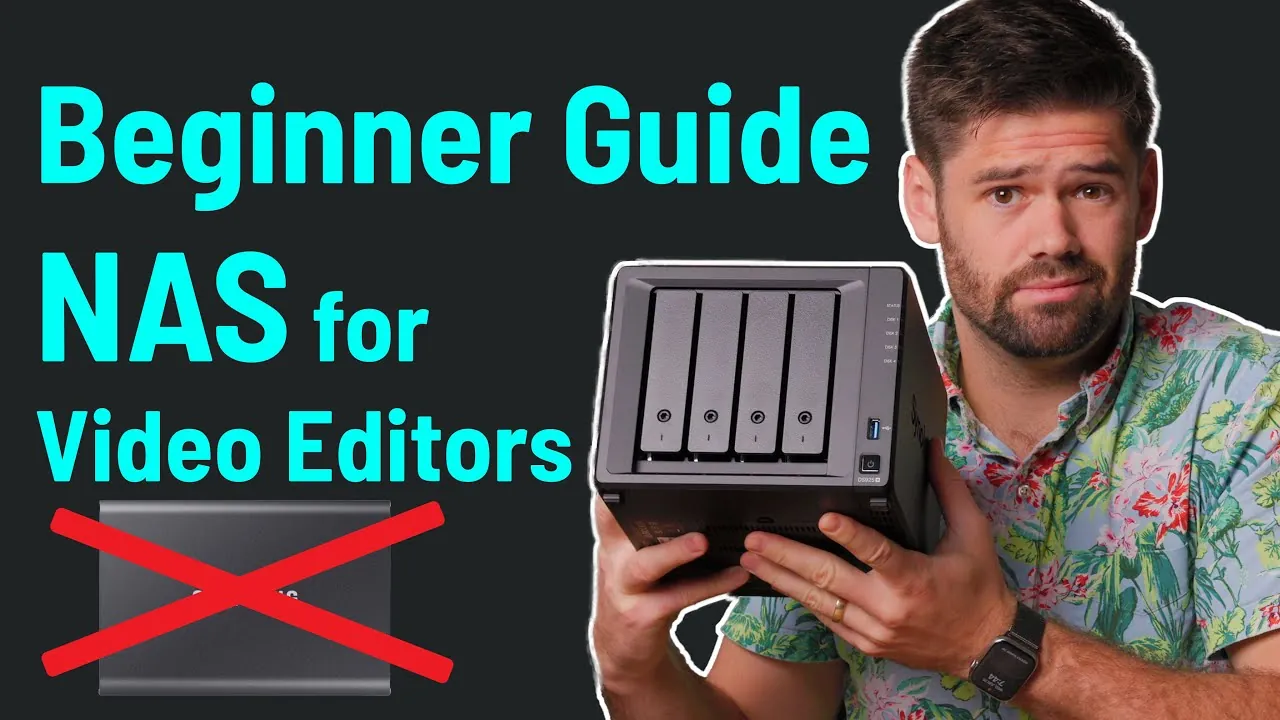
Have you ever found yourself juggling multiple hard drives, searching for the latest version of a project file, or waiting endlessly for large video files to transfer between team members? For video editors, these headaches are all too familiar. But what if there was a way to centralize your entire workflow, allowing seamless collaboration and faster access to your files? Enter Network Attached Storage (NAS)—a innovative solution that’s reshaping how video editors manage their projects. Whether you’re an independent creator or part of a production team, understanding NAS could be the key to unlocking a more efficient and scalable editing process.
In this beginner-friendly guide from SpaceRex, you’ll discover how NAS can transform your video editing workflow. From its collaborative advantages to its ability to protect critical data, this learning tool will walk you through the essentials of setting up and optimizing a NAS system. But it’s not all smooth sailing—NAS does come with its challenges, and we’ll explore those too, helping you decide if it’s the right fit for your needs. Whether you’re curious about how NAS compares to traditional storage solutions like DAS or wondering how to configure a system for local and remote editing, this guide has you covered. The question isn’t just whether NAS can improve your workflow—it’s how far it can take your creative potential.
NAS for Video Editing
TL;DR Key Takeaways :
- NAS (Network Attached Storage) offers centralized storage and simultaneous file access, making it ideal for collaborative video editing workflows compared to DAS (Direct Attached Storage).
- Key benefits of NAS include centralized storage, enhanced collaboration, data protection through RAID configurations, and scalability for growing storage needs.
- Challenges of NAS include complex setup, high costs, network dependency, and potential overkill for small projects or single users.
- Optimal NAS performance relies on robust networking, with wired Ethernet connections and speeds like 10 Gbps recommended for high-performance environments.
- Critical hardware considerations include RAID configurations, storage drives (HDDs or SSDs), expandable drive bays, and reliable NAS brands like Synology and QNAP.
What is NAS and How Does it Compare to DAS?
NAS is a dedicated storage device connected to a network, designed to provide shared access to files for multiple users. Unlike DAS, which connects directly to a single computer via USB or Thunderbolt, NAS operates independently, allowing multiple devices to access shared data simultaneously. This independence makes NAS particularly well-suited for collaborative workflows, where teams need to work on shared projects without duplicating files across individual systems.
In contrast, DAS is often more straightforward to set up and may offer faster performance for single users due to its direct connection. However, it lacks the scalability and collaborative features that NAS provides. For video editing teams or projects requiring shared access, NAS is the more practical choice.
Why Choose NAS for Video Editing?
NAS offers several distinct advantages that make it an excellent choice for video editing, especially for teams or complex projects:
- Centralized Storage: All project files are stored in one location, making sure that everyone on the network has access to the same data.
- Collaboration: Multiple users can work on the same project simultaneously, eliminating the need for time-consuming file transfers.
- Data Protection: RAID configurations and automatic backups safeguard against data loss, providing peace of mind for critical projects.
- Scalability: NAS systems can grow with your needs, allowing you to add more drives or upgrade to higher-capacity models as your storage requirements increase.
These features make NAS an invaluable tool for video editors who need a reliable, scalable, and collaborative storage solution.
NAS for Video Editors Beginner Guide

Explore further guides and articles from our vast library that you may find relevant to your interests in NAS for Video Editing.
- Synology vs TrueNAS: Best NAS for Video Editing in 2025
- Effortless Remote Video Editing with Mac Mini and Parsec
- How to Set Up Synology NAS for Final Cut Pro Video Editing
- How to Fix macOS Crashes with Synology NAS & Creative Software
- Best Video Editing Apps for PC: Top 5 Tools for Creators in 2025
- QNAP TBS-h574TX Thunderbolt 4 all-flash NAS Book
- Is the Synology DS1825+ the Ultimate NAS for Creative Pros and
- TerraMaster D5 Thunderbolt 3 5 bay professional grade NAS
- 30 Bay ZFS-based All-Flash SATA SSD NAS – TS-h3077AFU
- QNAP NAS storage solutions
Challenges and Limitations of NAS
While NAS offers numerous benefits, it is not without its challenges. Understanding these limitations can help you determine whether NAS is the right solution for your workflow:
- Complex Setup: Configuring a NAS requires a basic understanding of networking and storage systems, which can be daunting for beginners.
- Cost: High-performance NAS devices, along with the necessary network infrastructure, can represent a significant investment.
- Network Dependency: The performance of a NAS is heavily reliant on the speed and reliability of your local network, which may require upgrades to meet demanding workflows.
- Overkill for Small Projects: For single editors or smaller projects, the advanced features of a NAS may not justify the cost and complexity.
By weighing these factors, you can decide whether the benefits of NAS align with your specific needs and resources.
Networking Essentials for NAS
A robust network is crucial for maximizing the performance of a NAS system. Wired Ethernet connections are preferred due to their superior speed and reliability compared to wireless options. Common network speeds to consider include:
- 1 Gbps: Suitable for smaller teams or workflows with less demanding performance requirements.
- 2.5 Gbps: A balanced option for moderate performance needs, offering a noticeable improvement over 1 Gbps.
- 10 Gbps: Ideal for high-performance environments with multiple users and large file transfers.
Network switches are essential for connecting multiple devices to the NAS, making sure smooth communication across the network. While internet speed does not directly impact local NAS performance, it becomes a critical factor for remote workflows, where latency and bandwidth can affect efficiency.
Key Hardware Considerations
Selecting the right NAS hardware is vital for video editing. The following components should be carefully evaluated to ensure optimal performance:
- RAID Configurations: RAID 5 and RAID 6 are popular choices for video editing, offering a balance of redundancy and performance to protect against drive failures.
- Storage Drives: Hard drives provide high capacity at a lower cost, while SSDs deliver faster performance. SSD caching can further enhance speed for frequently accessed files.
- Drive Bays: Opt for a NAS with additional drive bays to accommodate future storage expansion as your needs grow.
- Manufacturers: Trusted brands like Synology and QNAP offer user-friendly interfaces and features tailored to video editing workflows.
Investing in the right hardware ensures that your NAS system can handle the demands of video editing, both now and in the future.
Setting Up a Local Editing Workflow
For local editing, NAS simplifies file management and collaboration. By connecting your editing workstation to the NAS via a local network, you can access shared files directly. This eliminates the need for large local storage on individual systems and ensures that all team members are working with the latest project versions. Popular editing software, such as Adobe Premiere Pro, DaVinci Resolve, and Final Cut Pro, integrates seamlessly with NAS setups, making it easy to incorporate into your workflow.
Optimizing Remote Editing with NAS
Remote editing introduces unique challenges, such as latency and bandwidth limitations, but NAS can still be a viable solution with the right tools and strategies:
- File Syncing: Applications like Synology Drive sync files between the NAS and remote devices, making sure that you always have access to the latest versions.
- Cloud Integration: Services like Google Drive or Dropbox can supplement remote workflows, reducing bandwidth demands and providing additional flexibility.
- Remote Desktop Software: Tools like Parsec or Jump enable low-latency remote access to local machines connected to the NAS, allowing you to edit as if you were on-site.
With these tools, remote editing can be streamlined, allowing you to maintain productivity regardless of location.
Recommendations for Implementing NAS
To maximize the benefits of your NAS setup, consider the following best practices:
- Invest in a high-speed network, such as 10 Gbps, to ensure smooth file transfers and optimal editing performance.
- Choose a NAS with sufficient drive bays to accommodate future storage needs and avoid limitations as your projects grow.
- Evaluate your workflow requirements—whether local or remote editing—to select the right features and configurations for your needs.
By following these recommendations, you can create a NAS setup that enhances your video editing workflow and supports your long-term goals.
Media Credit: SpaceRex
Disclosure: Some of our articles include affiliate links. If you buy something through one of these links, Geeky Gadgets may earn an affiliate commission. Learn about our Disclosure Policy.
