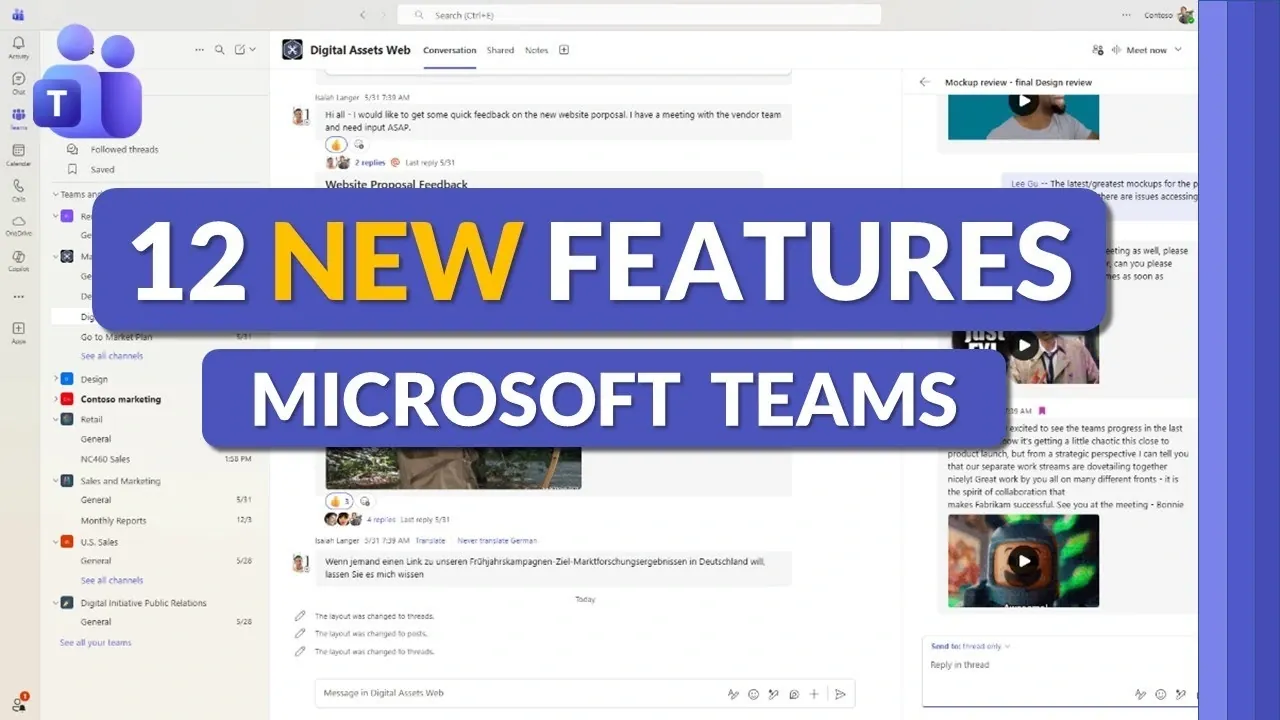
What if your workday could be transformed by just a handful of new tools? Imagine navigating through your Microsoft Teams workspace with unprecedented ease, finding critical messages in seconds, or collaborating seamlessly with external partners without the usual headaches. With over 280 million monthly active users, Teams has become a cornerstone of modern communication, yet its users often wrestle with inefficiencies and limitations. That’s why the latest updates, rolling out in late 2025, are poised to redefine how we connect, collaborate, and stay organized. From streamlined meeting controls to enhanced messaging features, these changes aren’t just incremental, they’re designed to tackle the pain points that have long frustrated users.
In this piece, Mike Tholfsen takes you through the 12 most exciting new features that Microsoft Teams is introducing, each crafted to simplify workflows and enhance productivity. You’ll discover tools that make managing private channels more scalable, features that improve cross-tenant collaboration, and even subtle design updates that reflect Microsoft’s commitment to innovation. Whether you’re a project manager juggling multiple conversations or a team member looking for more expressive ways to communicate, these updates promise to make your experience more intuitive and efficient. As you explore these enhancements, you might just find yourself rethinking what’s possible in your daily digital workspace.
Microsoft Teams Feature Updates
TL;DR Key Takeaways :
- Enhanced messaging features include saved messages for quick access and threaded conversations for better organization within channels.
- Improved external collaboration tools, such as external guest enhancements and cross-tenant notifications, streamline workflows and increase transparency.
- Meeting updates include centralized controls, a microphone activity indicator, and lobby chat for better communication and management during virtual meetings.
- Expressive communication is boosted with keyboard emoji shortcuts and multiple emoji reactions, fostering more engaging interactions.
- Private channels now support up to 1,000 channels and 5,000 members, with added features like meeting scheduling and compliance management for secure collaboration.
Key Updates to Messaging and Organization
- Saved Messages: Enhanced Accessibility
The revamped saved messages feature ensures that important information is always within reach. You can now save and unsave messages across chats and channels with ease. A dedicated section organizes all saved messages, allowing you to quickly retrieve critical details without navigating through extensive chat histories. This improvement is particularly beneficial for users managing multiple conversations simultaneously. - Threaded Conversations: Improved Organization
Teams now supports threaded conversations within channels, offering a more structured way to follow discussions. This feature allows you to focus on specific topics without losing context in busy environments. You can toggle between a threaded view and the default channel view, making sure that relevant conversations remain accessible and well-organized.
Streamlined Collaboration with External Users
- External Guest Enhancements: Simplified Collaboration
Collaborating with external users has become more straightforward. Clear indicators now identify external participants, making sure transparency when sharing content. These updates make it easier to work with clients, vendors, or partners while maintaining control over data visibility and security. This improvement fosters trust and efficiency in cross-organizational collaboration. - Tenant Notifications: Cross-Tenant Awareness
For users managing multiple tenants, Teams now offers notifications for activities occurring in other tenants. Additionally, you can pin frequently used tenants for faster navigation. This feature reduces the time spent switching between accounts and ensures you stay informed across all workspaces, streamlining your workflow in multi-tenant environments.
12 New Features in Microsoft Teams : Late 2025

Discover other guides from our vast content that could be of interest on Microsoft Teams.
- How Microsoft Teams Copilot Enhances Workplace Communication
- How to Use Microsoft Teams for Effective Project Management in
- 10 New Microsoft Teams Features to Boost Productivity
- Improve your presentation skills with Microsoft Teams Speaker
- How to setup teams of people in Microsoft Teams
- 10 New Microsoft Teams Features for 2025 to Boost Productivity
- Microsoft Teams tips to improve your management
- Using Copilot in Microsoft Teams & Outlook for communications
- How to turn off Mirror my video in Microsoft Teams
- Microsoft Teams breakout rooms receive new features
Enhanced Search and File Management
- Attachment Search: Streamlined Information Retrieval
Finding shared files and attachments is now more efficient with improved search functionality. You can filter messages to display only those containing attachments, making it easier to locate specific documents, images, or other files. This enhancement saves time and reduces frustration, particularly for users handling large volumes of shared content.
Meeting Features for Better Control and Communication
- Meeting Controls Update: Centralized Management
Meeting controls have been consolidated into a single menu, providing a more intuitive way to manage audio, video, and participant settings. This streamlined interface minimizes distractions, allowing you to focus on the meeting itself and improving the overall user experience during virtual interactions. - Microphone Activity Indicator: Visual Feedback
A new microphone activity indicator offers real-time visual feedback, showing whether your microphone is active or muted. This feature helps prevent interruptions and ensures smoother communication during meetings, particularly in larger or more formal settings. - Lobby Chat for Meetings: Enhanced Participant Interaction
Meeting organizers can now communicate with participants waiting in the lobby through a dedicated chat feature. This allows you to share updates, provide instructions, or address questions before attendees join the meeting. By improving pre-meeting communication, this feature enhances the overall meeting experience.
Expressive and Dynamic Communication
- Keyboard Emoji Shortcuts: Faster Reactions
Adding emojis to messages has become quicker and more convenient with the introduction of keyboard shortcuts. This feature saves time and makes conversations more expressive, whether in professional or casual settings. It encourages dynamic and engaging communication across all types of interactions. - Multiple Emoji Reactions: Expanded Expression
Teams now supports multiple emoji reactions on a single message, allowing users to convey nuanced responses or acknowledge messages in diverse ways. This update fosters more engaging and interactive conversations, making it easier to express sentiments in a collaborative environment.
Private Channels and Design Updates
- Private Channel Improvements: Expanded Capabilities
Private channels now support up to 1,000 channels and 5,000 members, significantly increasing their scalability. Additionally, you can schedule meetings directly within private channels, simplifying coordination with specific groups. Compliance management for private channels has also been streamlined, making sure secure and efficient collaboration for sensitive projects. - New Teams Icon: Refreshed Design
The Teams icon has been updated across the app, Windows taskbar, and boot screen. While primarily aesthetic, this change reflects Microsoft’s ongoing commitment to modernizing the platform’s design and maintaining consistency across its ecosystem. The refreshed icon serves as a subtle yet effective reminder of the platform’s evolution.
These 12 new features in Microsoft Teams demonstrate a clear focus on enhancing usability, fostering collaboration, and addressing user feedback. From improved messaging tools to streamlined meeting controls, these updates cater to a wide range of needs, making sure Teams remains a versatile and powerful platform for communication and productivity. Whether managing large-scale projects or coordinating with external stakeholders, these enhancements provide the tools necessary to work smarter and more effectively.
Media Credit: Mike Tholfsen
Disclosure: Some of our articles include affiliate links. If you buy something through one of these links, Geeky Gadgets may earn an affiliate commission. Learn about our Disclosure Policy.
