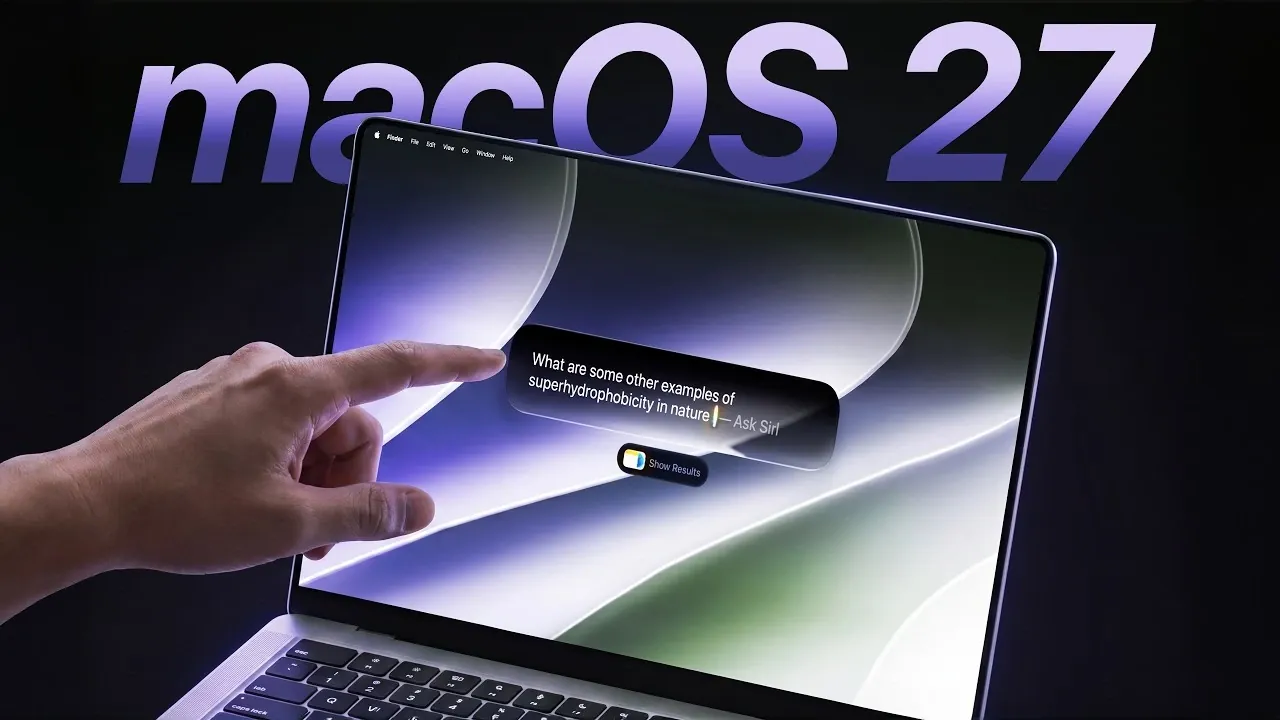
Apple has officially launched macOS 27, codenamed “Golden Gate,” marking a pivotal moment in the evolution of its desktop operating system. This update, designed exclusively for Apple Silicon devices, introduces 19 new features that range from performance enhancements to advanced AI-driven tools. By discontinuing support for Intel-based Macs, Apple has reinforced its commitment to its custom silicon architecture, paving the way for a more cohesive, optimized, and forward-thinking macOS ecosystem. The video below from ZONEofTECH gives us more details on the new features coming in macOS 27.

Why “Golden Gate”? The Meaning Behind the Name
In keeping with its tradition of naming macOS versions after iconic California landmarks, Apple has chosen the Golden Gate Bridge as the inspiration for this release. The name “Golden Gate” symbolizes a significant milestone in macOS history, representing strength, elegance, and innovation. Much like the bridge itself, this update serves as a connection between innovative technology and user-focused design, reflecting Apple’s vision of bridging the gap between functionality and aesthetics.
Refined User Interface with Liquid Glass Transparency
macOS 27 introduces a redesigned user interface that emphasizes clarity, customization, and modernity. A standout feature is the liquid glass slider, which allows you to adjust the transparency of the UI to suit your preferences. This feature enhances the visual experience, making it more adaptable to individual tastes. Additionally, toolbars, sidebars and system icons have been carefully refined for a cleaner, more streamlined appearance. Window corners now feature tighter radii, complementing the rounded edges of modern displays. These updates collectively create a visually cohesive and immersive environment, enhancing both usability and aesthetic appeal.
Performance: Faster, Smarter, and More Efficient
At the heart of macOS 27 are performance enhancements that significantly improve speed, multitasking, and energy efficiency. Core system features such as Mission Control, Spotlight search and Mail search have been optimized for faster response times, allowing smoother workflows. Improved indexing and smarter content ranking enhance search accuracy, making sure you find what you need more quickly. Tasks like PDF saving, AirDrop transfers, and network file browsing have also been streamlined, delivering a noticeable boost in efficiency. These improvements fully use the capabilities of Apple Silicon, offering unparalleled speed and power efficiency.
Apple Silicon Exclusivity: A Strategic Evolution
macOS 27 is exclusively compatible with Apple Silicon devices, marking a decisive shift in Apple’s hardware strategy. By focusing solely on its custom processors, Apple can optimize the operating system to unlock new levels of performance and innovation. While this transition may prompt some users to upgrade their hardware, it ensures a more unified and forward-looking macOS ecosystem. This exclusivity allows Apple to push the boundaries of what its devices can achieve, setting a new standard for desktop computing.
AI-Powered Tools for Developers
macOS 27 introduces a suite of AI-driven tools aimed at empowering developers. Xcode now integrates advanced AI technologies, including Gemini and ChatGPT, to provide intelligent code suggestions, debugging assistance, and automated testing. The new DeviceHub feature offers a centralized platform for testing apps across multiple devices, with dynamic app resizing capabilities. These tools enable developers to create smarter, more adaptable applications with greater efficiency, fostering innovation across the macOS ecosystem.
Siri Gets Smarter: Advanced Capabilities
Siri has received a major upgrade in macOS 27, transforming it into a more intelligent and versatile assistant. New features include text writing, proofreading and feedback tools, making Siri a valuable asset for productivity. Visual intelligence capabilities allow Siri to analyze screenshots, schedule events and compare files, while email drafting is now automated for added convenience. A standalone Siri app with conversation tracking further enhances its functionality, positioning Siri as an integral part of the macOS experience.
Enhanced Display and Multi-Monitor Support
macOS 27 introduces native support for high-resolution, high-refresh-rate ultrawide monitors, catering to professionals and creatives who demand exceptional display quality. External monitor management has also been improved, making sure seamless window arrangement when reconnecting displays. These updates streamline workflows in multi-monitor setups, enhancing both productivity and usability for users who rely on complex display configurations.
Touchscreen Integration and Sidecar Enhancements
Touchscreen support for Sidecar hints at Apple’s potential exploration of touchscreen MacBooks, a feature long requested by users. This update enhances the Sidecar experience, allowing you to use your iPad as a secondary display with touch input. While the introduction of touchscreen MacBooks remains speculative, this development signals a possible shift in Apple’s hardware strategy, offering a glimpse into the future of Mac devices.
Everyday Features That Elevate the User Experience
macOS 27 also brings a host of quality-of-life improvements designed to enhance your daily interactions with the operating system. These include:
- Improved password management tools for greater security and ease of use.
- New photo editing features, such as cleanup tools and spatial reframing, for more precise image adjustments.
- Automatic Safari tab grouping and shortcut creation to streamline browsing.
- Expanded menu bar functionality to address usability issues related to the MacBook notch.
macOS 27: Setting a New Standard for Desktop Computing
macOS 27, codenamed “Golden Gate,” represents one of Apple’s most ambitious updates to date. By combining innovative performance, a refined user interface, and advanced AI capabilities, it redefines the desktop operating system experience. While the exclusivity to Apple Silicon devices may require some users to upgrade, the benefits of this focused approach are evident. With macOS 27, Apple has set a new benchmark for innovation, usability, and performance, solidifying its position as a leader in the desktop computing landscape.
Discover other guides from our vast content that could be of interest on macOS 27.
- Why the macOS 27 Update is Actually a Massive Leap Forward
- Steve Jobs Said No, but macOS 27 Says Yes: The Touchscreen Mac Finally Arrives in 2027
- Why Apple’s iOS 27 and macOS 27 Will Change Everything
- How to Get the iOS 27 Developer Beta Today
- Why Apple’s WWDC 2026 is the Start of a Totally New Era
Source & Image Credit: ZONEofTECH
Disclosure: Some of our articles include affiliate links. If you buy something through one of these links, Geeky Gadgets may earn an affiliate commission. Learn about our Disclosure Policy.
