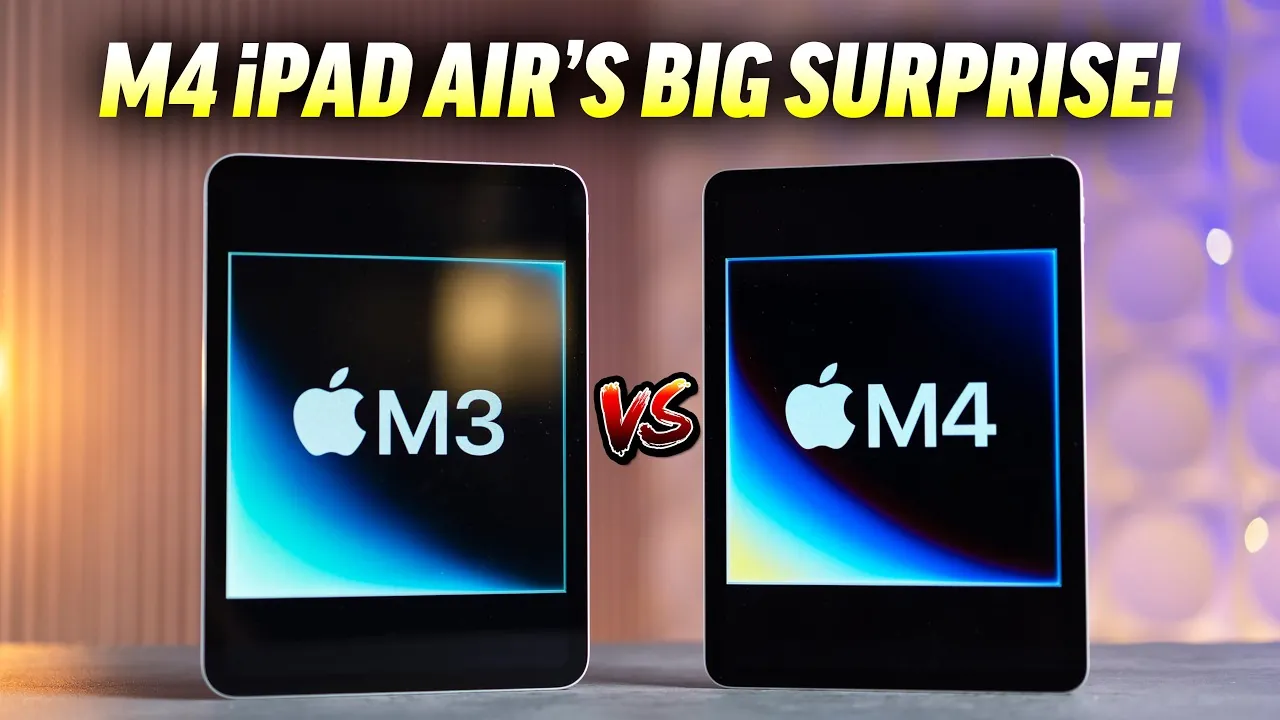
The M4 iPad Air introduces a range of internal upgrades, including the powerful M4 chip, Wi-Fi 7 connectivity, and increased RAM, while retaining the familiar design and display of its predecessors. Deciding whether to upgrade depends on your specific needs, such as performance, storage, and intended use. In the video below Max Tech explores the key features and considerations to help you determine if the M4 iPad Air is the right choice for you.

Design and Display: Familiar Yet Functional
The M4 iPad Air maintains the 10.9-inch Liquid Retina display seen in previous models, offering:
- 500 nits of brightness for clear visibility in most lighting conditions
- A 60Hz refresh rate, which is adequate for general use but less fluid than ProMotion technology
While the display is sufficient for tasks like web browsing, streaming, and light productivity, it lacks the higher brightness levels and smoother refresh rates found in the iPad Pro lineup. The dual stereo speakers deliver clear and balanced audio, making it a solid choice for media consumption, though it doesn’t excel in this category. The USB-C port remains unchanged, offering universal compatibility for accessories and charging, but it lacks the faster data transfer speeds of Thunderbolt-equipped models.
Performance Upgrades: The M4 Chip in Action
At the heart of the M4 iPad Air is the M4 chip, which delivers a significant performance boost over its predecessors. Key improvements include:
- A 30% increase in CPU performance compared to the M3 chip
- 12GB of RAM, exceeding the base iPad Pro’s 8GB
These enhancements make the M4 iPad Air a compelling option for users who require faster processing power for tasks like video editing, graphic design, gaming, or running resource-intensive applications. The increased RAM also improves multitasking capabilities, allowing users to switch seamlessly between apps or work on multiple projects simultaneously. For professionals and power users, the M4 iPad Air offers a balance of performance and portability, making it a versatile tool for both work and leisure.
Connectivity Enhancements: Wi-Fi 7 and C1X Modem
The M4 iPad Air introduces Wi-Fi 7, a significant upgrade over Wi-Fi 6, offering:
- Faster internet speeds for smoother streaming and downloads
- Improved range, making sure a stable connection even in larger spaces
- Better reliability, reducing latency and connection drops
For cellular models, the inclusion of the C1X modem enhances 5G and LTE performance by up to 50%, providing smoother connectivity for users who frequently work or stream on the go. These connectivity upgrades make the M4 iPad Air particularly appealing for remote workers, students, and anyone who relies on consistent internet access for productivity or entertainment.
Storage Limitations: A Key Consideration
One area where the M4 iPad Air falls short is its storage options. The base model still offers 128GB, which may be insufficient for professionals managing large files, extensive app libraries, or high-resolution media. While upgrading to 256GB is an option, the additional $100 cost could deter budget-conscious buyers. For users who prioritize storage, this limitation might make the iPad Pro or external storage solutions a more practical choice.
Who Should Upgrade?
The M4 iPad Air is an excellent upgrade for users with older iPads, particularly those with:
- 64GB of storage, which can quickly become limiting
- Older processors that struggle with modern apps and multitasking
- No landscape camera, a feature now standard in newer models
Its advanced AI capabilities, improved multitasking, and better accessory compatibility make it a versatile choice for both work and leisure. However, if your needs are more basic—such as web browsing, streaming, or light productivity—the entry-level iPad may offer better value. Alternatively, refurbished iPad Pro models provide professional-grade features at a comparable price point, making them worth considering for users seeking more robust capabilities.
Balancing Performance and Value
The M4 iPad Air occupies a middle ground between the entry-level iPad and the iPad Pro. Its performance upgrades, including the M4 chip and Wi-Fi 7, make it a strong contender for users who need a reliable and powerful device. However, its storage limitations and lack of Pro-level features, such as ProMotion and Thunderbolt, may leave some users wanting more. For those seeking a device with long-term value and professional-grade capabilities, the iPad Pro could be a more suitable investment.
Ultimately, the decision to upgrade should be guided by your specific requirements. If you value enhanced multitasking, faster connectivity, and improved performance, the M4 iPad Air is a compelling option. However, if storage, professional features, or long-term value are your priorities, exploring other models like the iPad Pro may better suit your needs.
Master M4 iPad Air with the help of our in-depth articles and helpful guides.
- Apple’s iPad Air: A Subtle Revolution in Tablet Tech
- 2026 iPad Air Rumors: OLED Display
- Apple’s OLED Rollout: How It Impacts the M4 iPad Air
- Rumor: The NEW iPad Air with OLED Display is Coming!LAY
- iPad Air (2026): Bad News for the Display?
Source & Image Credit: Max Tech
Disclosure: Some of our articles include affiliate links. If you buy something through one of these links, Geeky Gadgets may earn an affiliate commission. Learn about our Disclosure Policy.
