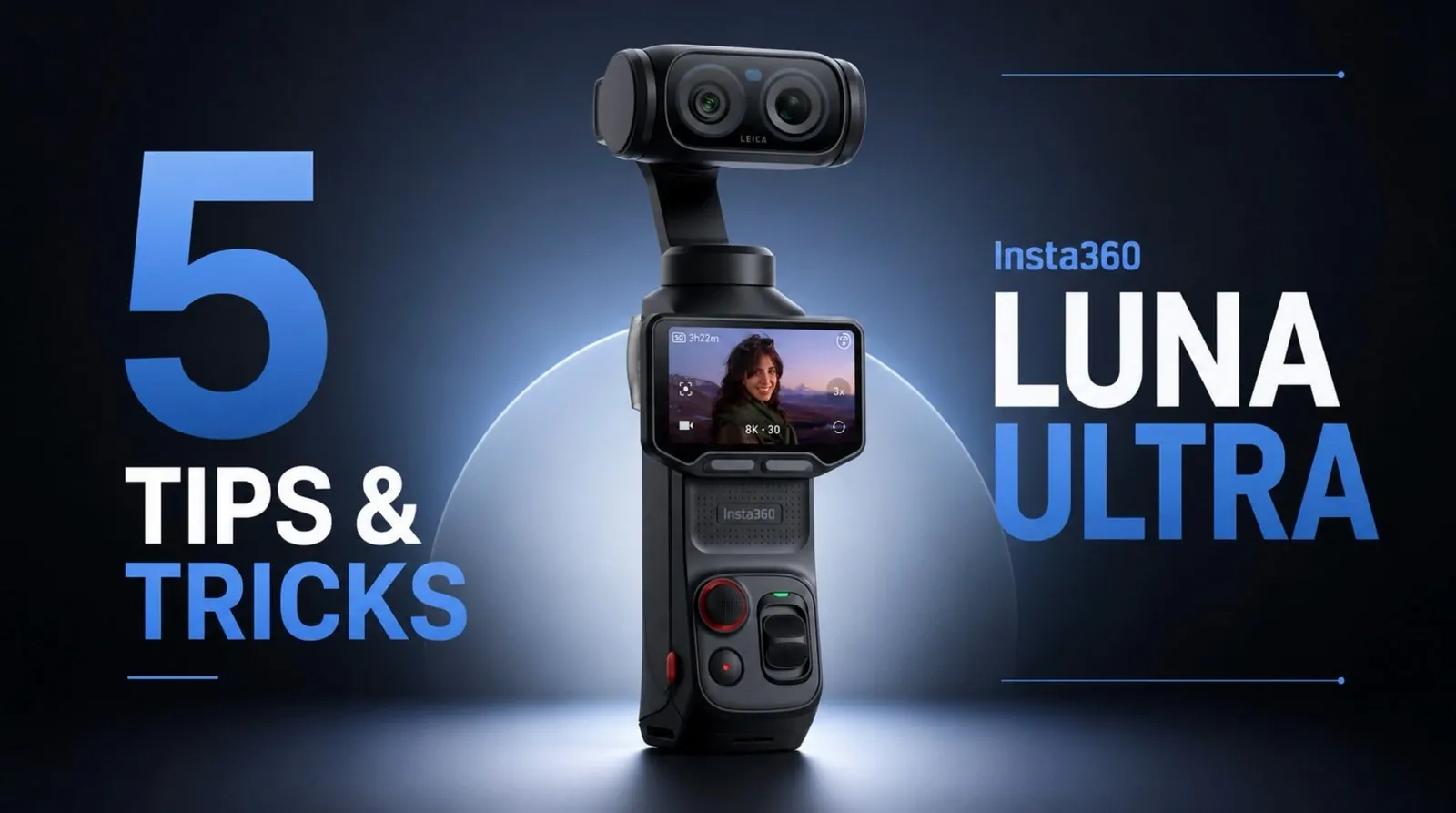
The Insta360 Luna Ultra is a compact camera designed for creators who value portability without sacrificing functionality. While its core features are straightforward, Kola highlights lesser-known techniques that can significantly enhance your shooting experience. For instance, you can use QR code-based settings profiles to quickly switch between custom configurations, such as indoor and outdoor setups, saving time and making sure consistency across diverse environments. This practical workaround is particularly useful for creators who frequently adapt to changing conditions.
Explore how to optimize your Luna Ultra with strategies like using wireless microphone compatibility for improved audio quality and customizing gimbal lock controls for faster transitions between shooting modes. Gain insight into addressing challenges like lens fogging in humid conditions or adjusting the field of view for broader shots. These tips, along with creative solutions for ND filter use and storage management, provide actionable ways to get the most out of your device in any scenario.
Insta360 Luna Ultra Tips
TL;DR Key Takeaways :
- The Insta360 Luna Ultra supports QR code-based custom settings profiles, allowing quick transitions between shooting configurations for diverse environments.
- Wireless microphone compatibility enhances audio quality and flexibility, making it ideal for vloggers and mobile creators.
- Gimbal lock customization improves workflow efficiency, allowing faster transitions between dynamic and static shots.
- Built-in lens defogging and adjustable field of view features address challenges in cold or humid conditions and offer broader perspectives.
- Magnetic ND filter alternatives and external SD card storage optimize exposure control and data management for extended shooting sessions.
1. Save Time with Custom Settings Profiles
Consistency is essential when shooting in diverse environments, but the Luna Ultra lacks native support for saving custom settings profiles. Fortunately, there’s a clever workaround using QR code-based settings. This method allows you to quickly switch between configurations without the hassle of manual adjustments. Here’s how to make it work:
- Set up your preferred camera settings, such as resolution, frame rate and exposure, for specific shooting conditions.
- Export these configurations as QR codes using the Insta360 app.
- When transitioning between setups, like indoor and outdoor scenes, scan the relevant QR code to instantly apply your saved settings.
This approach is particularly useful for creators who frequently alternate between shooting environments. By reducing setup time, you can focus more on capturing the perfect shot.
2. Enhance Audio with Wireless Microphone Compatibility
High-quality audio is a critical component of professional video content and the Luna Ultra supports a variety of microphone options to improve sound capture. While USB-C microphones like the Insta360 Mic Air are reliable, recent firmware updates have introduced wireless microphone compatibility, offering greater flexibility for creators. This feature is ideal for vloggers, interviewers and anyone who values mobility without compromising audio clarity.
To make the most of this capability:
- Ensure your wireless microphone firmware is updated to the latest version for seamless integration.
- Test the connection before recording to avoid potential audio issues during critical moments.
This added functionality enhances the Luna Ultra’s versatility, making it a strong choice for creators who prioritize both portability and sound quality.

Browse through more resources below from our in-depth content covering more areas on Insta360 Luna Ultra.
- What the Insta360 Luna Ultra and Pro Launch Means for Vloggers
- DJI Osmo Pocket 4 vs Insta 360 Luna Ultra : Everything You Need to Know
- The Insta360 Luna Ultra Feature That Could Outsmart the DJI Pocket 4
- Why Insta360’s Unreleased Luna Ultra is Already Beating DJI
- Why the Insta360 Luna Ultra Could Be the Ultimate DJI Rival for Creators
- Why Pro Creators Are Skipping the Insta360 Luna Ultra for DJI
- Why Insta360’s Luna Ultra Might Make You Skip the DJI Pocket 4
- What the New Insta360 Luna Ultra Specs Reveal About Its Launch
- Why You Should Wait for the Luna Ultra Before Buying DJI
- Insta360 Luna Pro and Ultra: Full Specs, Features and Market Analysis
3. Streamline Workflow with Gimbal Lock Customization
The Luna Ultra’s gimbal stabilization is one of its standout features, making sure smooth footage even in dynamic shooting conditions. However, quick access to gimbal lock and unlock functions can significantly improve your workflow. By customizing the camera’s buttons, you can assign gimbal lock functionality to a specific control, allowing faster transitions between locked and free modes.
Although the customization options are somewhat limited, this feature is a practical solution for users who frequently switch between dynamic and static shots. It’s particularly beneficial for creators working in fast-paced environments where every second counts.
4. Tackle Lens Fogging and Adjust Field of View
Shooting in cold or humid environments often leads to lens fogging, which can compromise your footage. The Luna Ultra addresses this challenge with a built-in lens defogging feature. Activating this setting before shooting in challenging conditions ensures clearer visuals and minimizes the risk of fogged-up lenses.
Additionally, the camera allows you to adjust its field of view by disabling the “breathing compensation” feature. This adjustment slightly widens the field of view, which can be advantageous for capturing broader perspectives. However, it may introduce minor distortions, so it’s important to weigh this trade-off based on your specific needs.
5. Use ND Filter Alternatives and Optimize Storage
Neutral density (ND) filters are essential for controlling exposure in bright conditions, but the Luna Ultra doesn’t offer proprietary ND filters. As a workaround, you can use magnetic ND filters designed for the DJI Pocket 3. These filters attach securely to the Luna Ultra, providing effective light control without compromising portability.
For storage, external SD cards are highly recommended over internal storage. They offer several advantages:
- Greater capacity for extended shooting sessions.
- Streamlined data management, allowing you to easily transfer footage to other devices.
- Reduced risk of losing footage due to device malfunctions.
Always format your SD card within the camera to ensure compatibility and avoid potential errors. This simple step can save you from unexpected technical issues during critical shoots.
How Does It Compare to the DJI Pocket 3?
When comparing the Luna Ultra to the DJI Pocket 3, several key differences emerge that highlight the strengths and limitations of each device. Here’s a closer look:
- Portability: The Luna Ultra’s smaller size and lighter weight make it an excellent choice for creators who prioritize portability and convenience.
- Lens Defogging: The Luna Ultra’s built-in defogging feature is a unique advantage, particularly for shooting in cold or humid environments.
- Accessory Support: The DJI Pocket 3 offers a wider range of proprietary accessories, including ND filters and wide-angle lenses, giving it an edge in customization options.
- Button Customization: While both devices feature gimbal stabilization, the DJI Pocket 3 provides more advanced button customization, offering greater control over shooting preferences.
These distinctions highlight the Luna Ultra’s strengths in portability and usability, while also pointing to areas where it could improve, such as expanding accessory compatibility and refining its user interface.
Maximizing Your Luna Ultra Experience
The Insta360 Luna Ultra is a versatile pocket camera that offers significant potential for customization and optimization. By using tips like QR code-based settings profiles, wireless microphone connectivity and gimbal lock customization, you can enhance your shooting experience and streamline your workflow. Features like lens defogging and field of view adjustment further add to its practicality, while ND filter alternatives and external storage options address common challenges.
Although it faces competition from devices like the DJI Pocket 3, the Luna Ultra remains a strong contender for creators seeking a balance of portability, performance and innovative features. With the right techniques and tools, you can unlock the full potential of this compact yet powerful camera, making sure your content stands out in any environment.
Media Credit: Kola
Disclosure: Some of our articles include affiliate links. If you buy something through one of these links, Geeky Gadgets may earn an affiliate commission. Learn about our Disclosure Policy.
