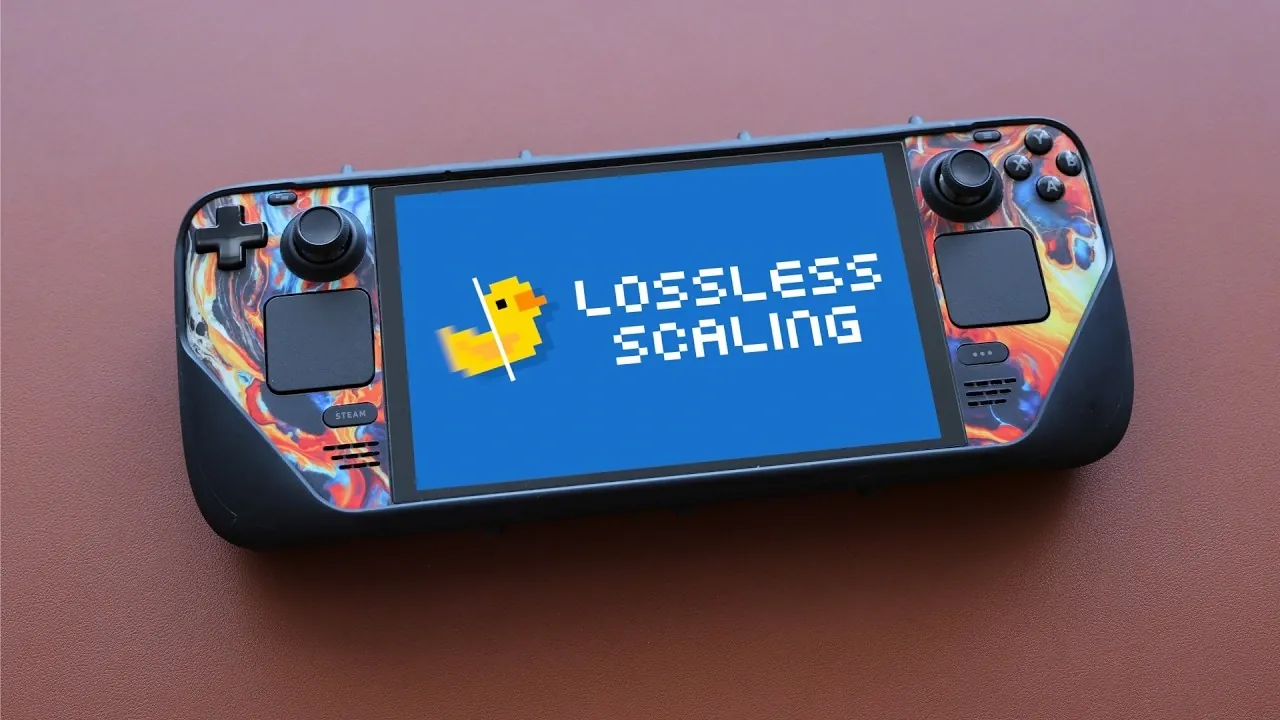
Lossless Scaling, as explored by Retro Game Corps, offers a unique way to enhance gaming visuals and performance through AI-driven upscaling and frame generation. Designed to work across platforms like Windows and Linux-based handhelds such as the Steam Deck, it brings smoother gameplay and sharper visuals to games and emulators alike. Its standout feature, integer scaling, ensures pixel-perfect resolution for retro and emulated titles, making it particularly appealing to fans of classic gaming. However, the performance of Lossless Scaling can vary depending on the hardware and game, with factors like GPU demands and occasional input lag influencing its effectiveness.
In this overview, you’ll gain insight into how Lossless Scaling performs across different gaming setups, including its strengths in improving frame rates for single-player and retro games. Explore specific use cases, such as its compatibility with emulators like Dolphin and RetroArch and learn how to configure settings like FPS multipliers to achieve the best results. Additionally, this overview addresses potential limitations, such as graphical glitches and hardware constraints, helping you decide where Lossless Scaling fits into your gaming experience.
Key Features of Lossless Scaling
TL;DR Key Takeaways :
- Lossless Scaling enhances gaming visuals and performance by using AI and machine learning to upscale resolutions and generate additional frames, offering smoother gameplay.
- The tool is platform-independent, functioning across various games and systems and supports Linux-based handheld devices like the Steam Deck through plugins, though it lacks Android compatibility.
- Key features include integer scaling for pixel-perfect retro gaming, AI-powered frame generation for smoother frame rates and universal compatibility beyond in-game technologies like AMD FSR or Nvidia DLSS.
- It excels in single-player and emulated games, improving frame rates and visual quality, but struggles with demanding or competitive titles due to input lag, GPU strain and occasional graphical glitches.
- Proper setup and configuration are essential to maximize its benefits, with recommended use cases focusing on retro, emulated and single-player games rather than fast-paced or competitive gaming scenarios.
Lossless Scaling stands out due to its advanced features that enhance gaming visuals across a wide range of titles. Unlike in-game technologies such as AMD FSR, Intel XeSS, or Nvidia DLSS, it operates independently, offering a universal solution for gamers. Its key features include:
- Integer Scaling: Ensures resolutions fit perfectly on high-resolution screens without distortion, making it ideal for retro and emulated games where pixel accuracy is critical.
- AI-Powered Frame Generation: Improves frame rates for smoother gameplay, particularly in games with locked frame rates.
- Platform Independence: Functions across various games and systems, eliminating the need for game-specific support.
These features make Lossless Scaling a versatile and accessible tool for gamers seeking to optimize their visual experience without being restricted by in-game limitations.
Cross-Platform Compatibility
Although Lossless Scaling was initially designed for Windows, it has expanded its reach to include Linux-based handheld devices such as the Steam Deck and Legion Go S through the use of additional plugins. This cross-platform compatibility appeals to gamers who prefer portable setups, allowing them to enjoy enhanced visuals on the go. However, the tool is not yet compatible with Android-based handhelds, leaving a gap that may be addressed in future updates. Its ability to function across multiple platforms makes it a flexible option for gamers with diverse hardware preferences.

Advance your skills in Steam Deck by reading more of our detailed content.
- Steam Deck Restock Updates: 512GB and 1TB Models Return at MSRP
- Steam Deck Emulation Upgrade, Retro Deck Adds 3DS & Switch
- Steam Deck PS3 Emulation Upgrades & Game Optimizations
- Steam Deck OLED Stock Status & What to Expect
- Steam Pricing Data Shows Why $30 Games Outsell $70 AAA Titles
- How to Boost Steam Deck FPS by 4X Using FSR4
- Steam Deck Stock Update: Valve Blames Memory & SSD Shortages
- Steam Machine vs Console: Valve’s Plan Meets Supply Shortages
- Steam Machine Pricing Outlook, Early 2026 Release Window
- Why is the Steam Deck Out of Stock in the United States?
Performance: Strengths and Weaknesses
Lossless Scaling excels in specific scenarios, particularly with games that have locked frame rates or are less graphically demanding. However, its performance varies depending on the game and hardware. Key insights include:
- Optimal Performance: Games such as “Wind Waker HD” and “Twilight Princess HD,” along with lightweight emulators for systems like PS2 and Switch, benefit significantly from smoother visuals and higher frame rates.
- Challenges with Demanding Titles: Graphically intensive or competitive games may experience reduced performance due to input lag and increased GPU strain.
- Emulator Compatibility: While it works well with some emulators, others like Dolphin and RetroArch may encounter compatibility or performance issues.
These factors highlight the importance of selecting appropriate use cases to maximize the tool’s potential while minimizing its drawbacks.
Limitations to Consider
While Lossless Scaling offers numerous benefits, it is not without its challenges. Understanding these limitations is essential for configuring the tool effectively and setting realistic expectations. Key limitations include:
- Input Lag: AI-based frame interpolation can introduce latency, making the tool less suitable for fast-paced or competitive games.
- GPU Performance Tax: The tool requires additional GPU resources, which can reduce actual gameplay frame rates, particularly on less powerful hardware.
- Graphical Anomalies: Users may encounter visual glitches, especially during rapid camera movements or transitions.
By being aware of these limitations, gamers can better tailor their settings to achieve the best balance between performance and visual quality.
Getting Started with Lossless Scaling
Setting up Lossless Scaling is a straightforward process, but attention to detail is required to achieve optimal results. The steps include:
- Installation: Install the tool via Steam. For Linux-based devices, additional plugins are necessary to enable compatibility with the operating system.
- Configuration: Adjust settings such as the FPS multiplier, base FPS cap and performance mode. A 2x frame generation multiplier is generally recommended, as higher multipliers may introduce excessive lag.
- Testing: Experiment with different configurations to find the best balance between performance and visual quality for your specific setup.
Proper setup ensures that users can fully use the tool’s capabilities while minimizing its limitations.
Emulation Performance
Lossless Scaling has demonstrated significant potential in emulation scenarios, particularly for systems like PS2, Wii U and Switch. Its ability to improve frame rates and visual quality makes it a valuable tool for retro gaming enthusiasts. Key highlights include:
- Improved Frame Rates: Games locked at 30 FPS can be upscaled to 60 FPS, providing a smoother and more fluid gaming experience.
- Mixed Results with Emulators: While the tool performs well with certain emulators, others like RetroArch and Dolphin may face compatibility or performance challenges, requiring additional adjustments.
These findings suggest that Lossless Scaling is best suited for specific emulation use cases rather than being a universal solution for all emulators.
Best Use Cases
Lossless Scaling is particularly effective in scenarios where visual quality and performance enhancements are prioritized over competitive precision. The best use cases include:
- Single-Player Games: Enhances visual quality and performance for games with locked frame rates or moderate graphical demands.
- Retro and Emulated Titles: Maintains pixel accuracy and improves frame rates for older or emulated games, making it ideal for fans of classic gaming.
However, the tool is less effective for competitive or fast-paced games due to the input lag introduced by AI frame interpolation. Gamers focused on enhancing their experience with single-player or retro titles will find Lossless Scaling particularly valuable.
Maximizing Your Gaming Experience
Lossless Scaling offers a robust solution for gamers seeking to elevate their visual experience, particularly in single-player and emulated games. By upscaling resolutions and generating additional frames using AI and machine learning, it provides smoother and more immersive gameplay. However, its effectiveness depends on the game, hardware and user preferences. While the tool delivers significant benefits, its limitations, such as input lag and GPU performance demands, must be carefully considered. For those willing to navigate these constraints, Lossless Scaling represents a compelling option for achieving high-resolution gaming across a variety of platforms.
Media Credit: Retro Game Corps
Disclosure: Some of our articles include affiliate links. If you buy something through one of these links, Geeky Gadgets may earn an affiliate commission. Learn about our Disclosure Policy.
