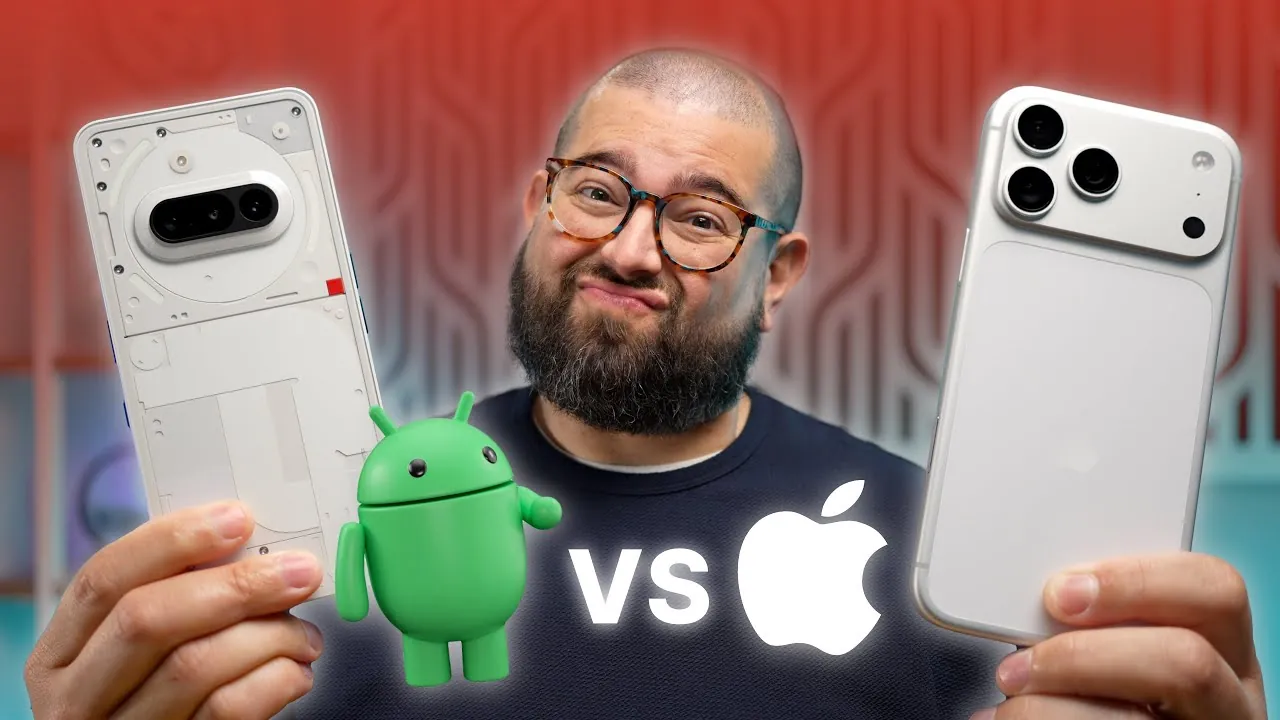
Switching from an iPhone to an Android device in 2025 involves more than just choosing a new phone. It represents a shift between two distinct ecosystems, each offering unique strengths, limitations, and user experiences. While Android devices are celebrated for their innovative hardware and extensive customization options, Apple’s tightly integrated ecosystem and exclusive features create significant challenges for long-time iPhone users considering the switch. Understanding these differences is essential to making an informed decision. The video below from Stephen Robles gives us more details about switching from the iPhone to an Android Phone.

Continuity Features: Integration That Stands Out
Apple’s ecosystem is renowned for its seamless integration, with continuity features that enhance productivity and convenience. The Universal Clipboard allows you to copy text or images on one Apple device and paste them on another effortlessly. Features like Continuity Camera, which enables you to use your iPhone as a webcam for your Mac, and instant hotspot access ensure a smooth transition between devices. These tools are designed to make the user experience feel unified and intuitive.
Android has made progress in this area with features like Nearby Share and Phone Hub. However, these alternatives often lack the depth and polish of Apple’s offerings. For users accustomed to Apple’s seamless experience, Android’s solutions may feel fragmented and less reliable.
Focus Modes: Balancing Customization and Simplicity
Apple’s Focus Modes provide users with precise control over notifications and app access, syncing effortlessly across all Apple devices. Whether you’re working, driving, or relaxing, these modes adapt to your needs and integrate seamlessly with third-party apps. This level of customization is designed to enhance productivity while maintaining simplicity.
Android’s focus mode, while functional, offers fewer customization options and lacks the same level of integration. For users who rely on tailored workflows, Apple’s approach often feels more intuitive and cohesive, making it a preferred choice for those seeking a streamlined experience.
File Sharing: AirDrop vs Android Alternatives
AirDrop remains one of Apple’s most celebrated features, allowing quick, secure, and effortless file sharing between devices. Its simplicity and universal compatibility within the Apple ecosystem make it a standout tool for users who frequently share files.
Android offers alternatives like Quick Share and third-party apps such as Blip. While these solutions attempt to replicate AirDrop’s functionality, they often fall short in terms of ease of use and reliability. For users accustomed to AirDrop’s seamless performance, Android’s file-sharing methods may feel cumbersome and less intuitive.
Smart Home Integration: Ecosystem Challenges
Apple’s HomeKit ecosystem provides deep integration with iOS devices, allowing users to control HomeKit-enabled devices through the Home app or Siri. Features like Shortcuts further enhance this experience by automating tasks across your smart home, creating a unified and efficient system.
Google Home, on the other hand, has made significant progress with Matter support and superior voice assistants. However, for Apple users heavily invested in HomeKit, transitioning to Android often involves hardware changes and compatibility challenges. These hurdles can make the switch less appealing for those who have built their smart home around Apple’s ecosystem.
Family Management Tools: Unified vs Fragmented
Apple’s Screen Time offers robust tools for managing children’s device usage, monitoring app activity, and setting limits. These controls sync across all Apple devices, creating a unified experience for families. Parents can easily track and manage their children’s digital habits without needing to navigate multiple platforms.
Google Family Link provides similar functionality but lacks some of the advanced features and seamless integration that Screen Time offers. For families, switching to Android often requires transitioning all devices, which can be a logistical challenge and disrupt established routines.
Exclusive Apps and Ecosystem Strength
The iOS App Store is home to exclusive apps like Things, Fantastical, and Bear, which cater to productivity and creativity. These apps are often optimized for Apple devices and have no direct equivalents on Android, making it difficult for iPhone users to replicate their workflows after switching.
While Android offers a broader range of apps and greater customization, it struggles to match the polish and exclusivity of certain iOS apps. For users who rely on these tools, the transition to Android may feel limiting.
Automation: Shortcuts vs Tasker
Apple’s Shortcuts app is a user-friendly tool for automating tasks, offering seamless integration across devices. It allows users to create workflows that simplify daily routines, from sending messages to controlling smart home devices.
Android’s Tasker provides similar functionality but comes with a steeper learning curve and more complex setups. For users who value simplicity and accessibility, Apple’s Shortcuts often emerges as the preferred choice for automation.
Media and Entertainment: A Cohesive Experience
Apple’s media ecosystem, anchored by Apple TV, integrates seamlessly with iPhones, AirPods, and HomePods. This cohesive experience extends to services like Apple Music and Fitness+, creating a unified entertainment platform that enhances user satisfaction.
Google TV offers comparable functionality but lacks the depth and integration of Apple’s offerings. For users deeply invested in Apple’s media ecosystem, switching to Android may feel like a compromise in terms of convenience and overall experience.
Messaging: iMessage vs RCS
iMessage remains a standout feature for iPhone users, offering advanced capabilities like Apple Cash, Check-In, and seamless group messaging. Its integration across devices ensures a consistent and reliable communication experience.
Android’s adoption of RCS (Rich Communication Services) has improved messaging on the platform, but it still falls short of iMessage’s depth and functionality. For those who rely heavily on iMessage, moving to Android may feel like a step backward in communication.
Built-in Apps: Cohesion vs Individual Strengths
Apple’s built-in apps, such as Notes, Reminders, and Maps, are designed for deep integration, offering features that work seamlessly across devices. These apps are optimized to provide a cohesive experience that enhances productivity and usability.
Android excels with apps like Google Photos and Chrome, which use cloud-based functionality to deliver powerful features. However, for users accustomed to the cohesive experience of Apple’s apps, Android’s offerings may feel disjointed and less intuitive.
Hardware Innovation: Innovative vs Cohesive Design
Android devices like the Nothing Phone and Samsung Z Fold showcase innovative hardware innovation, offering unique designs and features that push the boundaries of smartphone technology. These devices appeal to users seeking the latest advancements and experimental designs.
Apple, however, focuses on delivering a cohesive and optimized experience by tightly integrating its hardware with its software. For users who prioritize seamless performance and reliability over experimental features, the iPhone continues to hold an edge.
Making the Right Choice
Switching from iPhone to Android in 2025 is a complex decision that goes beyond hardware preferences. While Android offers innovative designs and greater customization, Apple’s seamless integration, exclusive apps, and advanced features make the transition challenging for long-term iPhone users.
For those deeply embedded in Apple’s ecosystem, the benefits of staying often outweigh the appeal of switching. However, for users seeking customization, innovative hardware, and a more open platform, Android presents a compelling alternative. Ultimately, the choice depends on your priorities and how deeply you’re invested in either ecosystem.
Explore further guides and articles from our vast library that you may find relevant to your interests in iPhone vs Android comparison.
- iPhone vs Android Showdown
- OneUI 8 vs iOS 26 vs Android 16 vs HyperOS
- Is Apple’s iPhone Focus Mode Better Than Android?
- iOS 26 Liquid Glass vs Android 16 Material 3 Expressive
- Android 16 vs iOS 18 vs One UI 7: A Comprehensive Comparison
Source & Image Credit: Stephen Robles
Disclosure: Some of our articles include affiliate links. If you buy something through one of these links, Geeky Gadgets may earn an affiliate commission. Learn about our Disclosure Policy.
