Your iPhone is more than just a communication device; it’s a powerful tool packed with features designed to make your life easier. While you may already know the basics, there are hidden gems within iOS that can boost your productivity, simplify everyday tasks and even enhance your creativity. These often-overlooked features can save you time and streamline your workflow. Let’s explore ten of these hidden functionalities that you might not be using yet.

1. Automate Tasks with the Shortcuts App
The Shortcuts app is a powerful tool for automating repetitive tasks, allowing you to create custom workflows triggered by specific actions or app usage. For instance:
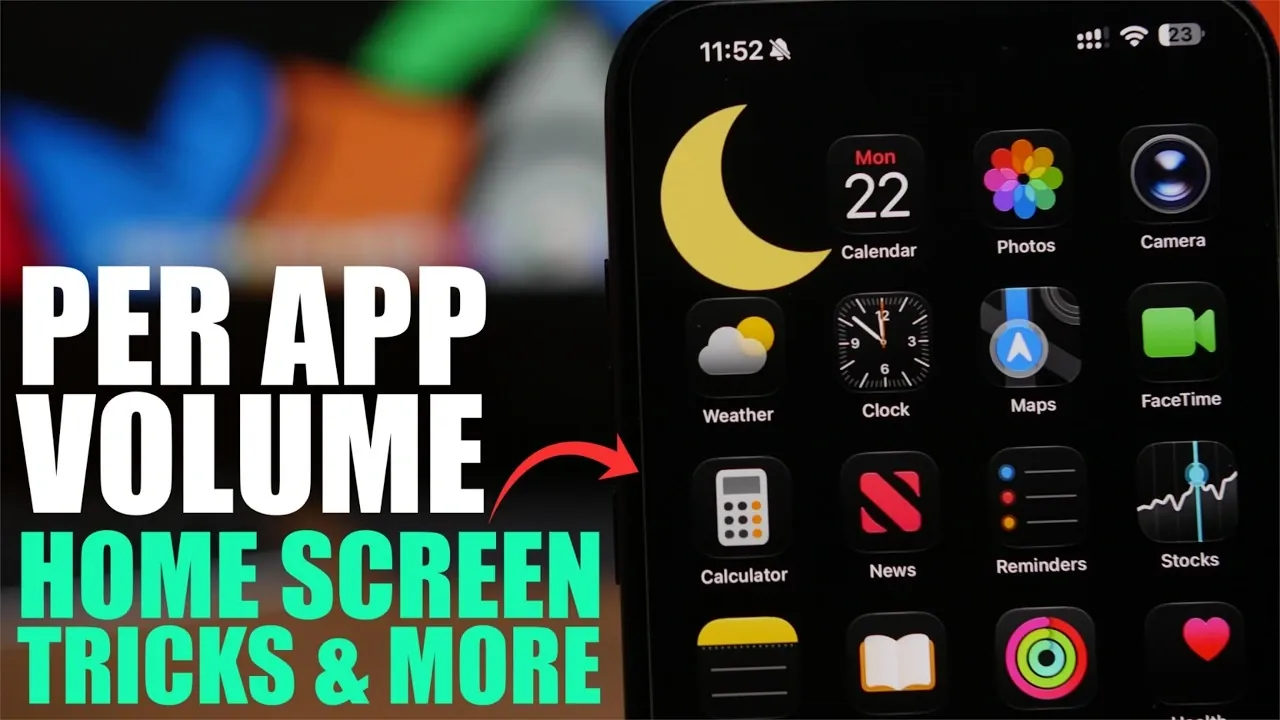
- Custom Volume Levels: Set unique volume levels for different apps, such as louder audio for music and quieter notifications for messaging.
- Multi-Step Shortcuts: Create shortcuts that perform several actions at once, like sending a text, starting a timer and opening an app, all with a single tap.
By exploring the Shortcuts app, you can tailor your iPhone to fit your daily routine seamlessly, saving time and effort.
2. Safari: A Browser with Hidden Tools
Safari is more than just a browser; it’s equipped with features that can enhance your productivity and browsing experience:
- Markup Tool: Annotate web pages directly to highlight key information or add notes before sharing. This is especially useful for research or collaborative projects.
- Text Sharing: Select specific text on a webpage and share it via iMessage, making sure your recipient gets the exact context without needing to sift through an entire page.
These tools make Safari a versatile platform for both casual browsing and professional tasks, offering functionality that goes beyond simple web navigation.
3. iMessage: Share More Than Just Text
iMessage integrates seamlessly with other apps, making it a hub for sharing content. One standout feature is the ability to share music directly from the Music app. You can recommend songs, albums, or playlists to your contacts without leaving the conversation. This feature makes it easy to share your favorite tracks and discover new music through your friends.
4. Notes App: Record and Transcribe Audio
The Notes app is an underrated tool with features that go beyond simple text entry. It allows you to:
- Record Audio: Capture lectures, meetings, or personal reminders directly within a note, making sure you don’t miss important details.
- Transcription: iOS can generate text-based transcripts of your recordings, making it easy to review or search through your notes later.
This dual functionality makes the Notes app an indispensable tool for both personal and professional use, helping you stay organized and efficient.
5. Shake to Undo: A Quick Fix
Mistakes happen, but the “Shake to Undo” feature offers a simple solution. Whether you’ve accidentally deleted text or moved an app, shaking your device prompts an undo option. This intuitive gesture is a time-saver, especially during tasks that require precision. It’s a small but effective feature that can make a big difference in your daily iPhone usage.
6. 3D Touch: Pressure-Sensitive Shortcuts
If your iPhone supports 3D Touch, you can unlock a new layer of functionality that simplifies common tasks:
- Maps: Firmly press to mark your current location, making it easy to save or share with others.
- App Store: Use 3D Touch to access app updates directly from the home screen, bypassing unnecessary navigation.
This feature streamlines your interactions and reduces the number of steps needed to complete everyday actions, enhancing your overall efficiency.
7. Calculator App: Correct Errors with Ease
The Calculator app includes subtle yet practical features for error correction:
- Digit Deletion: Swipe left or right on the number display to delete a single digit without clearing the entire calculation.
- Reset Option: Hold the clear button to reset the calculation entirely, giving you flexibility depending on your needs.
These small touches make the Calculator app more user-friendly and precise, making sure you can quickly fix mistakes without starting over.
8. Safari Reader Mode: Simplify Web Pages
Reader Mode in Safari strips away ads and unnecessary clutter from web pages, presenting content in a clean, easy-to-read format. This feature is especially helpful when reading long articles or blog posts. Simply tap the “Reader” icon in the address bar to activate it. By focusing solely on the text and images, Reader Mode enhances your reading experience and reduces distractions.
9. Hidden Trackpad in the Keyboard
Transform your iPhone’s keyboard into a trackpad by pressing and holding the spacebar. This allows you to move the cursor with precision, making it easier to edit text or select specific sections. It’s a subtle but highly effective feature that can significantly improve your typing and editing experience, especially when working on longer documents or messages.
10. Do Not Disturb While Driving
The “Do Not Disturb While Driving” feature enhances safety by silencing notifications when your iPhone detects you’re in a moving vehicle. You can customize this setting to send automatic replies, letting others know you’re unavailable. This thoughtful addition prioritizes focus and safety, helping you stay attentive on the road while keeping others informed.
Unlock Your iPhone’s Full Potential
These hidden iPhone features highlight the depth and versatility of iOS. From automating tasks with the Shortcuts app to enhancing your browsing experience with Safari’s tools, these functionalities are designed to make your life easier and more efficient. By taking the time to explore these lesser-known tools, you can transform your iPhone into a smarter, more capable companion. Experiment with these features and discover how much more your device can do for you.
Here are more guides from our previous articles and guides related to iPhone features that you may find helpful.
- iOS 26 SECRET Features – Apple Didn’t Show you The Best
- Forget the iPhone 18: The iPhone Fold Leaks Reveal a 7.8-Inch Monster
- Apple Just Confirmed 6 Major Features for the iPhone Ultra Fold
- 12 iPhone Tips: The Features Apple Doesn’t Tell You About
- 10 Awesome iPhone Features You’re Likely Not Using (But Should Be)
- iPhone 16e Buyer’s Guide: Specs Features & Price
Source & Image Credit: iReviews
Disclosure: Some of our articles include affiliate links. If you buy something through one of these links, Geeky Gadgets may earn an affiliate commission. Learn about our Disclosure Policy.
