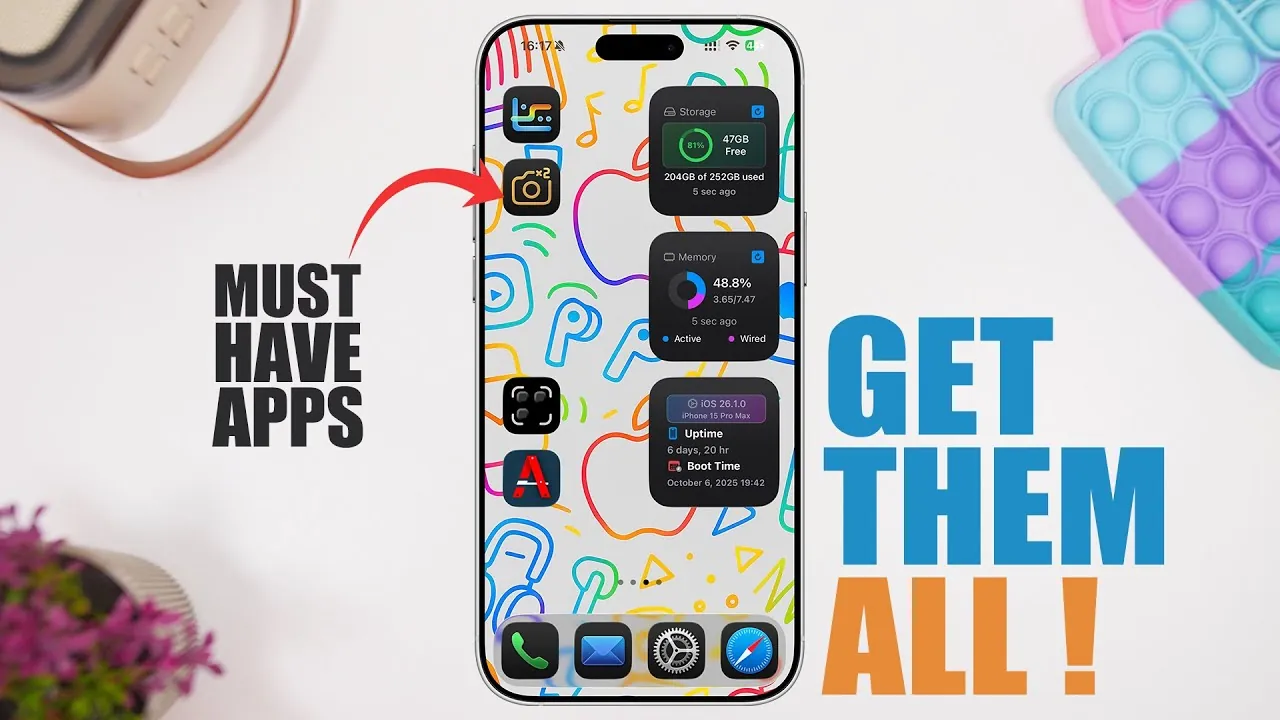
Your iPhone is more than just a communication device—it’s a powerful tool capable of enhancing productivity, creativity, and organization. By equipping it with the right apps, you can maximize its functionality and tailor it to meet your unique needs. Below is a carefully curated selection of 10 apps designed to help you unlock your iPhone’s full potential, making sure it becomes an indispensable part of your daily routine. The video below from iReviews gives us more details.
1. Two Camera: Record from Every Angle
Imagine capturing a moment from two perspectives simultaneously. With Two Camera, you can record using both the front and rear cameras at the same time. This app is ideal for vloggers, event documenters, and content creators who want to add a professional edge to their videos. Its customizable layouts and intuitive settings make it versatile for various creative projects. Whether you’re recording a personal memory or producing high-quality content, this app ensures you never miss a detail.
2. Photo Exporter: Streamline File Transfers
Transferring photos and videos doesn’t have to be a tedious process. Photo Exporter simplifies file management by allowing you to move media directly to USB devices or specific folders. With features like quality adjustments and selective transfers, this app makes backing up your memories or sharing files quick and efficient. It’s a practical solution for anyone who values seamless organization and time-saving tools.
3. All Tools: Your iPhone’s Swiss Army Knife
Why clutter your iPhone with multiple apps when one can do it all? All Tools combines over 40 utilities into a single, comprehensive app. From Wi-Fi testing and health tracking to measurement tools and audio utilities, this app covers a wide range of everyday needs. Its versatility makes it an excellent choice for users who appreciate convenience and functionality in one package.
4. Legit URL: Browse Safely
In today’s digital landscape, online security is paramount. Legit URL helps you verify the authenticity of websites before you visit them. By analyzing links for potential threats, this app protects you from phishing scams, malware, and other online risks. It’s an essential tool for safe browsing, giving you peace of mind while navigating the internet.
5. Business Card Maker: Modernize Your Networking
Networking has evolved, and Business Card Maker ensures you stay ahead of the curve. This app allows you to create customizable digital business cards complete with QR codes that link to your website, social media profiles, or contact information. It’s perfect for professionals looking to make a lasting impression in today’s fast-paced, tech-driven world. With this app, you can modernize your networking efforts and stand out in any professional setting.
6. Status Monitor: Keep Your iPhone Running Smoothly
Your iPhone’s performance plays a crucial role in its longevity. Status Monitor provides real-time insights into your device’s CPU usage, RAM, network activity, and thermal state. With widget support, you can monitor your iPhone’s health at a glance, making sure it operates at peak efficiency. This app is a must-have for users who want to maintain their device’s performance and prevent potential issues.
7. Curate: Personalize Your QR Codes
QR codes are everywhere, but they don’t have to be dull. Curate lets you design unique QR codes with custom styles, colors, and layouts. Whether you’re using them for personal branding, marketing, or sharing information, this app ensures your QR codes are both functional and visually appealing. It’s a creative tool for anyone looking to add a personal touch to their digital interactions.
8. BGShot: Upgrade Your Screenshots
Screenshots are a convenient way to share information, but they often lack visual appeal. BGShot transforms your screenshots by allowing you to customize them with gradients, frames, watermarks, and other design elements. Whether you’re creating tutorials, showcasing designs, or sharing ideas, this app ensures your screenshots stand out and leave a lasting impression.
9. Oktos: Simplify Subscription Management
Managing subscriptions can quickly become overwhelming, but Oktos makes it effortless. This app helps you track expenses, set payment reminders, and view summaries of all your subscriptions in one place. It’s an invaluable tool for anyone looking to stay on top of their finances and avoid unnecessary charges. With Oktos, you can regain control over your subscription services and budget effectively.
10. PDF Fox: All-in-One PDF Solution
Handling PDFs has never been easier. PDF Fox offers a comprehensive suite of tools for editing, signing, merging, converting, and creating PDF files. Whether you’re managing work documents or personal files, this app streamlines your workflow and saves you valuable time. It’s a versatile solution for anyone who frequently works with PDFs and values efficiency.
How These Apps Enhance Your iPhone Experience
These 10 apps are more than just tools—they’re solutions that elevate your iPhone’s capabilities, making it a powerful ally in your daily life. Whether you’re a professional, a creative, or someone who values efficiency, these apps cater to a variety of needs.
- Boost productivity by simplifying workflows and automating tasks.
- Enhance creativity with tools that allow for customization and innovation.
- Improve organization by streamlining file management and tracking expenses.
- Ensure device performance with monitoring tools and security features.
By integrating these apps into your routine, you can transform your iPhone into a hub of productivity, creativity, and convenience. Each app is designed to address specific challenges, offering practical solutions that make your life easier and more efficient. Explore these options to unlock the full potential of your device and take your iPhone experience to the next level.
Dive deeper into iPhone apps with other articles and guides we have written below.
- 10 iPhone Apps That Will Change Your LIFE!
- Discover the Best iPhone Apps for April 2025
- 10 BRILLIANT iPhone Apps You NEED in 2025
- How to Use the iPhones Built In Productivity Apps
- Enhance Your iPhone 17 Experience with These Must-Have Apps
Source & Image Credit: iReviews
Disclosure: Some of our articles include affiliate links. If you buy something through one of these links, Geeky Gadgets may earn an affiliate commission. Learn about our Disclosure Policy.
