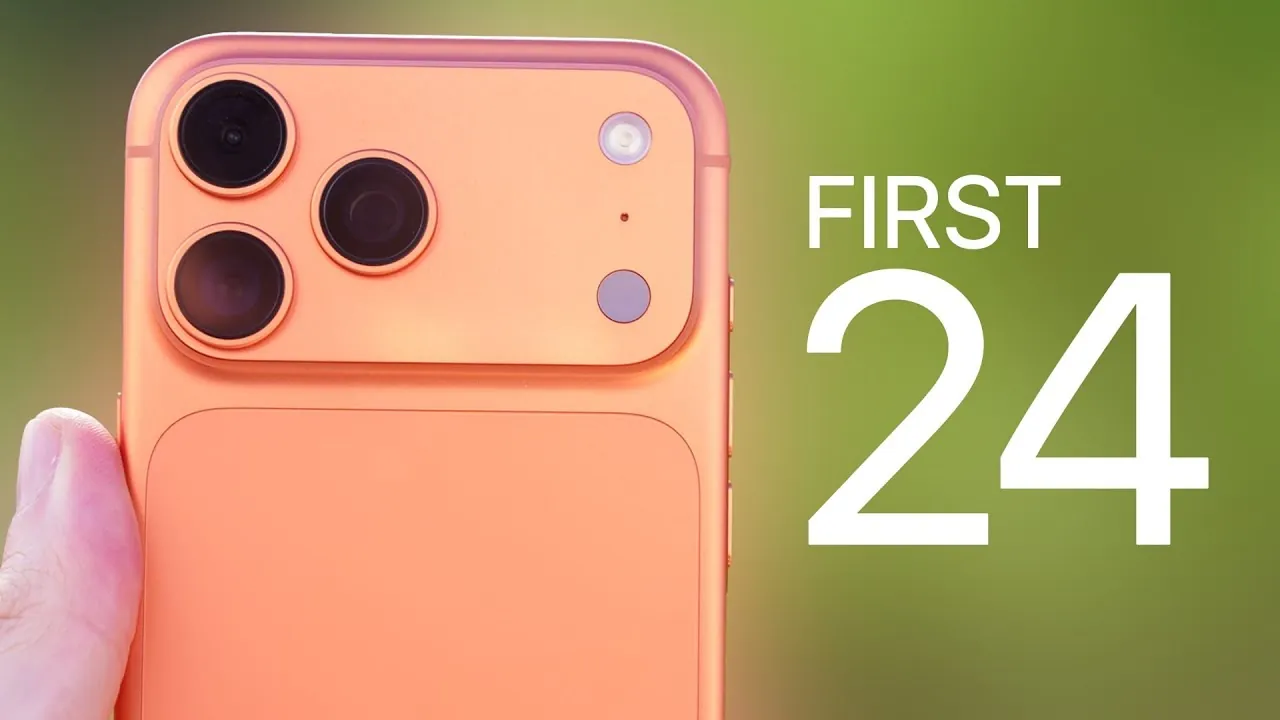
The iPhone 17 and 17 Pro introduce a host of advanced features and customization options designed to elevate your smartphone experience. Whether you’re a long-time iPhone user or exploring the ecosystem for the first time, this guide provides actionable steps to help you optimize your device, unlock its full potential, and tailor it to your preferences. From battery management to professional-grade camera tools, the video below from Brandon Butch shows us how to make the most of the new iPhone

Battery Optimization: Prolong Performance and Longevity
Efficient battery management is essential for maintaining your device’s health and making sure long-term reliability. The iPhone 17 series includes several tools to help you monitor and optimize battery performance.
– Check the Battery Health section in Settings to track the cycle count and overall condition of your battery.
– Enable Adaptive Power Mode to intelligently balance performance and battery life based on your usage patterns. If you prioritize maximum performance, this feature can be disabled.
– Adjust the Charge Limit to prevent overcharging, especially if you frequently charge your device overnight.
– Turn off the Clean Energy Charging toggle if you prefer uninterrupted charging, as this feature may delay charging during off-peak hours to reduce environmental impact.
By implementing these strategies, you can ensure your battery remains reliable and efficient for years to come.
Display and Brightness: Customize for Comfort
The iPhone 17 series features a ProMotion 120Hz display, delivering smoother visuals and enhanced responsiveness. To optimize your display settings for comfort and efficiency:
– Personalize the Always-On Display by reducing its brightness or disabling it entirely to conserve battery life.
– If you’re sensitive to screen flicker, enable Display Pulse Smoothing (PWM) to minimize eye strain during extended use.
– Adjust Auto-Brightness to ensure optimal visibility in various lighting conditions, including direct sunlight, while maintaining battery efficiency.
These adjustments allow you to enjoy a visually stunning display while prioritizing comfort and energy savings.
Camera Features: Unlock Professional-Grade Photography
The iPhone 17 Pro’s camera system is designed to cater to both casual photographers and professionals. With its advanced tools and features, you can capture stunning visuals in any scenario.
– Use Dual Recording Mode to simultaneously record video from the front and rear cameras, perfect for creating dynamic content.
– Enable ProRAW and ProRes formats to capture high-quality photos and videos with greater editing flexibility.
– Take advantage of the new 8x Optical Zoom for detailed close-ups, and adjust White Balance to achieve consistent results in varying lighting conditions.
– Experiment with Photographic Styles, including the new “Bright” style, to personalize the tone and appearance of your photos.
– Keep your lenses clean for maximum clarity and disable unnecessary camera indicators for a streamlined shooting experience.
These features empower you to explore your creativity and capture professional-grade images and videos effortlessly.
Performance Enhancements: Smooth Multitasking
The iPhone 17 Pro is equipped with 12GB of RAM and a vapor chamber cooling system, making sure seamless multitasking and efficient performance during intensive tasks. Whether you’re gaming, editing videos, or switching between multiple apps, the device remains responsive and cool under pressure. These enhancements make it an ideal choice for users who demand high performance without compromise.
Customization: Make It Yours
Personalizing your iPhone enhances both its functionality and aesthetic appeal. The iPhone 17 series offers a variety of customization options to suit your preferences.
– Design your Home Screen with custom wallpapers, icon color matching, and display zoom settings for a unique look.
– Configure the Action Button to quickly access frequently used functions, such as launching the camera, activating silent mode, or opening a specific app.
– Add useful toggles like Dark Mode, Low Power Mode, and Background Sounds to the Control Center for quick and efficient access to essential features.
These options allow you to create a device that feels uniquely tailored to your needs and style.
iOS 26: New Features to Explore
The iPhone 17 series runs on iOS 26, which introduces several innovative features designed to enhance usability and functionality.
– A redesigned Control Center offers improved navigation and greater customization options, allowing you to prioritize the tools you use most frequently.
– HDR Screenshots and full-screen previews make sharing content more visually appealing and seamless.
– The Ask Reason for Calling feature helps screen unknown callers by prompting them to state their purpose, reducing unnecessary interruptions.
– A 3D Parallax Lock Screen with spatial scenes adds a dynamic and immersive visual experience to your device.
These updates make iOS 26 a powerful and intuitive operating system that complements the advanced hardware of the iPhone 17 series.
Charging Improvements: Power Up Quickly
The iPhone 17 lineup introduces significant improvements in charging technology, making sure you spend less time tethered to a charger.
– With a 40W adapter, the iPhone 17 can charge up to 50% in just 20 minutes, making it ideal for users with busy schedules.
– The iPhone Air, using a 20W adapter, achieves the same level of charge in 30 minutes, offering a convenient solution for quick power-ups.
These advancements in charging efficiency allow you to focus on using your device rather than waiting for it to recharge.
Additional Tips: Fine-Tune Your Experience
To further enhance your iPhone 17 experience, consider these additional tips:
– Configure Message, Phone, and FaceTime settings to streamline notifications and improve communication efficiency.
– Preserve your preferred Camera Settings to ensure consistent results every time you take a photo or video.
– Disable Raise-to-Wake to conserve battery life, especially if you frequently handle your phone without intending to use it.
– Adjust the Auto-Lock Duration to strike a balance between convenience and power efficiency.
These small but impactful adjustments can significantly improve your day-to-day interactions with your device.
Browse through more resources below from our in-depth content covering more areas on iPhone 17 battery optimization.
- iPhone 17 Battery Performance: All Models Tested!
- How to Improve iPad Battery Life With iOS 17
- Maximize Your iPhone 15 Experience: Top Tips and Tricks for iOS 17
- iOS 18.4.1 Battery Drain Solutions You Need to Know
- Maximize Your iPad Battery Life with These Simple Steps
Source & Image Credit: Brandon Butch
Disclosure: Some of our articles include affiliate links. If you buy something through one of these links, Geeky Gadgets may earn an affiliate commission. Learn about our Disclosure Policy.
