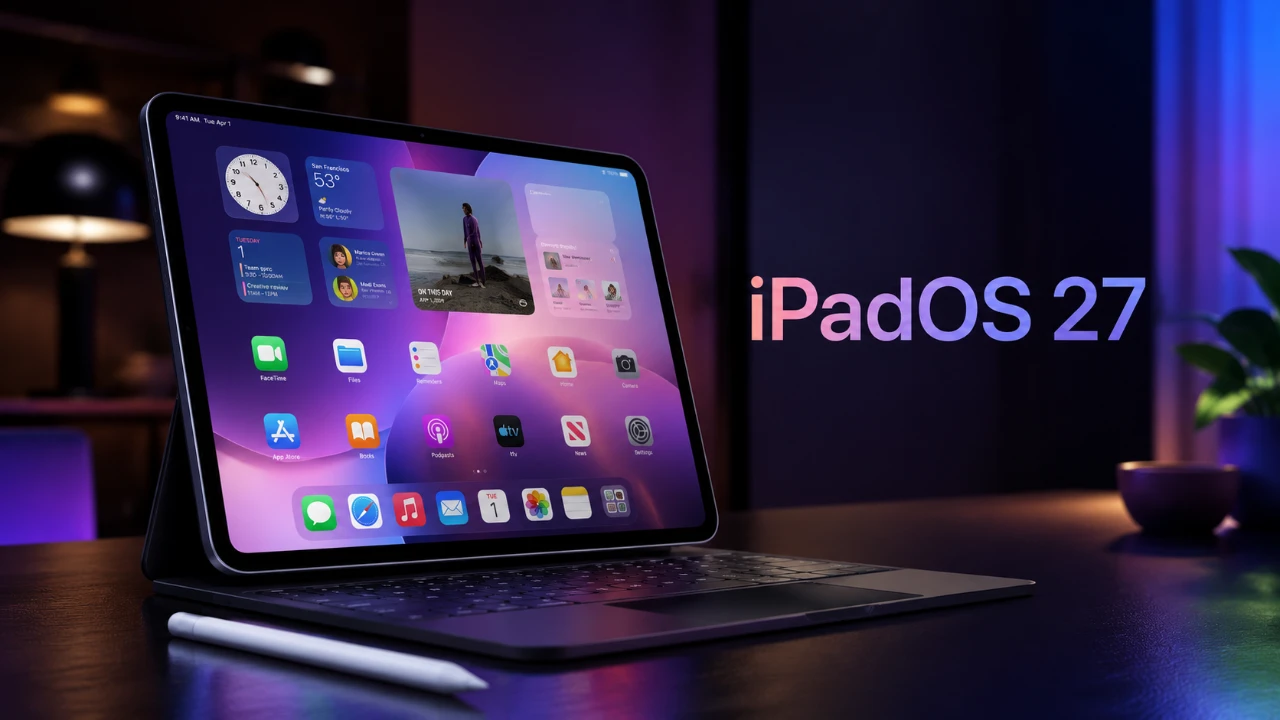
iPadOS 27 brings a suite of enhancements aimed at improving performance, multitasking, and overall user experience, further solidifying the iPad’s position as a versatile tool for both casual users and professionals. This update introduces a blend of functional upgrades and interface refinements, making sure the iPad remains intuitive while offering advanced capabilities. Below is a detailed exploration of the most significant features and improvements in a new video from Apple Insider.

Performance Upgrades: Faster and More Efficient
iPadOS 27 introduces substantial performance enhancements, making sure smoother operation and faster responsiveness. These upgrades are designed to meet the demands of modern workflows and enhance overall efficiency. Key improvements include:
- File Transfers: External drive transfer speeds have been boosted by up to five times, allowing seamless handling of large files. This is particularly beneficial for professionals working with high-resolution media or extensive datasets.
- Optimized AirDrop: Sharing files between Apple devices is now faster and more reliable, making wireless connectivity a more dependable option for quick transfers.
These performance enhancements are especially valuable for users who rely on their iPads for productivity, making sure tasks are completed with minimal delays.
Multitasking and Window Management: Greater Flexibility
The multitasking capabilities of iPadOS 27 have been significantly refined, offering users more control and flexibility when managing multiple tasks. These updates are designed to enhance productivity and streamline workflows. Key features include:
- Improved Window Management: The updated interface allows users to resize and organize their workspace with ease, making multitasking more intuitive and efficient.
- Persistent Menu Bar: Borrowing from macOS, the addition of a menu bar provides quick access to essential tools, catering to power users who require streamlined navigation.
- Resizable iPhone-Only Apps: Apps originally designed for iPhone can now be resized into windows, improving their usability and integration within the iPad ecosystem.
These multitasking enhancements ensure that users can seamlessly switch between tasks, whether they are managing creative projects, conducting research, or handling everyday activities.
Siri AI Integration: Smarter and More Accessible
Siri has been enhanced in iPadOS 27 with a dedicated app and expanded functionality, making it a more integral part of the iPad experience. These updates aim to improve accessibility and usability. Highlights include:
- Multitasking Support: Siri can now operate in a window or slide-over mode, allowing users to interact with the assistant without interrupting their workflow.
- Conversation History: Users can access past interactions with Siri, allowing better continuity and improved task management.
These improvements make Siri a more effective tool for managing tasks, setting reminders and retrieving information, all while maintaining focus on other activities.
Keyboard Automation in Shortcuts: Streamlined Workflows
For users who frequently alternate between touch and keyboard input, iPadOS 27 introduces new automation triggers in the Shortcuts app. These features are designed to simplify workflows and reduce repetitive actions. Key functionalities include:
- Keyboard Triggers: Automate tasks such as launching specific apps or adjusting settings when a keyboard is connected or disconnected.
- Custom Workflows: Create personalized shortcuts that adapt to your preferred input method, enhancing efficiency and productivity.
This feature is particularly useful for professionals and power users who rely on streamlined processes to optimize their daily routines.
User Interface Refinements: A Polished Experience
The user interface in iPadOS 27 has been thoughtfully updated to enhance usability while maintaining Apple’s signature design principles. These refinements ensure a cohesive and visually appealing experience across the system. Notable updates include:
- Shortcuts App Enhancements: A redesigned side menu and detailed view make it easier to navigate and manage automations, improving overall functionality.
- Consistent UI Improvements: Apps like Apple Home have been updated to align with the broader system design, creating a more unified look and feel.
These updates contribute to a polished and user-friendly interface, making sure that the iPad remains both functional and aesthetically pleasing.
Enhanced Search and General Improvements
Search functionality has been upgraded across core apps in iPadOS 27, making it easier to find information and navigate the system. These improvements are designed to enhance efficiency and user satisfaction. Key updates include:
- Faster Results: Search queries now deliver quicker and more accurate outcomes, saving time and effort.
- System Optimization: General performance enhancements ensure a more responsive and enjoyable user experience.
These upgrades simplify the process of locating files, messages and other content, making the iPad a more effective tool for both work and leisure.
A Comprehensive Update for All Users
iPadOS 27 represents a balanced update that caters to a wide range of users, from professionals seeking advanced functionality to casual users looking for a smoother experience. With faster performance, enhanced multitasking tools, smarter Siri integration and refined UI elements, this update ensures the iPad remains a powerful and versatile device. Whether you’re managing complex workflows or simply exploring new features, iPadOS 27 delivers meaningful improvements that enhance the overall user experience.
Below are more guides on iPadOS 27 Features from our extensive range of articles.
- The iPadOS 27 Features You Won’t Find on iPhone
- Has Apple Turned the iPad Into a True Mac Replacement with iPadOS 27?
- Will iPadOS 27 Turn Your Tablet Into a True Laptop Replacement?
- Apple Just Quietly Made Your iPad Massively Smarter with iPadOS 27
- The Hidden iPadOS 27 Features Everyone Is Missing
Source: AppleInsider
Disclosure: Some of our articles include affiliate links. If you buy something through one of these links, Geeky Gadgets may earn an affiliate commission. Learn about our Disclosure Policy.
