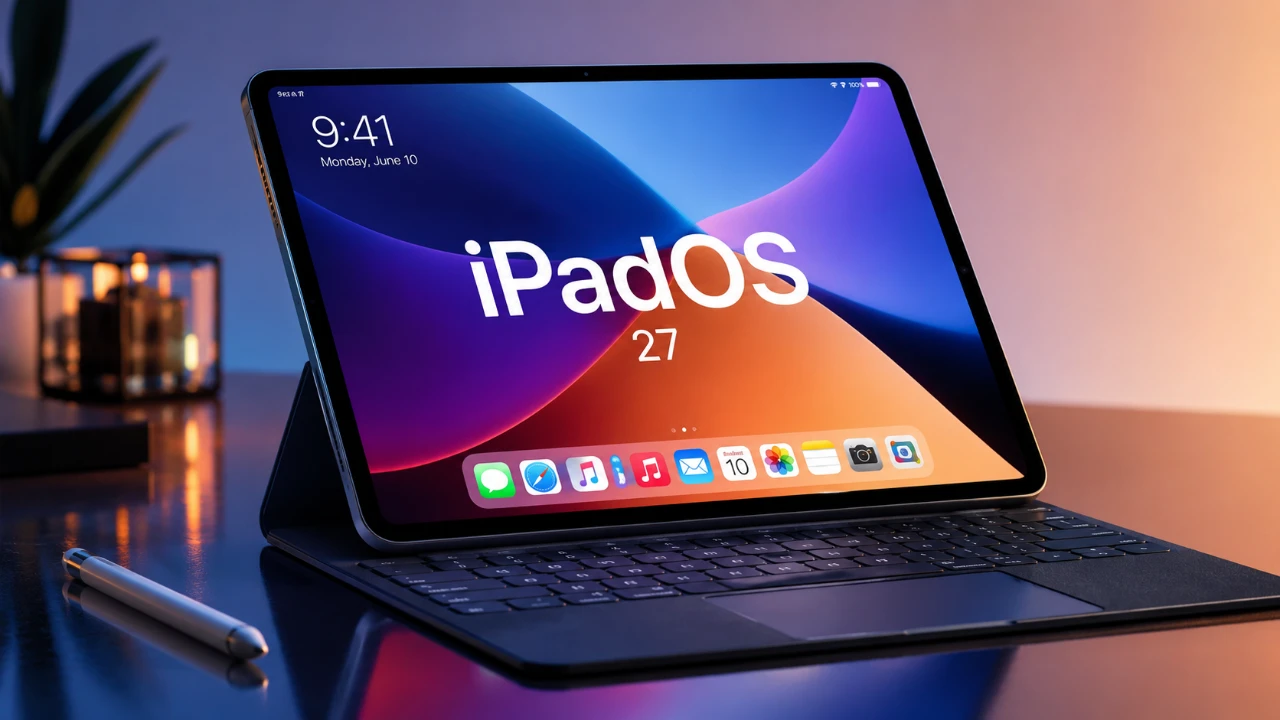
iPadOS 27, which is currently in beta, delivers a comprehensive update with over 100 new features aimed at enhancing productivity, creativity, and personalization. From smarter Siri AI to advanced multitasking tools, this update reshapes how you interact with your iPad. Below is an in-depth look at the most impactful changes and how they can elevate your experience. The video below from Nikias Molina gives us a detailed look at the new features coming in iPadOS 27.

Siri AI: Smarter, Context-Aware and More Integrated
Siri AI in iPadOS 27 has been significantly upgraded to become more intelligent and context-aware. It now understands personal context, such as extracting details from your messages to suggest calendar events or reminders. For instance, if a friend mentions meeting next week, Siri can proactively add it to your schedule without requiring manual input.
A dedicated Siri app enhances conversational interactions, making task automation seamless. Whether you’re managing your calendar, controlling smart devices, or editing photos, Siri adapts to the app you’re using. This positions Siri as a central tool for productivity and personalization, offering a more integrated and efficient experience.
Widgets and Home Screen: Bigger, Better and More Customizable
Widgets in iPadOS 27 have been redesigned to be larger, more interactive and highly customizable. Apps like Photos, Music and Calendar now feature expanded widget options, providing more information at a glance while enhancing the visual appeal of your home screen.
New undo and redo options for layout changes give you greater control over your home screen’s appearance. This ensures a personalized and user-friendly interface, allowing you to tailor your iPad to your specific needs.
Safari: Smarter Browsing with New Features
Safari has been revamped to support both casual browsing and professional workflows. Key updates include:
- Topic-based tab organization: Easily navigate between projects or interests by grouping tabs into categories.
- “Notify Me” feature: Track price drops or design changes on specific web pages for smarter shopping and research.
- Custom Safari extensions: Create personalized extensions using prompts to tailor your browser to your unique needs.
These features make Safari a more powerful tool for managing your online activities, whether for work or leisure.
Photos: AI-Powered Editing Tools
The Photos app now includes advanced AI tools that simplify editing and enhance creativity:
- Cleanup Tool: Precisely removes unwanted elements from photos, improving image quality effortlessly.
- Extend Tool: Expands an image’s composition by generating new elements, offering creative flexibility.
- Reframe Tool: Adjusts perspectives to perfect your shots, making sure professional-grade results.
These tools cater to both casual users and creative professionals, allowing high-quality edits without the need for third-party apps.
Natural Language Automation with Siri Shortcuts
Creating Siri Shortcuts has never been easier, thanks to natural language processing. You can now describe tasks in plain language and Siri will automate them. For example, saying, “Create a shortcut to turn on Do Not Disturb and open Notes,” will instantly generate the desired workflow. This feature makes automation accessible to all users, regardless of technical expertise.
Dynamic Design and Enhanced Customization
iPadOS 27 introduces Liquid Glass, a design effect that enhances transparency and icon aesthetics. Combined with dynamic wallpapers offering customizable color options, this feature allows you to create a visually stunning interface that reflects your style.
Additionally, snapped menu bars provide a cleaner, more organized layout, making sure your iPad remains both functional and visually appealing. These updates make the iPad experience more immersive and tailored to individual preferences.
Apple Maps: Immersive 3D Satellite Views
Apple Maps now offers detailed 3D satellite rendering, providing a more immersive way to explore cities or plan trips. You can also remove map labels for a cleaner view, making it easier to focus on geographical details. These enhancements make navigation and exploration more intuitive and visually engaging.
Creative Tools: Genojis and Image Playground
iPadOS 27 introduces innovative creative tools designed to inspire users:
- Image Playground: Combines AI-powered image generation with editing tools, allowing you to resize, recolor and modify images using the Apple Pencil or text prompts.
- Genojis: Personalized emojis that you can design and customize to reflect your unique style and personality.
These tools empower both professional designers and casual users to explore new creative possibilities, making the iPad a hub for artistic expression.
Calendar: Smarter Scheduling with Natural Language
The Calendar app now supports natural language input for event creation. For example, you can type or say, “Schedule a meeting with Sarah on Friday at 3 PM,” and the app will handle the details. Additional features, such as travel time and customizable alerts, ensure your schedule is accurate and efficient, helping you stay organized with minimal effort.
Multitasking and Gesture Controls: Streamlined Navigation
Multitasking in iPadOS 27 has been refined with new gesture controls that simplify navigation. You can now automatically show or hide the menu bar for quick access to essential tools without cluttering your screen. Drawing gestures, such as creating perfect shapes or signatures, further enhance usability, making multitasking smoother and more efficient.
A Comprehensive Update for Every User
iPadOS 27 represents a significant leap forward, combining AI-driven features with user-friendly design and creative tools. From Siri’s enhanced capabilities to advanced image editing and customizable widgets, this update redefines what your iPad can do. Whether you’re focused on productivity, creativity, or personalization, iPadOS 27 offers something for everyone, making it an essential upgrade for all iPad users.
Source: Nikias Molina
Disclosure: Some of our articles include affiliate links. If you buy something through one of these links, Geeky Gadgets may earn an affiliate commission. Learn about our Disclosure Policy.
