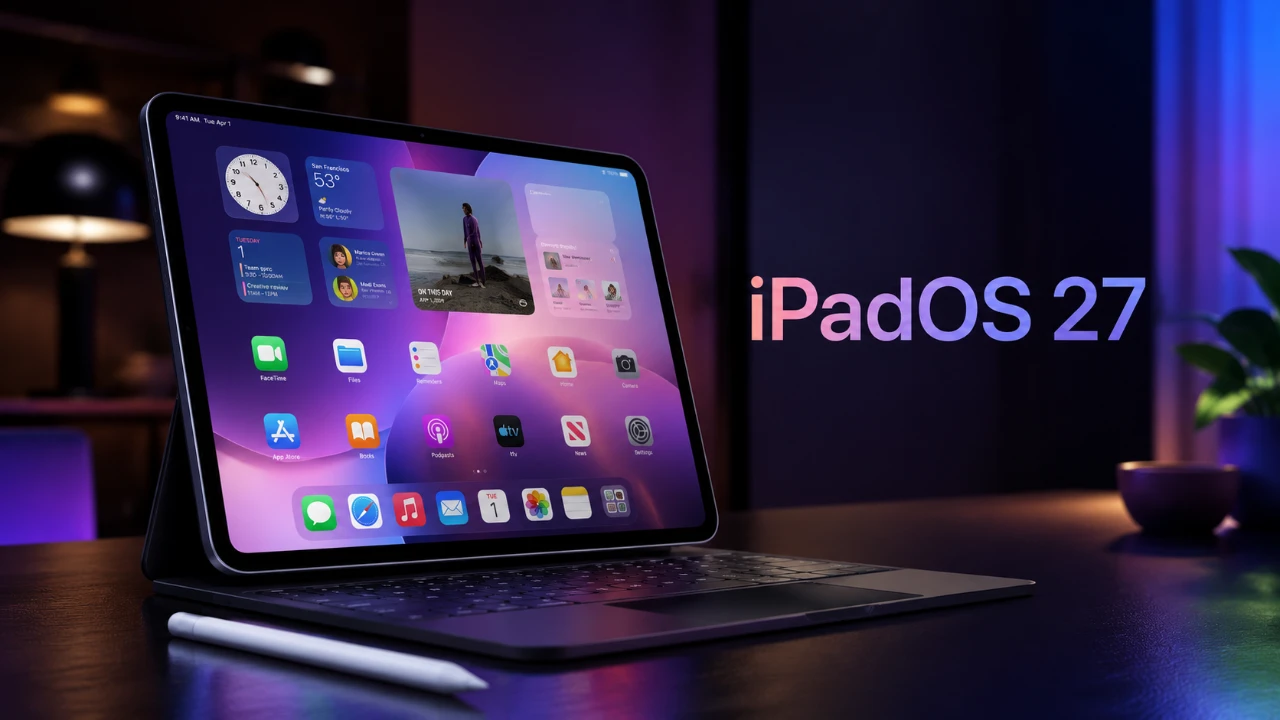
Apple’s iPadOS 27 delivers a wide range of features designed to enhance productivity, customization, and performance. Building on the solid foundation of iPadOS 26, this update refines multitasking, file management, and user interface flexibility to provide a more seamless and efficient experience. Whether you use your iPad for work, creativity, or leisure, iPadOS 27 introduces tools and improvements that cater to diverse needs. However, it’s important to note that some advanced features are exclusive to newer iPad models, using their enhanced hardware capabilities. The video below from 9 to 5 Mac gives us more details on some of the new features in iPadOS 27.

Device Compatibility: Is Your iPad Supported?
Before diving into the new features, it’s crucial to determine whether your iPad supports iPadOS 27. The update is compatible with the following models:
- iPad Pro (4th generation 12.9″, 2nd generation 11″, and all M-powered models)
- iPad Air (4th generation and newer, including M1 models)
- iPad (9th and 10th generation, as well as A16 models)
- iPad Mini (6th generation with A17 Pro)
Advanced features, such as Siri AI’s contextual analysis and machine learning enhancements, are restricted to M-series iPads and the A17 Pro-powered iPad Mini due to their superior computational capabilities. Making sure your device is compatible will help you make the most of the update.
Customization: A More Personalized iPad
iPadOS 27 introduces a variety of customization options, allowing users to tailor their devices to their preferences. The ability to reposition the lock screen clock enhances wallpaper visibility, offering a subtle yet impactful improvement. For those who frequently adjust their home screen layouts, the addition of undo and redo buttons simplifies experimentation with app arrangements.
Another notable enhancement is the introduction of resizable app windows for iPhone apps running on iPads. This feature provides a more adaptable interface, making it easier to use apps designed for smaller screens. These changes collectively empower users to create a more personalized and functional iPad experience.
Enhanced Multitasking and Interface Upgrades
Multitasking capabilities receive significant attention in iPadOS 27, with updates aimed at streamlining workflows. New gestures and shortcuts make it easier to switch between apps or activate split-screen mode, improving overall efficiency. The menu bar now auto-hides, creating a cleaner workspace while keeping essential tools readily accessible when needed.
For users who rely on automation, the Shortcuts app introduces natural language input, allowing you to describe workflows in plain text. For example, typing “Open Notes and Safari in split view” will automatically generate the corresponding shortcut. Additionally, keyboard-triggered automations allow you to execute complex commands or open apps in specific configurations with a single keystroke. These upgrades make multitasking more intuitive and powerful, catering to both casual users and professionals.
Performance: Faster, Smoother and More Efficient
Performance improvements are a cornerstone of iPadOS 27, with a focus on speed and efficiency. App launches, AirDrop transfers and file management tasks are now up to 80% faster, significantly reducing downtime and enhancing productivity. External drive support has also been optimized, making sure smoother file transfers and better compatibility with a wide range of storage devices.
These performance upgrades are particularly beneficial for professionals handling large files or running multiple apps simultaneously. Whether you’re editing videos, managing documents, or simply browsing, iPadOS 27 ensures a smoother and more responsive experience.
Widgets and Notes: Improved Usability and Organization
Widgets in iPadOS 27 have been enhanced with the introduction of extra-large sizes, offering better visibility and functionality. Apps like Calendar and Reminders benefit greatly from this update, as larger widgets display more information at a glance, reducing the need to open the app for details.
The Notes app also sees significant improvements, making it a more versatile tool for organization and productivity. New features include:
- Markdown export for seamless formatting and sharing
- Dividers to organize content within notes
- Internal and external linking to connect related notes or reference external resources
These updates make it easier to manage and navigate your notes, whether for personal use or professional projects.
Photos App: Smarter Media Management
The Photos app in iPadOS 27 introduces tools that simplify media organization and accessibility. A new keyword tagging feature allows you to categorize photos by themes, events, or other criteria, making it easier to locate specific images. Additionally, users can now save individual frames from videos as photos, a practical feature for capturing precise moments.
Machine learning-powered video captioning further enhances the app, improving accessibility and allowing users to search for specific content within their video library. These updates make the Photos app a more powerful tool for managing and enjoying your media.
Siri AI: Smarter and More Context-Aware
Siri receives a major upgrade in iPadOS 27, with enhanced contextual awareness that allows the AI assistant to provide more relevant insights and suggestions. For instance, if you’re reading an article, Siri can summarize it or recommend related topics, saving you time and effort.
This deeper integration extends to other apps, where Siri can generate analytics or summaries based on your activity. Whether you’re working on a project or exploring new content, Siri’s improved capabilities streamline your workflow and enhance your overall experience.
Safari: A More Organized Browsing Experience
Safari in iPadOS 27 introduces features that make browsing more efficient and organized. The new automatic tab organization groups tabs by topic, simplifying the management of multiple browsing sessions. This is particularly useful for users conducting research or multitasking across various projects.
Combined with improved performance and faster page loading times, Safari becomes a more powerful tool for both casual browsing and professional use. These enhancements ensure a smoother and more productive browsing experience.
A Versatile Update for All Users
iPadOS 27 solidifies the iPad’s role as a versatile device for personal and professional use. With its focus on performance, customization, and multitasking, the update delivers meaningful improvements that cater to a wide range of users. While some features are exclusive to the latest hardware, the overall enhancements make the iPad an even more compelling alternative to traditional computers. Whether you’re a creative professional, a student, or a casual user, iPadOS 27 offers tools and features that elevate your experience.
Uncover more insights about iPadOS 27 in previous articles we have written.
- How iPadOS 27 May Fundamentally Change the iPad Experience
- iPadOS 27 Public Beta: Apple Just Made the iPad Way More Useful
- iPadOS 27 Public Beta is Out to Make iPad Feel Like a Computer
- iPadOS 27 Beta 3 Finally Unlocks the iPad’s Full Multitasking Potential
- Will iPadOS 27 Turn Your Tablet Into a True Laptop Replacement?
- Latest iPadOS 27 Beta 5 Update Redesigns Apple App Icons
Source & Image Credit: 9to5Mac
Disclosure: Some of our articles include affiliate links. If you buy something through one of these links, Geeky Gadgets may earn an affiliate commission. Learn about our Disclosure Policy.
