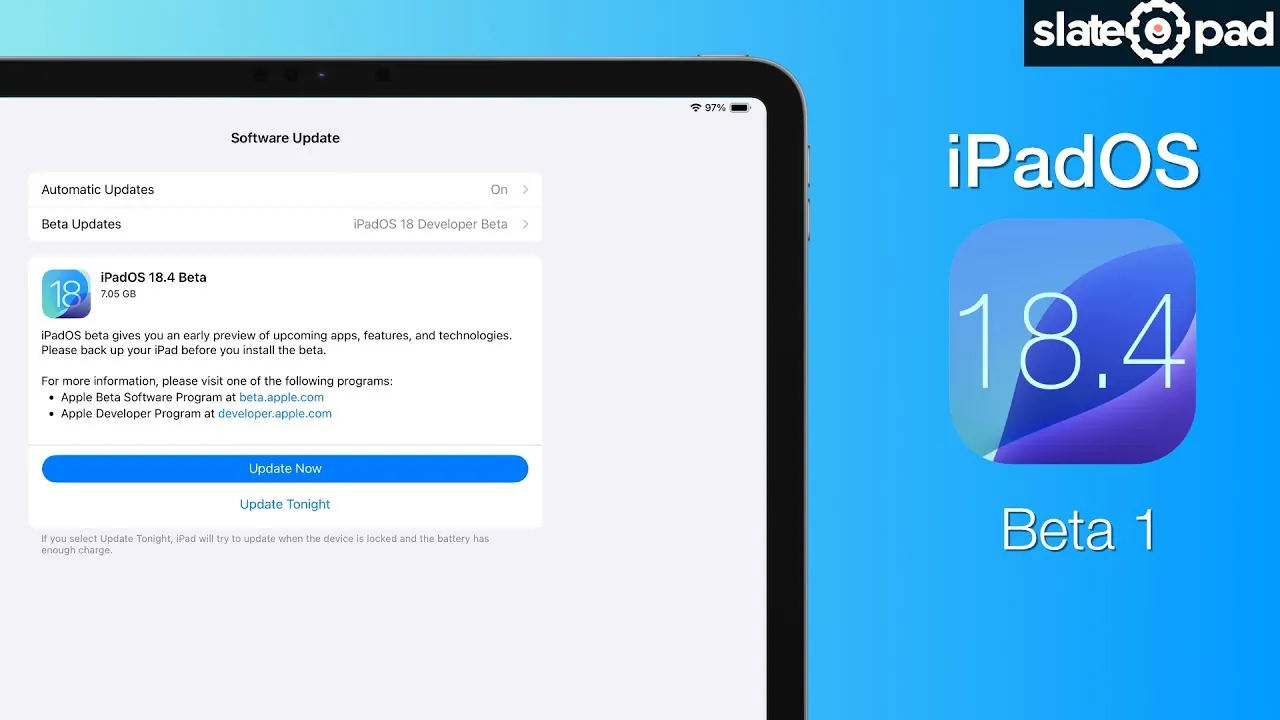
Apple has introduced iPadOS 18.4 Beta 1, bringing a variety of updates designed to enhance functionality, improve user experience, and refine existing tools. While some anticipated features, such as the updated Siri with personal contacts, are absent, this release focuses on practical improvements and new capabilities. Below is a detailed look at the most significant updates in a new video from SlatePad.

Smarter Email Management in the Mail App
The Mail app now includes an automatic email categorization feature, making it easier to manage your inbox. Emails are sorted into four predefined categories:
- Priority
- Transactions
- Updates
- Promotions
This feature helps you quickly identify important messages while minimizing inbox clutter. If you prefer the traditional list view, you can easily switch back in the settings. This update is particularly useful for users who handle a high volume of emails daily, offering a more streamlined and organized experience.
Creative Boost with Sketch-Style Image Creation
A new “Sketch” style has been added to the iPad’s image creation tools, allowing you to produce hand-drawn-style visuals directly on your device. This feature is ideal for creative professionals and hobbyists alike, allowing you to add a personal touch to your projects, brainstorm ideas, or enhance your artwork. The addition of this tool underscores Apple’s commitment to supporting the creative community that relies on the iPad for design and illustration.
Podcast App Widgets for Faster Navigation
The Podcast app now features two new widgets:
- Library
- New Shows
These widgets provide quick access to your favorite episodes and curated content directly from your home screen. Whether you’re catching up on the latest episodes or exploring new recommendations, these additions make navigating the app faster and more convenient, making sure you spend more time enjoying content and less time searching for it.
Apple News+ Adds a Food Section and Recipe Catalog
Apple News+ has expanded its offerings with a dedicated food section, featuring curated content on nutrition, cooking tips, and culinary trends. A standout addition is the step-by-step recipe catalog, which provides clear and detailed instructions to guide you through cooking processes. You can also save your favorite recipes for future use, making this update a valuable resource for food enthusiasts and home cooks. This enhancement transforms Apple News+ into a more versatile platform, catering to a broader range of interests.
Improved Notification Prioritization
Managing notifications has become more intuitive with the introduction of visual separation for high-priority alerts on the lock screen and notification center. Critical notifications, such as reminders or urgent messages, are now easier to spot, helping you stay focused and reduce distractions. This improvement is particularly beneficial for users who rely on their devices for productivity and time-sensitive tasks.
Ambient Music Categories in Control Center
The Control Center now includes four predefined ambient music categories:
- Sleep
- Chill
- Productivity
- Well-being
These categories provide quick access to curated playlists tailored to specific moods or activities. Whether you’re winding down for the night, focusing on work, or simply relaxing, this feature simplifies your music selection process, making sure a seamless and enjoyable listening experience.
Set Your Default Translation App
For the first time, iPadOS allows you to set a default translation app in the system settings. This update offers greater flexibility by allowing seamless integration of your preferred translation tool across apps. It’s a practical addition for users who frequently work with multilingual content, making sure smoother communication and workflow.
Enhanced Gen Emoji in Messages
The Gen Emoji feature in the Messages app has been updated to improve visibility and usability. This enhancement makes it easier to access and use personalized emojis during conversations, adding a fun and expressive element to your messaging experience. The update reflects Apple’s focus on enhancing communication tools to make interactions more engaging and enjoyable.
Vision Pro Guest Mode Integration
Although not yet fully implemented, iPadOS 18.4 Beta 1 introduces foundational support for Vision Pro guest mode integration. This feature will allow you to create guest profiles for Vision Pro, making sure a personalized and secure experience for multiple users. This forward-looking update highlights Apple’s commitment to cross-device functionality and the seamless integration of its ecosystem.
Refined Features for a Better Experience
iPadOS 18.4 Beta 1 emphasizes smarter organization, enhanced customization, and expanded content options. From improved email management and creative tools to better notification handling and app functionality, these updates are designed to streamline workflows and enrich the overall user experience. While some features remain in development, this release demonstrates Apple’s ongoing dedication to refining its ecosystem and addressing the evolving needs of its users.
Dive deeper into iPadOS 18.4 Beta 1 with other articles and guides we have written below.
- iOS 18.4 Beta 1 Features: What’s New in Apple’s Latest Update
- What’s New in iOS 18.4 Beta 1? Full Feature Breakdown
- Apple News This Week: iOS 18.3 Deep Dive & More
- iOS 18.3 Beta 1 Just Dropped: Unveiling the Hidden Upgrades
- iOS 18.0.1: When Will Apple Finally Release It?
Source & Image Credit: SlatePad
Disclosure: Some of our articles include affiliate links. If you buy something through one of these links, Geeky Gadgets may earn an affiliate commission. Learn about our Disclosure Policy.
