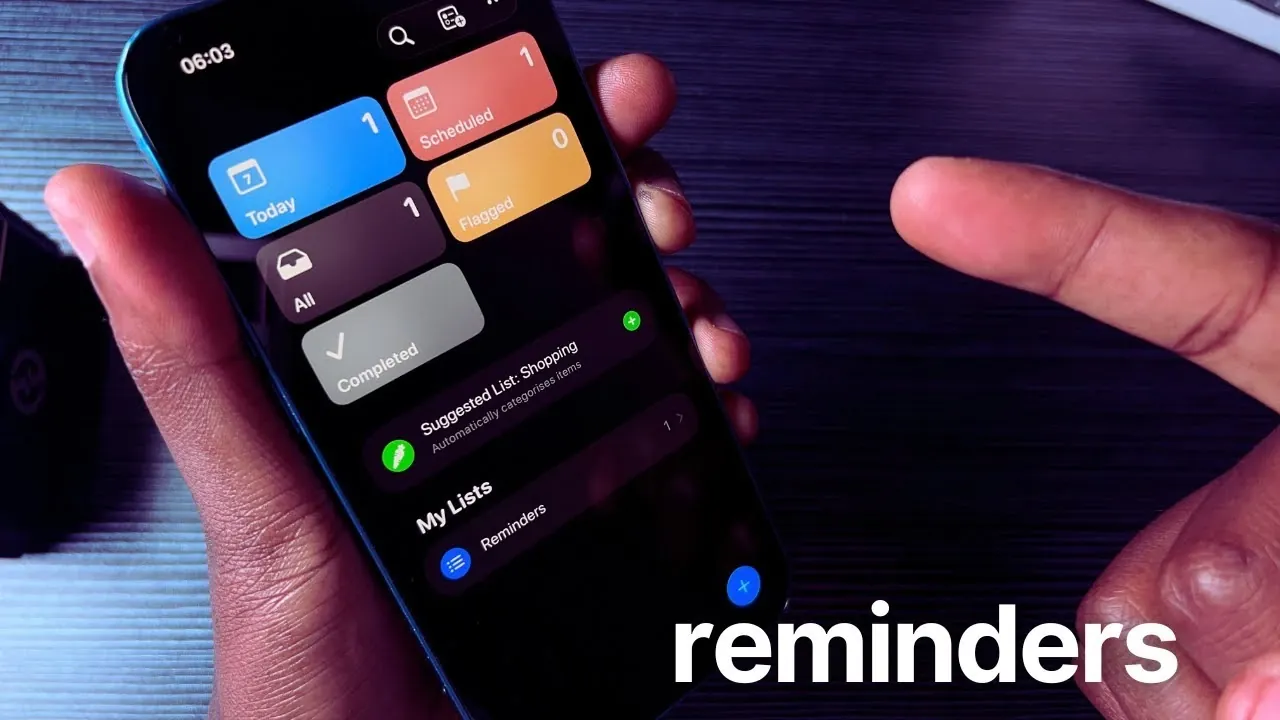
Have you ever missed an important reminder because your phone was on silent or out of reach? With the iOS 26.3 update, Apple has introduced a innovative feature that transforms the way you manage your schedule. In this guide, Mufungo Geeks Tech explains how you can now make iPhone reminders ring like an alarm, making sure you never overlook critical tasks again. This upgrade takes the Reminders app beyond silent notifications, adding audible alerts that demand your attention when it matters most. Whether you’re juggling a packed calendar or simply trying to stay on top of daily errands, this feature could be the productivity boost you’ve been waiting for.
But how does it work, and what makes it so effective? This overview dives into the details, showing you how to set up reminders with alarms, customize their tones, and even use early alerts for added preparation time. You’ll also discover how this feature differs from traditional alerts and why it’s perfect for time-sensitive tasks. With options to organize reminders by priority, location, or category, iOS 26 turns your iPhone into a powerful scheduling assistant. If staying organized feels like a constant battle, this update might just change the way you approach your day.
iOS 26 Reminders Alarms
TL;DR Key Takeaways :
- The iOS 26.3 update introduces audible alarms in the Reminders app, transforming silent notifications into sound alerts to ensure important tasks are not missed.
- Users can customize reminders with features like priority levels, location-based triggers, early alerts, organized lists, and attachments for enhanced task management.
- The update distinguishes between alerts (silent notifications) and alarms (sound-based reminders), making it easier to prioritize time-sensitive tasks.
- New tools allow users to track completed tasks and recover deleted reminders, providing added convenience and security for task management.
- Intelligent suggestions based on user habits streamline the creation of reminders, while compatibility with older devices ensures accessibility for a wide range of users.
How to Set a Reminder with an Alarm
Creating a reminder with an audible alarm in iOS 26 is a simple process that enhances the way you manage your schedule. Follow these steps:
- Open the Reminders app and tap the “+ New Reminder” button to create a new task.
- Enter a title for your reminder, set a specific date and time, and enable the ” Mark as Urgent” option to activate the alarm feature.
- Customize the alarm by choosing a tone, setting a repeat schedule, or adding early reminders for additional prompts.
This feature upgrades reminders from silent notifications to audible alerts, making sure they capture your attention even if your phone is not in your hand or is on silent mode.
Alerts vs Alarms: Understanding the Difference
To make the most of the Reminders app, it’s important to understand the distinction between alerts and alarms:
- Alerts: These are silent notifications that appear on your screen. While useful for non-urgent tasks, they can be missed if your phone is out of reach or muted.
- Alarms: These include a sound that ensures you notice the reminder. They are ideal for time-sensitive tasks or situations where immediate action is required.
By using alarms for critical reminders, you can ensure that essential tasks are not overlooked, even in busy or distracting environments.
Make iPhone Reminders Ring Like Alarms
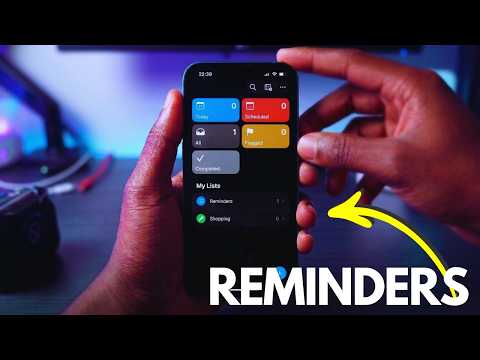
Master Apple Reminders app with the help of our in-depth articles and helpful guides.
- Apple Reminders Tips & Tricks for Smarter Task Management
- Apple Reminders Guide 2026 : Calendar Sync, Priorities & Sharing
- How to Use Apple Reminders to Organize Your Life Effectively
- How to Use Apple Reminders in iOS 26: A Complete Guide
- 7 Apple Notes & Reminders Features for iOS 26 You Must Use
- Is Apple Reminders Enough for Power Users? One Month Verdict
- Apple Reminders 2026 Guide : Remember Everything With Projects
- 10 Apple Reminders Features You Need to Know for Productivity
- 10 Apple Reminders Features You’re Not Using (But Should Be
- iOS 26 Notes and Reminders: New Features and Updates
Customization Options to Optimize Task Management
The iOS 26 update introduces a range of customization options in the Reminders app, allowing you to tailor the app to your specific needs:
- Priority Levels: Assign importance to tasks, helping you focus on high-priority items first.
- Location-Based Reminders: Set reminders to trigger when you arrive at or leave specific locations, such as your workplace or a grocery store.
- Early Alerts: Receive notifications ahead of the scheduled time, giving you extra preparation time for important tasks.
- Organized Lists: Group reminders into categories like work, personal, or errands for better organization and easier navigation.
- Attachments: Add images, links, or notes to your reminders to provide additional context or details for your tasks.
These features make the app versatile, catering to both simple daily to-do lists and more complex task management needs, making sure that you stay organized and productive.
Tracking and Managing Completed or Deleted Reminders
The Reminders app in iOS 26 also includes tools to help you efficiently manage completed and deleted tasks:
- Completed Tasks: Once a task is marked as done, it is moved to the “Completed” tab. This allows you to review your progress and track completed tasks over time.
- Recover Deleted Reminders: Accidentally deleted a reminder? Use the app’s recycle bin to restore it within a specific timeframe, making sure that no important information is permanently lost.
These features provide added convenience and peace of mind, knowing that your tasks are securely stored and easily retrievable when needed.
New Features in iOS 26
The iOS 26 update enhances the Reminders app with intelligent suggestions based on your habits and past reminders. For example, the app may recommend setting a reminder for a recurring meeting or a frequently scheduled task. These suggestions streamline the process of creating reminders, saving you time and effort.
Additionally, while advanced features like intelligent suggestions are optimized for newer devices, the core functionality of audible alarms remains fully accessible on older models, such as the iPhone 13. This ensures that users across a wide range of devices can benefit from the update without compromising compatibility.
Enhancing Productivity with iOS 26
The addition of audible alarms in iOS 26 significantly enhances the Reminders app, making it a more powerful tool for managing your time and tasks. By combining sound alerts with robust customization options, the app ensures you stay organized and on top of your schedule. Whether you’re managing daily errands, juggling work deadlines, or planning long-term projects, these features provide the flexibility and reliability needed to maintain control and boost productivity.
Media Credit: Mufungo Geeks Tech
Disclosure: Some of our articles include affiliate links. If you buy something through one of these links, Geeky Gadgets may earn an affiliate commission. Learn about our Disclosure Policy.
