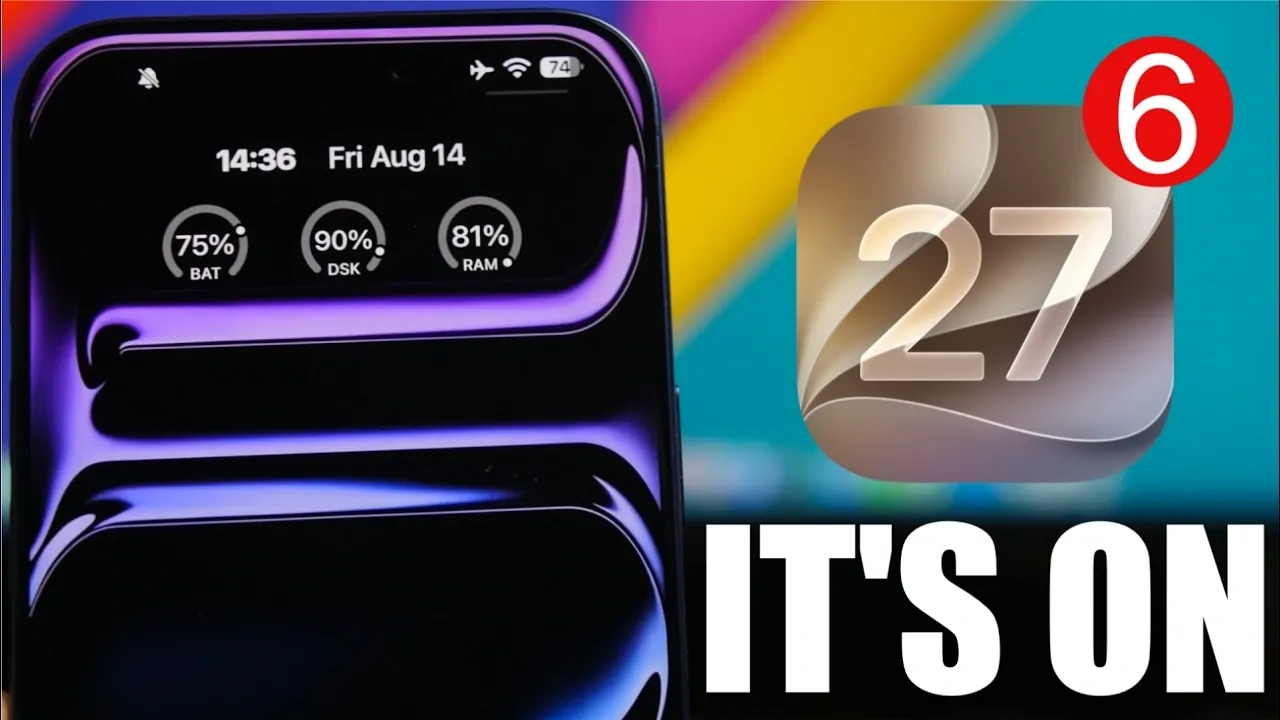
Apple continues to refine its iOS platform with the release of iOS 27 beta updates, introducing features designed to enhance usability, performance, and customization. With the public release just around the corner, Apple has transitioned to a weekly beta schedule, with beta 6 set to launch on August 17, 2026. The video below from iReviews gives us is an in-depth look at the most notable updates in iOS 27 and how they can improve your experience.

Enhanced User Interface and Control Center Features
The iOS 27 beta series introduces subtle yet impactful changes to the user interface, particularly within the Control Center, aimed at improving functionality and ease of use.
- When a screen recording is stopped, the Control Center segment now disappears automatically, reducing unnecessary on-screen clutter and improving visual clarity.
- A three-second delay has been added before screen recording begins, allowing you to prepare your screen or actions before the recording starts.
These updates streamline the screen recording process, making it more intuitive and user-friendly. By focusing on small but meaningful adjustments, Apple ensures that everyday tasks are easier to manage.
Battery Notifications for Smarter Power Management
Battery life remains a top priority for mobile users and iOS 27 introduces a practical feature to address this concern. A new notification system alerts you when poor cellular coverage, especially on 5G networks, is causing excessive battery drain. This feature enables you to take proactive measures, such as switching to a lower network mode or moving to an area with better signal strength.
By providing real-time insights into battery performance, this addition is particularly useful for users who rely heavily on mobile connectivity throughout the day, making sure that your device lasts longer when you need it most.
Liquid Glass Transparency Slider for Personalization
Customization takes center stage with the introduction of the liquid glass transparency slider. This new feature allows you to adjust the transparency of specific user interface elements, giving you greater control over the visual appearance of your device.
Whether you prefer a sleek, minimalistic design or a more dynamic and vibrant aesthetic, this slider offers flexibility to match your personal style. It’s a small but significant step toward making your device feel uniquely yours.
Streamlined Media Sharing and Siri Design Updates
Media sharing becomes more efficient in iOS 27 with the addition of a dedicated section in the Settings app for managing sharing extensions. This feature allows you to control which apps are permitted to share content by default, simplifying the process and reducing unnecessary steps.
Additionally, the Siri icon now replaces the outdated Apple Intelligence icon across the system, creating a more cohesive and modern design language. This visual update aligns Siri’s branding with the overall aesthetic of iOS 27, making sure a consistent experience across the platform.
Camera App Enhancements and Night Mode Automation
The Camera app receives a thoughtful upgrade with the inclusion of an “A” icon for Night Mode automation. This icon provides a clear visual indicator when Night Mode is automatically activated, making sure that you are always aware of your camera settings.
For photography enthusiasts, particularly those capturing images in low-light conditions, this update enhances usability and ensures that you can take full advantage of the Camera app’s capabilities without second-guessing your settings.
Standardized Notification Design for Consistency
Notifications in iOS 27 have been redesigned to prioritize consistency and simplicity. Priority notifications no longer use distinct colors, aligning visually with standard notifications. This change creates a unified notification system, reducing distractions and making sure that all alerts are treated equally unless explicitly customized by the user.
The result is a cleaner, more streamlined interface that enhances focus and usability, particularly for those who receive a high volume of notifications daily.
Improvements to Contacts and Calendar Apps
The Contacts and Calendar apps receive updates aimed at improving organization and productivity:
- For contacts linked to companies, the company name now appears below the contact name, making it easier to identify professional connections at a glance.
- The Calendar app introduces a splash screen that highlights new features, including the ability to add detailed event descriptions and attach photos directly to events using your camera.
These enhancements cater to both personal and professional users, streamlining the management of contacts and events while adding a layer of customization to your scheduling experience.
Beta 6 Launch and Public Release Timeline
As Apple accelerates its beta release schedule, beta 6 is set to launch on August 17, 2026. Weekly updates will continue until the final public release on September 14, 2026. These updates focus on refining existing features, addressing bugs and making sure a seamless experience for users when the software becomes widely available.
With each beta iteration, Apple demonstrates its commitment to delivering a polished and user-centric operating system. The upcoming public release promises to bring a feature-rich experience that builds on the strengths of previous versions, offering enhancements that cater to a wide range of user needs.
What to Look Forward to in iOS 27
The iOS 27 beta cycle showcases Apple’s dedication to thoughtful innovation and user-focused design. From improved Control Center functionality and smarter battery notifications to enhanced customization options and streamlined media sharing, these updates reflect a well-rounded approach to improving the iOS experience.
As the public release approaches, users can anticipate a refined operating system that balances performance, usability and personalization. Mark your calendar for mid-September to explore everything iOS 27 has to offer and take advantage of its new features tailored to enhance your daily interactions with your device.
Learn more about iOS 27 with other articles and guides we have written below.
- Apple Delaying iOS 27 Beta 5? Here’s When to Expect the Next Update
- New iOS 27 Beta 5 Release Arrives with a Big Shift Coming
- iOS 27 Beta 5 Is Late: What’s Holding Up Apple’s Next Release?
- The iOS 27 Beta 5 Release Imminent with More New Features
- Apple’s iOS 27 Beta 3 Is Just Days Away: Here’s When It Drops
- Apple iOS 27 Beta 5 Preview: a Look at the Next Release
Source & Image Credit: iReviews
Disclosure: Some of our articles include affiliate links. If you buy something through one of these links, Geeky Gadgets may earn an affiliate commission. Learn about our Disclosure Policy.
