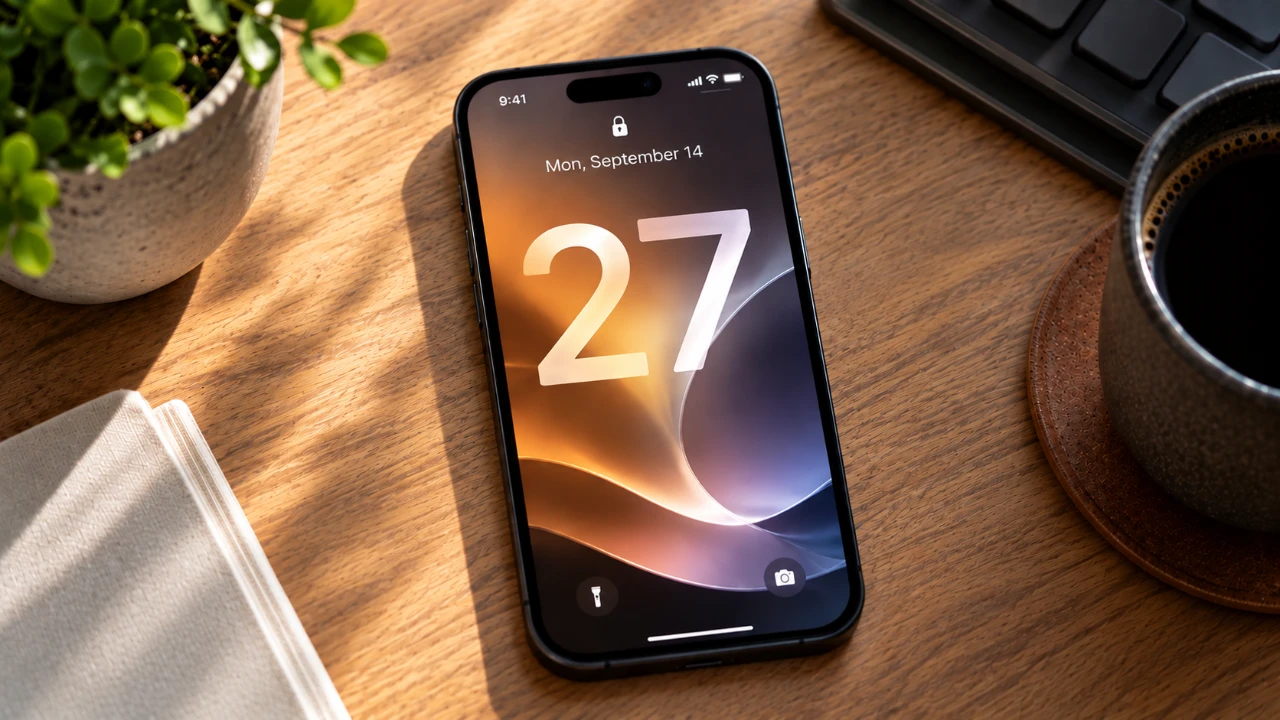
iOS 27 represents a significant evolution in the iPhone experience, combining innovative technology with practical enhancements to improve usability and functionality. With a focus on performance, customization, and artificial intelligence (AI), this update redefines how you interact with your device. Below is an in-depth exploration of the most noteworthy features that make iOS 27 a standout release in a new video from GregsGadgets.

Improved Performance
iOS 27 places a strong emphasis on speed, responsiveness, and stability, addressing long-standing issues to deliver a smoother user experience. System-wide optimizations ensure faster app load times and reduced lag, even when running demanding applications or multitasking. These improvements make your iPhone more reliable, whether you’re navigating between apps or performing resource-intensive tasks. By resolving persistent bugs and enhancing system functionality, iOS 27 ensures your device operates at peak efficiency under a variety of conditions.
Enhanced Customization Options
Personalization reaches new heights with iOS 27, offering tools to tailor your device’s appearance and functionality to your preferences. Key updates include:
- Alarm Volume Control: Independent sliders for alarm, ringtone, and system sound levels allow you to fine-tune your audio settings without affecting other functions.
- Liquid Glass Interface: Adjust the translucency and opacity of your user interface to create a sleek, modern aesthetic that reflects your style.
- Lock Screen Adjustments: A minimalist clock display option provides a cleaner, more refined look for your lock screen.
These features empower you to create a personalized experience that enhances both usability and visual appeal, making your iPhone feel uniquely yours.
Apple Wallet Upgrades
Apple Wallet becomes more versatile and user-friendly in iOS 27, introducing a barcode scanning feature that simplifies the management of digital passes. By scanning barcodes directly, you can create passes for loyalty cards, memberships, and other items, eliminating the need for manual entry. Additionally, new customization options allow you to organize and personalize your passes, making sure quick and easy access when you need them.
Smarter Siri with AI Enhancements
Siri receives a major upgrade in iOS 27, using advanced AI to become a more intelligent and versatile assistant. The new capabilities include:
- Contextual Awareness: Siri can now handle more complex queries, such as identifying actors in a movie or controlling specific app functions with greater precision.
- Conversational Interactions: Natural, chatbot-like conversations make interacting with Siri more intuitive and engaging.
- Customizable Voice: Adjust Siri’s accent, tone, and speaking pace to better align with your preferences.
These enhancements transform Siri into a more capable tool for managing tasks, retrieving information, and interacting with your device in a seamless and personalized manner.
Streamlined Shortcuts and Automation
Automation becomes more accessible in iOS 27, thanks to the introduction of natural language input for creating shortcuts. By describing tasks in plain language, you can generate automations effortlessly. For example, you can automate your bedtime routine by setting an alarm, allowing Do Not Disturb, and dimming your screen, all with a single command. This feature simplifies repetitive tasks, saving you time and effort while enhancing your overall productivity.
Safari Upgrades
Safari introduces several new features designed to enhance your browsing experience and improve efficiency:
- Auto-Sorting Tabs: Tabs are automatically grouped by relevance, helping you stay organized while multitasking.
- Webpage Update Notifications: Receive alerts for changes on your favorite websites, such as restocks, price drops, or newly published content.
- Custom Browser Extensions: Create extensions using natural language descriptions, expanding Safari’s functionality without requiring technical expertise.
These updates make Safari a more powerful and user-friendly browser, catering to both casual users and those who rely on it for professional tasks.
Photos App Improvements
The Photos app in iOS 27 introduces practical tools to enhance media management and editing capabilities:
- Photo Rating System: Assign star ratings to your photos, making it easier to search for and organize your favorite images.
- Video Frame Extraction: Save individual frames from videos as standalone photos, allowing you to capture specific moments with precision.
These features provide greater control over your photo library, allowing you to organize and edit your media with ease while fostering creativity.
Receipt Splitting and Payment Tools
Managing group payments becomes effortless with iOS 27’s receipt scanning tool, which automatically calculates and splits bills. This feature is particularly useful for shared expenses, such as dining out or group purchases. Integration with Apple Cash allows you to settle balances instantly, streamlining the process of managing financial transactions and making sure a hassle-free experience.
Why iOS 27 Stands Out
iOS 27 is a comprehensive update that enhances nearly every aspect of the iPhone experience. From improved performance and advanced AI capabilities to expanded customization and automation options, this release enables you to use your device more effectively. Whether you’re managing tasks, personalizing your interface, or simplifying financial transactions, iOS 27 delivers tools that make your iPhone faster, smarter and more versatile.
Discover other guides from our vast content that could be of interest on iOS 27 features.
- iOS 27: Features That Change Everything
- iOS 27: Apple’s Massive Siri AI Upgrade Finally Delivers
- Apple’s iOS 27: Here Are the Features That Matter
- Apple iOS 27 Reportedly Resolves a Major iPhone Problem
- New AirPods Features Coming to Your iPhone in iOS 27
Source: GregsGadgets
Disclosure: Some of our articles include affiliate links. If you buy something through one of these links, Geeky Gadgets may earn an affiliate commission. Learn about our Disclosure Policy.
