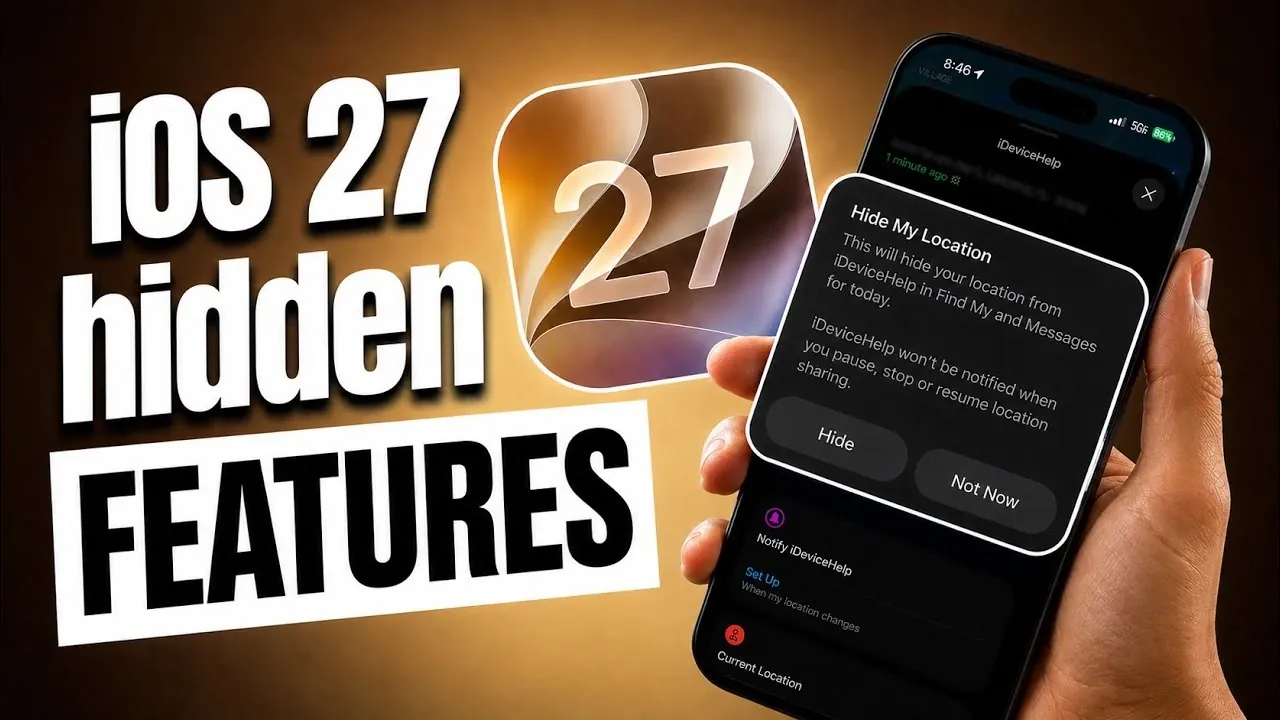
Apple’s iOS 27 brings a host of subtle yet impactful updates that may not have been highlighted during its keynote presentation. These enhancements are designed to improve usability and functionality, showcasing Apple’s ongoing commitment to refining its ecosystem. From redesigned app layouts to smarter tools, iOS 27 introduces features that enhance your experience without overwhelming you with unnecessary complexity. These updates are tailored to make everyday tasks more efficient and intuitive. The video below from iDeviceHelp gives us more details abotu the new features coming in iOS 27.

Enhanced Landscape Mode for Key Apps
One of the most notable updates in iOS 27 is the improved landscape mode, which now supports a broader range of apps. Key applications such as Fitness, Health, Find My and Apple Music have been redesigned to offer better navigation and usability in horizontal orientation.
– Apple Music Enhancements: Swipe gestures allow you to skip or replay tracks effortlessly, while the artist page has been revamped to present content in a more intuitive and visually appealing layout. This makes browsing music smoother and more enjoyable.
– Fitness and Health Improvements: Data is now displayed more clearly in landscape mode, allowing you to track your progress at a glance without needing to switch orientations.
– Find My and Other Apps: The horizontal layout improves navigation, making multitasking and content interaction more seamless for users who prefer using their devices in landscape mode.
These updates cater to users who rely on landscape orientation for productivity and entertainment, offering a more streamlined and user-friendly experience.
Full-Size Widgets for Greater Customization
Widgets have long been a core feature of iOS and iOS 27 takes them to the next level with the introduction of full-screen widgets. Select apps like Calendar, Weather, Apple Music and Reminders now offer widgets that can occupy the entire home screen, providing detailed information at a glance.
– Resizable Widgets: You can now resize widgets directly from the home screen, giving you greater control over your device’s layout and allowing you to prioritize the information that matters most.
– Enhanced Functionality: These larger widgets reduce the need to open apps, streamlining your workflow and saving time by providing quick access to essential details.
This update is particularly beneficial for users who rely on widgets to stay organized and informed, offering a more personalized and efficient way to interact with their devices.
Dynamic Island Timer Animations
For devices equipped with Dynamic Island, iOS 27 introduces a fresh set of animations for timers, enhancing both functionality and visual appeal. These updates are seamlessly integrated into the Control Center, making time management more engaging and intuitive.
– Multiple Timers: The updated interface allows you to track and manage multiple timers simultaneously, making it easier to stay on top of various tasks.
– Interactive Visuals: The new animations provide a dynamic and interactive experience, adding a layer of functionality to this innovative feature.
This improvement is particularly useful for multitaskers who rely on timers for productivity, cooking, or daily routines, offering a visually engaging way to stay organized.
Connectivity Assist: Smarter Network Management
The feature previously known as Wi-Fi Assist has been rebranded and upgraded to Connectivity Assist in iOS 27. This tool intelligently combines Wi-Fi and cellular data to ensure a stable and reliable connection, minimizing disruptions during online activities.
– Seamless Network Switching: Whether you’re streaming, downloading, or browsing, Connectivity Assist automatically transitions between networks when one becomes unstable, making sure uninterrupted connectivity.
– Enhanced Reliability: By intelligently managing network resources, this feature reduces lag and buffering, providing a smoother online experience.
For users who frequently encounter weak or inconsistent networks, this update offers a practical solution to maintain a stable connection, whether at home, work, or on the go.
Advanced Dictation for Greater Accuracy
Voice dictation in iOS 27 receives a significant upgrade with the introduction of advanced on-device processing models. These models are designed to deliver more accurate transcription of spoken words, making dictation a more reliable tool for various tasks.
– Improved Accuracy: The enhanced processing ensures that your spoken words are transcribed with greater precision, reducing the need for manual corrections and saving time.
– Boosted Productivity: Whether you’re taking notes, drafting emails, or sending messages, the improved dictation feature makes voice input a dependable option for efficiency.
This update is particularly beneficial for users who rely on voice input for hands-free productivity or accessibility, offering a smoother and more accurate experience.
Find My App: Privacy and Usability Updates
The Find My app in iOS 27 has been enhanced with new features that prioritize both privacy and usability, making it a more versatile tool for managing your devices and sharing locations.
– Temporary Location Hiding: You can now hide your location temporarily without notifying others, giving you more control over how and when you share your whereabouts. This feature is ideal for users who value privacy in specific situations.
– Apple Watch Integration: The redesigned Apple Watch app simplifies the process of locating devices and sharing locations directly from your wrist, offering greater convenience and accessibility.
These updates make the Find My app more user-friendly and adaptable, catering to a wide range of needs while maintaining a strong focus on privacy and control.
Refined Features for a Seamless Experience
iOS 27 introduces a variety of hidden features that enhance the overall user experience. From the improved landscape mode and full-size widgets to smarter network management and advanced dictation, these updates reflect Apple’s dedication to usability and refinement. Whether you’re navigating apps, customizing your home screen, or staying connected, iOS 27 ensures your device remains intuitive and reliable. These subtle yet impactful changes are designed to make everyday tasks more seamless, helping you get the most out of your iPhone or iPad.
Source & Image Credit: iDeviceHelp
Disclosure: Some of our articles include affiliate links. If you buy something through one of these links, Geeky Gadgets may earn an affiliate commission. Learn about our Disclosure Policy.
