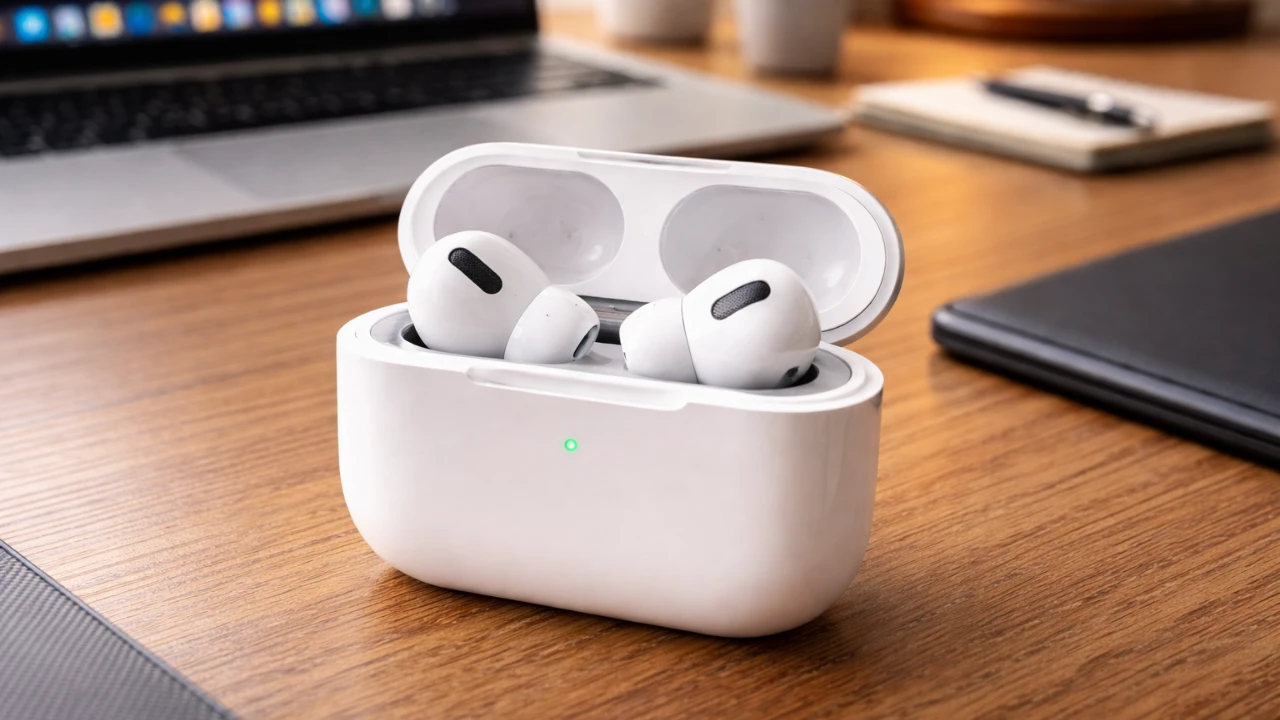
Apple’s iOS 27 update introduces a wide array of enhancements to AirPods, particularly for models equipped with the advanced H2 chip, such as the AirPods Pro (3rd generation), AirPods Max (2nd generation), and AirPods 4. These updates focus on improving usability, allowing deeper audio customization, enhancing fitness tracking capabilities, and integrating smarter Siri functionality. While older AirPods models receive minor updates, the most impactful features are reserved for newer hardware, reflecting Apple’s commitment to using innovative technology for an optimized user experience. The video below from HotshotTek gives us more details about the iOS 27 update.

Which AirPods Benefit the Most?
If you own AirPods with the H2 chip, you’ll gain access to the full suite of iOS 27’s enhancements. Supported models include:
- AirPods Pro (3rd generation)
- AirPods Max (2nd generation)
- AirPods 4
While older AirPods models, such as the AirPods 2 and AirPods Pro (1st generation), receive minor updates like basic Siri improvements and interface tweaks, they lack access to the more advanced features. This distinction underscores Apple’s strategy of prioritizing its latest hardware to deliver the most innovative features, encouraging users to upgrade for a more comprehensive experience.
Streamlined User Interface for Better Control
The redesigned AirPods settings interface in iOS 27 introduces a more intuitive layout, making it easier to manage key features. Noise cancellation and transparency mode now include adjustable sliders, allowing you to fine-tune the balance between external noise and ambient sound. This level of control ensures a highly personalized listening experience, whether you’re navigating a bustling city or enjoying a quiet evening at home. By simplifying navigation and enhancing functionality, Apple has made it easier for users to customize their audio environment to suit their needs.
Customizable EQ: Tailor Your Audio
For audiophiles and casual listeners alike, the new customizable EQ settings in iOS 27 offer a significant improvement in audio personalization. Users can now adjust specific audio frequencies, such as bass, midrange and treble, to create a sound profile that matches their preferences. Whether you enjoy the deep resonance of bass-heavy tracks or the crisp clarity of higher frequencies, this feature provides greater control over your listening experience. However, it’s worth noting that the absence of pre-set genre-specific profiles, a feature available in some competing devices, leaves room for further enhancement in future updates.
New Gestures and Controls for Convenience
iOS 27 introduces a range of innovative gestures and controls designed to make interacting with your AirPods more seamless and versatile. These new features include:
- Head Gesture Controls: Answer or decline calls with a simple nod or shake of your head, offering a hands-free way to manage calls.
- Camera Shutter Control: Use the AirPods stems to take photos remotely, making it easier to capture group shots or selfies without needing to touch your device.
- Live Translation: Activate real-time translation by holding both stems, with support for downloadable language packs to enable offline use.
These additions enhance the versatility of AirPods, catering to both everyday convenience and more specialized needs, such as multilingual communication or hands-free photography.
Fitness Tracking and GymKit Integration
Fitness enthusiasts will find the new heart rate tracking feature in iOS 27 particularly appealing. AirPods equipped with the H2 chip can now monitor your heart rate during workouts, syncing this data seamlessly with GymKit-compatible equipment and the Fitness app. This eliminates the need for an Apple Watch during exercise sessions, making AirPods a more independent fitness companion. While this feature doesn’t replicate all Apple Watch-exclusive functionalities, such as activity rings, it represents a significant step toward integrating fitness tracking into Apple’s broader ecosystem of devices.
Improved Device Tracking with Find My
The Find My app has been redesigned to make locating your AirPods more efficient and user-friendly. Precision finding, a feature previously limited to iPhones, is now available on Apple Watch, providing greater flexibility when searching for misplaced devices. Whether your AirPods are hidden under a couch cushion or left behind at the gym, this enhancement ensures you can locate them quickly and with minimal hassle, even in challenging environments.
Smarter Siri for Seamless Interactions
Siri’s functionality has been significantly enhanced in iOS 27, making voice commands more intuitive and efficient. Improvements include better follow-up question handling, enhanced messaging accuracy and faster response times. These upgrades reduce the need for manual corrections and streamline daily tasks, making Siri a more reliable and capable assistant for AirPods users. Whether you’re sending messages, setting reminders, or controlling playback, Siri’s smarter interactions enhance the overall user experience.
A Comprehensive Update for AirPods Users
The iOS 27 update delivers a robust set of improvements to AirPods, particularly for users with H2 chip models. From the customizable EQ settings and advanced noise control to fitness tracking and smarter Siri integration, these updates significantly enhance functionality and usability. While older AirPods models benefit from minor upgrades, the full potential of iOS 27 is best realized with the latest devices. Whether you’re a fitness enthusiast, a frequent traveler, or someone who values high-quality audio, these updates make AirPods more versatile, intuitive and user-friendly than ever before.
Here are additional guides from our expansive article library that you may find useful on iOS 27 AirPods update.
- iOS 27 Beta 3 Adds the Quick Adaptive Audio Control Fans Have Demanded for Years
- iOS 27 Brings Major Upgrades to Your AirPods Pro 3
- Apple’s iOS 27: Here Are the Features That Matter
- Apple Finally Fixed in the iOS 27 AirPods Menu
- iOS 27 Launch Date Revealed: When Apple Will Roll Out Its Next Major iPhone Update
Source: HotshotTek
Disclosure: Some of our articles include affiliate links. If you buy something through one of these links, Geeky Gadgets may earn an affiliate commission. Learn about our Disclosure Policy.
