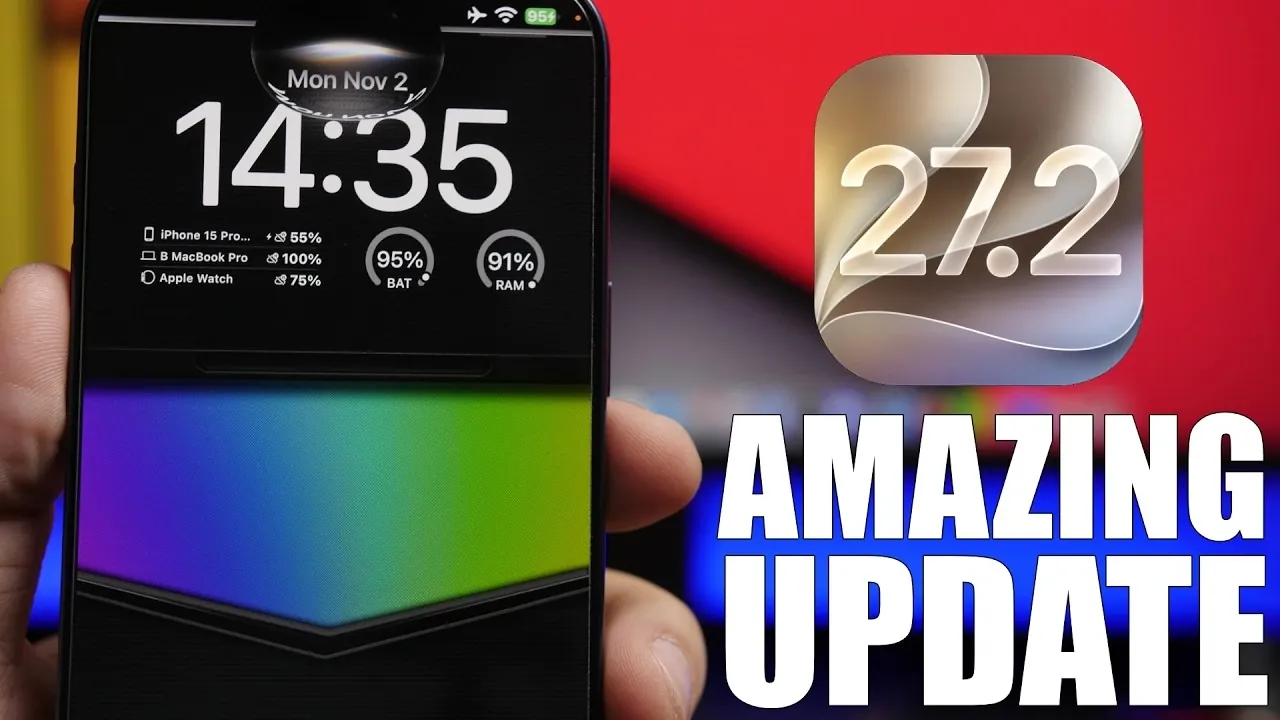
The release of iOS 27.2 brings a host of new features designed to enhance your iPhone’s functionality, personalization, and accessibility. From smarter AI integration to improved app experiences, this update introduces tools that make your device more intuitive and versatile. Below is a detailed video from iReviews that gives us a look at the most notable additions and how they can elevate your iPhone experience.

Smarter Siri with Context Awareness
Siri has become significantly more intelligent with iOS 27.2, offering responses that are tailored to your specific needs. By analyzing data from sources such as iMessage, calendar events and voicemail, Siri can now provide contextually relevant suggestions that save you time and effort. For example, if you mention a meeting in a text, Siri might suggest adding it to your calendar.
Additionally, the update integrates new proofreading and rewriting tools directly into the keyboard, making it easier to refine your messages before sending them. For Apple TV users, the Siri Remote is now trackable through the Find My app, making sure you can quickly locate it when misplaced.
Secure Adult Verification via Selfie
iOS 27.2 introduces a camera-based adult verification feature, allowing users to confirm their age by taking a selfie. This tool, available in select regions, provides a secure and private way to access age-restricted content. By using biometric technology, Apple ensures that this process is both efficient and privacy-focused, offering a practical solution for everyday use.
Streamlined Shared Albums
Managing shared photo albums has been made more efficient with several key updates. You can now edit captions and comments directly within shared photos, allowing seamless collaboration with friends and family. Duplicate photo uploads are automatically blocked, helping you save valuable storage space. Additionally, expiration reminders for shared albums ensure that you don’t miss the opportunity to download important memories before they are removed.
AI Image Identification with SynthID
To address the increasing prevalence of AI-generated content, iOS 27.2 introduces SynthID watermarking, a feature that helps identify images created or modified using AI. This tool adds transparency to digital media, allowing you to distinguish between authentic visuals and those generated by artificial intelligence. As AI becomes more integrated into everyday life, this feature provides a practical way to navigate the digital landscape with confidence.
Enhanced Games App
The Games app has been upgraded to offer a more social and interactive experience. The new Friends tab provides friend suggestions and displays recent game activity, making it easier to connect with others who share your gaming interests. This update fosters a sense of community among players and encourages more engagement within the app.
Improved TV App Functionality
The TV app now supports multiple user profiles, allowing each member of your household to enjoy personalized recommendations and watchlists. Switching between profiles is seamless, making sure that everyone has a tailored viewing experience. Additionally, the app automates content management by downloading the next two episodes of your ongoing shows and deleting them after viewing, helping you save storage space without manual intervention.
FaceTime Upgrades for Accessibility and Collaboration
FaceTime receives significant enhancements in iOS 27.2, including dual-camera support during group calls. This feature allows you to share multiple perspectives simultaneously, making video calls more dynamic and engaging. For users requiring accessibility support, the inclusion of third-party sign language interpreters ensures that FaceTime is more inclusive and accommodating for diverse communication needs.
Music App Personalization
The Music app introduces new features to enhance your listening experience. You can now mark your favorite songs with gold stars, making it easier to access them quickly. The interface has also been optimized for dark mode, offering a sleek and visually comfortable experience for users who prefer low-light settings. These updates make the Music app more user-friendly and tailored to your preferences.
Why These Updates Matter
The iOS 27.2 update focuses on improving usability, personalization and accessibility across your iPhone. Whether you’re taking advantage of Siri’s smarter tools, managing shared media more effectively, or enjoying a more social gaming experience, these updates are designed to make your device more intuitive and user-friendly.
By exploring these features, you can unlock new possibilities and ensure that your iPhone continues to meet your evolving needs. With iOS 27.2, Apple demonstrates its commitment to delivering practical, user-focused innovations that enhance your daily interactions with technology.
Below are more guides on iOS 27.2 from our extensive range of articles.
- What’s Coming Next? Inside the New Tweaks Hitting iOS 27.2 Beta 3
- Apple Just Released iOS 27.2 Beta 3: All the New Changes
- The Best Features Coming to Your iPhone in iOS 27.2
- iOS 27.2 Beta 3 Is Here: What’s New, Changed, and Fixed
- Inside iOS 27.2 Beta 4: Surprising UI Tweaks and Last-Minute Changes
- New Features You Didn’t Know Were Coming in iOS 27.2
Source & Image Credit: iReviews
Disclosure: Some of our articles include affiliate links. If you buy something through one of these links, Geeky Gadgets may earn an affiliate commission. Learn about our Disclosure Policy.
