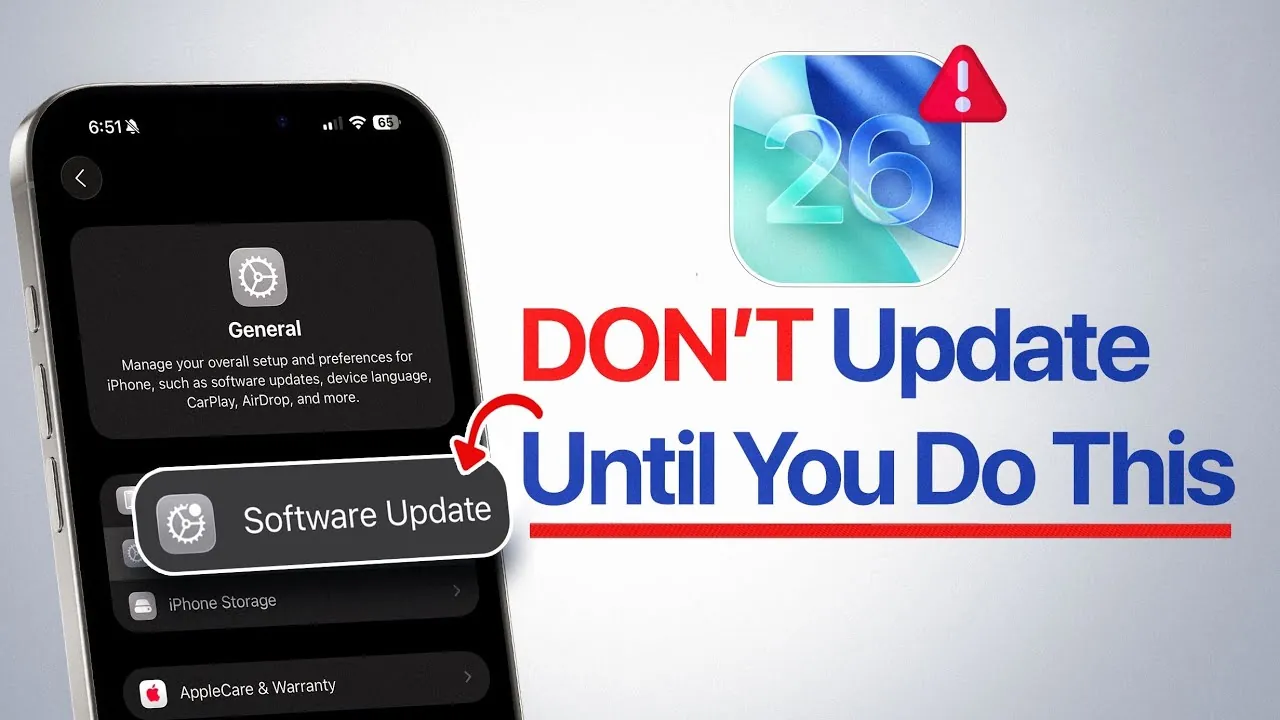
Apple’s highly anticipated iOS 26 is scheduled for release on Monday, September 15, 2025, at 1:00 PM Eastern Time. This update introduces a range of new features and performance enhancements designed to improve the user experience. However, diving into the update without proper preparation can lead to avoidable issues, such as installation errors, data loss, or performance slowdowns. To ensure a seamless transition, it’s crucial to take a few proactive steps. From managing your device’s storage to safeguarding your data, these measures will help you make the most of iOS 26 while avoiding unnecessary complications. The video below from iDeviceHelp gives us more details on what to do before installing the update.

1. Free Up Storage Space
Installing iOS 26 requires a significant amount of free storage, and insufficient space can disrupt the update process or slow down your device. To avoid these issues, aim to free up at least 20GB of storage before initiating the update. Here are some practical ways to create the necessary space:
- Delete unused apps: Identify and remove apps you no longer use, especially those consuming large amounts of storage.
- Clear the “Recently Deleted” folder: Open the Photos app and permanently delete items in the “Recently Deleted” folder to reclaim space.
- Remove large files: Review your device for videos, documents, or other large files that are no longer needed and delete them.
- Transfer files: Move important photos, videos, or documents to iCloud, an external storage device, or a computer to free up additional space.
Taking these steps not only ensures a smoother update process but also enhances your device’s overall performance by reducing clutter.
2. Back Up Your Data
While data loss during an iOS update is rare, it’s always better to err on the side of caution. Creating a backup of your iPhone ensures that your important files, photos, and messages remain safe in case of unexpected issues during the update. You can choose between two primary methods for backing up your data:
- iCloud Backup: Enable automatic backups in your device settings to securely store your data in the cloud. To do this, go to Settings > [Your Name] > iCloud > iCloud Backup and toggle the feature on.
- Manual Backup: Connect your iPhone to a computer and use Finder (macOS) or iTunes (Windows) to create a local backup. This method is particularly useful if you prefer to store your data offline.
Having a backup in place provides peace of mind and ensures that your information is recoverable, even if the update encounters technical difficulties.
3. Disable Beta Updates
If you’ve been participating in Apple’s beta testing program, it’s essential to disable beta updates before installing the official release of iOS 26. Beta versions often include experimental features and bugs that can interfere with the stability of the final software. To turn off beta updates:
- Navigate to Settings > General > Software Update > Beta Updates and select “Off.”
- If you own an Apple Watch, open the Watch app on your iPhone, go to General > Software Update > Beta Updates, and disable beta updates for watchOS 26.
This ensures that your devices receive the stable, official release of iOS 26, reducing the likelihood of encountering compatibility or performance issues.
4. Plan for the Release Timing
The iOS 26 update will begin rolling out on September 15, 2025, at 1:00 PM Eastern Time. However, Apple typically releases updates in stages, meaning it may take some time before the update becomes available on your device. Additionally, the initial rollout period often experiences high demand, which can lead to server congestion and slower download speeds. To avoid these challenges, consider waiting a few hours or even a day before downloading the update. This approach not only reduces the risk of installation errors but also allows you to monitor early user feedback for any potential issues with the update.
By planning your update timing strategically, you can ensure a smoother and more efficient installation process.
Key Preparations for a Smooth Update
Updating to iOS 26 is an exciting opportunity to explore Apple’s latest features and improvements. However, preparation is essential to avoid unnecessary setbacks. By freeing up storage space, backing up your data, disabling beta updates, and planning for the release timing, you can minimize risks and maximize the benefits of the new software. These proactive steps will help you transition seamlessly to iOS 26, allowing you to fully enjoy everything the update has to offer.
Advance your skills in iOS 26 update preparation by reading more of our detailed content.
- iOS 26 is Coming: The 10 Steps You Must Take to Prepare
- How to Prepare Your iPhone for the iOS 26 Update
- How to Prepare Your iPhone for the iOS 26 Update
- How to Prepare Your iPhone for iOS 26 RC Update
- How to Prepare Your iPhone for an iOS Update: 7 Essential Steps
Source & Image Credit: iDeviceHelp
Disclosure: Some of our articles include affiliate links. If you buy something through one of these links, Geeky Gadgets may earn an affiliate commission. Learn about our Disclosure Policy.
