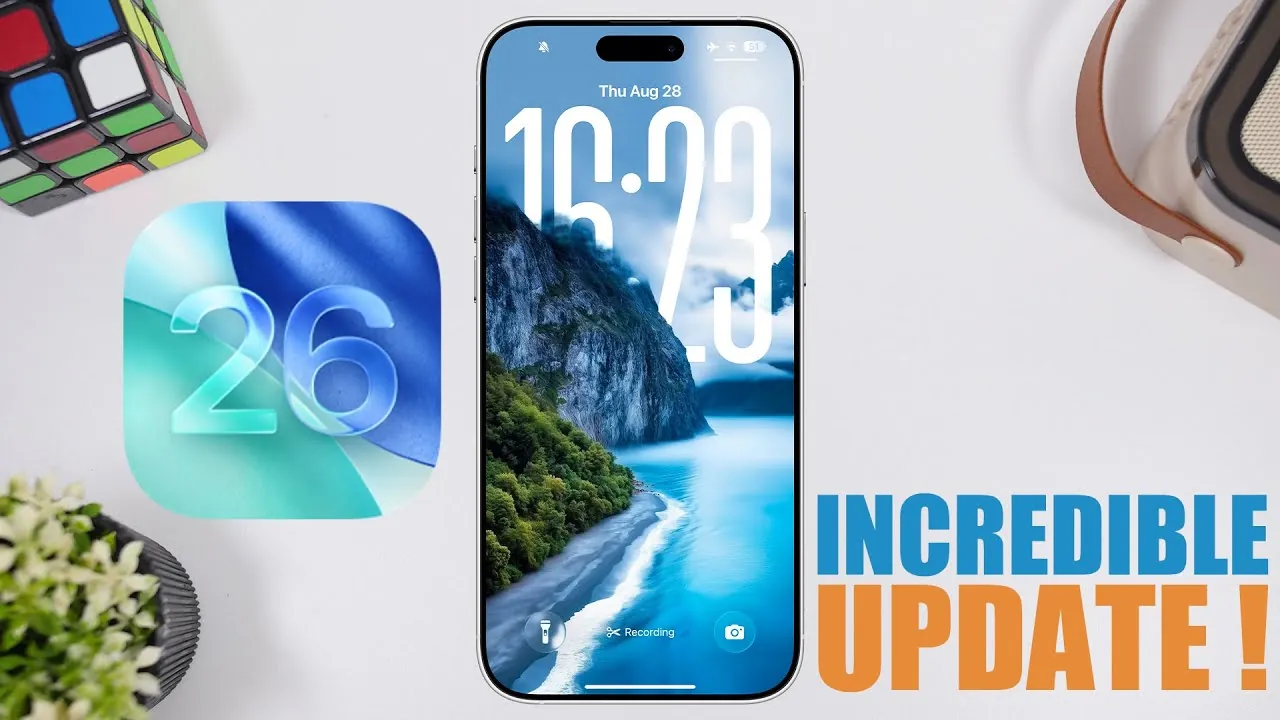
Apple’s iOS 26 Beta 8 marks a pivotal step in the development process, serving as the final beta version before the Release Candidate (RC) arrives on September 9th. The public release is set for September 15th, making this update a key preview of the polished features and enhancements coming to iOS devices. With a focus on improving the user experience, this version introduces smoother animations, better battery optimization, and refined user interface (UI) elements. Whether you’re a developer, tech enthusiast, or simply curious about the latest advancements, iOS 26 Beta 8 offers valuable insights into what lies ahead. The video below from iReviews gives us more details on the features in the latest beta.

Key Features and Updates
iOS 26 Beta 8 introduces a range of updates aimed at enhancing usability, efficiency, and cross-device functionality. These features highlight Apple’s commitment to refining the user experience:
- Wallet App Notification Management: A new option allows users to control notifications for offers and promotions. While this feature is enabled by default, it can be turned off to reduce unnecessary alerts, giving you greater control over your notification preferences.
- Game Mode Design: The game mode popup has been redesigned with a cleaner and more streamlined appearance. This update minimizes distractions during gameplay, making sure a more immersive experience.
- Apple Watch Integration: A dedicated section in the Apple Watch app now highlights watch faces compatible with watchOS 26. This addition enhances cross-device functionality, making it easier to customize and synchronize your devices.
Refinements in User Interface and Animations
The visual and interactive elements of iOS 26 Beta 8 have been significantly refined to create a more polished and intuitive experience. Key improvements include:
- Stretchy Menu Animations: Menus now feature fluid, stretchy animations that enhance navigation by making interactions feel more natural and responsive.
- App Library Folder Animations: Folder animations within the app library dynamically adapt to their position, providing a more seamless and intuitive browsing experience.
- Paste Popup Redesign: The “paste from another app” popup has been updated with a liquid glass effect, offering a modern and visually appealing design that aligns with the overall aesthetic of iOS 26.
These refinements demonstrate Apple’s attention to detail, making sure that every interaction feels smooth and visually engaging.
Battery Life and Performance
Battery optimization and performance enhancements are central to iOS 26 Beta 8, addressing key concerns from earlier versions. Users with an iPhone 15 Pro Max (89% battery health) report an average of 8 hours of screen time, reflecting a noticeable improvement compared to previous beta iterations. Performance upgrades introduced since Beta 3 have resulted in a smoother and more reliable experience, with no significant issues reported during daily use.
These advancements make iOS 26 Beta 8 a practical choice for those seeking improved efficiency and reliability in their devices.
Release Timeline
The release schedule for iOS 26 is closely aligned with Apple’s upcoming product announcements. The Release Candidate is expected to debut on September 9th, coinciding with Apple’s annual iPhone event. The public release will follow shortly after on September 15th, giving users access to the finalized version. This timeline ensures that the latest features and improvements are available in time for the launch of new hardware.
Should You Update?
Whether to update to iOS 26 Beta 8 depends on your individual preferences and priorities. For those eager to explore the latest features and improvements, the public or developer beta offers a stable and reliable experience comparable to previous polished versions like iOS 18. However, if you prefer to avoid potential minor bugs or inconsistencies, waiting for the official public release on September 15th may be the better option.
Ultimately, iOS 26 Beta 8 provides a compelling preview of the enhancements and refinements that will define the next generation of Apple’s mobile operating system.
Master iOS 26 Beta 8 with the help of our in-depth articles and helpful guides.
- iOS 26 Final Release: How to Upgrade from Beta Without Issues
- What’s New in iOS 26 Beta 8? Key Features and More
- iOS 26 Beta 8 Release Date & Features
- Everything You Need to Know About iOS 26 Beta 8
- iOS 26 Beta 8: New Apple CarPlay Features and Updates
Source & Image Credit: iReviews
Disclosure: Some of our articles include affiliate links. If you buy something through one of these links, Geeky Gadgets may earn an affiliate commission. Learn about our Disclosure Policy.
