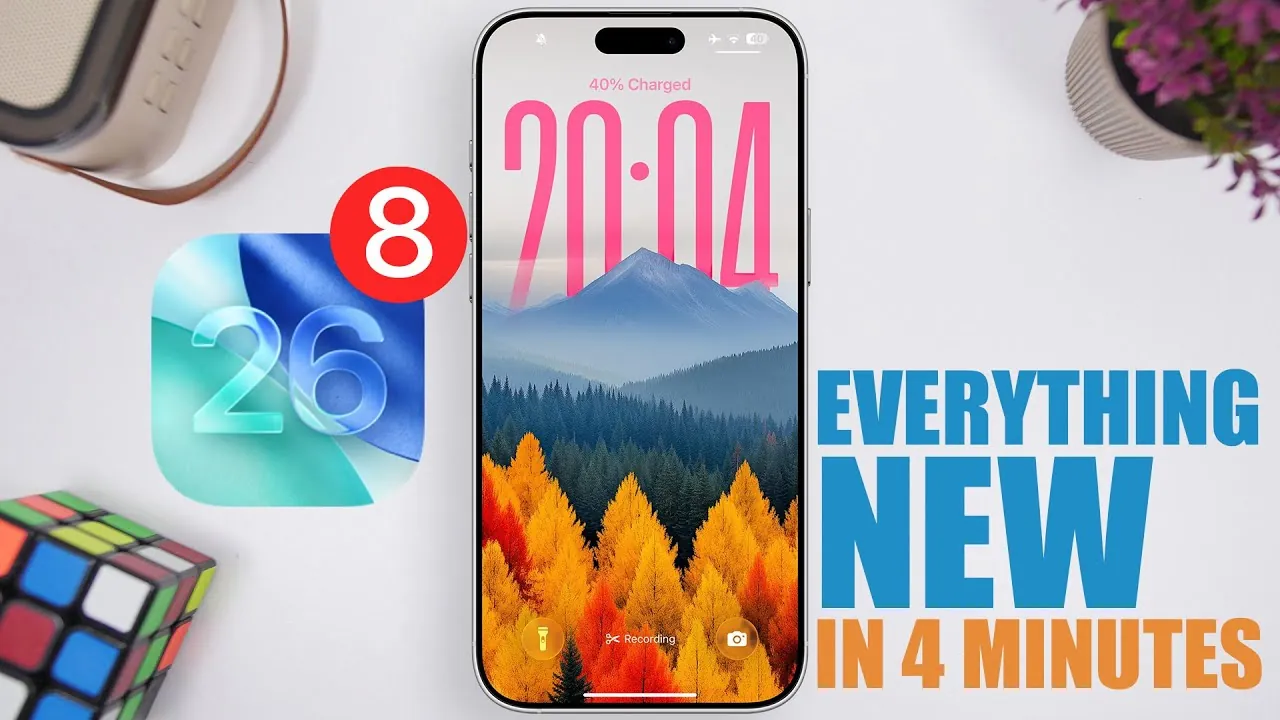
Apple has officially released iOS 26 Beta 8, marking the final beta phase before the Release Candidate (RC) and the much-anticipated public launch. This update focuses on refinements in design, performance, and usability, rather than introducing entirely new features. With a build number of 23A5330A and an update size of approximately 9 GB (depending on your device), this version represents a critical step toward the polished final release of iOS 26. It reflects Apple’s commitment to delivering a seamless and visually appealing user experience. The video below from iReviews gives us a detailed look at the new features in the 8th beta.

Refined Liquid Glass Design and Enhanced Transparency
One of the standout updates in iOS 26 Beta 8 is the further refinement of the liquid glass effect, a design feature that gives certain interface elements a sleek, fluid-like appearance. This enhancement is most noticeable in apps like Photos, where the effect creates a more immersive and polished visual experience. The improved liquid glass design not only improves the aesthetic appeal but also reinforces Apple’s focus on creating a cohesive design language across the system.
Transparency adjustments are another key aspect of this update. The Control Center and dock backgrounds now feature improved transparency, resulting in a cleaner and more modern look. These subtle changes aim to make the interface feel lighter and more cohesive while improving usability. Together, these refinements enhance the overall visual harmony of iOS 26, making sure that the design feels both fresh and familiar.
Smoother Animations for a Seamless Experience
Apple has placed significant emphasis on animation smoothing in iOS 26 Beta 8, fine-tuning transitions and movements across the system to create a more fluid and responsive user experience. These improvements are particularly evident in several key areas:
- Lock screen animations that feel more natural and intuitive
- Notification transitions that are smoother and less abrupt
- Spotlight search interactions with enhanced responsiveness
These refinements aim to reduce any sense of lag or inconsistency, making interactions with the system feel effortless. By focusing on these details, Apple ensures that the user experience is not only functional but also enjoyable. The result is a system that feels more intuitive and polished, reflecting Apple’s dedication to delivering a premium experience.
Keyboard Background Adjustments
Another noticeable change in this beta is the lighter background for Apple’s native keyboard, which improves readability and aligns with the broader design updates in iOS 26. This adjustment enhances the visual clarity of the keyboard, making it easier to use in various lighting conditions. However, it’s important to note that this change currently applies only to Apple’s built-in keyboard. Users who rely on third-party keyboards will not see this update reflected in those apps at this time.
This update highlights Apple’s attention to detail, making sure that even small changes contribute to a more cohesive and user-friendly interface. While subtle, these adjustments demonstrate Apple’s ongoing efforts to refine every aspect of the operating system.
Subtle Interface Refinements and Release Timeline
Beyond the headline features, iOS 26 Beta 8 includes a variety of small interface tweaks designed to enhance the overall user experience. These refinements, while not immediately obvious, contribute to the system’s polished feel and reflect Apple’s meticulous approach to design and functionality.
As for the release timeline, the RC version of iOS 26 is expected to arrive around September 8th or 9th, with the public release likely following on September 15th. This schedule suggests that Apple is on track to deliver the final version of iOS 26 shortly after the RC phase, making sure that users can experience the full range of updates and improvements in just a few weeks.
What This Means for You
For developers and beta testers, iOS 26 Beta 8 provides an opportunity to explore the latest refinements and offer valuable feedback before the public launch. This phase is critical for identifying and addressing any remaining issues, making sure that the final release meets Apple’s high standards for quality and performance.
For everyday users, these updates highlight Apple’s dedication to delivering a polished and user-friendly operating system. The focus on design enhancements, smoother animations, and subtle interface refinements underscores Apple’s commitment to improving both the functionality and aesthetics of iOS. Whether you’re drawn to the refined liquid glass design, the improved transparency, or the animation smoothing, iOS 26 is shaping up to offer a more seamless and enjoyable experience.
As the public release approaches, users can look forward to a host of meaningful improvements that enhance how they interact with their devices. These updates, while subtle, collectively elevate the overall experience within Apple’s ecosystem, making sure that iOS 26 continues to set the standard for mobile operating systems.
Browse through more resources below from our in-depth content covering more areas on iOS 26 Beta 8.
- iOS 26 Beta 8 Release Date & Features
- iOS 26 Final Release: How to Upgrade from Beta Without Issues
- iOS 26 Beta: 8 Key Things to Know Before You Update
- iOS 26 Public Beta: 8 Essential Facts Before You Install
- Everything New in iOS 18 Beta 8
Source & Image Credit: iReviews
Disclosure: Some of our articles include affiliate links. If you buy something through one of these links, Geeky Gadgets may earn an affiliate commission. Learn about our Disclosure Policy.
